
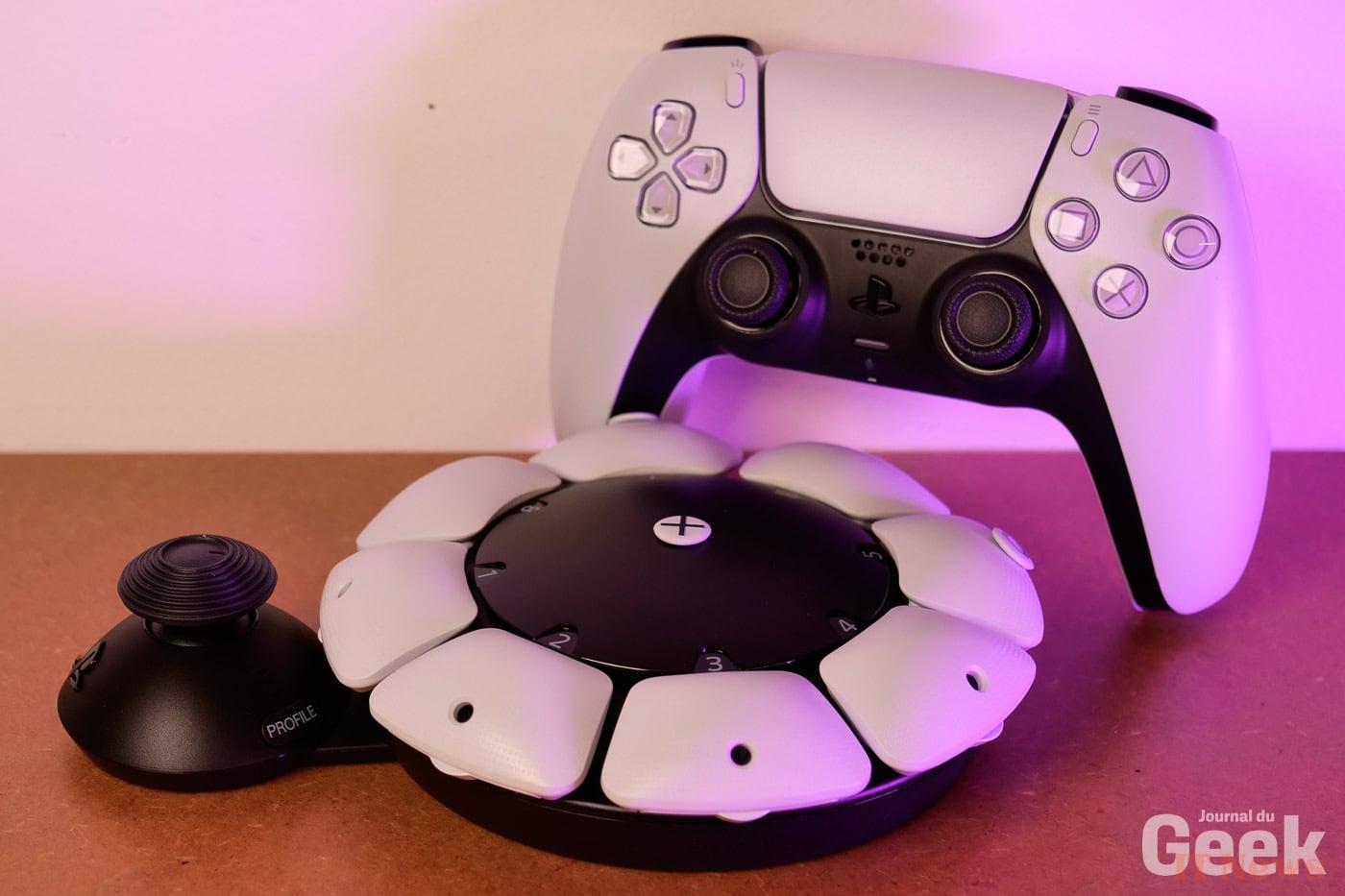
In the accessibility market, the players with major influence are not jostling each other, especially when it comes to hardware. Xbox enjoys historical dominance with its Adaptive Controller, while several smaller companies and associations offer innovative control solutions. Playing with a disability or reduced mobility is a real challenge for both players and manufacturers. This is why the industry will never have too many alternatives to offer.
Sony is now offering its own, the PlayStation Access. Unveiled several months ago, this new type of controller allows gaming to be reinvented and adapted as appropriately as possible to all players, regardless of their difficulty. We had the opportunity to get our hands on it and test its various features. In terms of configuration, options or installation, is the controller really that accessible? The answer in this analysis of the PlayStation Access.
Unboxing
Attention is a question of detail. From the unboxing of the PlayStation Access, Sony thinks of its target players. The controller's cardboard, protected by adhesive papers to prevent any accidental opening, has tabs that must be pulled to release the contents. A gesture that may seem trivial, but which pushes the brand's intentions in terms of inclusion.
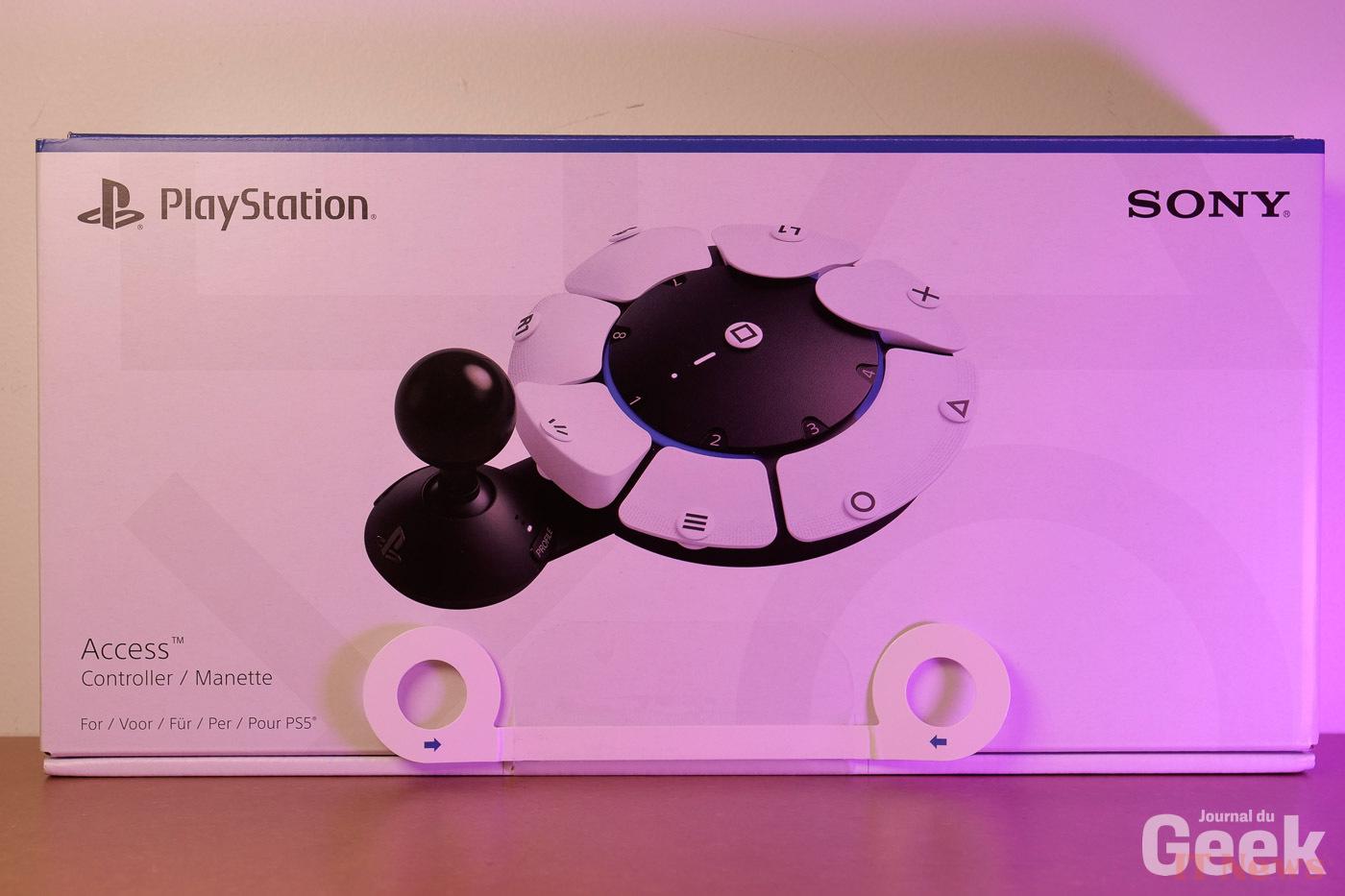
The controller is easily found in its box, as are its accessories which are stored a little apart. There is almost nothing to assemble, buttons already find their place on the controller. Before you can use it in-game, however, you will need to customize it and assign the buttons to specific commands, which you will then need to indicate using the small tokens provided.
In terms of design, Sony generally, we find the same colors as on the PS5 and all its official accessories. We also find the same materials, which creates a real feeling of harmonization between the entire range. The player with reduced mobility is accommodated in the same way as the others, which is always a positive point.
Installation
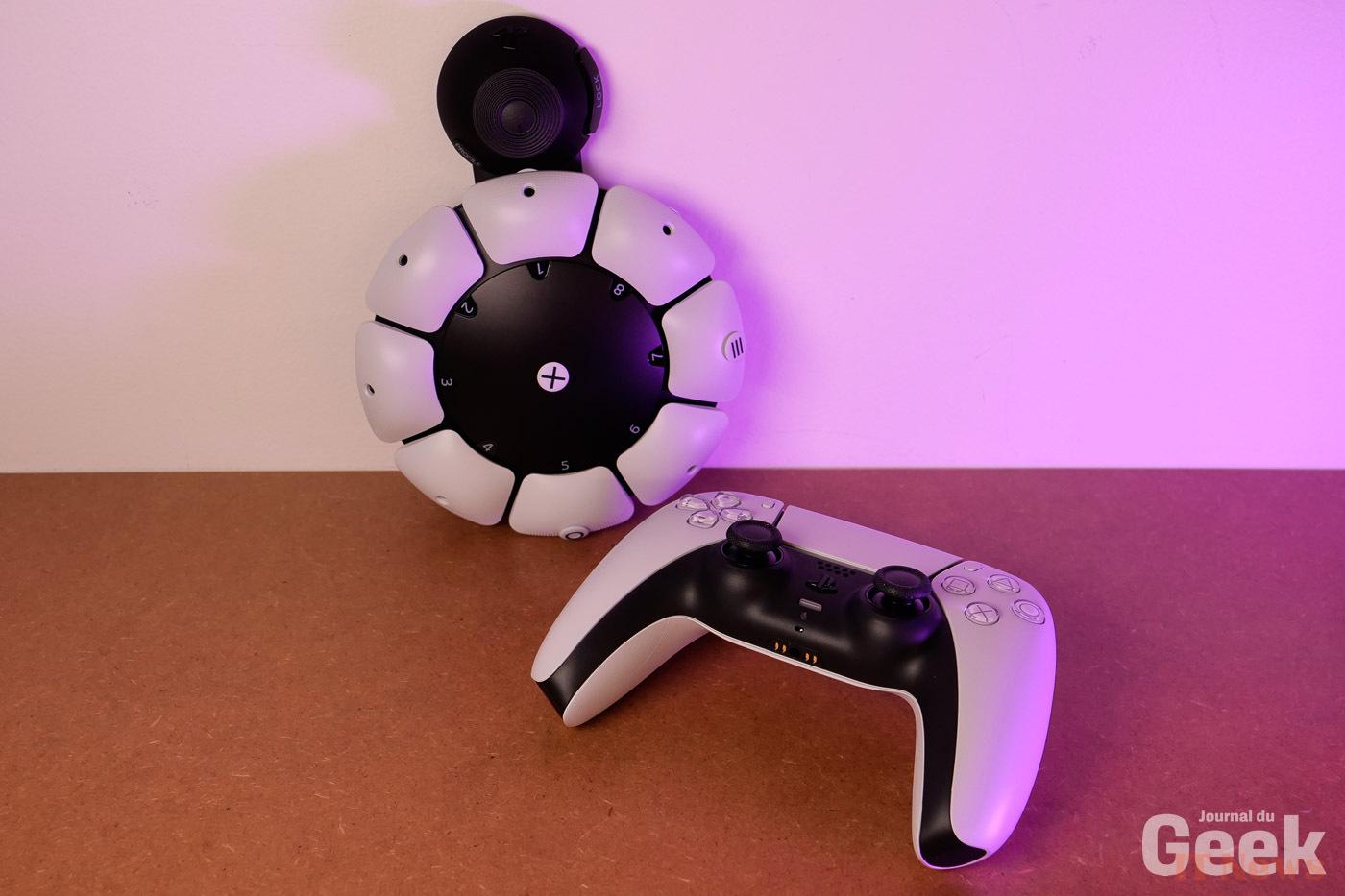
The PlayStation Access connects to the PS5 like a classic controller. The cable provided allows you to establish an initial pairing before being able to do without it for subsequent connections. The very first time, it is interesting to see the current mapping of the controller and to proceed directly to a customization according to the needs of each one.
The buttons of the controller are detachable quite easily, little force is required. Same thing for the assembly, so it should be accessible to many players, even with reduced mobility. However, there are reservations about the control tokens, which can only be installed correctly if they are very straight, which is no easy feat even if they are valid.
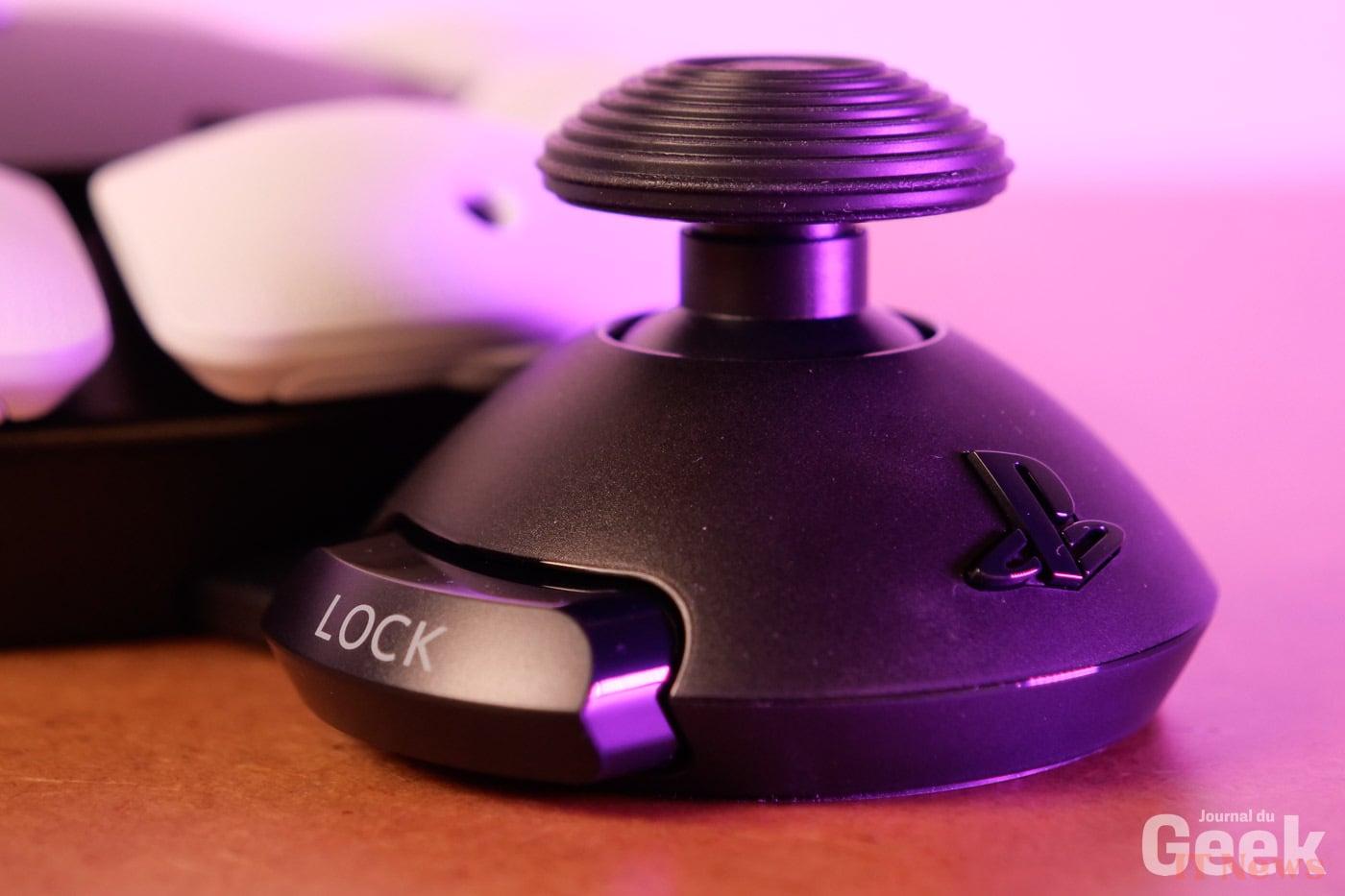
When it comes to installing them on the playing field, the surface under the controller grips the desk rather well thanks to a silicone coating. In part, this allows for better support and foolproof control... or almost. The latter is not infallible, however. The good point is that the design of the controller is itself adaptable to each use. The black part, which connects the joystick to the buttons, is retractable and extendable. The controller also has a button to lock the desired position.
Configuration
Among all the interchangeable accessories, there are all sorts of elements. The basic convex buttons can give way to buttons of the same format, but concave, with several heights to allow a different race each time. Sony also provides a special button that takes up two places instead of one, as well as a round joystick - like a fighting game controller - and a classic-sized joystick to allow more freedom in handling. The good news is that almost everything is magnetic, which makes modifications much easier.
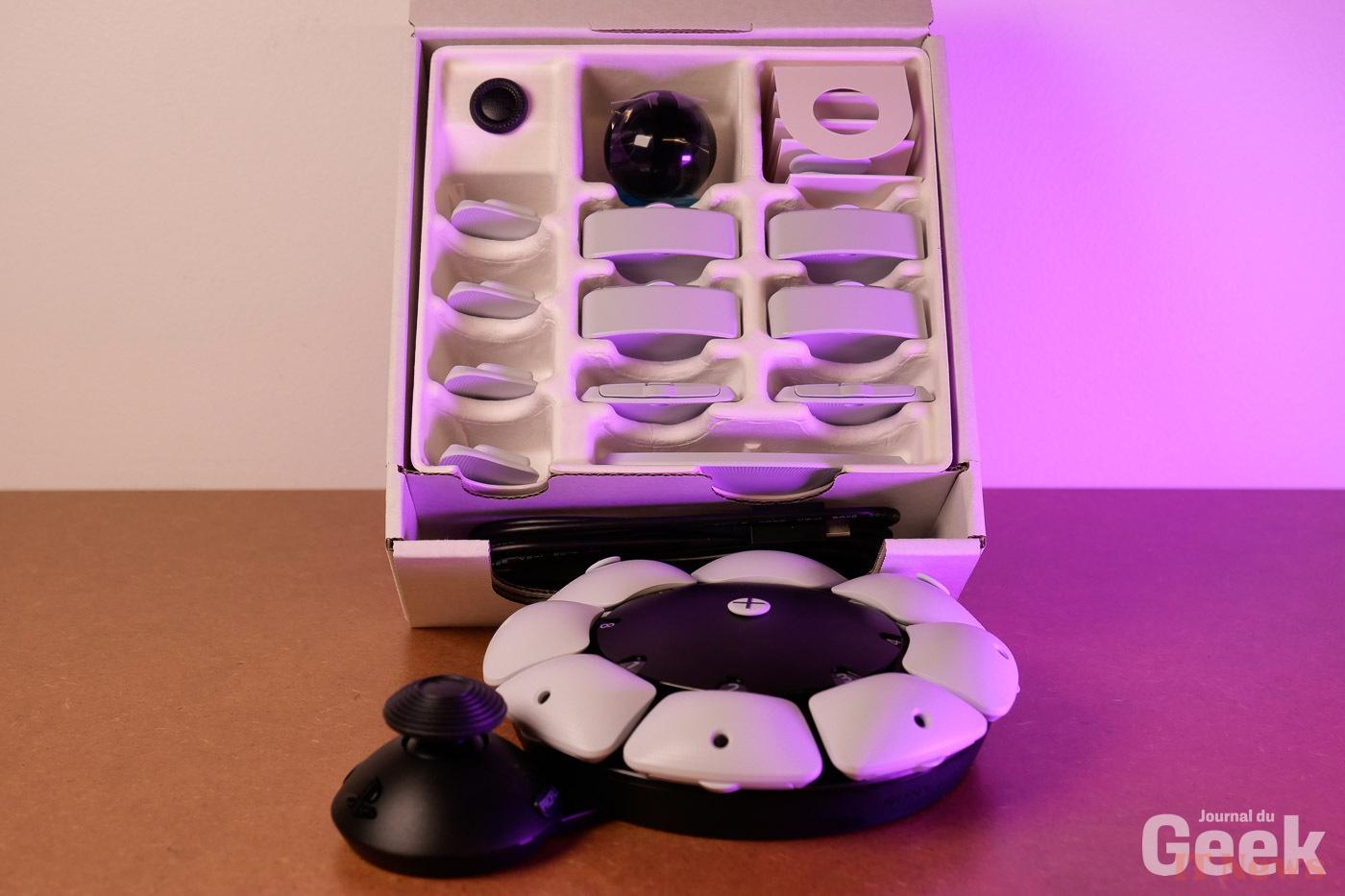
In concrete terms, players on PlayStation Access can use and reassign all the classic buttons of the DualSense, nothing is left out. The first steps are guided by the PlayStation, all the steps are easy to understand, because they are explained and illustrated. It should be noted that using PlayStation Access has several advantages.
In particular, it is possible to pair it with another Access controller or a DualSense, simultaneously on the same connected profile, for optimal use. It is also possible to connect external accessories – joysticks or selectors – thanks to the four 3.5 mm ports. Once the controller is activated, you can create different profiles, and modify everything as you wish.
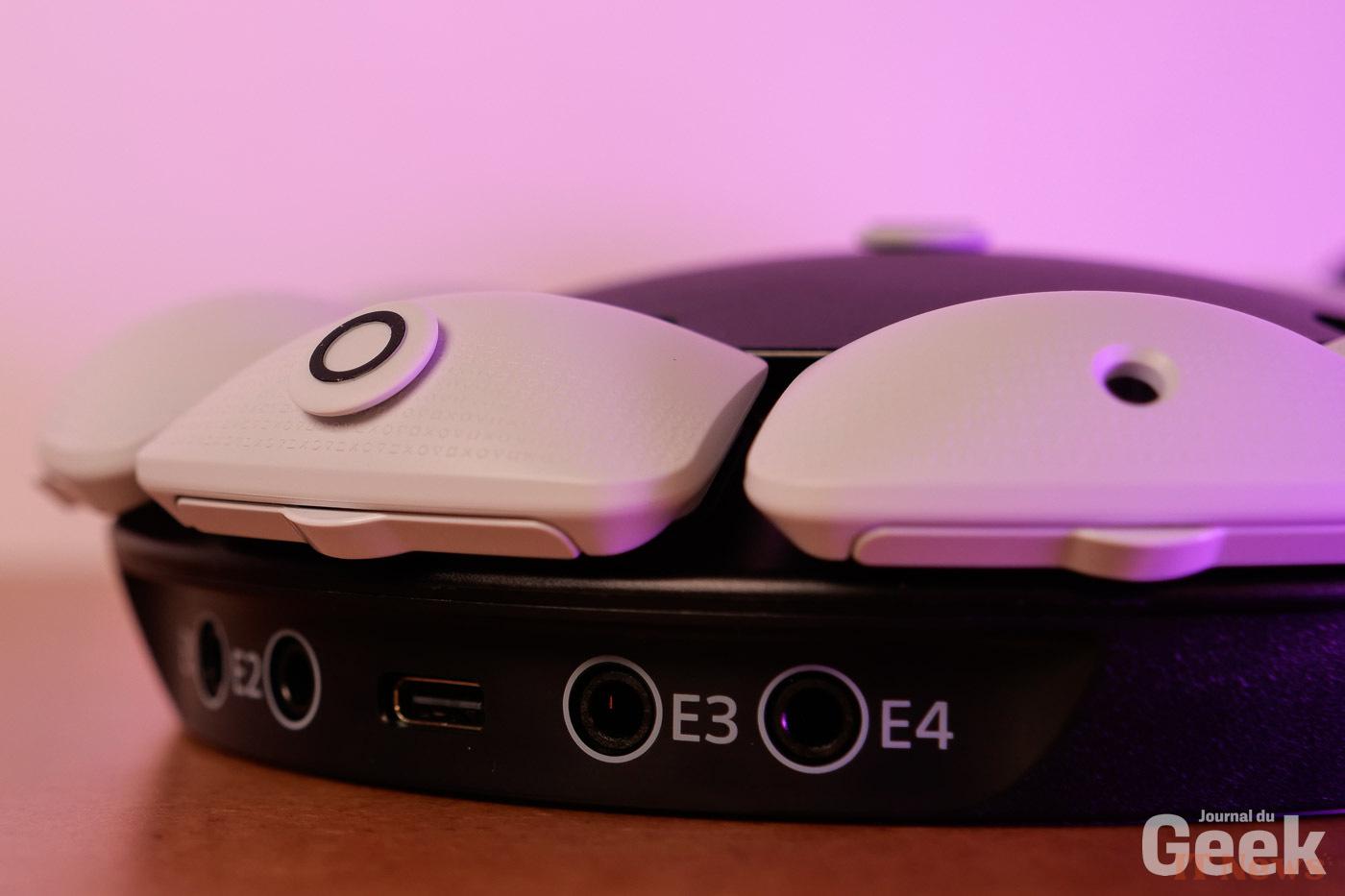
The orientation of the PlayStation Access also counts in the equation. It can turn in four different directions to adapt to the player, but also to the type of game you launch. Once the first configuration is complete, it is quite simple to find the dedicated settings. You have to go to the settings, then to Accessories and the tab dedicated to PlayStation Access.
Switching from one profile to another is very intuitive and can be done from a button on the controller. The default profile is also still available after a long press on this same button. We would have appreciated being able to configure shortcuts, to access the key customization settings with a simple button press as well. Overall, everything remains very accessible and above all extremely customizable. It remains to be seen whether this will work for target players in the coming days.


0 Comments