
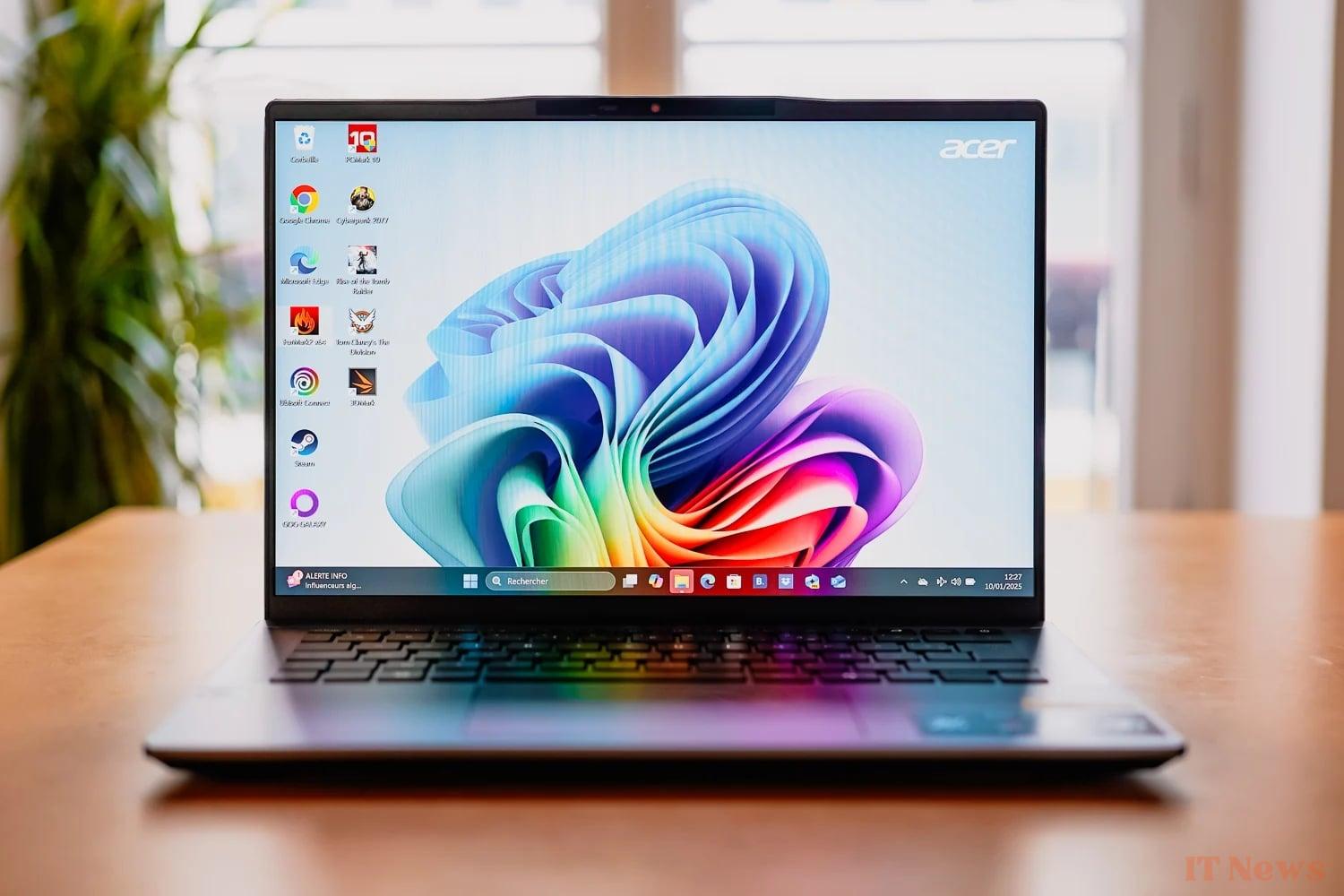
The special feature of the Acer Swift GO 14 AI lies in its chip, a Snapdragon X Plus. This is a slightly less powerful version of Qualcomm's first ARM chip, the Snapdragon X Elite. The stated goal is of course to provide a Windows ARM PC at a lower cost.
For 850 euros, the Taiwanese manufacturer integrates a 14.5-inch LCD screen (16/10) operating at 120 Hz, a QHD webcam, 16 GB of RAM and 512 GB of storage. The promise of this PC is simple: a work computer with very good battery life and sufficient performance for daily and light use. Let's see how this Acer Swift GO 14 AI fares in our full test!
Performance: it's a bit short Acer
Let's jump right in with the chip, the Snapdragon X Plus, which is actually an X1P-42-100. Behind this barbaric name hides the least equipped of the Snapdragon X Plus, with 8 cores (compared to 10 for the others), 3.2 GHz clock frequency, 3.4 GHz boost, 30 MB cache (compared to 42 for the slightly more muscular X Plus). The GPU can develop 1.7 TFlops (compared to 3.8 for the best Snapdrgon X Plus). It also includes 16 GB of RAM and 512 GB of storage.

This somewhat light technical sheet is clearly felt on a daily basis. For extremely simple uses, no problem, but as soon as you open 10 tabs on Chrome and 3 or 4 applications in parallel, the PC will start to show signs of fatigue (lag, loading with a window displayed, reaction time of a few seconds). In short, the Snapdragon X Plus seemed a little fair to us.
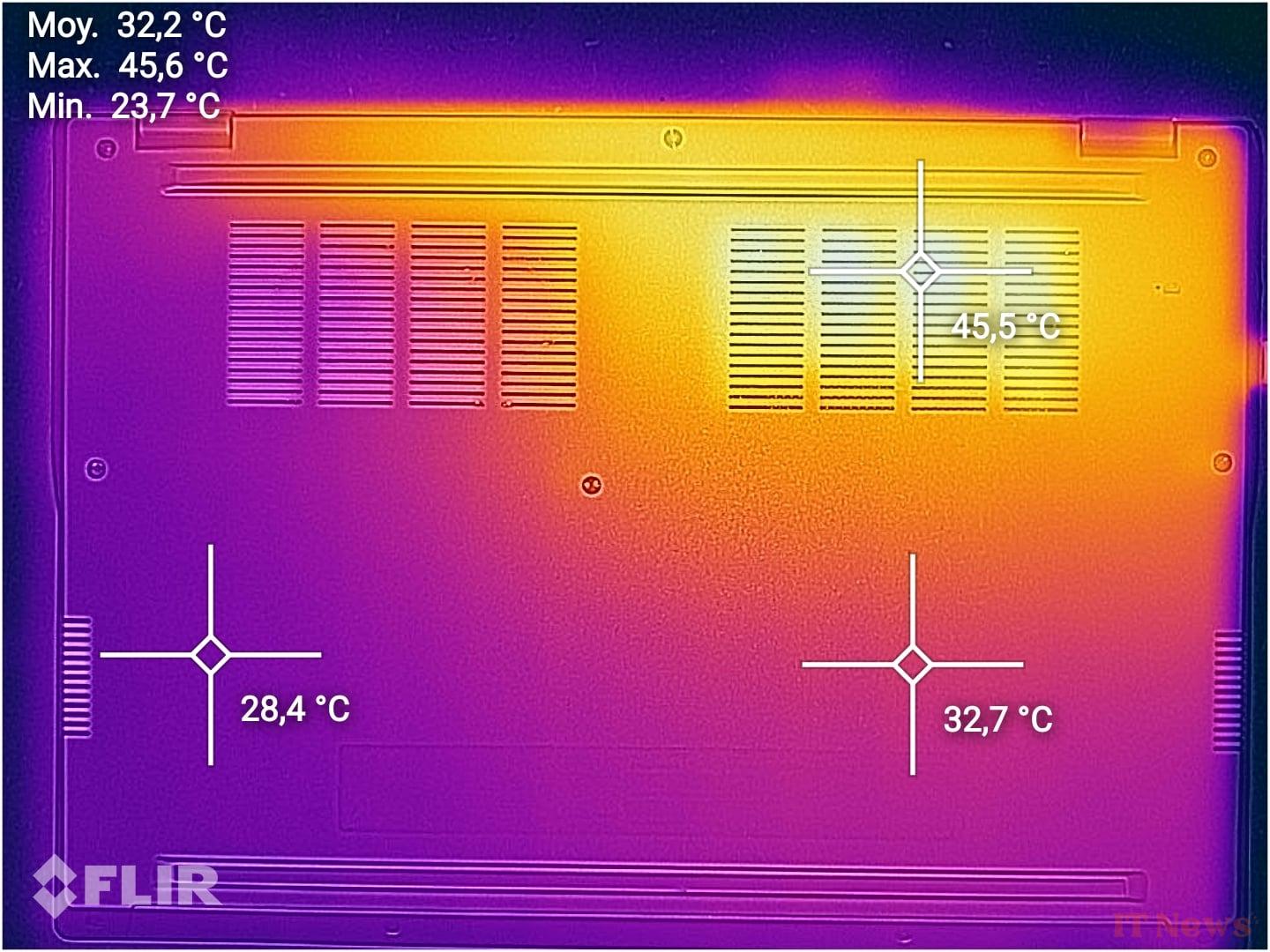
To give you a little idea of the performance difference with the Snapdragon X Elite, here are some comparisons. Overall, the computer seems to handle cooling issues quite well. We barely heard the fan, if at all, and our thermal camera measured a peak of 45.6°C, well below the peaks of 60°C measured on other machines.
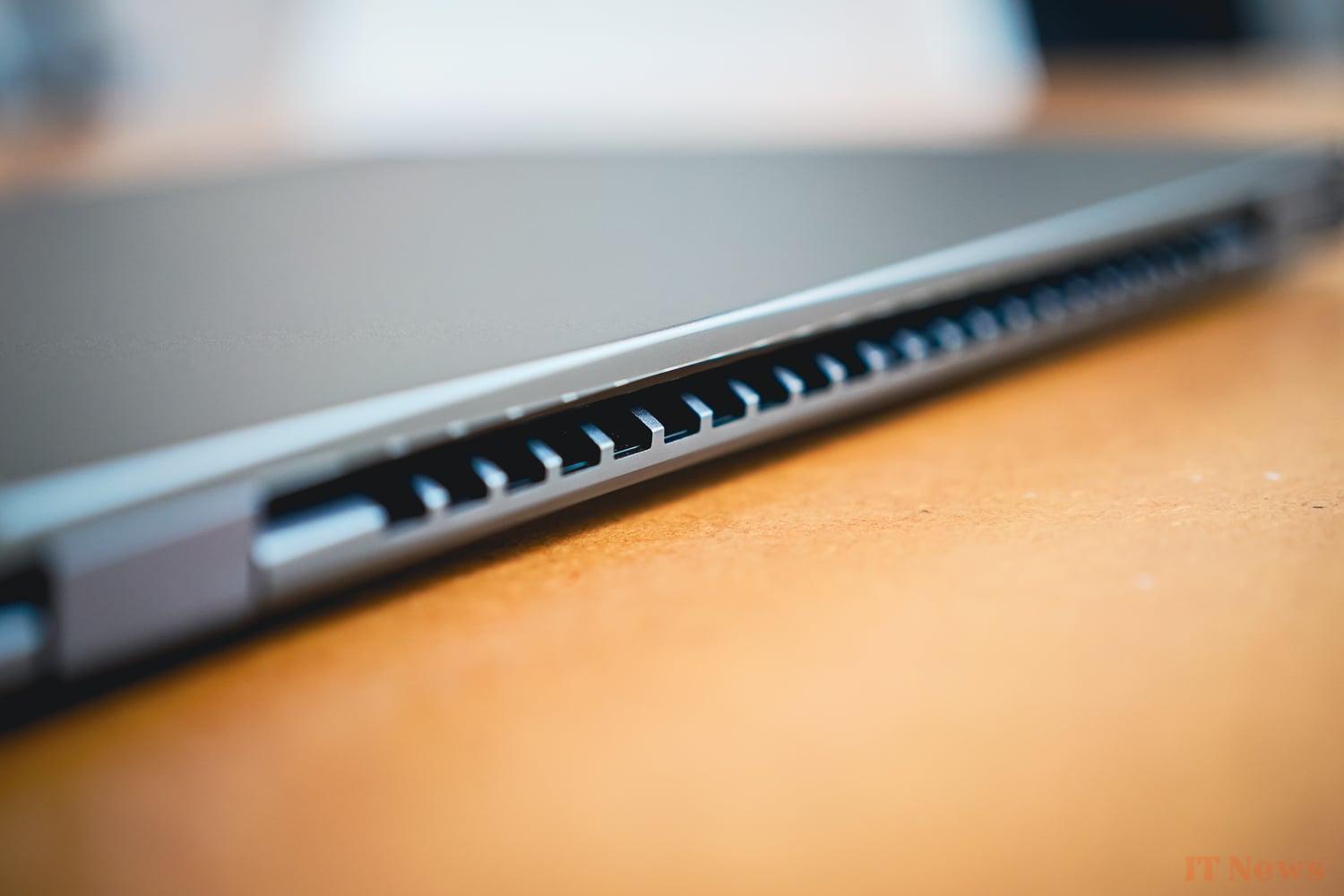
Beyond its performance, the chip supports WiFi 7 and Bluetooth 5.4, which is pretty much the best in the industry right now.
Windows 11 and Copilot+
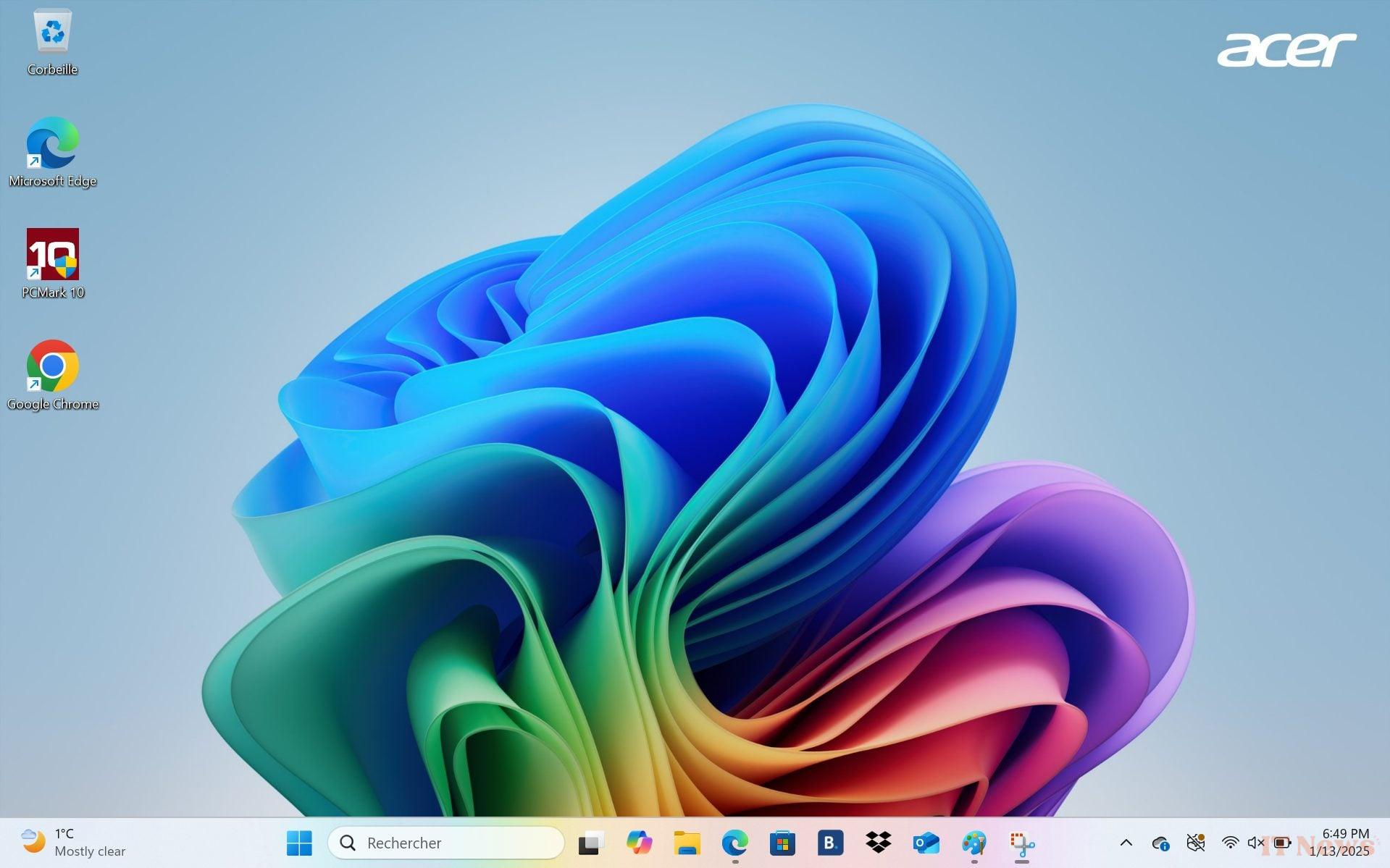
The Acer Swift GO 14 Ai comes with Windows 11 Home. Unfortunately, there are two bloatwares, pre-installed software, delivered in the same bag, Booking and DropBox.
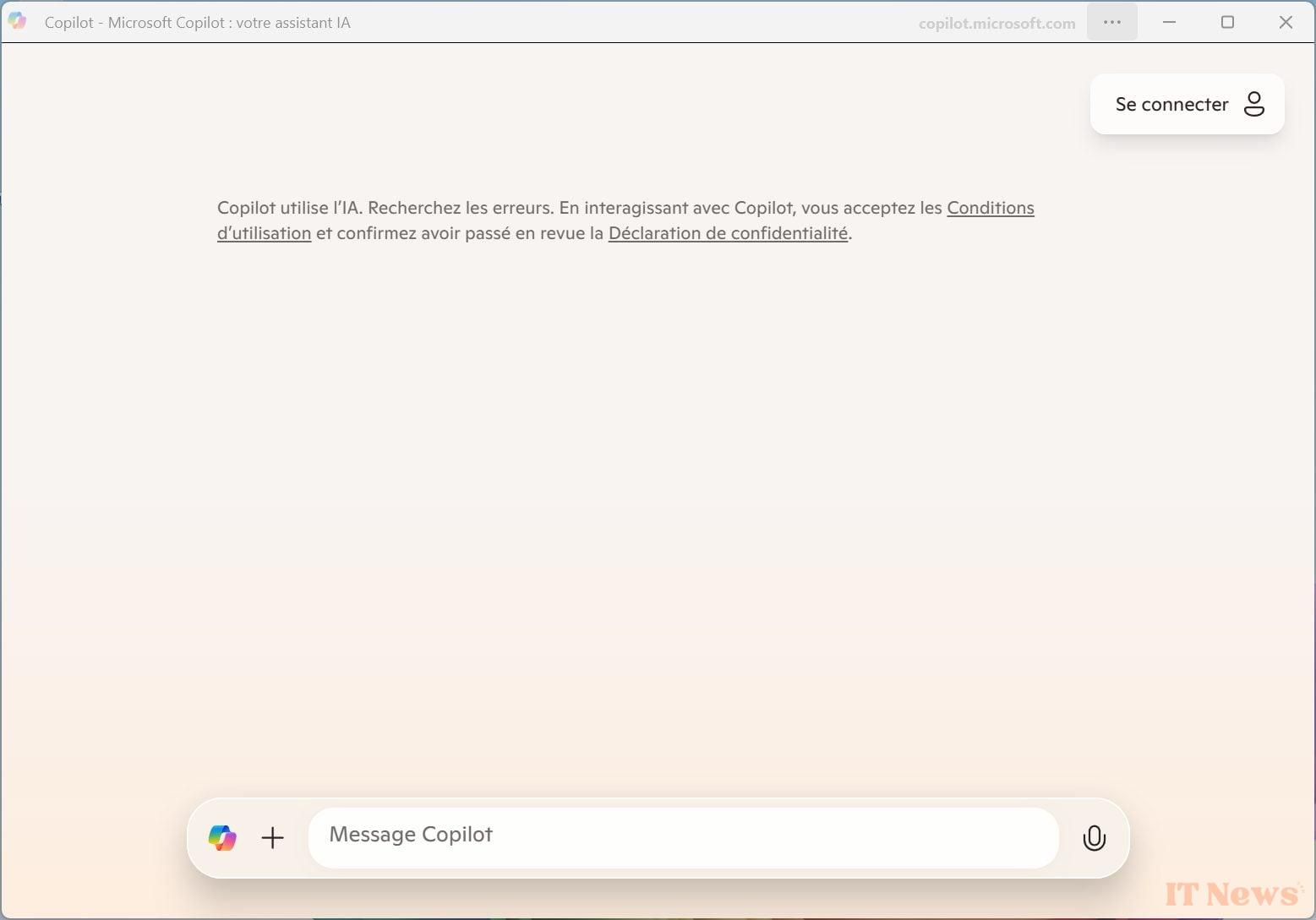
This chip has another merit: the integration of an NPU powerful enough to make the PC Copilot+ certified. In short, it is a suite of features using generative AI. There is a bit to drink and eat. On the inefficient side, there is for example the famous Copilot key. This is content to open a dedicated web page to chat with the text generative AI. The NPU is not used at all.
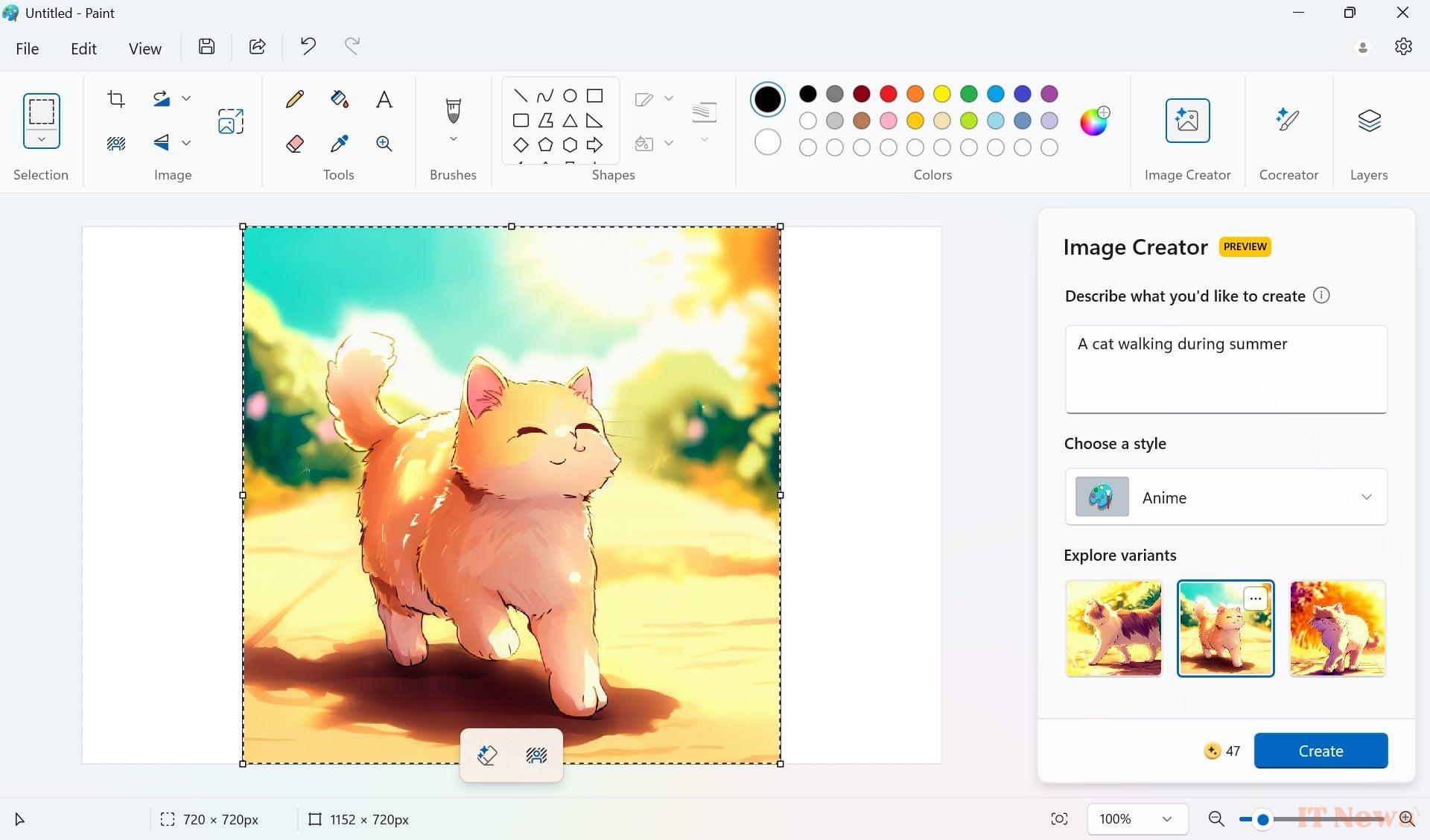
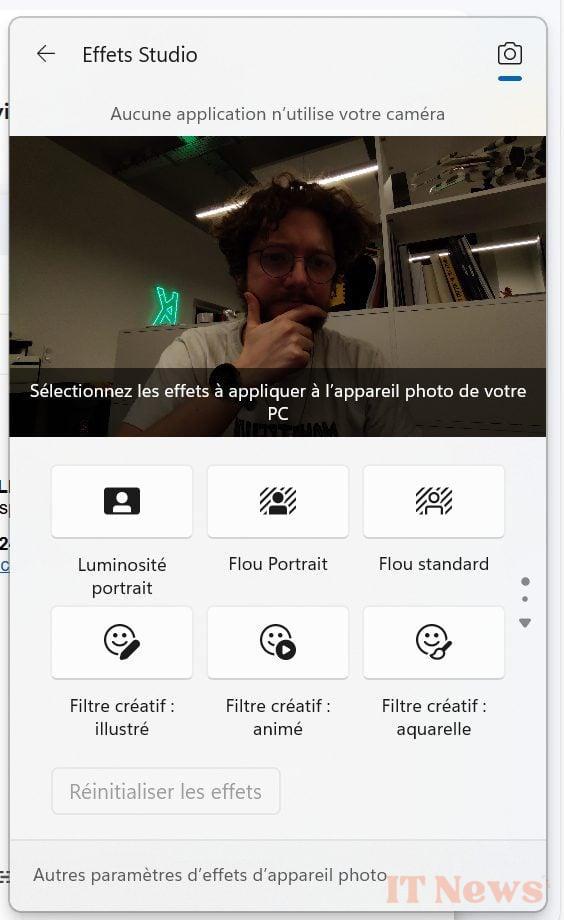
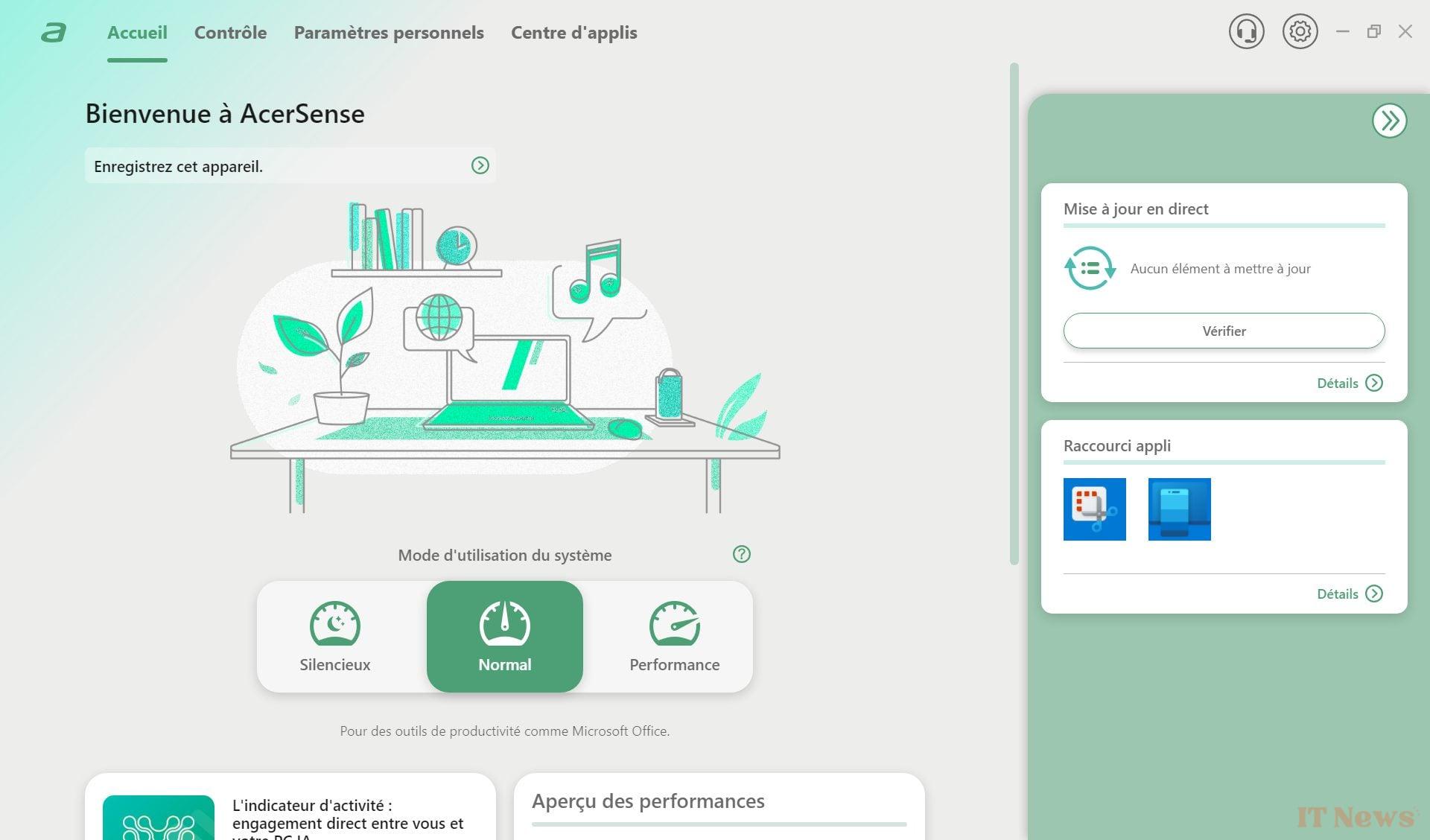
Also worth mentioning is Effets Studio, which applies filters on the fly to your webcam image using the NPU. The advantage here is being able to do it while consuming relatively few resources. Why not, but when any videoconferencing application offers to perform the same task on the server side, it’s hard to see the point.
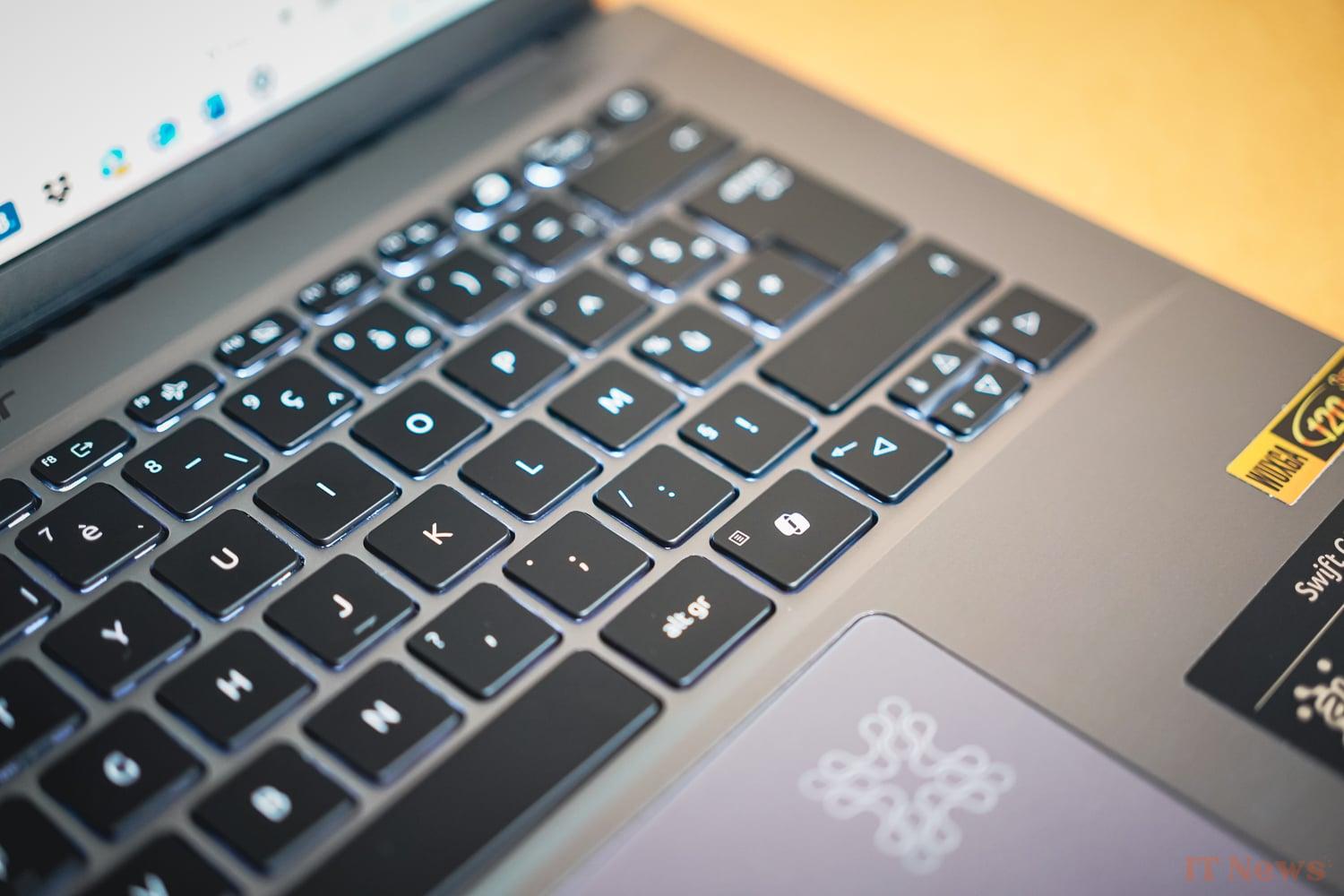
But not everything is to be thrown away. For example, we were able to play a little with Recall, available on Microsoft's Preview channel.
As you will have understood, the main interest of our ARM chip here is elsewhere, in the autonomy.
Autonomy: it's a bit long Acer
The battery integrated into the PC has a capacity of 75 Wh. When you buy it, you will have a 65 W charger provided. The latter is rather light and not too bulky.

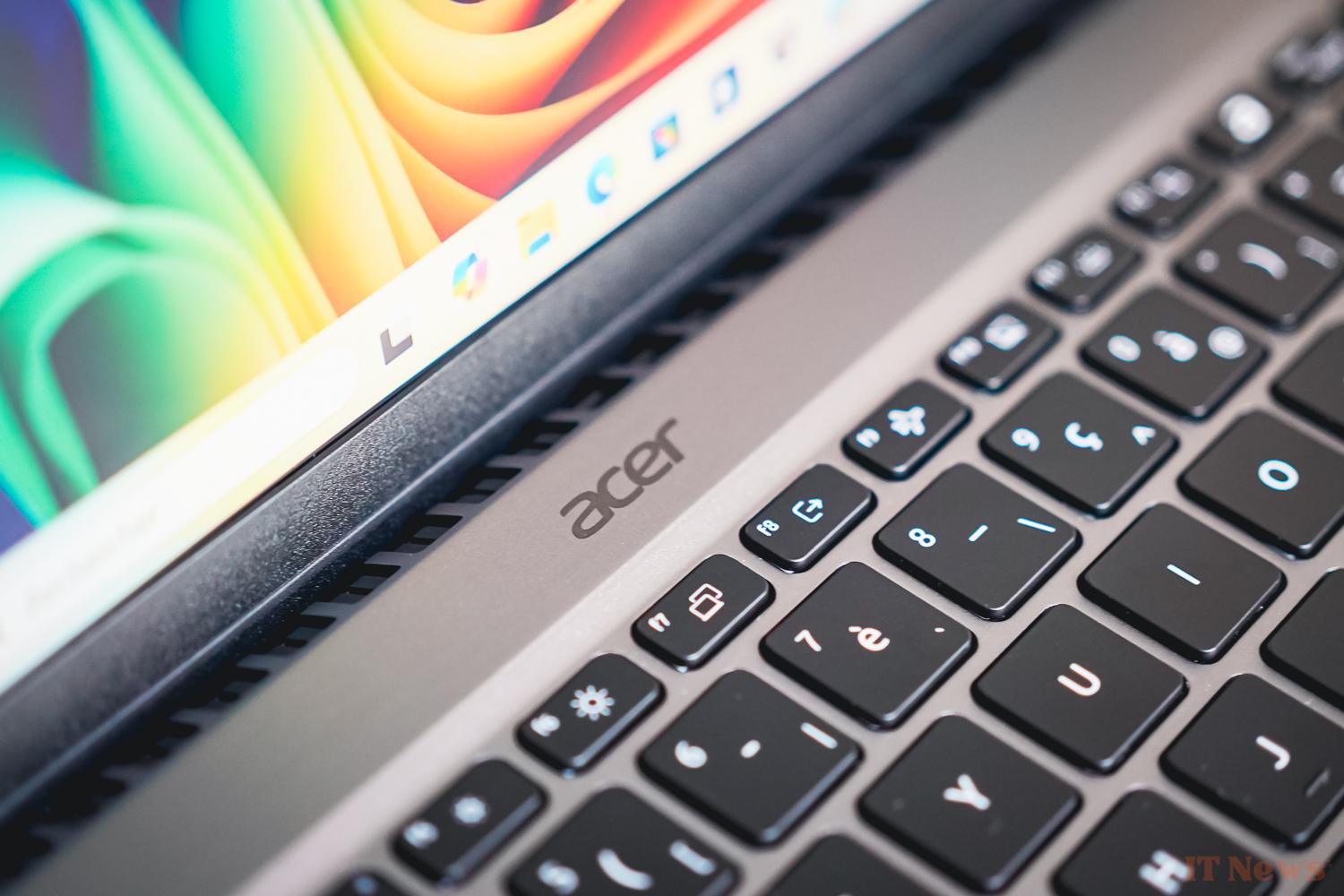
The Acer Swift's battery life is simply excellent. In use, we found the qualities that we had already noted on the Asus VivoBook S15, also under ARM. With such a configuration, you have a camel's autonomy (we lasted two days of use without flinching) and the standby works as expected, namely that the PC discharges very little between sessions.
To go further, we carried out a more in-depth test using our new mixed autonomy protocol (see box above). Since the protocol is still a little young, we cannot offer you a complete comparison with other devices, but the PC lasted precisely 14 hours, 24 minutes and 33 seconds in continuous use. According to the first measurements we have taken in recent weeks, this is an excellent score.
Screen: a little limited
The Acer Swift GO AI's screen is a 14.5-inch LCD panel with a 16/10 FHD+ definition (i.e. 1920 x 1200 pixels). It offers a refresh rate of 120 Hz and the manufacturer promises 100% coverage of the sRGB spectrum.
While OLED is becoming more and more popular on laptop monitors, Acer has chosen LCD, mainly for economic reasons. The screen is quite ordinary, with no major flaws that jump out at you. We avoid the abysmal contrast ratios that could exist in the past, but we don't break through the ceiling with a contrast ratio of 1241:1 either.
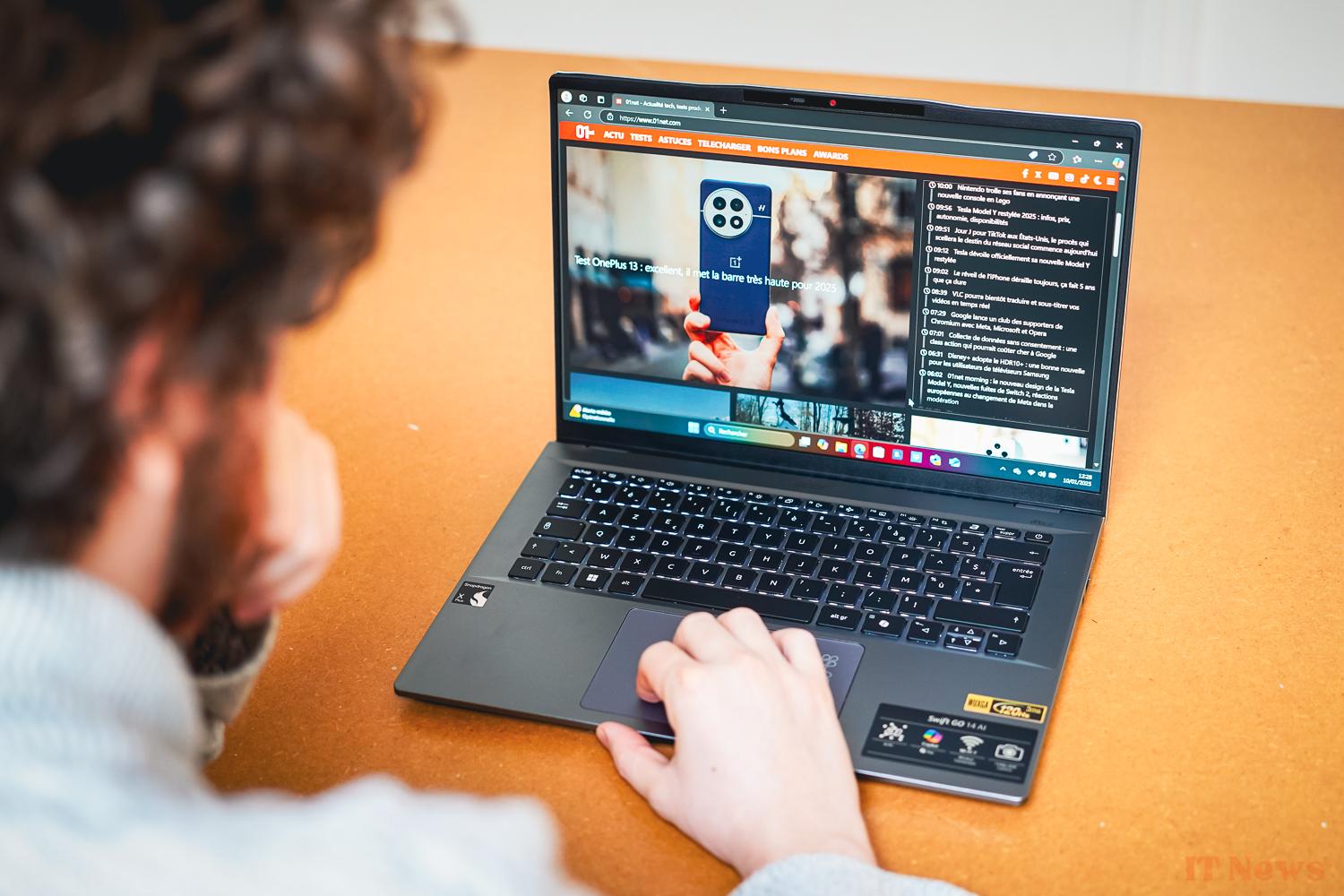
The average brightness is around 298 cd/m², with a peak in the center at 315 cd/m². Here again, it's not very famous, it's just enough to be used without any problems, but in a slightly lit environment like the passenger compartment of a train, reflections invite themselves happily.
As for color fidelity, it's not extraordinary either. We measured an average delta E of 3.4, when it is customary to say that the human eye no longer sees the difference in colors below 3. But it should be added that this average delta E measured by the 01Lab is based on the sRGB color spectrum, simpler than the DCI-p3 3.4 average delta E spectrum
So, on arrival, we have a screen that is quite average overall. Using it on a daily basis is not a pain, but it lacks many qualities to shine.
Design: basic and efficient
Let's move on to the last part, and not the least, the design of the PC. Obviously with a price of 850 euros, we have the right to plastic. For its 14.5 inches, the device is relatively heavy in the bag with its 1.36 kg on the scale. Overall, the finishes are pretty decent, even if you're not looking for finesse, there's nothing that particularly stands out.
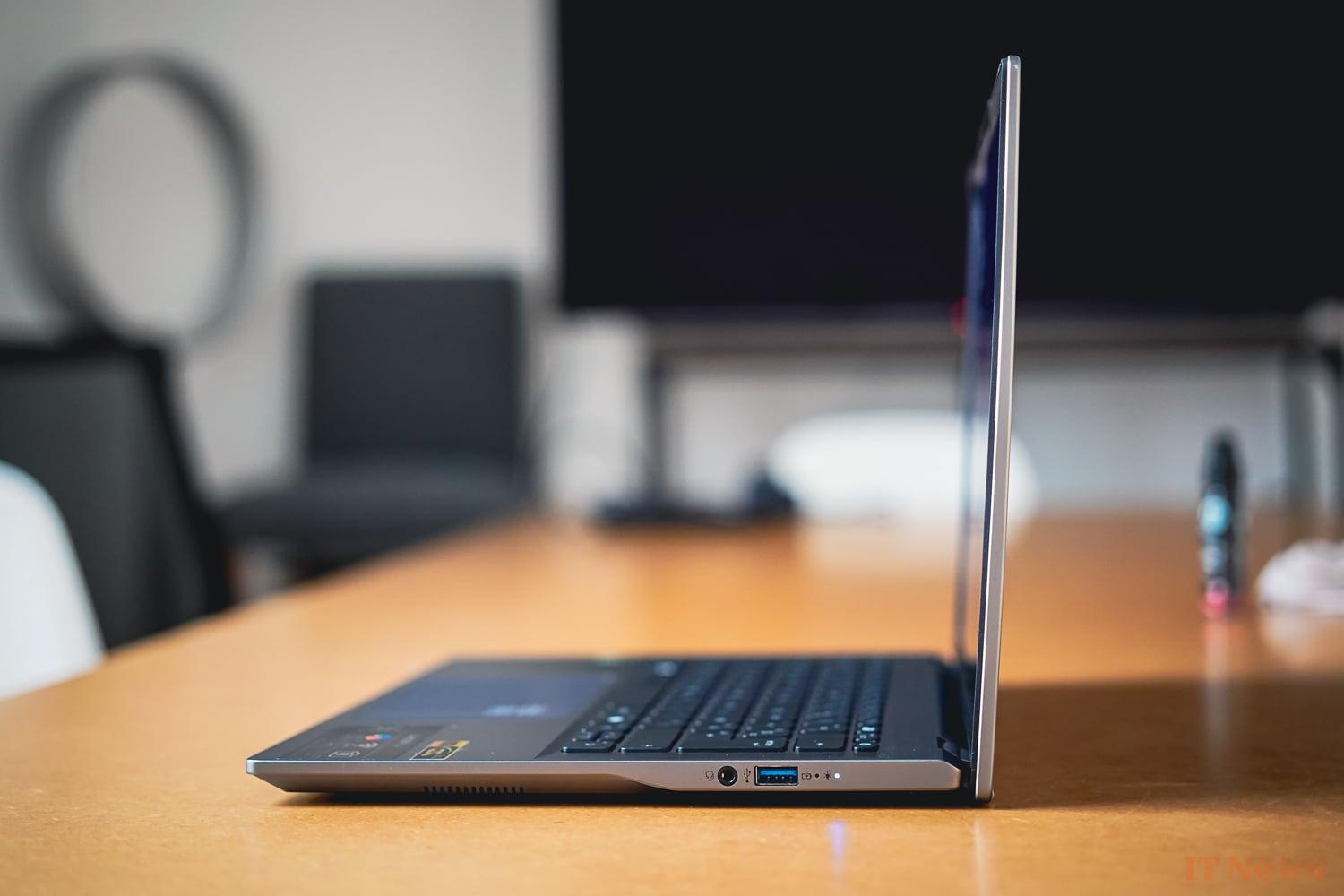
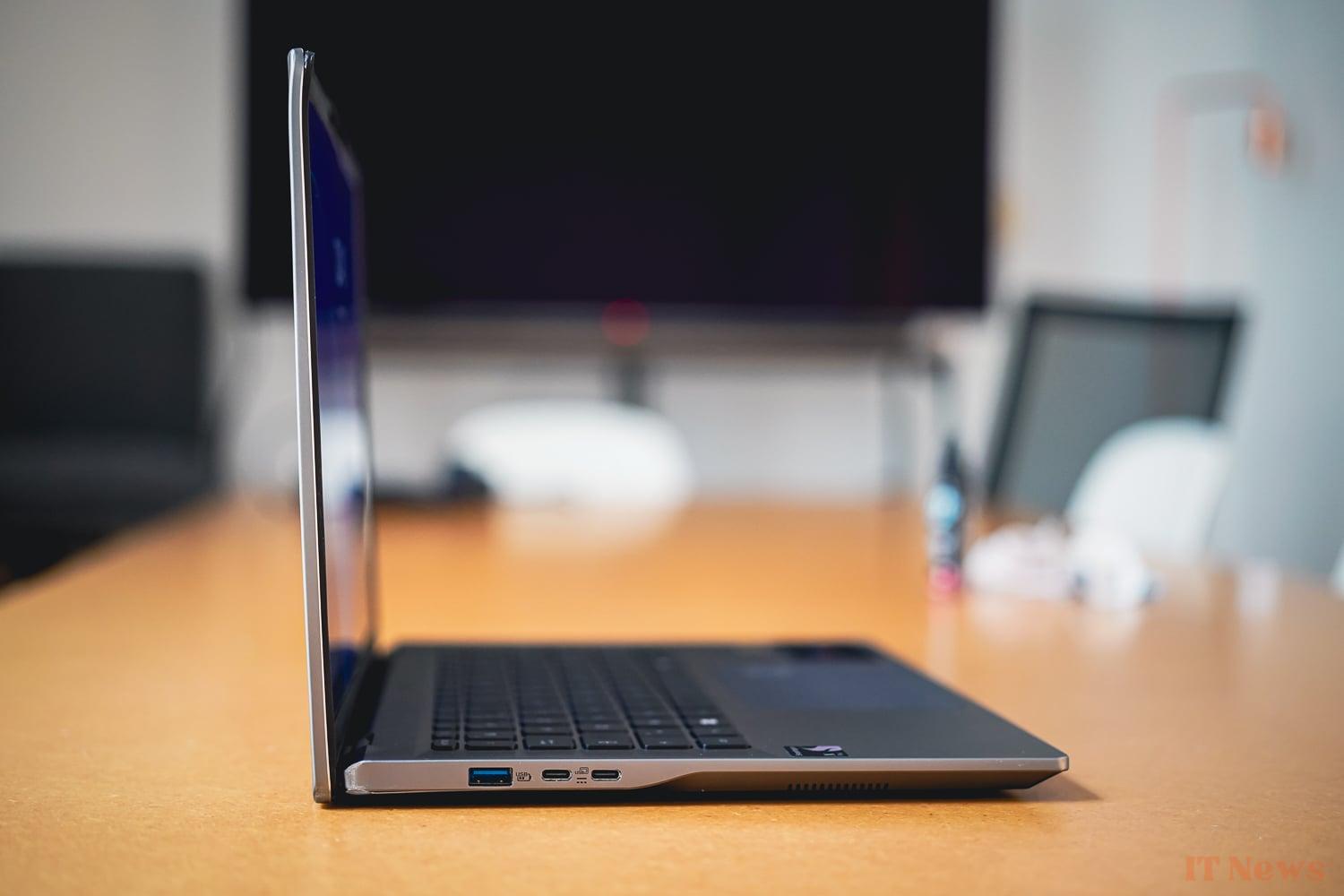

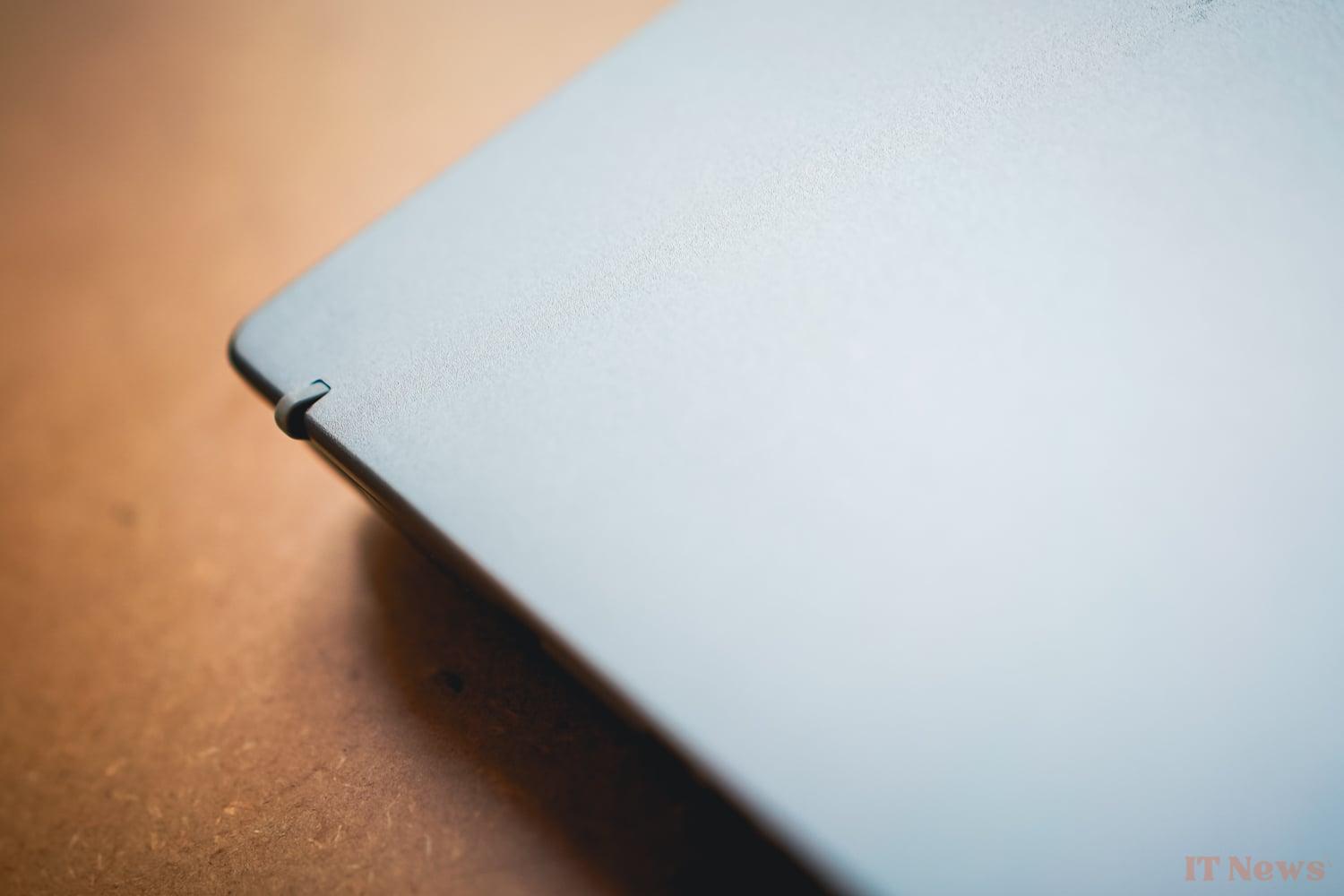
The PC takes care to integrate a few unusual features, such as a slight tuft on the top to accommodate the camera or an “activity detector” on the trackpad to indicate when the NPU is working. Let's also mention the hinge that can be opened 180 degrees to find the desired angle, or the 1440p webcam all the same (with its integrated physical cover) and the fingerprint reader.
Concerning connectivity, the Acer Swift integrates the essentials: two USB-A ports (USB 3.2 Gen 1) and two USB-C ports (USB 4). There is also a 3.5 mm jack. We can regret the absence of an HDMI port.


0 Comments