
The Shadow of Functionality
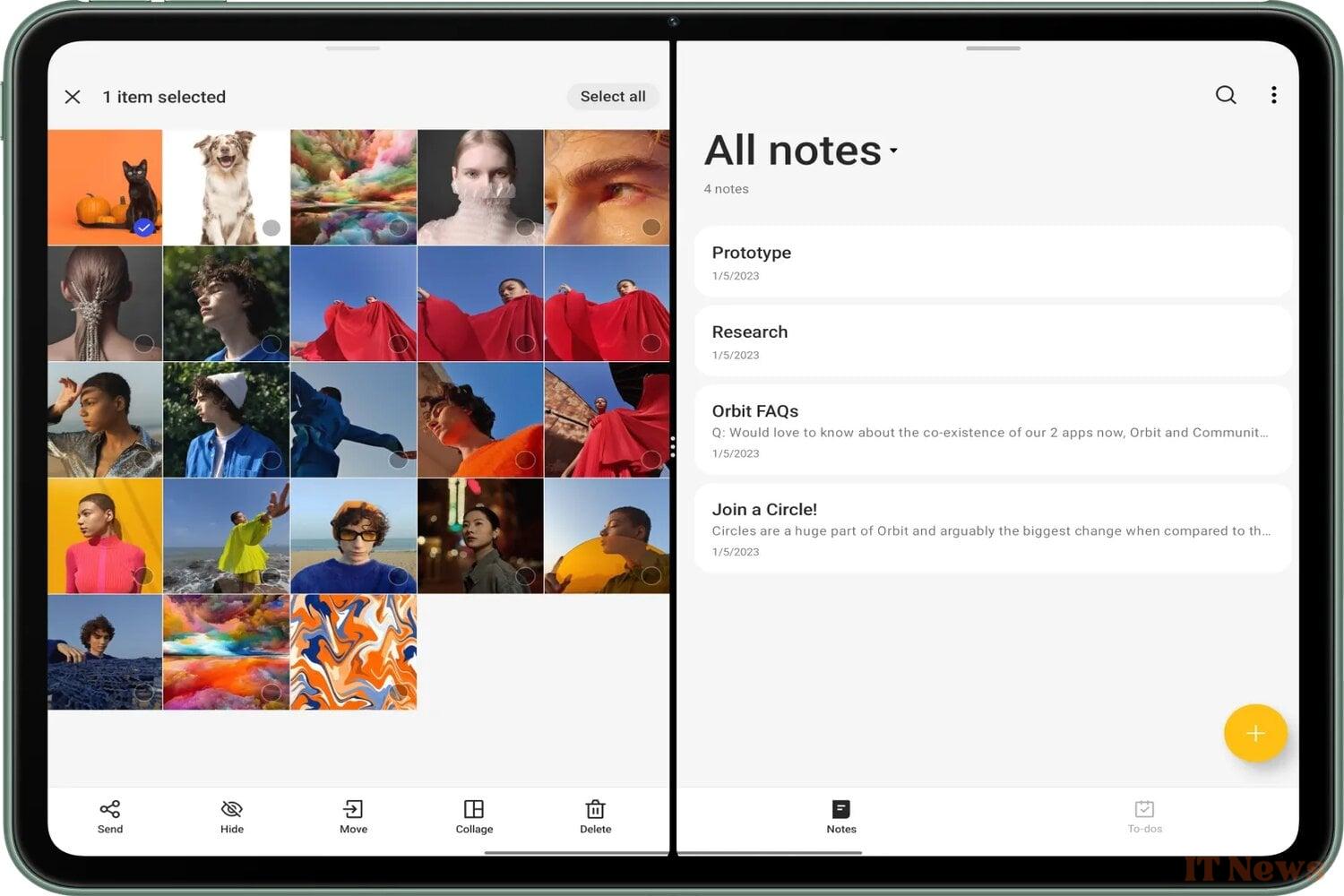
Android 16, the next major update to the operating system expected in the first half of 2025, is gradually being revealed over the weeks. The latest discovery made by Android Authority while digging into Android 16 DP2 (in other words version 2 of the Developer Preview of Android 16) will delight multitasking enthusiasts. Google is reportedly working on a redesign of the split-screen mode. On the program: support for three applications at a time, which is obviously well-suited to tablets (or folding smartphones).
Our colleague explains that after opening two applications in split-screen mode, he tried to drag and drop a third application, only to discover previews of three positions in which to deploy it. The short sequence that follows shows the manipulation and its result. As you will see, the implementation is clearly not finalized at this stage; it only shows through.
Enlarging the third app on demand
We are of course not going to list the practical advantages of juggling between several applications – especially on large screens – but simply point out that Google would only be using a mechanism introduced by Open Canvas. It is a system pioneered by OnePlus Open (OxygenOS) which then spread to the OnePlus Pad.
In the same vein, let us mention the desktop mode of Android 15. The latter already allows several apps to be displayed in the form of floating windows. But as it stands, outside of this mode, Android natively manages the display of two applications at a time. Allowing three, without an additional overlay, would thus extend the option to more devices, first and foremost – Google obliges – the Pixel Tablet.
Let's get back to the main source of inspiration, Open Canvas. With this system, when displaying in triptych, two applications share 90% of the screen, while the third squats the remaining 10%. You then just have to press on it to enlarge its pane, to the detriment of the one located opposite. And while this support may seem redundant compared to the aforementioned desktop mode, it is actually simpler and more intuitive to use.
Source: Android Authority


0 Comments