
Finally disconnect from the smartphone. Now that these little creatures have reached a certain maturity, the temptation to escape their infernal attraction can tempt more than one.
Dumbphone, feature phone… There is no shortage of solutions. Boox opens up an interesting third path and suggests the following: what if it was the screen, with its bright colors, that was the problem from the beginning?
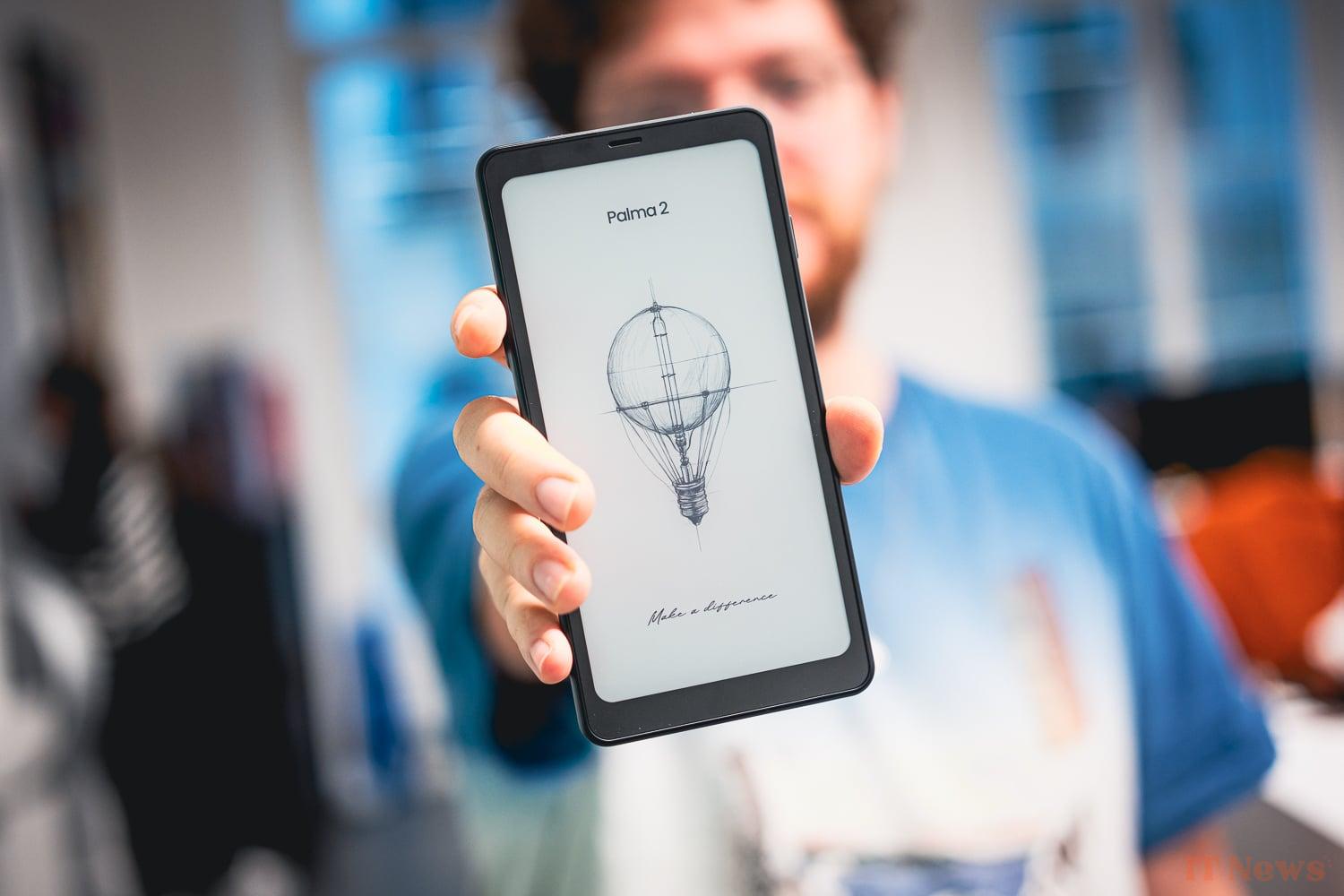
The result of this reflection is the Boox Palma 2, a device that we will simply call an Android e-reader in smartphone format, or a quasi-smartphone with an e-reader screen for the most optimistic. Here is our opinion on the product after several days of testing rich in lessons.
More of a tablet/liseuse than a smartphone
If we specify quasi-smartphone, it is for a very specific reason. Despite its tall design that imitates modern phones, despite the presence of Android and a side drawer, it is not possible to insert a SIM card into this device (well unless you like to put a SIM card in the SD card slot, who are we to judge?).
Here is the first immediate complaint which immediately jumps out at you. What a missed opportunity for the Chinese manufacturer specializing in e-readers. No doubt the standards in force for this type of device, or the cost of integrating the antennas will have put them off. Not to mention the probably small number of people who would have been tempted by the experience.
Although, each person we met during this test will have systematically asked us "and can we put in a SIM?" A question often accompanied by a certain amount of wonder at the concept that was opening up to them: "but it's great!", "I totally understand the desire" or even "how much does it cost?"
How much does it cost exactly?
Here comes the second red flag that we must invoke before continuing. The price of the Boox Palma 2, 300 euros, is undoubtedly very optimistic, given the resolutely low tech positioning of the device. Even an iPhone 16, which deliberately places itself on a premium price by forgetting the 120 Hz and the sacrosanct third photo sensor on its back, has striking arguments to make up for all that (but that's another subject).
For 300 euros, you can buy any entry-level e-reader like a Kobo Clara for around 140 euros or a Kindle Paperwhite for 160 euros. With its price, the Boox Palma 2 even approaches the price of a reMarkable 2 at 450 euros, but which has a much more high-end proposition.
Is an e-ink screen really usable?
However, let's not bury it too quickly. If we have chosen to tell you about the Boox Palma 2, it is because in addition to its very smartphone-like format, this e-reader runs on Android.
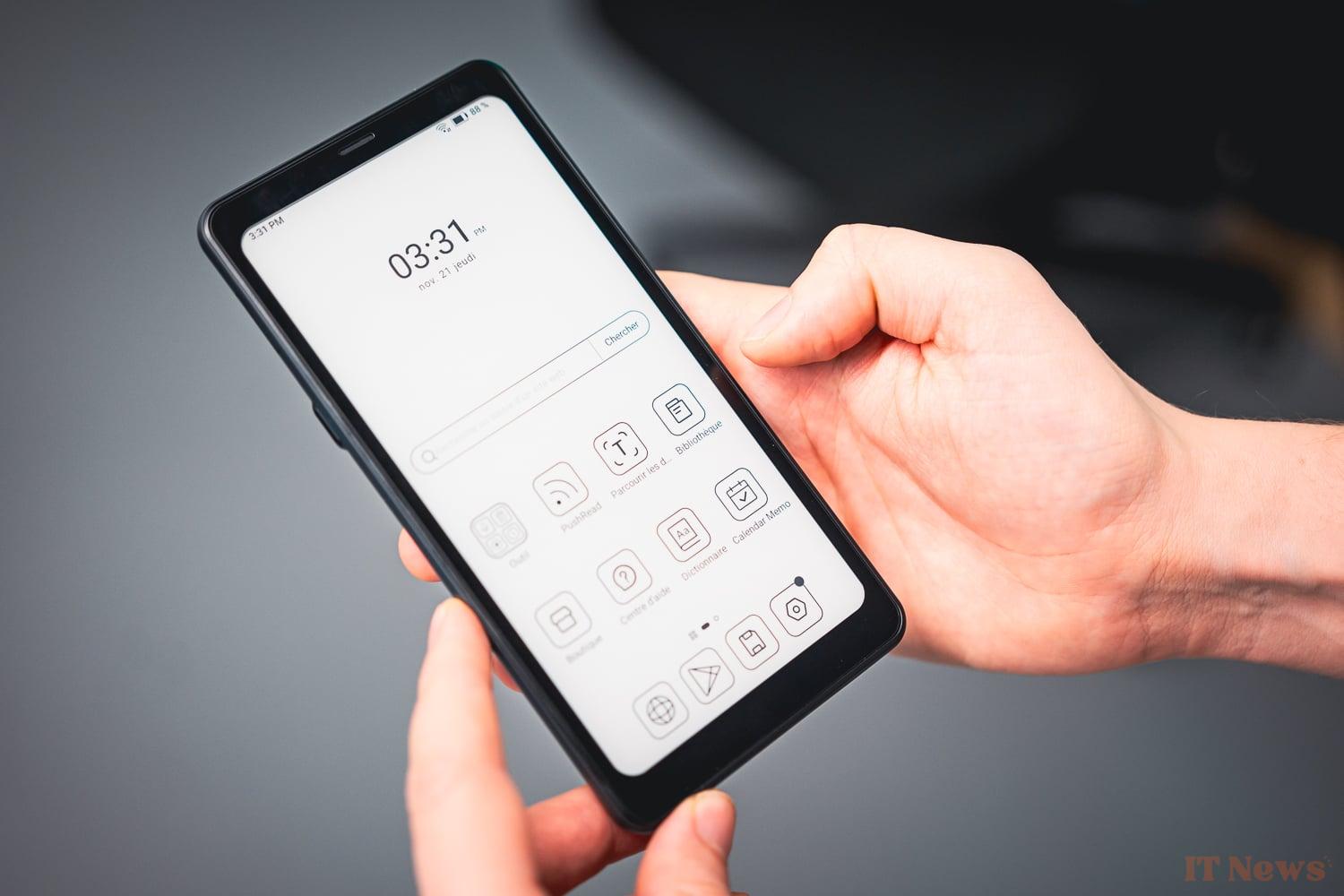
This means that you can install almost any application from the Google Play Store. The promise, in essence, is therefore to obtain a device capable of performing 90% of the tasks of a smartphone at home, but without being caught up in its fluid and ultra-colorful screen. The Boox Palma 2 is, in this, a possible alternative to a tablet for example.
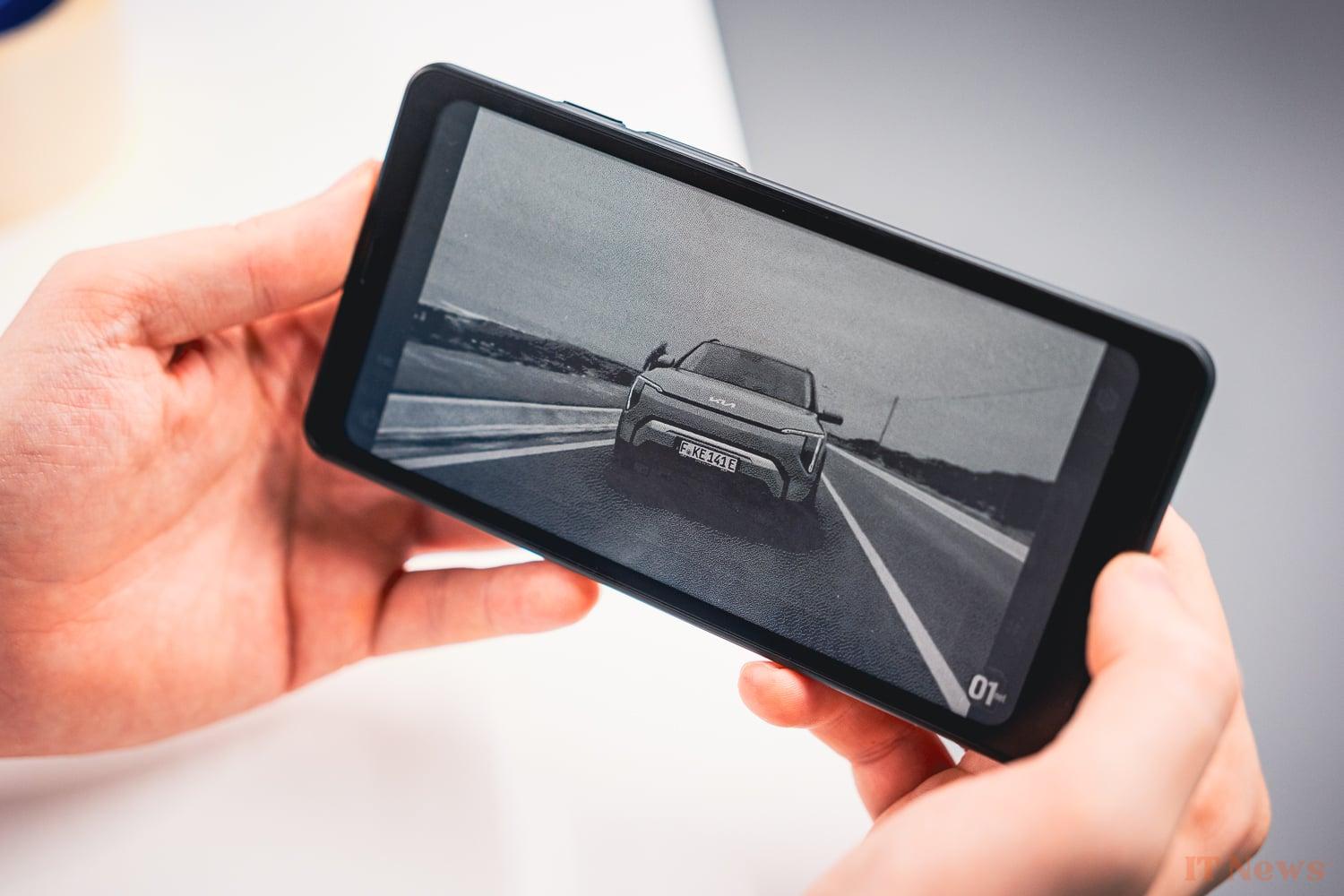
In order to push the vice to the end, in addition to installing our favorite reading application (no need to turn to the manufacturer's, this is one of the first advantages of Android), we have added press reading applications, video reading and finally a few video games. The goal is to push the device, and especially its screen, to its limits to see how far the concept can take us.
Installing the latter was actually a little more difficult than expected. Navigating the manufacturer's interface, Onyx, is largely complicated compared to any Android system, and for a very specific reason: switching from one application to another is unnecessarily complex.
Indeed, while the device does include a shortcut to invoke multitasking and see all the apps currently in use, it is not the most ergonomic. There is no animation and the black and white does not allow you to recognize at a glance the application you are trying to reach.
But that is not the biggest problem. No. The biggest problem is that the Boox Palma 2 is indeed designed as an e-reader. By that, we mean that it is not designed to juggle from one application to another and will therefore "kill" each application left in the background. It is possible to deactivate this option in the settings, but it is impossible to do it in series. You are forced to select the precious option for each application one after the other.
Once configured correctly, the device becomes a little more pleasant to use. Certainly these applications even render surprisingly well on this screen, as long as there is not too much movement on the screen. This is the case for example of a Pokémon Trading Card Game Pocket, or any application that involves reading. At first, the rendering may seem a little dirty, and the latency too important for comfortable use. But here again, the manufacturer has thought to integrate settings that improve the refresh of the screen. Five settings are proposed, from the least fluid to the most fluid: HD, Balanced, Fast, Ultrafast and Regal.
Another submenu — yes, there are a lot of them and you end up getting lost — also allows you to adjust the colors. Here again, you can patiently search for the setting that suits you best by adjusting dark and light colors or by pushing the contrasts.
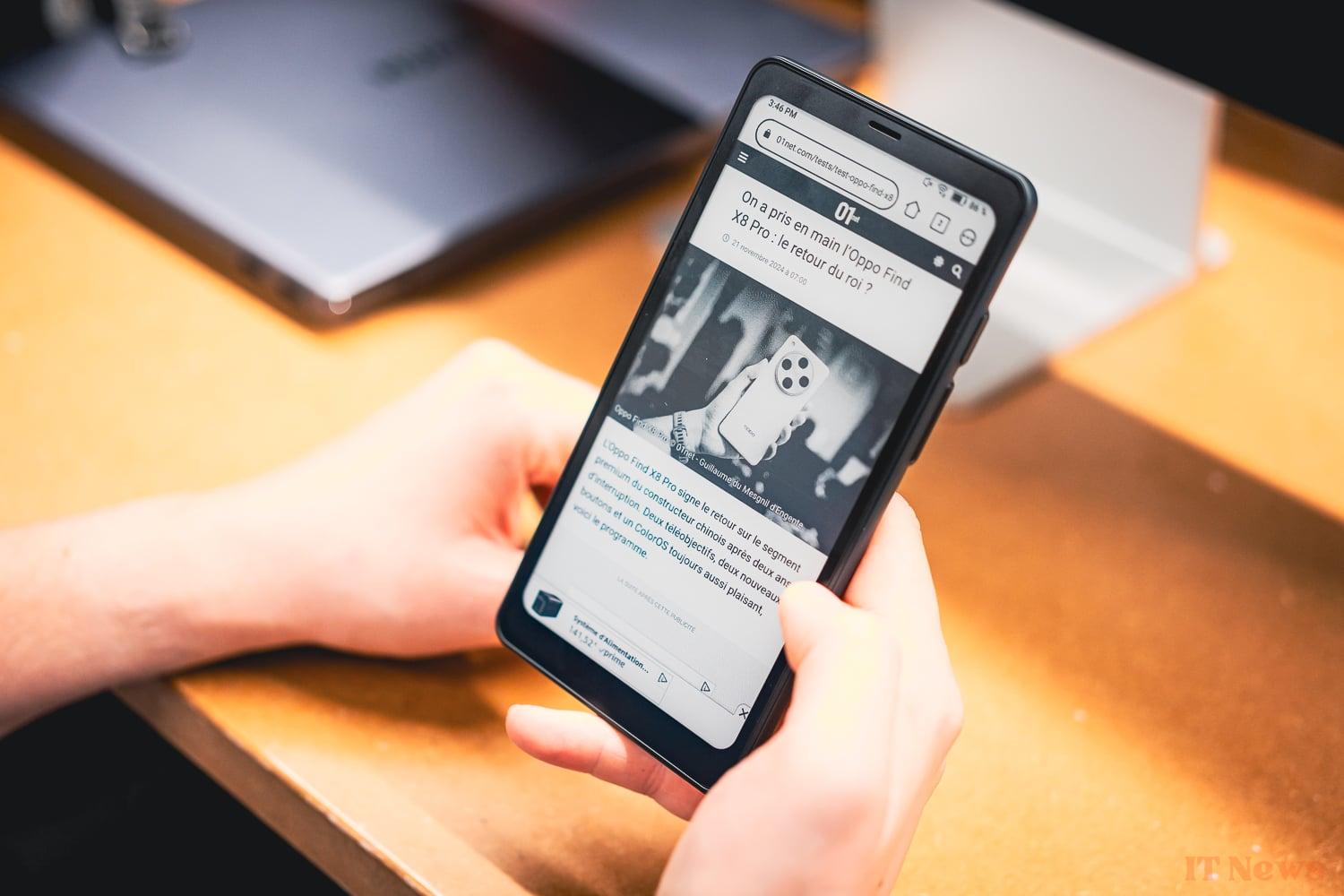
It is by these different games in the settings that applications a priori not adapted to such a device (video, video game) end up giving a completely acceptable rendering. So of course, no miracle, you will have to deal with the various artifacts appearing here and there on the flat black and white areas, as well as a video stream that happily drops below the 24 FPS mark. But that is probably part of the charm.
The ideal device for disconnecting?
Which probably brings us to the main attraction of the device. If you want to get your hands on a tablet that you would only use at home, with the aim of disconnecting, the Boox Palma 2 is very interesting. As we said, its originality is paid for by many micro-adjustments that not everyone will necessarily want to carry out. But once everything is set up, the device does the job perfectly.
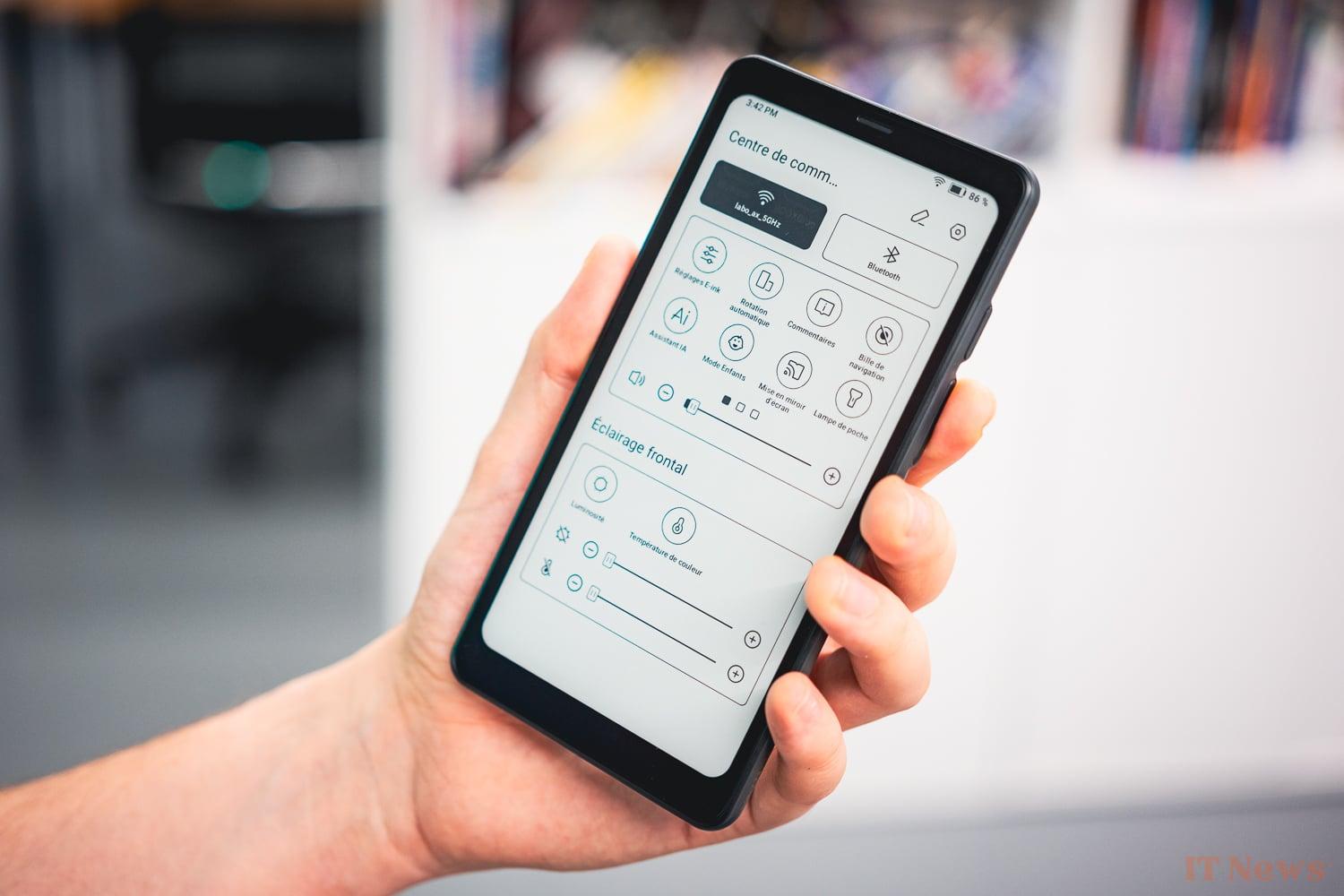
Of course, for the operation to work, you have to allow yourself a certain period of weaning yourself from your precious smartphone, but with a little rigor (always putting it in the same place when you get home, for example), the idea of a secondary device for the house can be imposed.
For any other project, however, we would be tempted not to recommend it to you.
Le fessier entre deux chaises
After the wonder of the e-ink screen and its relaxing side, we still have to come back down to earth and stop for a moment on more prosaic considerations. The Boox Palma 2 is not a very good tablet and it is probably too expensive to be a good e-reader.
Certainly, the additional cost is justified by the additional possibilities offered, but even as an e-reader, we have noted significant problems. First and foremost, you will find the battery life a little less than on a traditional e-reader.
Batter battery life than an e-reader
With our versatile battery life protocol based on Chrome, we measured a usage time of 9 hours 10 minutes. However, this result should be moderated: on Chrome, the e-reader is not necessarily on its preferred terrain. Note that the amount of screen brightness does not seem to be the biggest consumer of energy in this story, since we obtained exactly the same value with the screen backlight off. Incidentally, the latter displays an excellent minimum brightness value of 0.34 cd/m².
For those who might be interested, the charge is quite mediocre, with a time of 192 minutes to fill up, with an average of 8 W and a peak at 13 W.
And while we're comparing it to an e-reader, let's mention a specific point on which the Boox Palma 2 is clearly less good than a good old machine dedicated to reading. The Kobo application that we used to read during our test, based on Android, required an internet connection to launch. Infuriating when you want to start a little reading on the subway and you have to launch connection sharing on your phone for it to work. It may not seem like much, but here is another small detail that could have ruined our experience.
Tout est moins bon que une tablette
So we have an e-reader with a battery life that is not as imperial as its little friends. For the rest, the device sometimes gives the impression of being a low-tech tablet, an expression used to describe a device that assumes to use outdated technologies. This is undoubtedly what those who buy it are looking for. But we must warn you of what this implies in concrete terms.
To save a little battery life, the manufacturer has integrated a drastic sleep mode. Each time you press the lock button, a screen saver is set up like on an e-reader and cuts off all the systems in operation. Result: if you had music playing in the background, it skips. If you had a game in progress, it's the same. This choice therefore prevents you from slipping your device into your pocket without putting it on standby, since there is no standby mode strictly speaking.
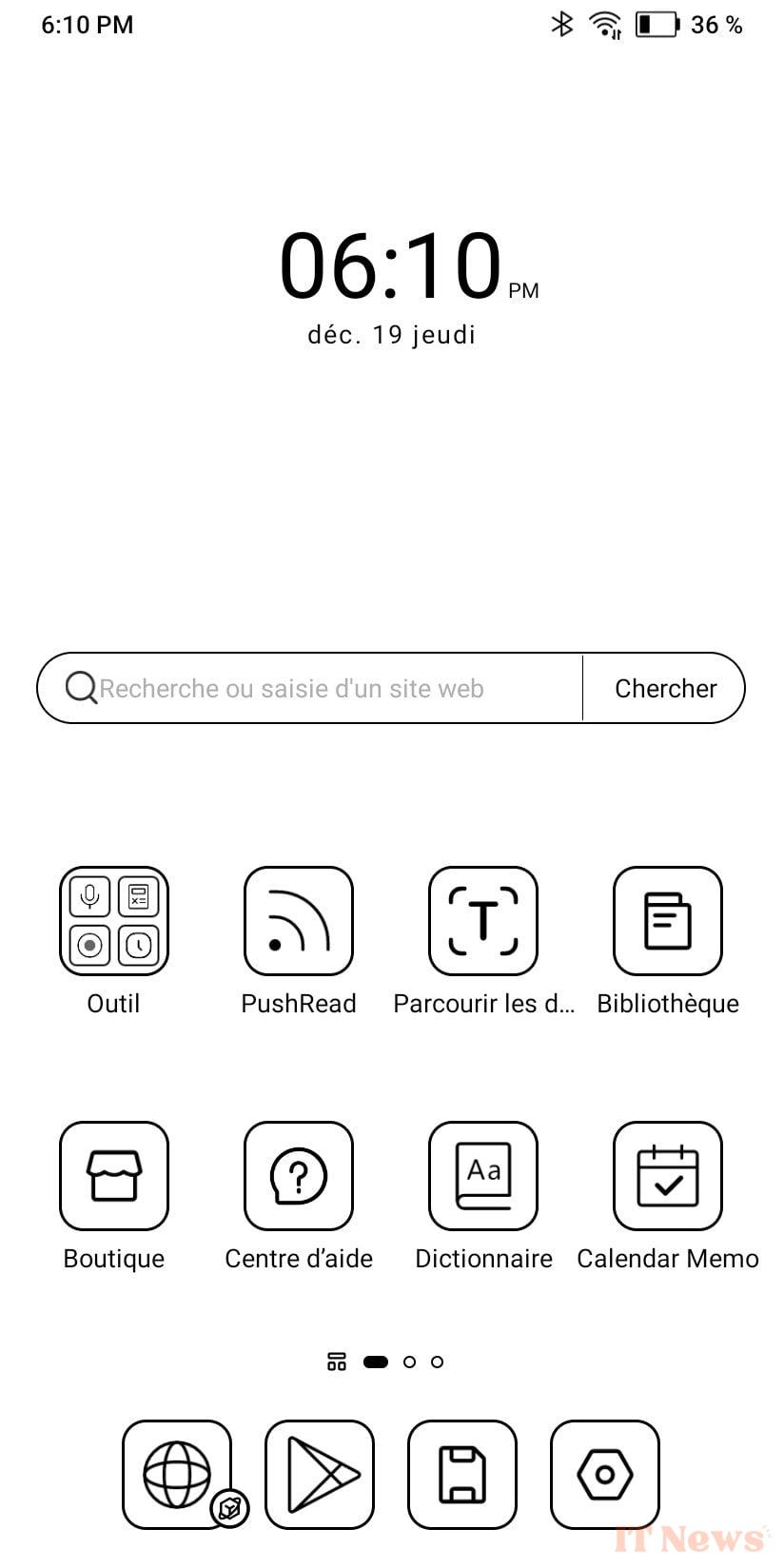
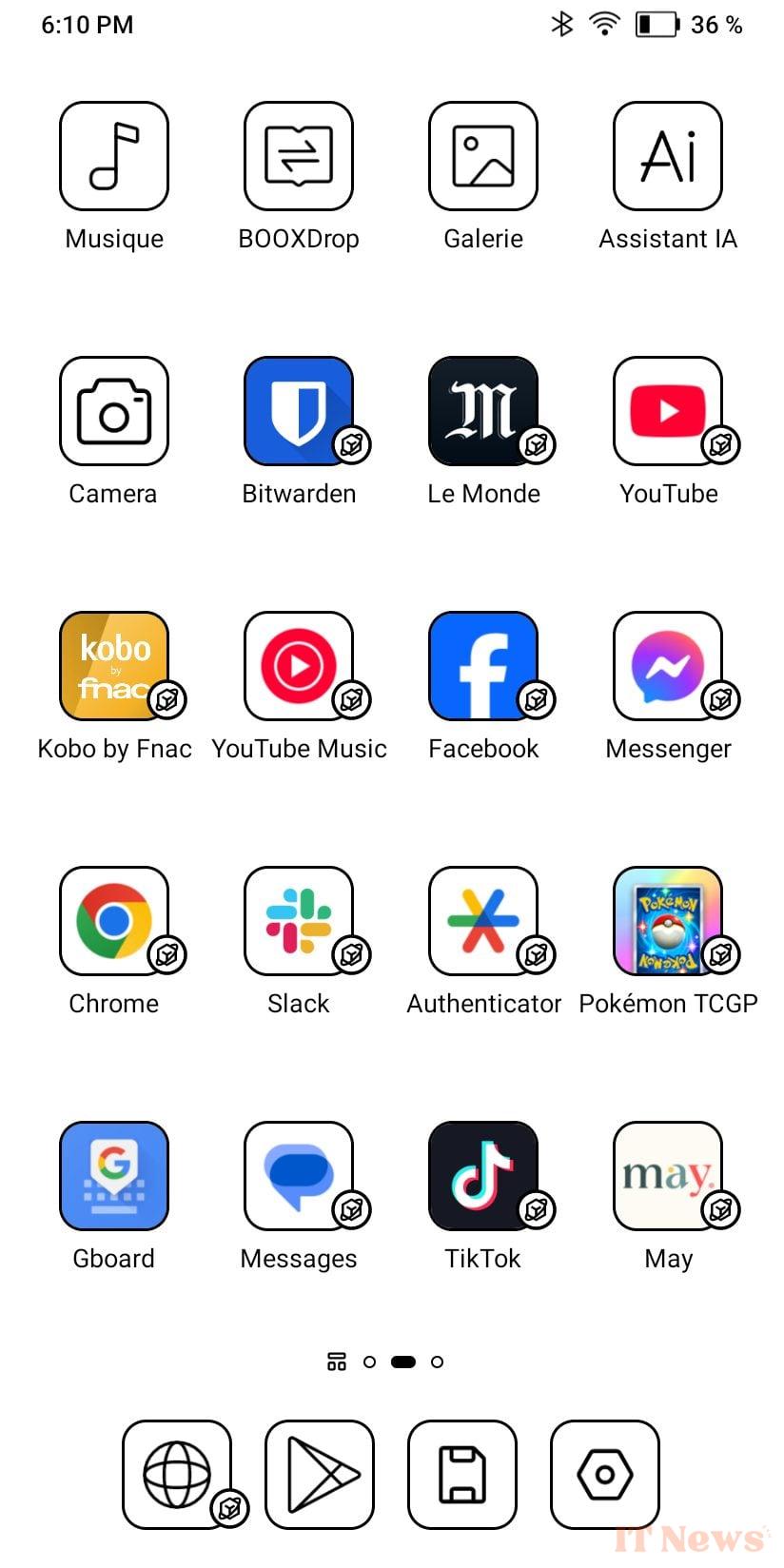
Another drawback is that each time you wake up from standby, the WiFi jumps and therefore takes a few seconds to reactivate. A bit frustrating, especially when you want to turn on your device to perform a quick task.
Speaking of speed, a crucial question that we must answer is that of latency. On this point, in default mode, the device is more lively than a traditional entry-level e-reader, but there is still a certain time between the moment when we ask the machine for an action and the moment when it is executed. On the other hand, by playing with the refresh settings, we manage to have a really low latency. Where the latency is the most annoying is for the use of the keyboard, which sometimes gives the impression of not having pressed the key. A little haptic feedback would probably improve the feedback.
A low-tech product
Throughout this test, we have insisted on the uses of the device, but ultimately quite little on its hardware part. Before closing it and looking at our conclusion, let's take a moment to consider the equipment at our disposal.
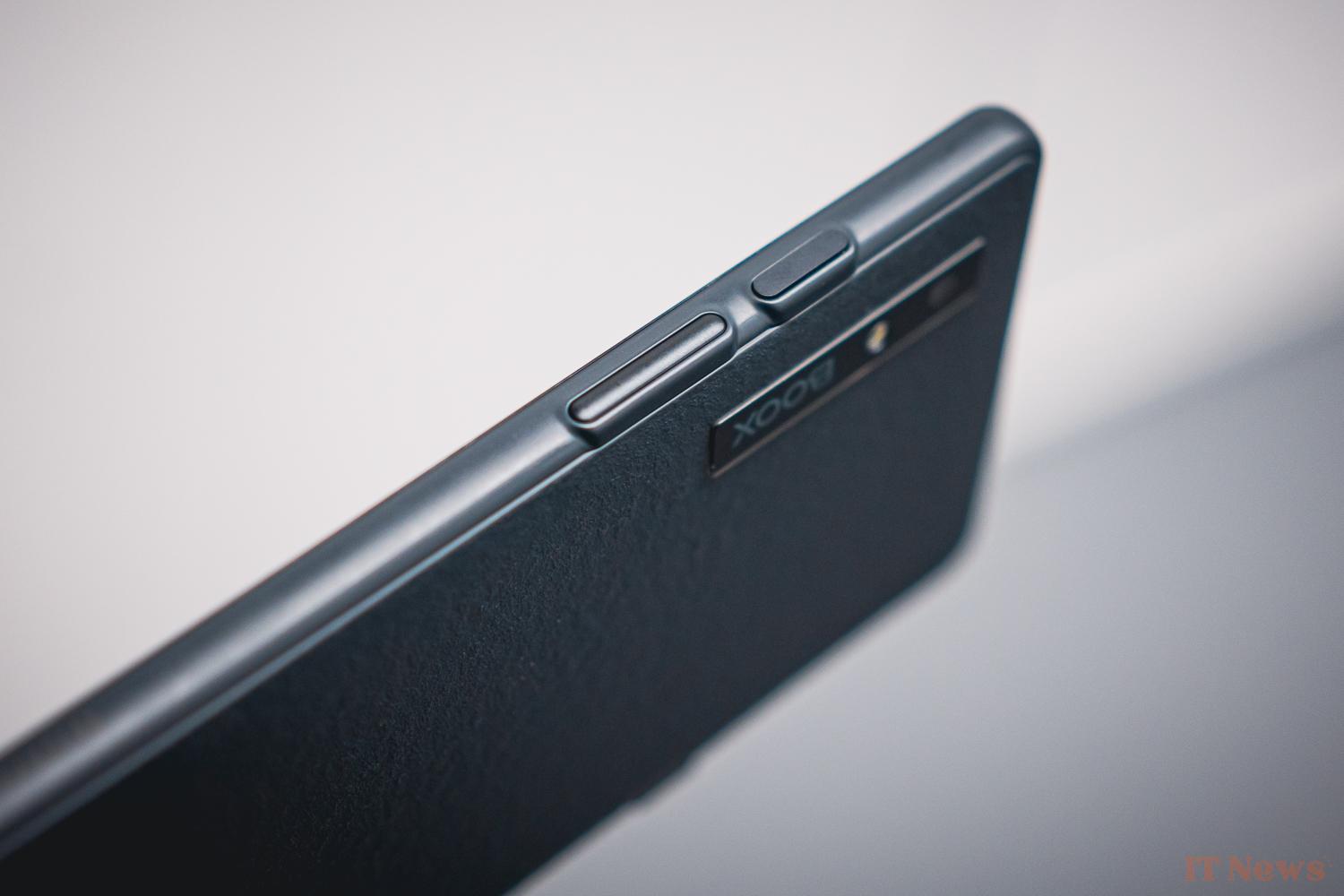
Overall, as you will have understood, the Boox Palma 2 is a resolutely low-tech device and one that assumes it. It still includes a fingerprint sensor on its lock button. Practical for identifying yourself with a password manager for example.
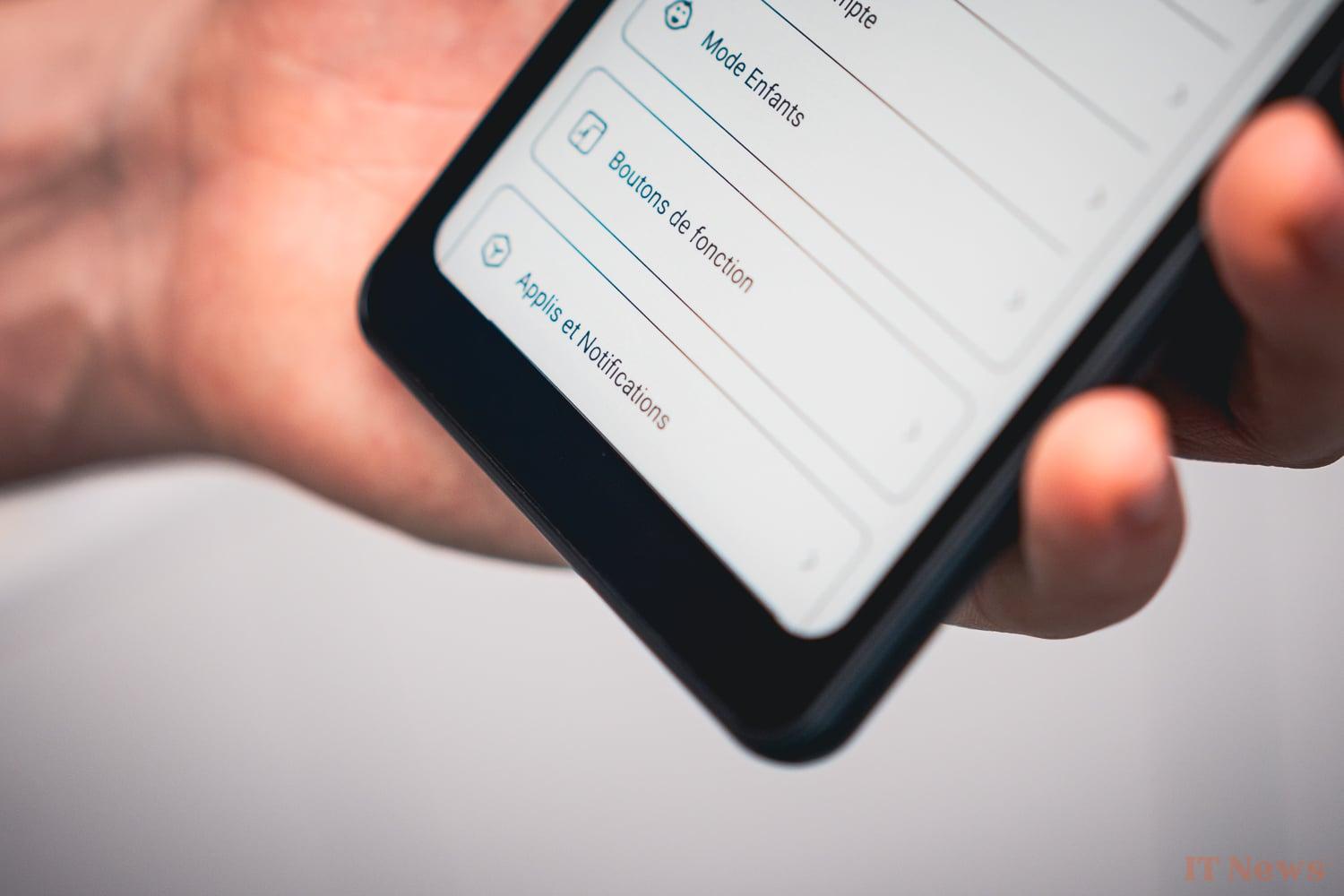
However, we wouldn’t necessarily advise you to install your favorite banking app on this device, which runs on Android 13. This being the latest patch for security date of October 1, 2024 (for a test written in December 2024). It is therefore acceptable from this point of view.
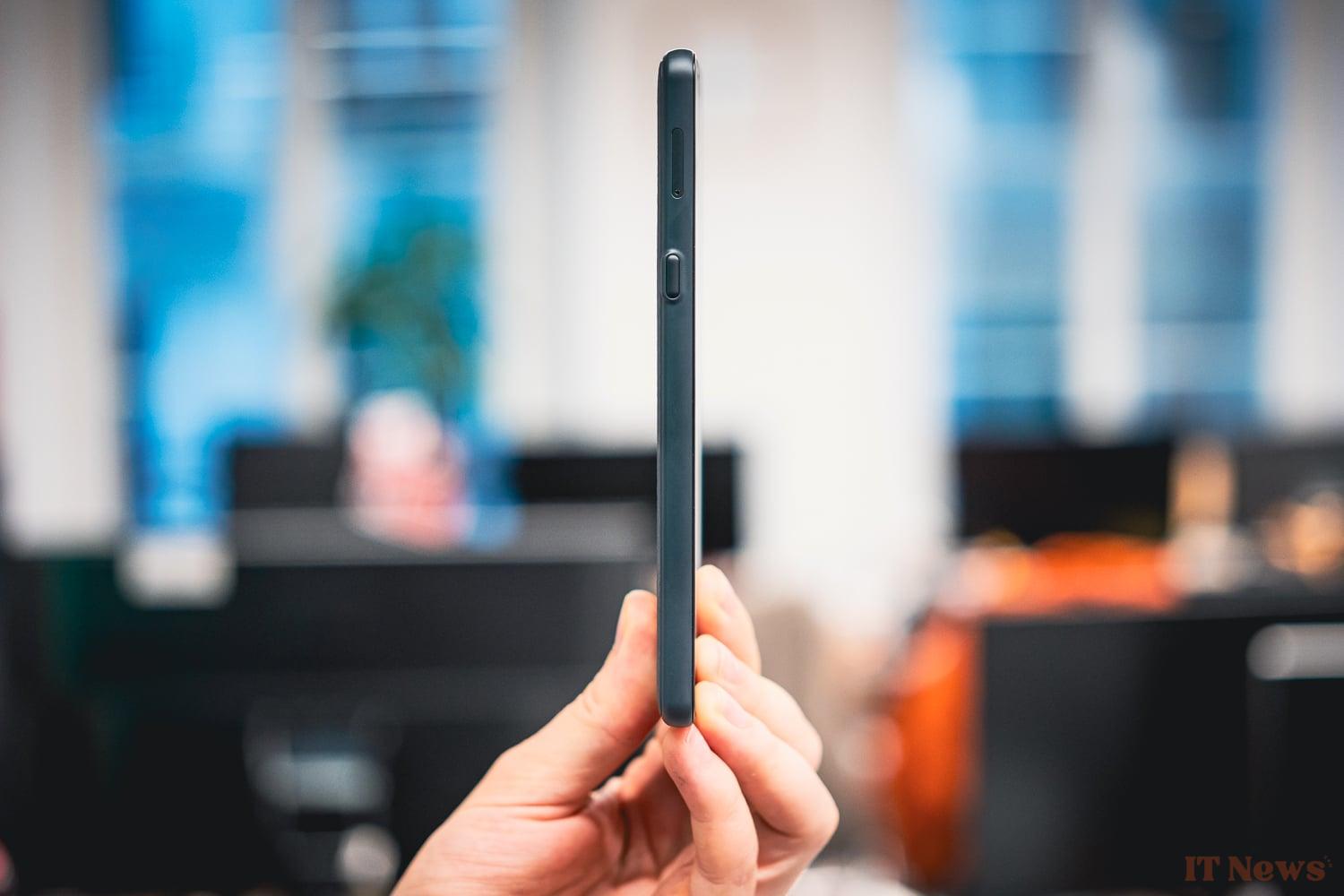
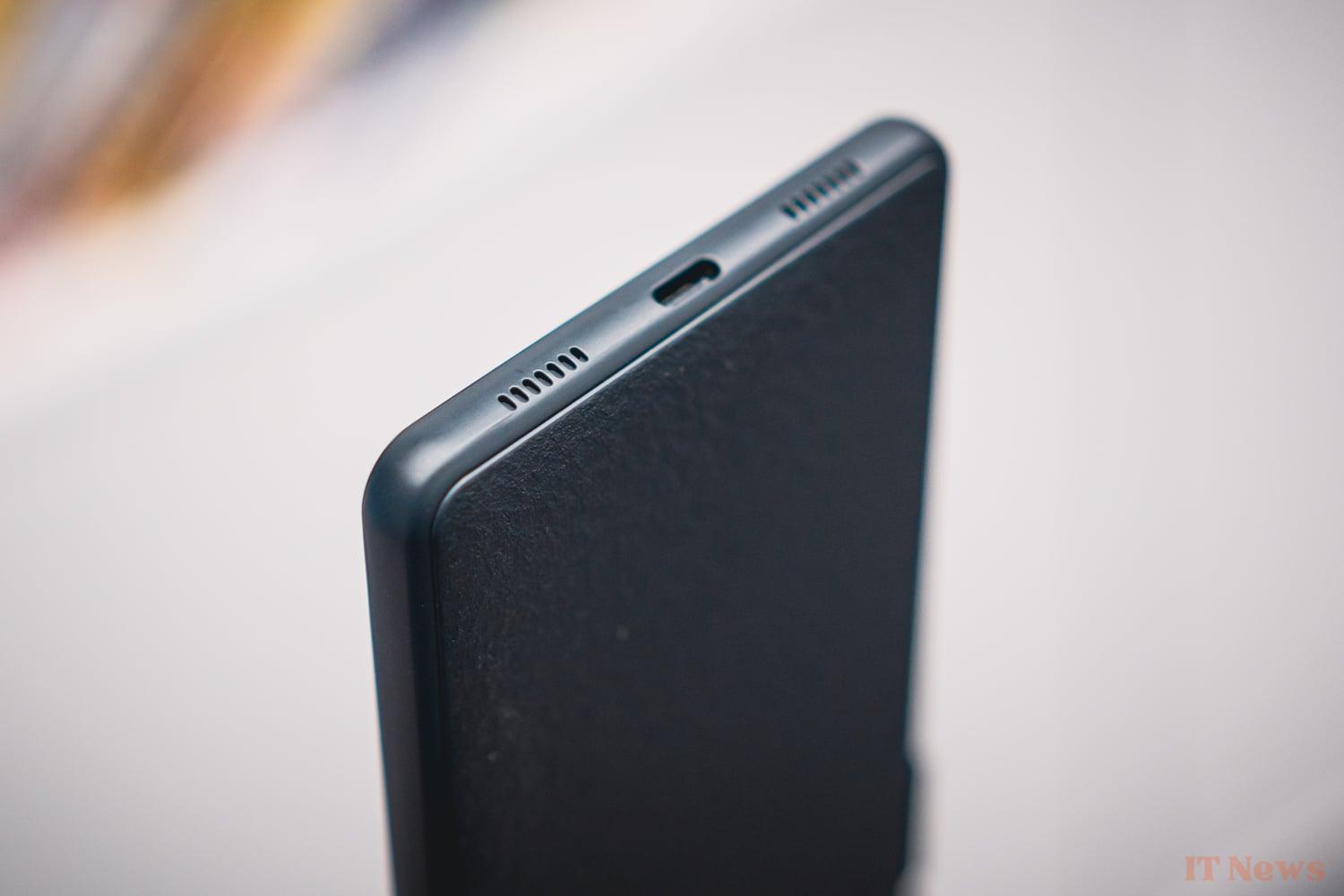
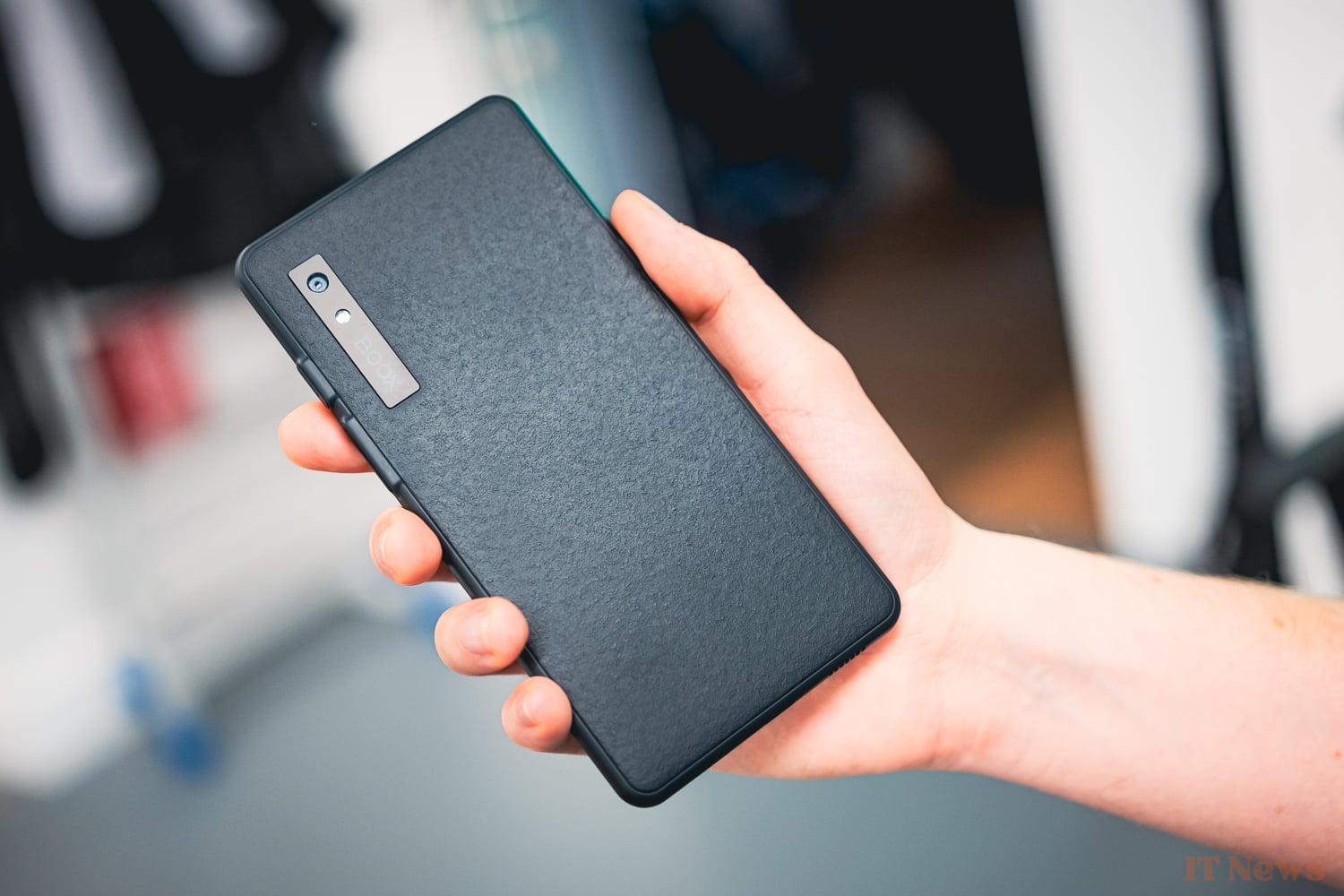
For the rest, the Boox Palma 2 is of a fairly classic, not to say summary, design, in line with what e-readers offer. We have a fairly prominent chin, large borders around the screen, a plastic coating all around, which takes on a rather grainy side on the back. There is also a single and unique photo module, accompanied by a flash, all integrated without makeup in a simple vertical bar bearing the brand name. There is, however, no sensor dedicated to selfies.
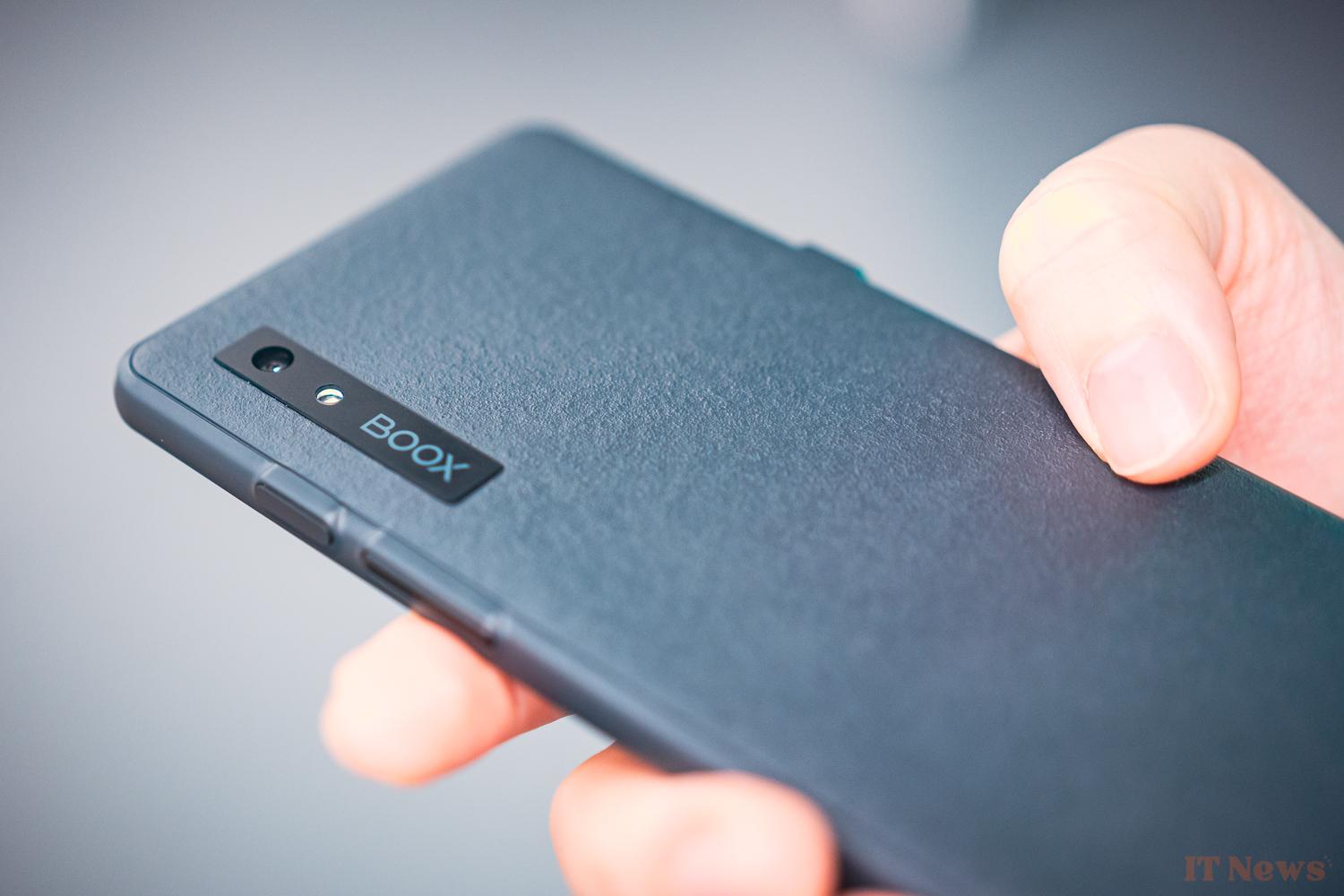
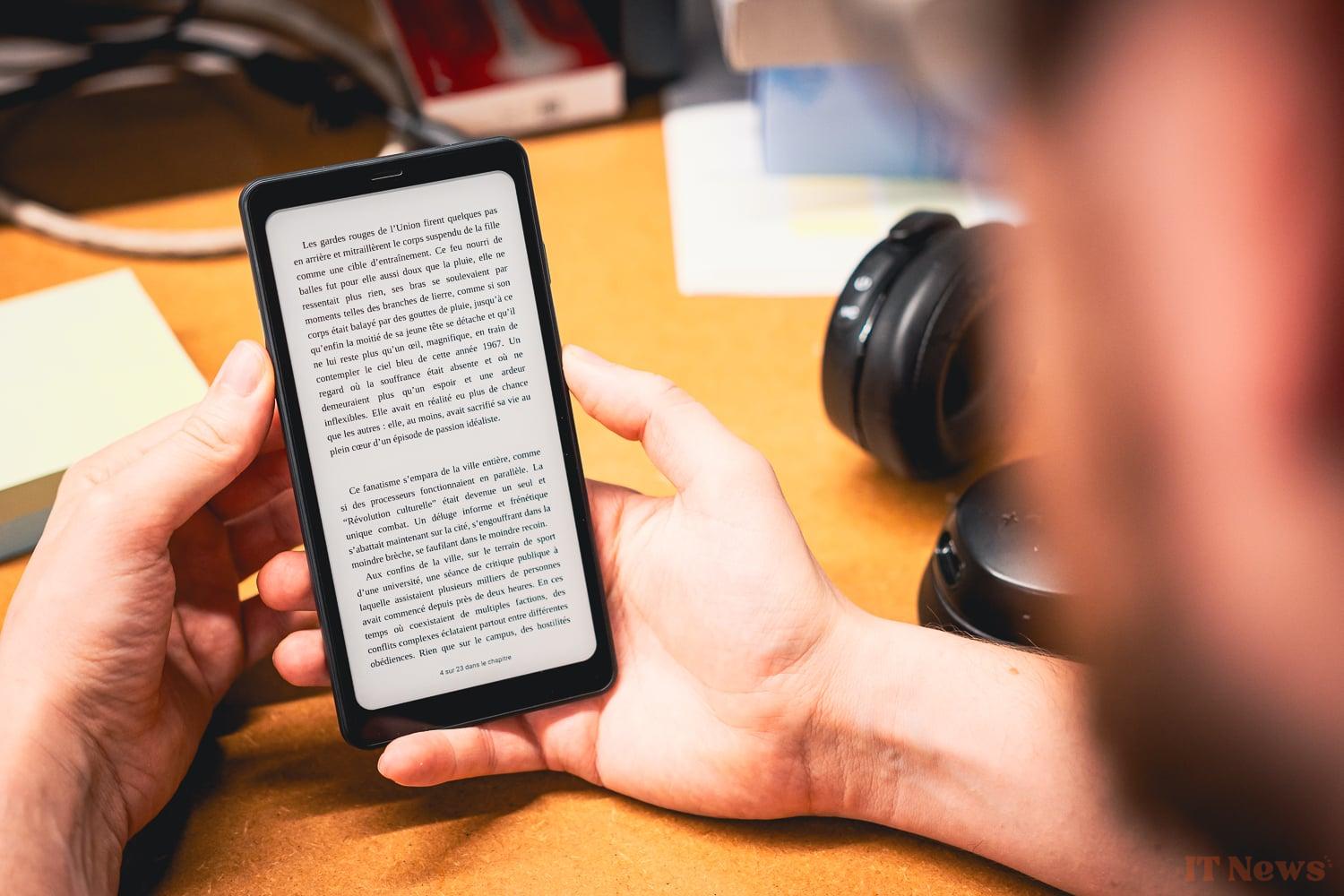
The whole thing is frankly very comfortable for the main use you will make of it, namely for reading. The smartphone format is surprisingly effective since it allows for fairly tight columns, like a newspaper.
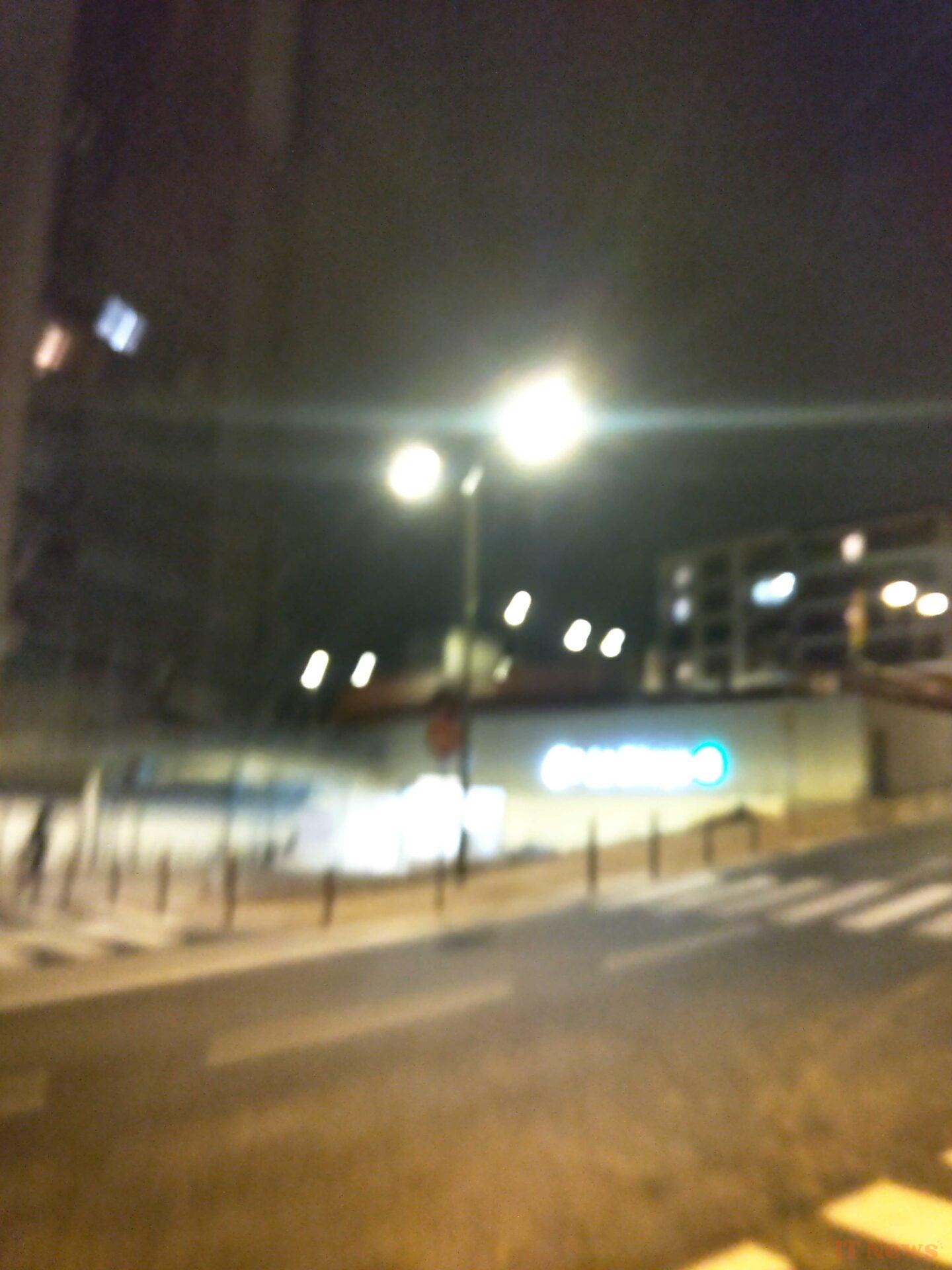


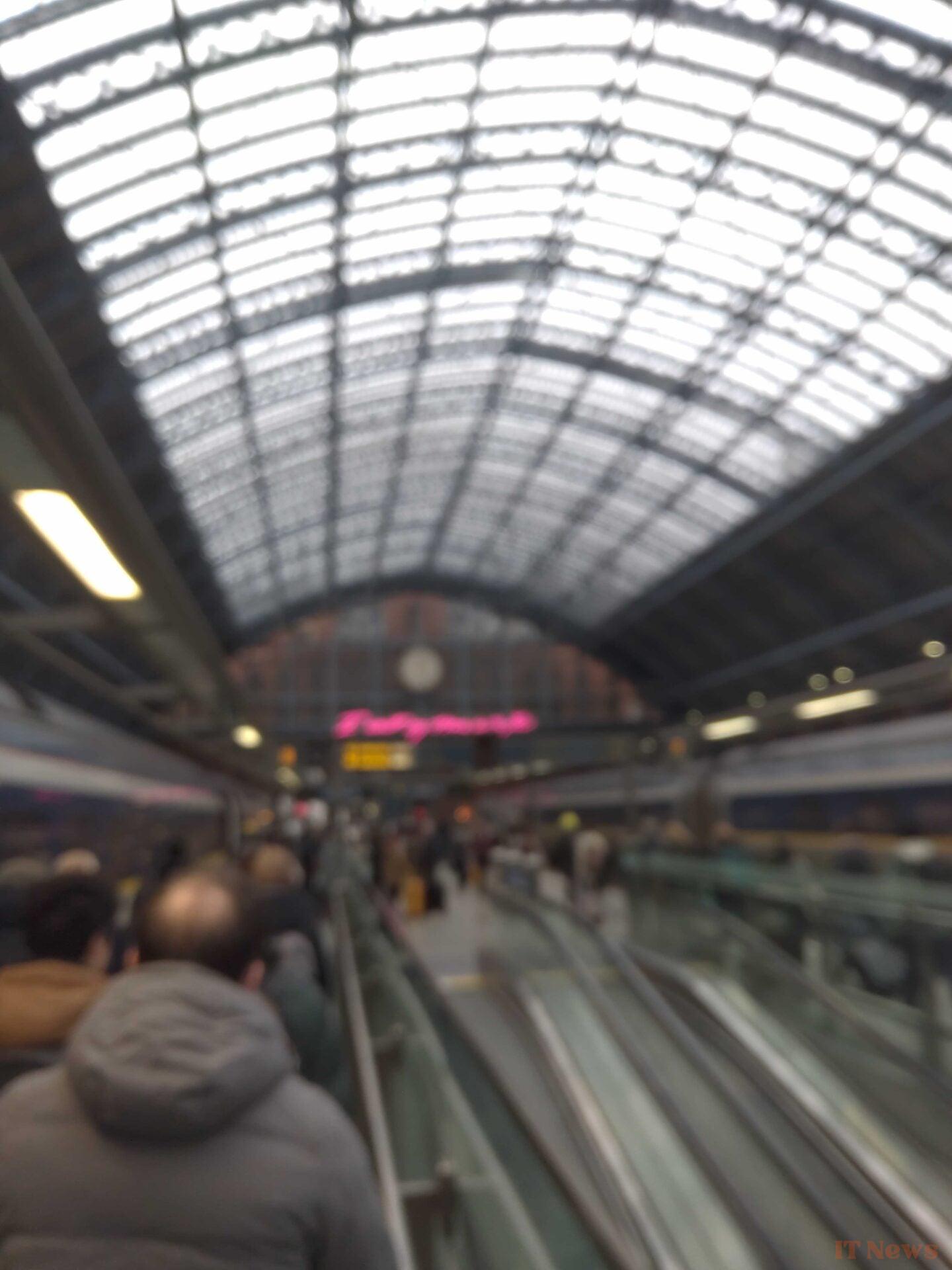
Don't expect miracles in terms of performance or photos, all of this is relatively mediocre. But between us, you probably won't buy this product to play Brawl Star games or take your holiday photos. For your information, you can still find the few photos we took above. There are serious problems with autofocus, dynamics, sharpness. The sound part also leaves something to be desired with a strong tendency to push the treble. In short, you will definitely not buy this device for its audiovisual qualities.


0 Comments