
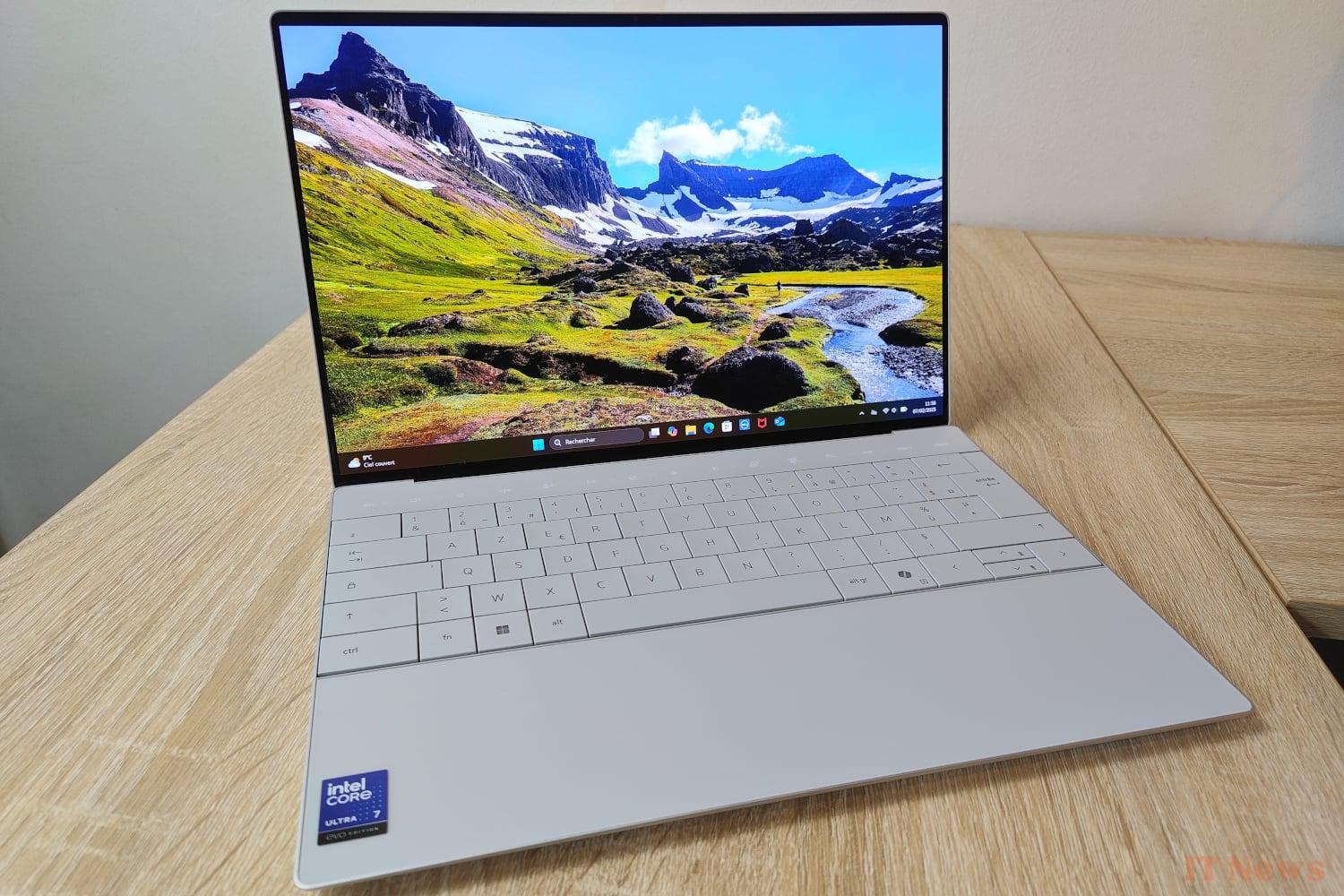
The XPS 13 has been a classic in Dell's catalog for several years, and the manufacturer regularly offers new versions of this compact laptop, combining performance and elegant design. The 9350 model that interests us today is the perfect illustration: its Intel Lunar Lake platform offers on paper enough power to efficiently handle any office task, while its modern and lightweight chassis, designed around its 13.4-inch diagonal screen, will attract the discerning eye of mobile users.
To carry out this Dell XPS 13 (9350) test, the manufacturer entrusted us with a model equipped with an OLED panel and equipped with an Intel Core Ultra 7 258V processor. Dell offers many options when ordering; it is thus possible to customize the processor and RAM, but also the type of screen, the size of the storage medium or even the version of Windows 11. In this case, it is a configuration offered at a little over 2500 euros on the manufacturer's store.
A modern design, all in finesse
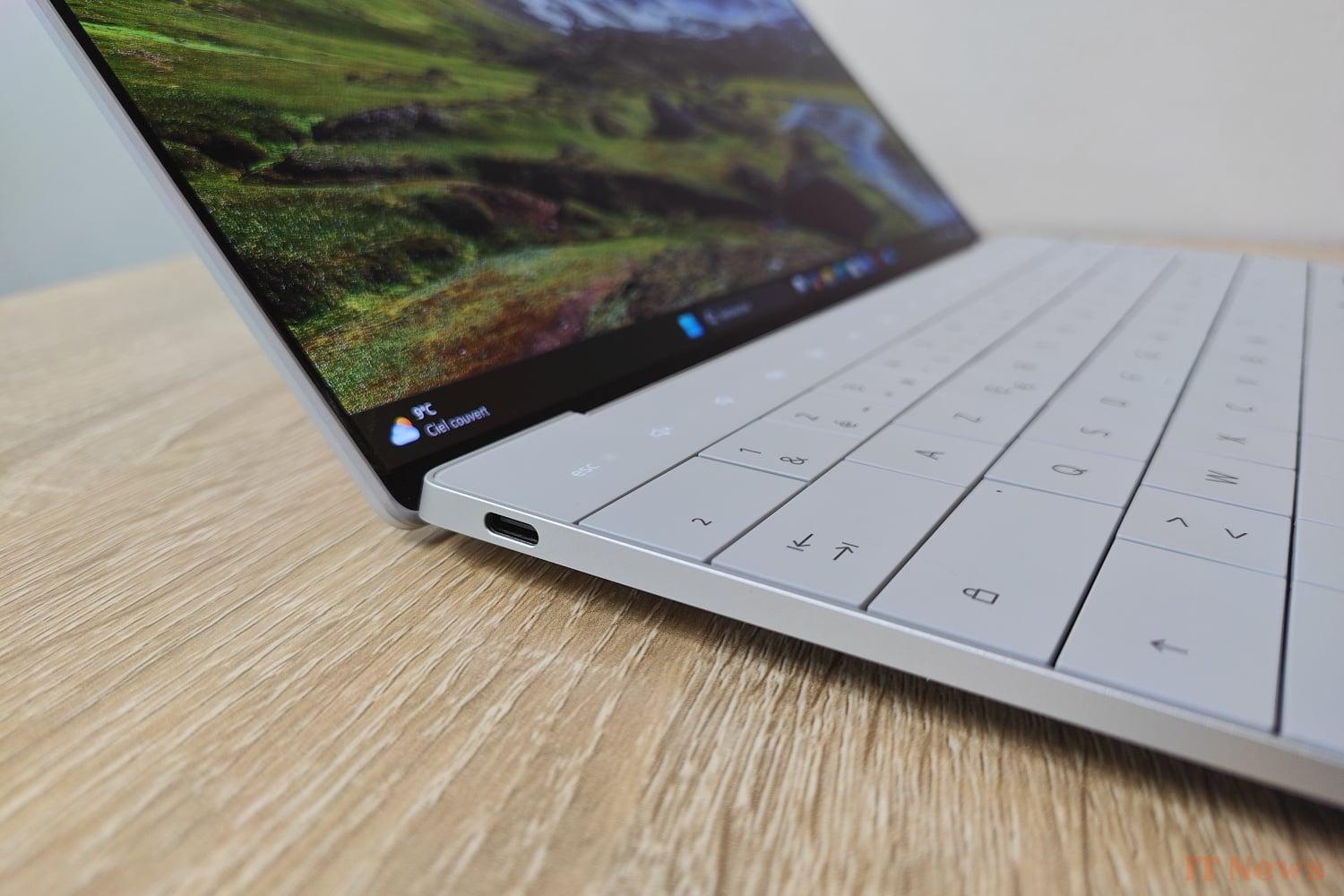
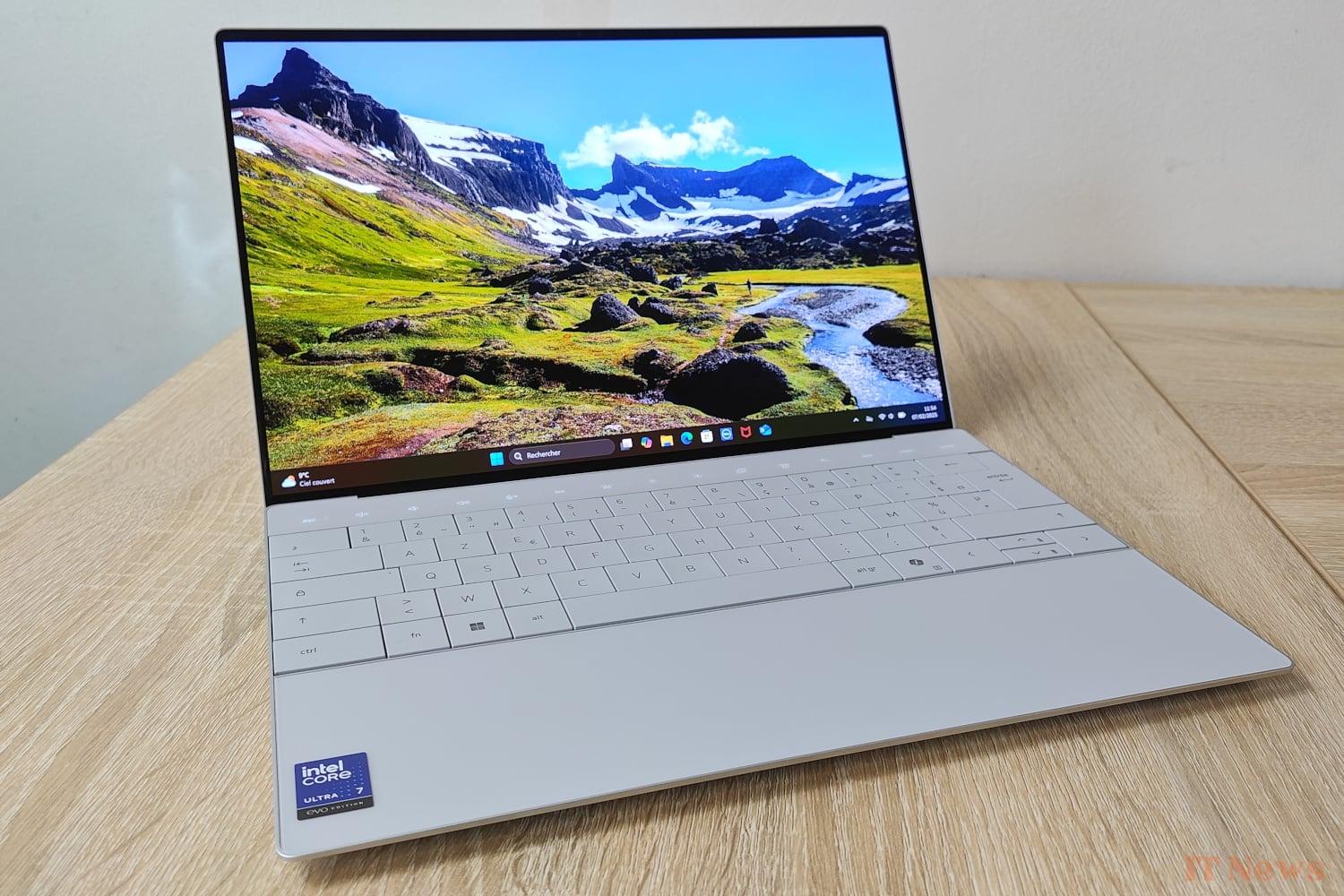
This Dell XPS 13 stands out with its sleek and minimalist design, faithful to the manufacturer's XPS range. The chassis made of aluminum, available in two colors (Graphite or Platinum like our test model), offers a finish that is both elegant and resistant to fingerprints.
The device is particularly thin, with a thickness of only 14.8 mm, and light with barely 1.19 kg on the scale (260 gram power supply not included). Dell has clearly focused on mobility with this laptop, specifically targeting users on the go.
A touch-sensitive OLED screen with resplendent colors
The XPS 13 we got our hands on has an OLED screen (Dell also offers an IPS version), which guarantees deep blacks and vivid colors, with a definition of 2880 x 1800 pixels.
More specifically, Dell uses a Tandem OLED panel on the XPS 13 with two superimposed light-emitting layers, theoretically improving the brightness and lifespan of the screen (each layer emitting less light) while reducing the risk of burn-in. The manufacturer also highlights its InfinityEdge technology, offering very thin borders that maximize the display surface while integrating perfectly with the ultra-thin and compact design.
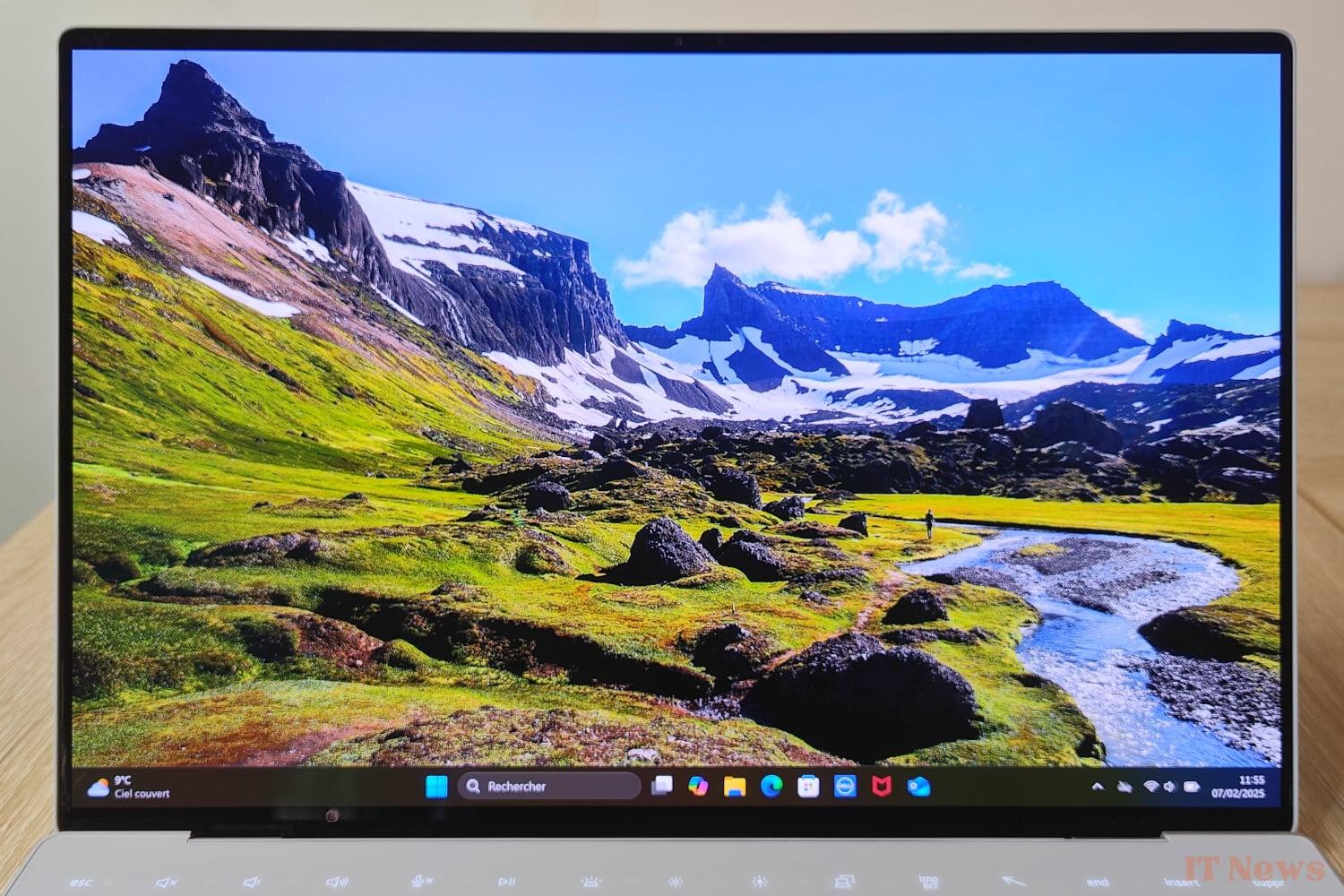
Manufactured by LG Philips and protected by Gorilla Glass 3, the glossy touchscreen of this XPS 13 benefits from an anti-reflective treatment and benefits from a fixed refresh rate of 60 Hz, HDR Dolby Vision compatibility and Eyesafe certification supposed to reduce eye fatigue. The maximum brightness reaches 483 cd/m² according to our measurements, for a virtually infinite contrast ratio, OLED panel obliges. The XPS 13 can therefore be used in any lighting conditions, indoors and outdoors, helped by the effectiveness of the anti-reflective treatment.
Many color profiles are provided by Dell, which will delight content creators looking for the most faithful colors possible. The average DeltaE is 3.7 with the default sRGB profile, but it can go down to 2.95 by selecting one of the available DCI-P3 profiles. Remember that below 3, it is generally accepted that the human eye no longer sees the difference.
A keyboard and a touchpad that are difficult to master
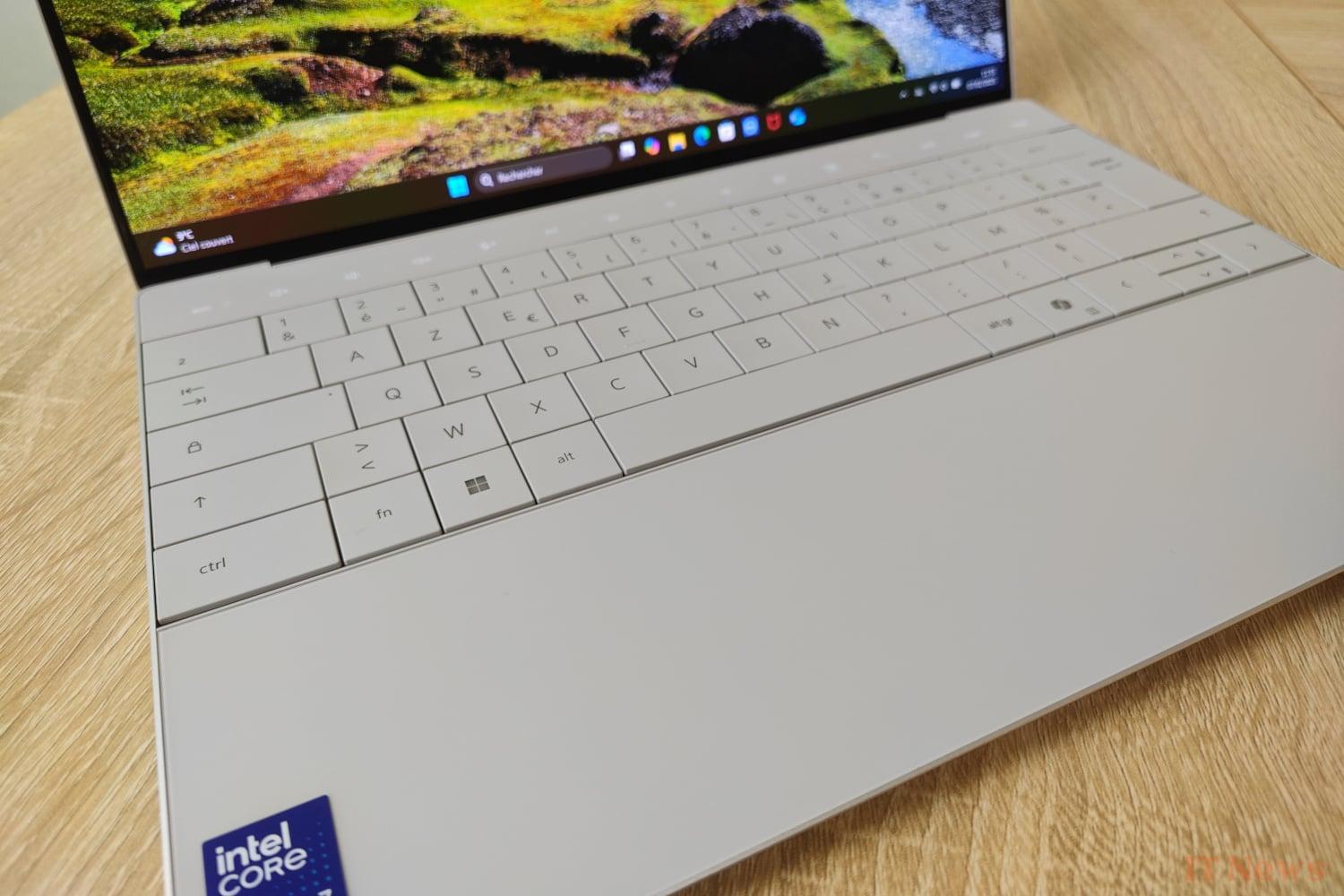
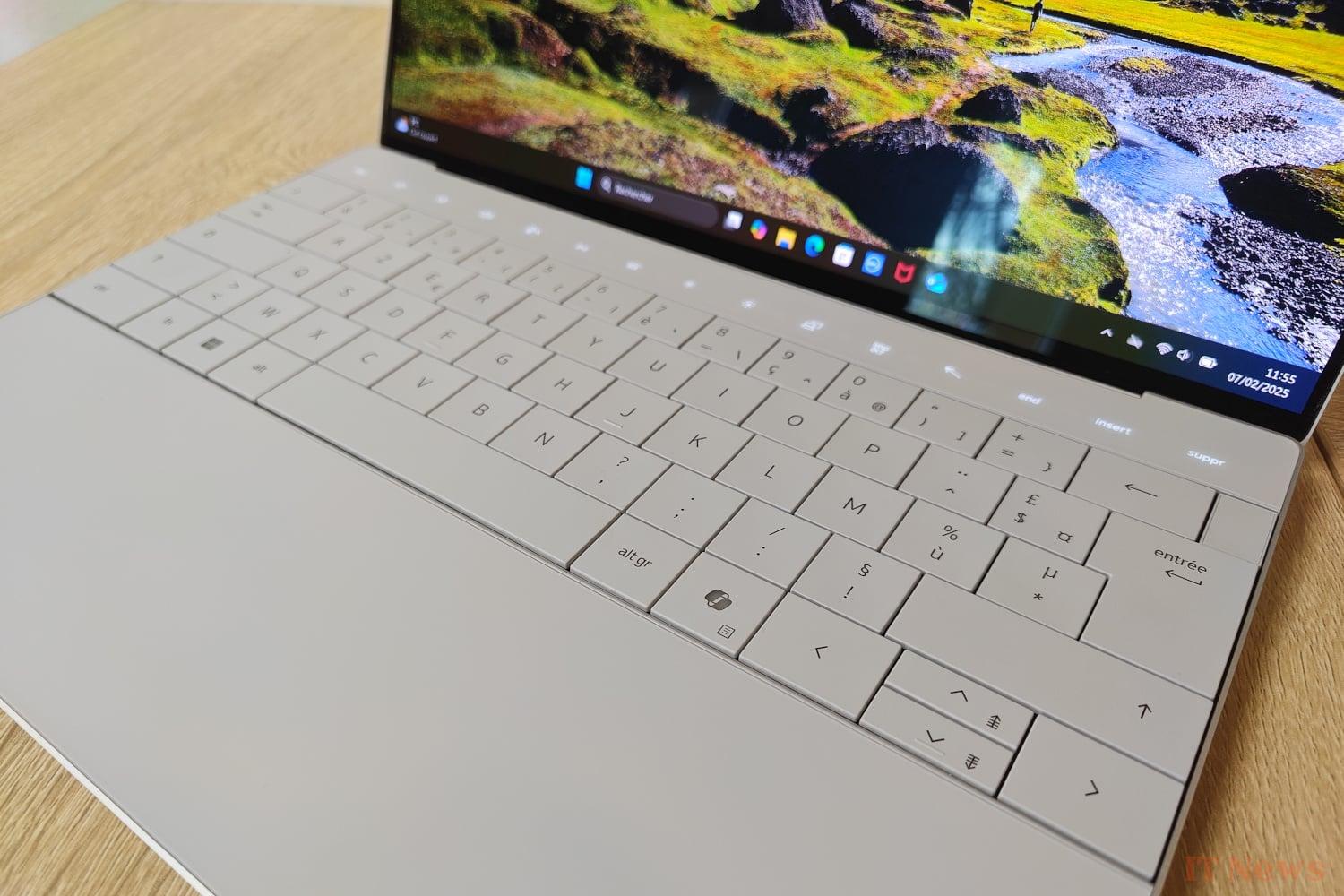
The keyboard of this Dell XPS 13 uses rather large keys, with a travel of 1 mm. While the typing sensation is, in our opinion, generally pleasant, the lack of space between the keys may make typing less natural for some users who will have difficulty maintaining their usual typing speed. The row of functional keys (F1-F12) is replaced by a capacitive strip which, although elegant, lacks tactile feedback. Less intuitive, these keys can be difficult to use, especially the escape and delete keys.
Invisible and therefore perfectly integrated into the modern design of the laptop, the haptic touchpad offers comfortable left and right clicks. The absence of a physical border, however, makes its exact location rather random; sthe lack of visual delimitation can sometimes be a little disconcerting.
Connectivity: only the essential
The Dell XPS 13 features two USB-C ports with Thunderbolt 4 and Power Delivery support that also support ultraportable power delivery and DisplayPort 2.1 displays. No USB Type-A port here: Dell does include an adapter in a bundle with its XPS 13, but the integration of at least one such port on the chassis would have been welcome.
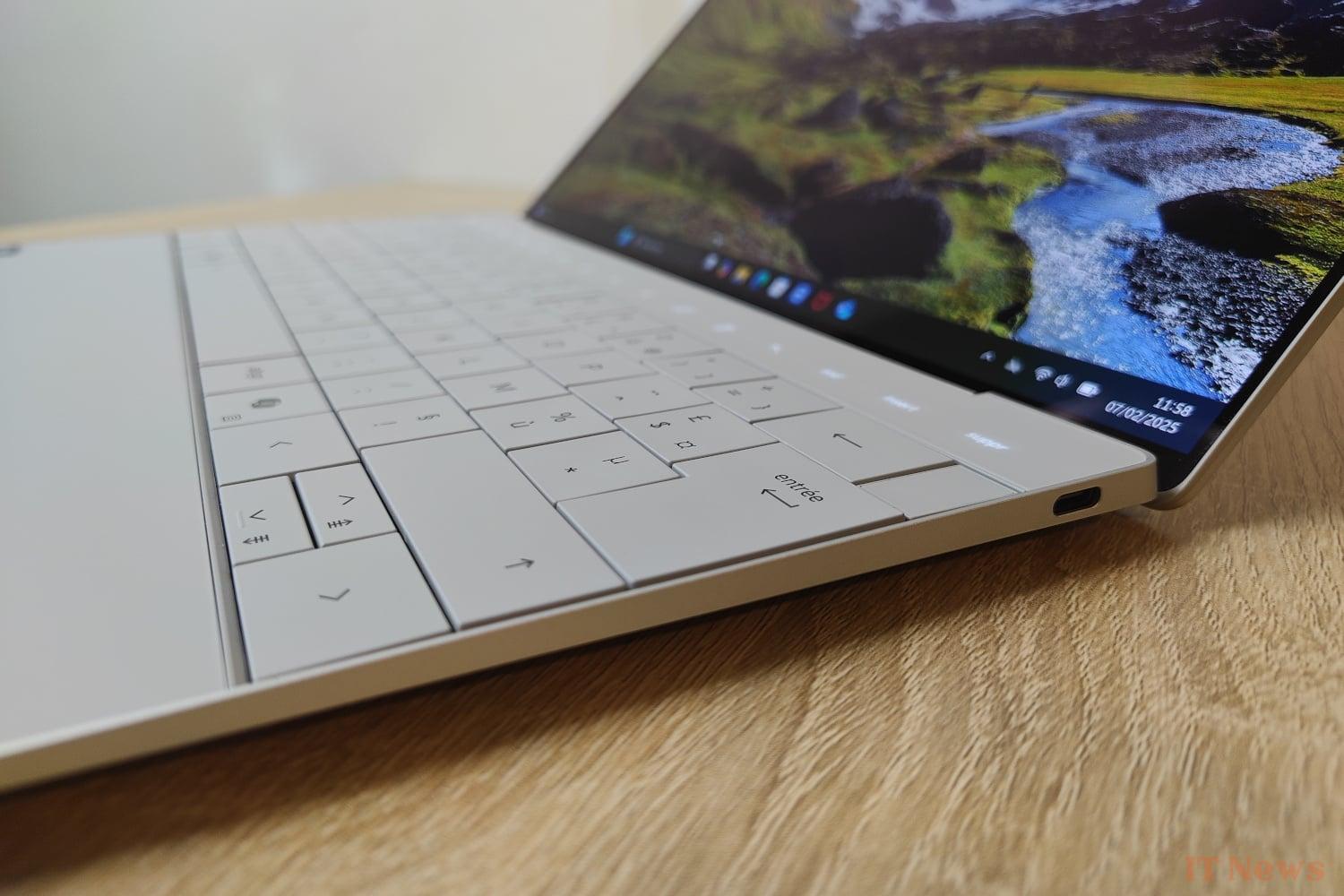
The absence of a memory card reader and a The audio input/output is also unfortunate, forcing the user to use Bluetooth headphones or a USB-C adapter to connect their headset. No surprises on the connectivity side: the XPS 13 offers the best on the market today, namely WiFi 7 and Bluetooth 5.4.
A decent audio system, a very average webcam
The Dell XPS 13 produces clear and rich sound, thanks to a combination of four 2-watt speakers each, fired upwards and downwards, controlled by a Realtek ALC1318 chip. At high volume, however, the sound may suffer from distortion, with a metallic sound. The audio quality is still generally good for a laptop of this size, although it obviously doesn't reach the level of some larger laptops or external speakers.
In addition to an infrared sensor used for Windows facial recognition Hello and running at 15 FPS with a definition of 360p, this XPS 13 is equipped with a classic Full HD webcam capturing at 30 FPS. If the quality is decent in good lighting conditions, it will quickly show its limits in low light with a slight tendency to blur the subject.
XPS 13: an internal design that limits upgradability
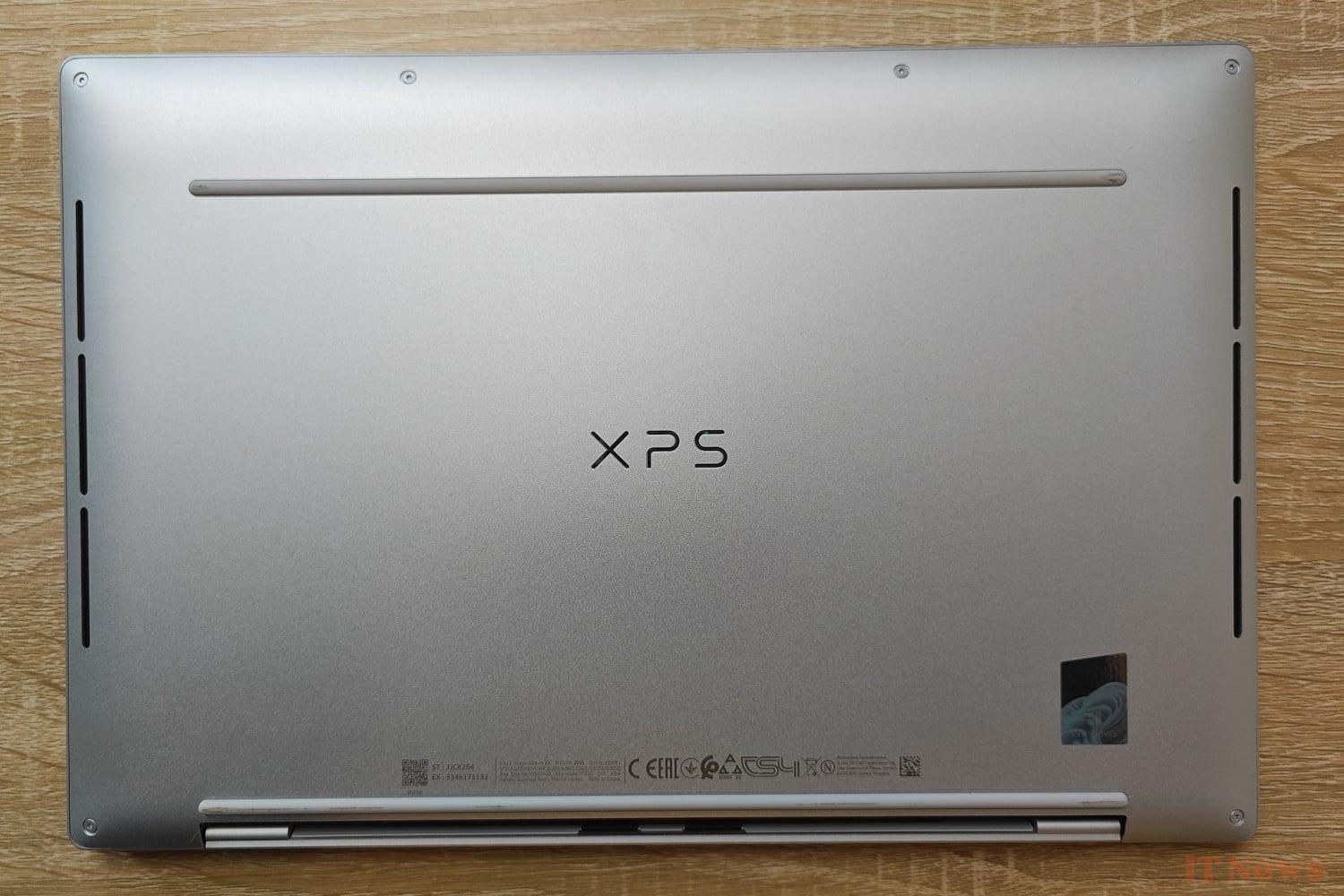
Access to the internal components of the XPS 13 is possible by removing the base of the chassis, but only the battery and the SSD are replaceable. The RAM is directly integrated into the Intel processor support, effectively prohibiting any possibility of upgrade. This design choice helps reduce the size and weight of the device, at the expense of scalability. Therefore, be careful to choose the right RAM capacity when ordering.
Our performance measurements of the Dell XPS 13 Intel
The powerful configuration on board this Dell XPS 13, including an 8-core Core Ultra 7 258V processor (four Performance and four Low Power Efficient), 32 GB of LPDDR5x-8333 memory and a 1 TB M.2 NVMe SSD, suggests high-flying office performance.
Synthetic tests place this XPS 13 at the top of the basket of similar configurations, with however an Arc graphics part slightly behind compared to the iGP of a competing Ryzen AI 9 HX370. With an identical platform, the design of Dell's ultraportable nevertheless shows its superiority, as long as we do not push the processor to its thermal limits.
Even though the XPS 13 isn't primarily designed for gaming, it's fair to say that the integrated Arc graphics engine is sufficient to play a few titles decently, as long as the graphics details remain reasonable.
Finally, there is nothing to criticize about the integrated M.2 SSD: no noticeable slowdown is to be noted in normal use, even with several programs open in a simultaneous.
Enough autonomy to work all day
Recharged with a 60-watt power adapter, the XPS 13’s three-cell, 55 Wh battery lasted 10 hours and 19 minutes (from 100% to 10%) in our new mixed test protocol (see box below), and it took a total of 11 hours and 12 minutes to fully discharge. Suffice to say, this ultraportable delivers on its battery life promises.
Nuisances bruits, température et consommation
Completely silent at rest with its fans off, the XPS 13 (9350) will remain respectful of your ears while working, even with the default settings of the cooling system, with maximum noise pollution measured at 34.6 dB(A). This is a bit higher than a Yoga Slim 7i Aura Edition, but this value remains quite reasonable in absolute terms.
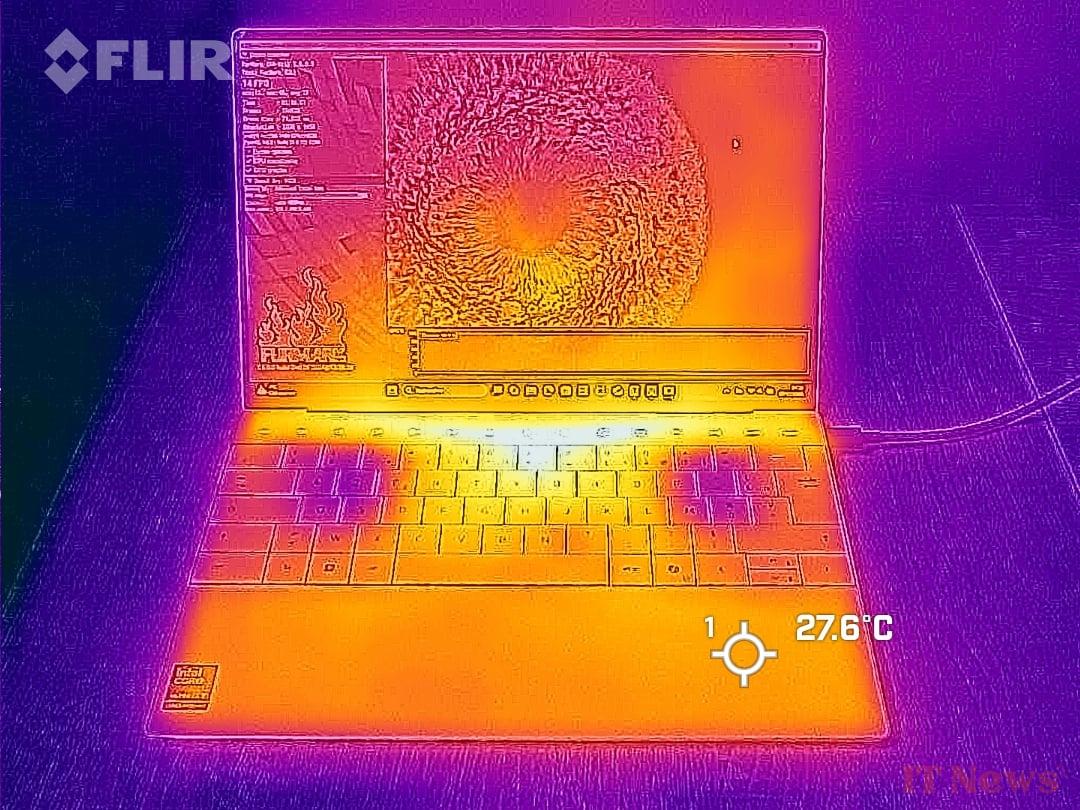
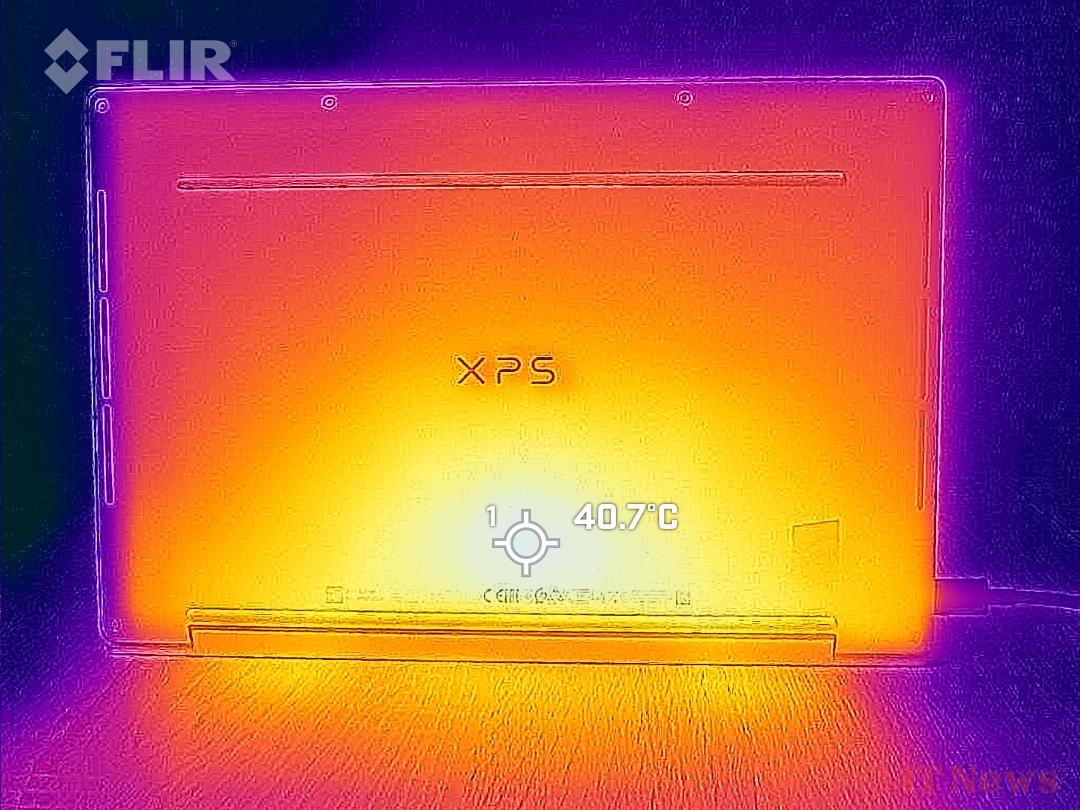
Consumption at rest is 7 watts with the brightness of the OLED screen pushed to the maximum; it can climb up to 63 watts under full load. The efficient cooling system manages to contain the heat at reasonable levels: the temperature does not exceed 28°C under load at the palms of the hands, while the rear shell barely exceeds 40°C at the hottest point after 30 minutes of intensive work.


0 Comments