
Updated 01/16/2025
After a Tech Community post stated that the upgrade to Windows 11 would remain free for a limited time, which made many people jump, Microsoft has clarified things. It seems that the author of the post got a little confused. A Microsoft spokesperson apparently told our colleagues at PC World that this was an error.
The original post, which has now disappeared from the Tech Community section of Microsoft's website, will likely be re-uploaded later after some corrections.
Original article published on 01/15/2025
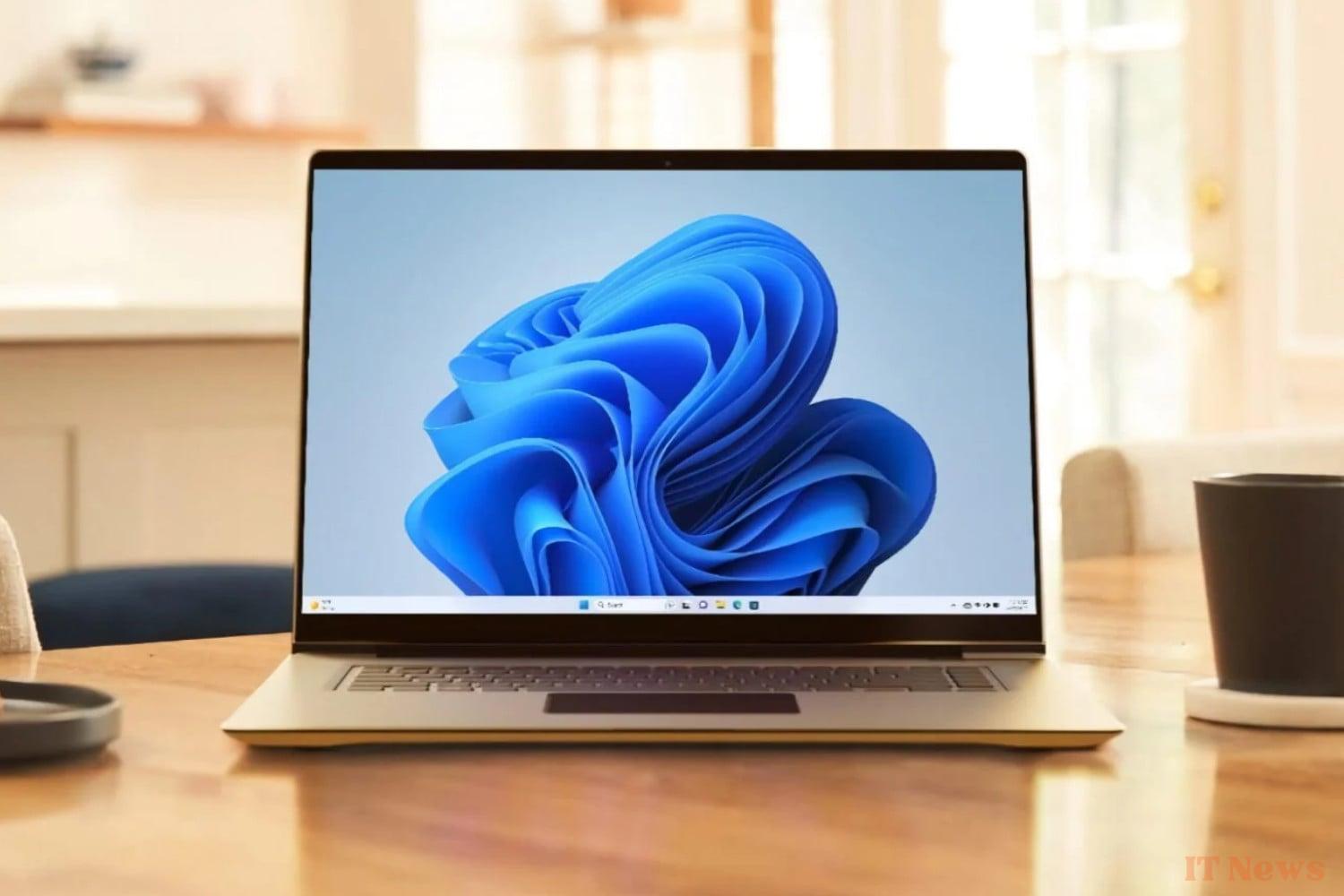
October 14, the date of the end of Windows support 10, users of this operating system will have to make a decision to continue using their PC safely. And they will have several options: buy a new PC (this is what Microsoft recommends), pay for an additional year of support, or upgrade to Windows 11, provided that the configuration of their machine allows it.
But the free upgrade, which is still valid for now, will not last forever, Microsoft announces.
Hurry up and migrate to Windows 11 or Microsoft 365 will no longer work
On its website, Microsoft has just published a warning for all users still on Windows 10: you can migrate to Windows 11 for free, but for a limited time only. At least, theoretically. Because everyone remembers that when moving from Windows 7 to Windows 10, Microsoft left the floodgates of free migration open for several years.
If your PC meets the minimum configuration required to install Windows 11, you will have no problem. Be careful, however, if you use S mode in Windows 10, you will first have to deactivate it to be able to initiate the migration.
Because in addition to the security problems that the end of support for Windows 10 could cause, Microsoft reminds us that it will also sign the end of support for Microsoft 365 applications on this OS. Even if you have paid for your subscription, you will have no choice but to upgrade to Windows 11 if you wish to continue using them. And this is even if you have decided to pay for an additional year of updates for Windows 10.
The Redmond firm finally recalls the procedure for upgrading to Windows 11. To do this, simply access Settings, then in the security and privacy menu, access Windows Update. You will then be able to download and install the update to Windows 11. Your PC will restart once the process is complete.
2025, the year of Windows 11 (or not)
A few days ago, at the opening of CES in Las Vegas, Microsoft announced its intention to make 2025 "the year of the renewal of PCs under Windows 11". And for good reason, the end of support for Windows 10 could lead to no less than 240 million PCs being sent to the landfill. A godsend that Microsoft does not intend to let pass.
But the American company that has been harping on about changing PCs for several months risks alienating many users. Those concerned are very upset about having to change hardware to continue using Windows safely, while their machine still works perfectly. However, these users can rest assured, because before having to pay for a new PC, they can always try to install Windows 11 on their non-compatible PC.
But here again, Microsoft is making a big eye and warning: those who risk it will do so at their own risk and will have to rely only on themselves in the event of a problem. And to finally dissuade you from doing so, the firm has indicated that it will display a magnificent watermark on your desktop.
Enough to spark interest in an alternative solution like Linux. There are many distributions, the installation of the OS has been greatly simplified, as has the installation of applications which can now be done from dedicated "app stores".
Source: Microsoft


0 Comments