
Google continues to improve the user experience on Gboard with a focus on voice typing. A new beta version of the keyboard introduces a redesigned interface. Now, a dedicated toolbar allows for faster access to voice commands and manage the keyboard display. Here’s a look at the changes that come with this new interface.
A dedicated toolbar for Gboard voice typing
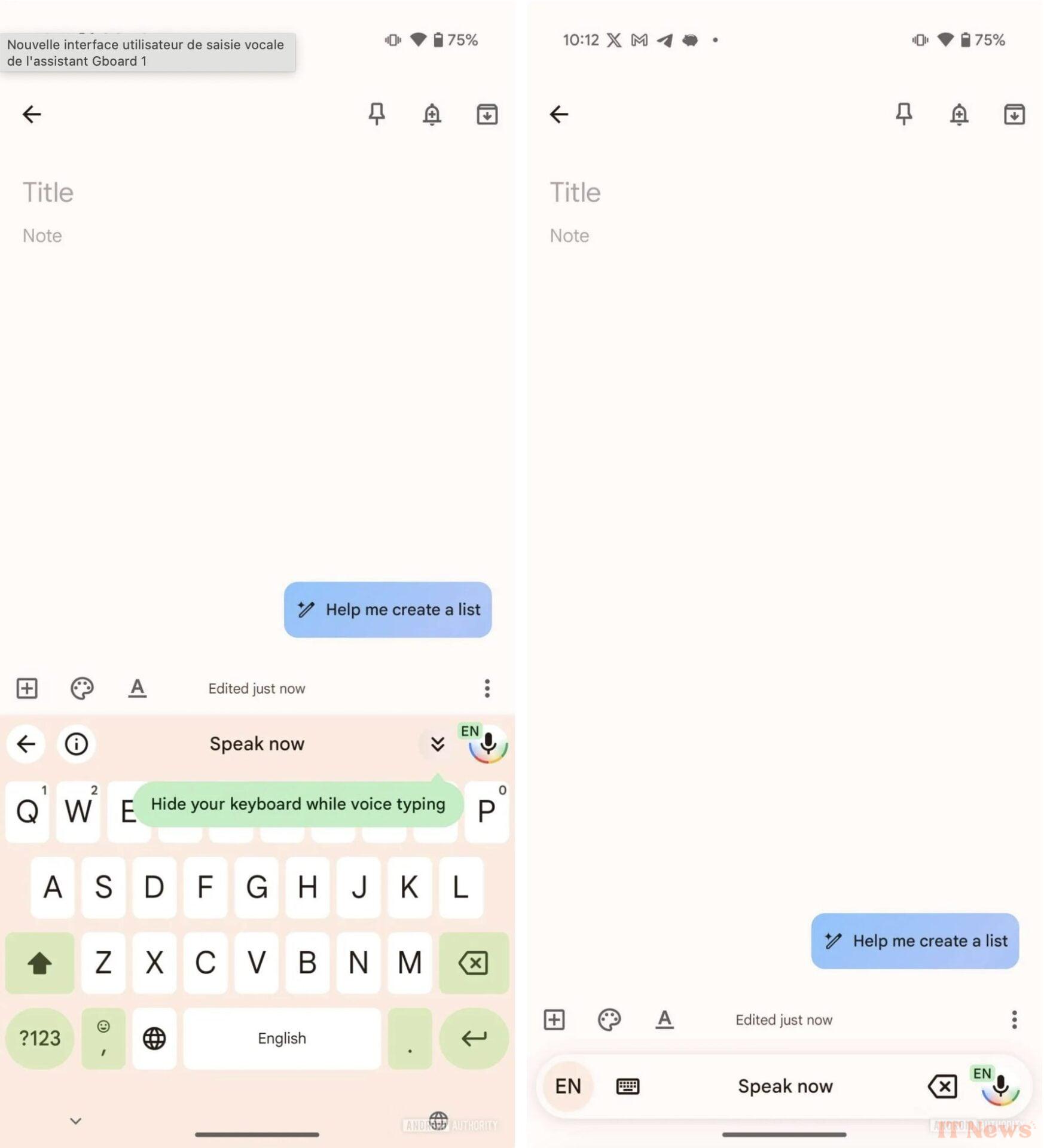
With version 15.0.03.717871796 of Gboard, Google introduces a toolbar dedicated to voice typing. Located above the keyboard, it displays a Google-branded microphone button, allowing you to quickly activate or deactivate voice dictation. There are also shortcuts to hide the keyboard, return to the previous screen, and access supported voice commands.
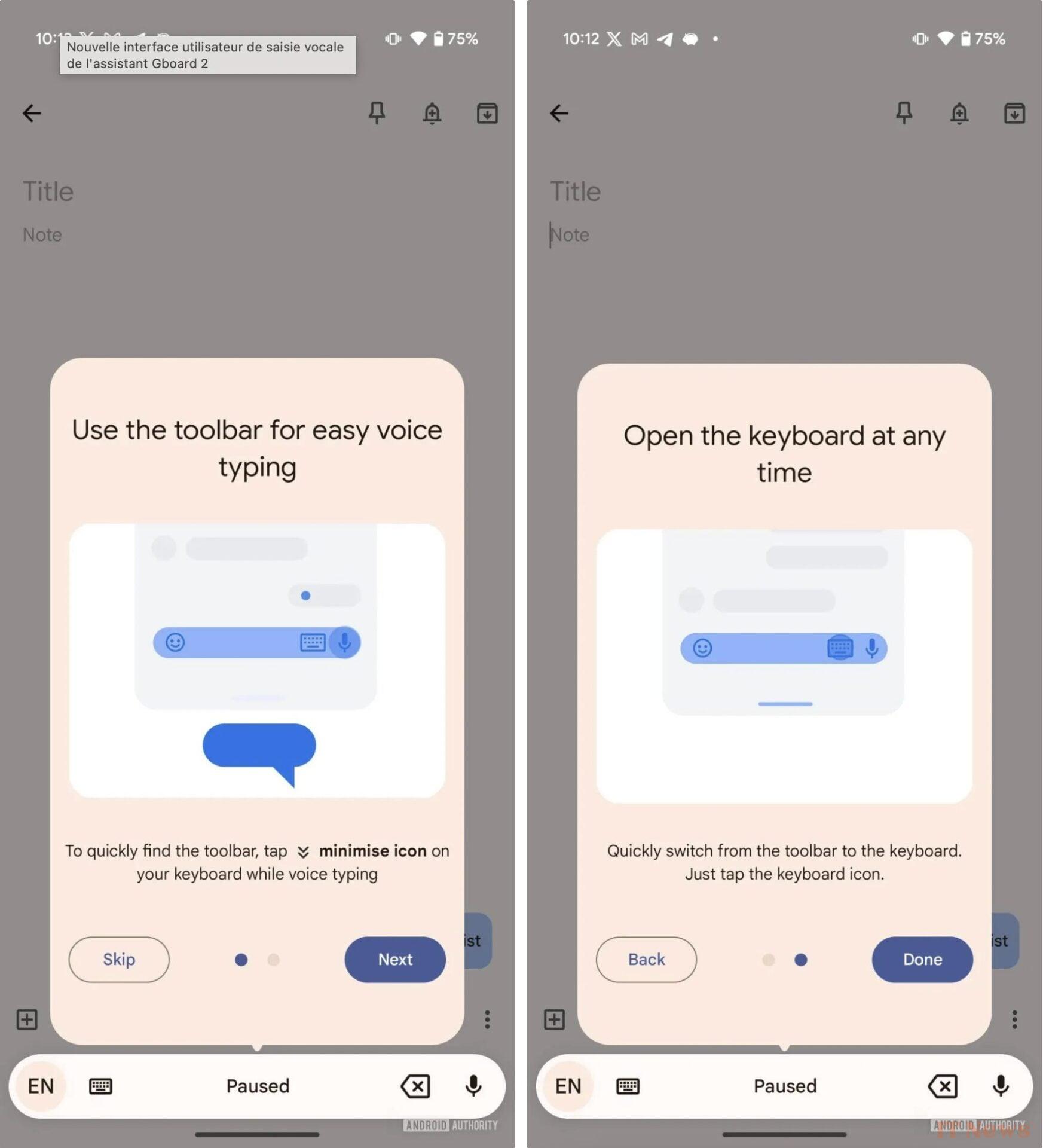
A new visual indicator displays “Speak now” when the Assistant is ready to listen, or “Paused” when the user turns off voice dictation. The toolbar also offers context-sensitive command suggestions to make it easier to interact with voice typing.
More features in the pipeline
In addition to this new interface, Google is working on integrating improved writing tools for voice dictation. A recent analysis of the Gboard code revealed the addition of six new voice commands intended to edit or rephrase text by voice.
Currently, this update is only available to a limited number of beta testers. Google Pixel owners benefit from the "Assistant" version, while Samsung smartphones are currently content with the classic voice input version. With this redesign, Google is looking to make voice typing on Gboard more fluid and intuitive, a development that could appeal to those who frequently use voice dictation on their smartphone.
Source: Android Authority


0 Comments