

The latest update to Google Messages gives users more control over the photos associated with their contacts. You can now choose between a local image and one shared via a Google profile, a feature that aims to improve personalization.
Personalization returns for contact photos
Until recently, Google Messages defaulted to the profile photo associated with a contact’s Google account, via the “profile sharing” feature. However, this approach disappointed many users, who preferred to keep the photos they had set locally. With the update (version 20241120), Google is reintroducing an option to customize contact photos again.
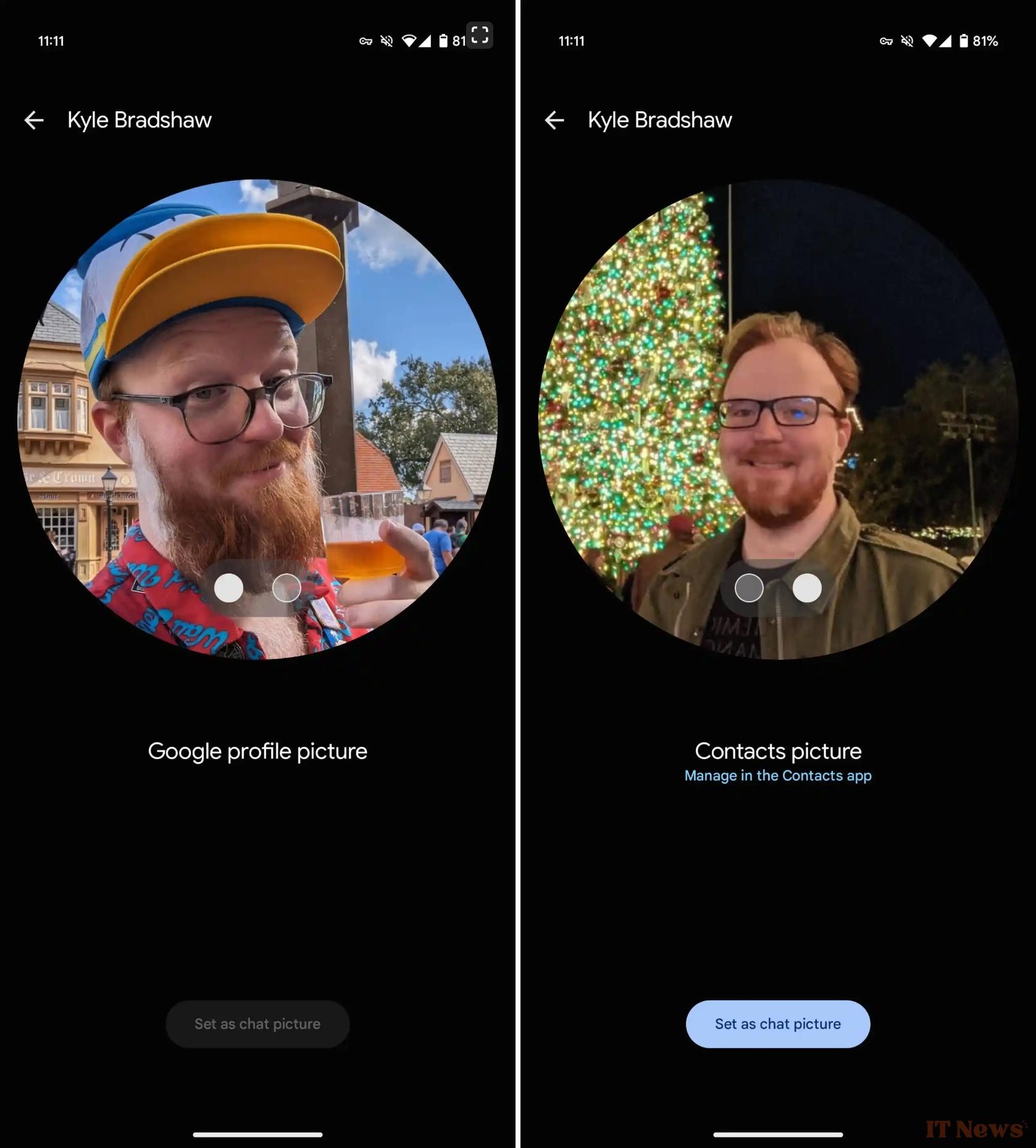
To change the picture displayed, simply open a conversation, click on the contact’s name or photo at the top of the screen, and then select the desired option from the details page. An intuitive interface lets you switch between the shared Google profile picture and the local photo set in the Contacts app or any other contact manager. A “Manage in Contacts” shortcut also makes it easy to update local pictures.
Google Messages listens to its users
The profile sharing feature, introduced in late 2023, replaced local photos with images linked to the contacts’ Google account. While convenient for displaying a uniform image across multiple platforms, this approach has drawn criticism, particularly from users who value personalization of their contact list.
With this new option, Google Messages strikes a balance between local customization and consistency of shared profiles. It is available in both beta and stable versions of the app, making this feature accessible to a wide audience.
Source: Google Messages


0 Comments