
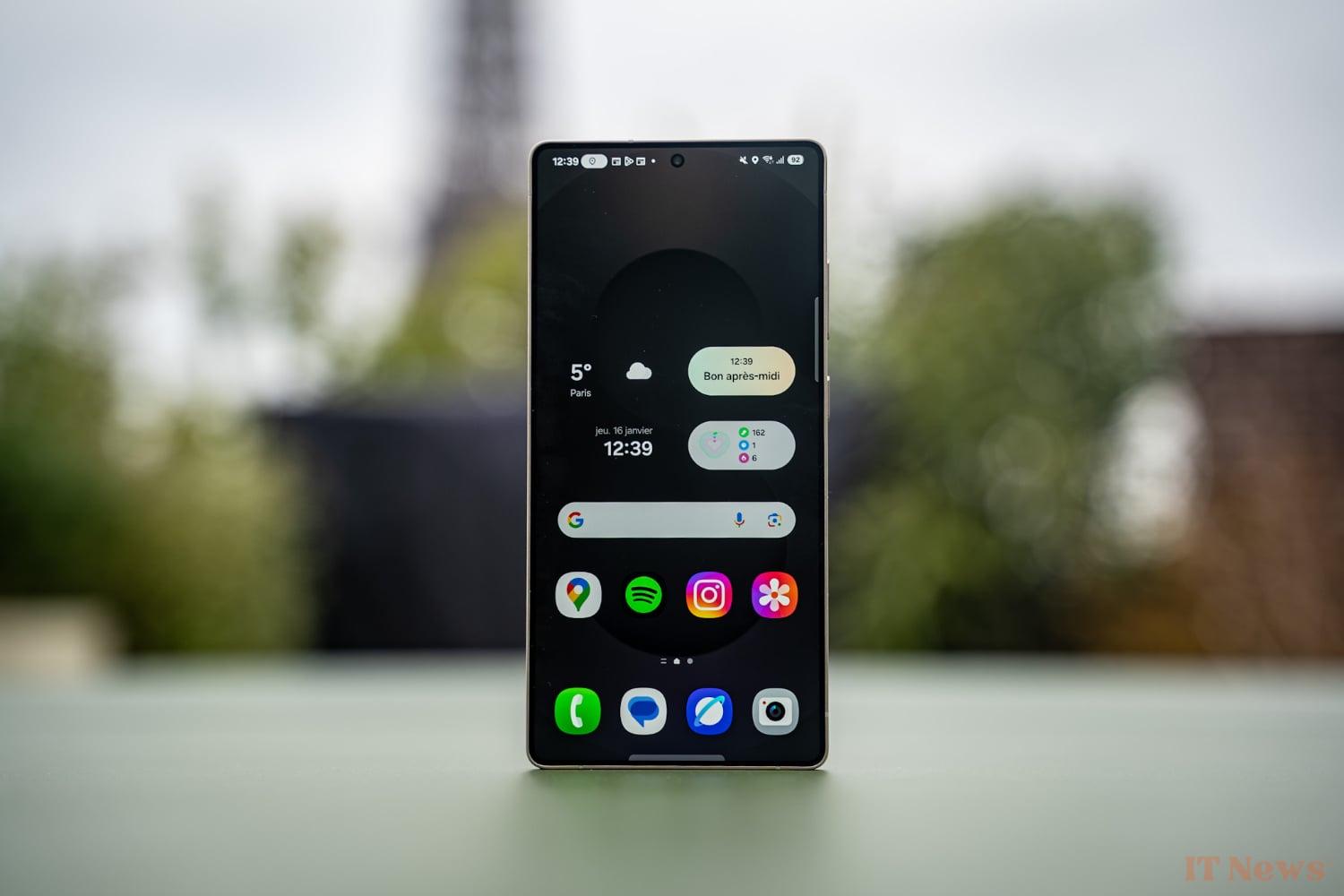
Samsung presents the Galaxy S25, S25 Plus and S25 Ultra. During a hands-on, we were able to try One UI 7 (Android 15), the new interface from the Korean manufacturer. This is clearly the star of this new generation, which lacks new hardware features.
To counterbalance the lack of hardware innovation, the Korean company is multiplying its leads and ideas. While it's hard to say for sure which ones will stay, like a "Surround to Search" presented in early 2024, let's focus on the most notable ones at the time of launch.
Now Bar: the good surprise
The most notable new feature is undoubtedly the Now Bar. Installed at the very bottom of the lock screen, it is a set of tiles showing current activities.
You can see an activity in progress, a timer, the new music player reworked for the occasion, traffic alerts, a Google Maps route or even a sports match in progress.
Does that remind you of anything? That's normal, all of this is of course reminiscent of the Dynamic Island of iOS introduced on the iPhone 14 Pro. The main difference is of course the placement and the fact that the Now Bar is not built to hide the punch of the S25. But regarding the functions, the spirit is close.
The integration is frankly excellent, everything reacts instantly, and the whole thing is pleasant to use. You move from one tile to another by swiping up or down and a simple click on a useful one allows you to enlarge it to display more information. A second click opens the corresponding application. There is no doubt that the integration with Face Unlock, Android's Face ID, will have to be perfect.
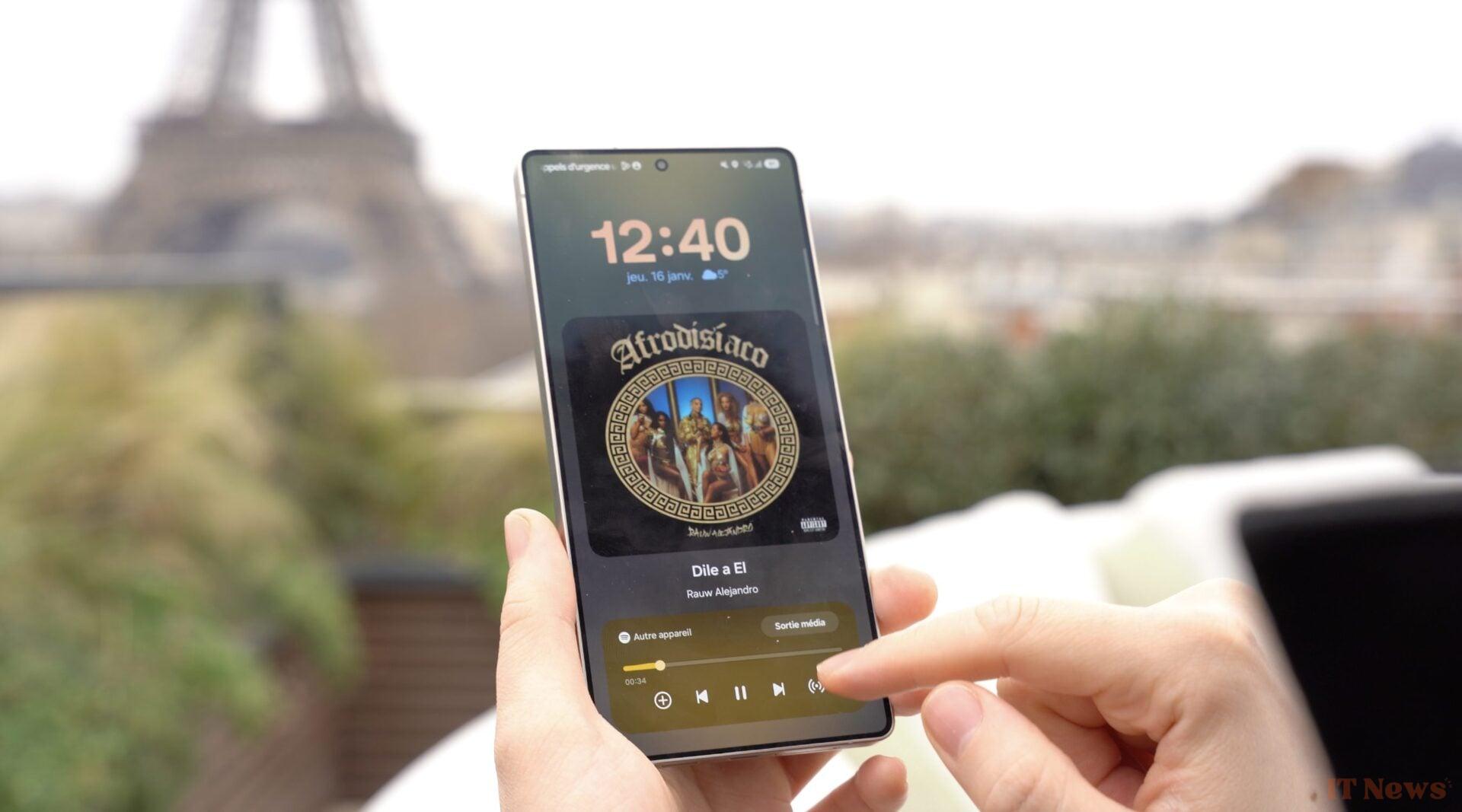
The placement towards the bottom of the screen seems like a good idea on paper. It avoids having to make large gestures with your fingers to reach the top of the screen for each interaction. Originally, the very first version of One UI was actually aimed at simplifying one-handed use of a large-screen smartphone by bringing the entire interface down. We will see over time if this choice pays off in the long term.
Gemini in multimodal: the promise
A bit like last year, Samsung has the chance to open the ball on some of the new features planned by Google on Android. This is undoubtedly one of the advantages of being the number 1 smartphone seller in the world.
We were therefore able to see the new Gemini display, already deployed on the Pixel, but with interesting additions. Samsung presented features called Cross App. The idea being to address Gemini in a natural way and for the assistant to be able to use several applications on the fly. For now, these are mainly applications from the Google and Samsung suite, although WhatsApp and Spotify are already supported.
Now Brief: the idea that must prove itself
Another new feature based on the term Now, but which should be more anecdotal, Samsung is adding the Now Brief. It’s more or less a super summary that appears either in the morning, or in the evening, or at important moments (before boarding a plane for example) and that we are promised is partly powered by AI.
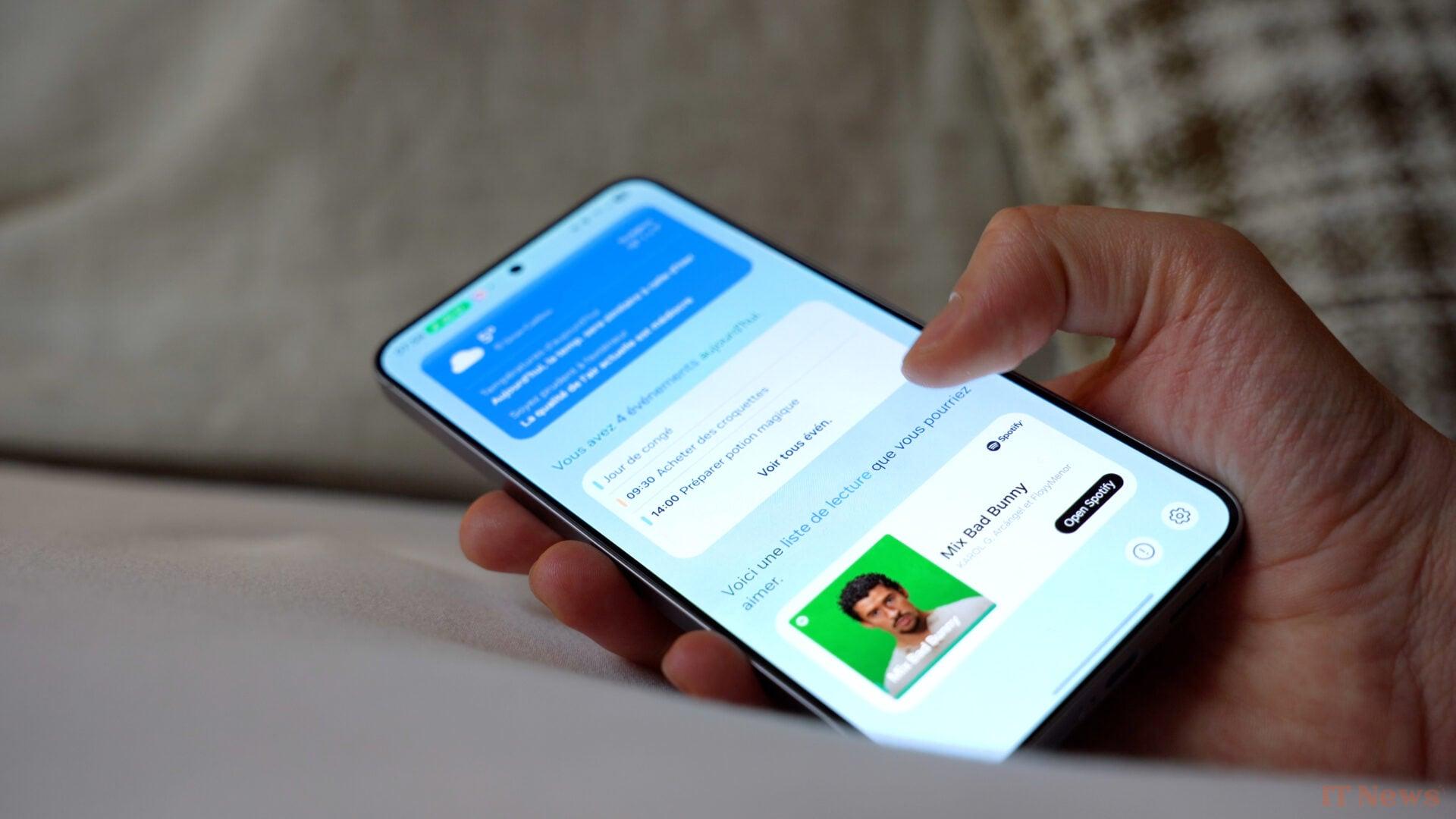
Concretely, it’s a fairly simple and direct page where the following can appear: your agenda, a report on your current form, playlist suggestions, etc.
To access it, several entry points are available to you: a widget on the home screen, the One UI sidebar or even a tile on the famous Now Bar, probably the number one way to access it routinely.
A reworked look overall
More broadly, One UI 7 benefits from a thorough makeover. The icons have changed, but also the shortcuts panel (the menu you find by swiping from the top), which has been separated from the notifications menu. The music player has a new look, the settings menu too, and the lock screen. More broadly, the color tones used leave more room for transparency.
And others…
We were able to try other more anecdotal AI features that are invited to the new interface.
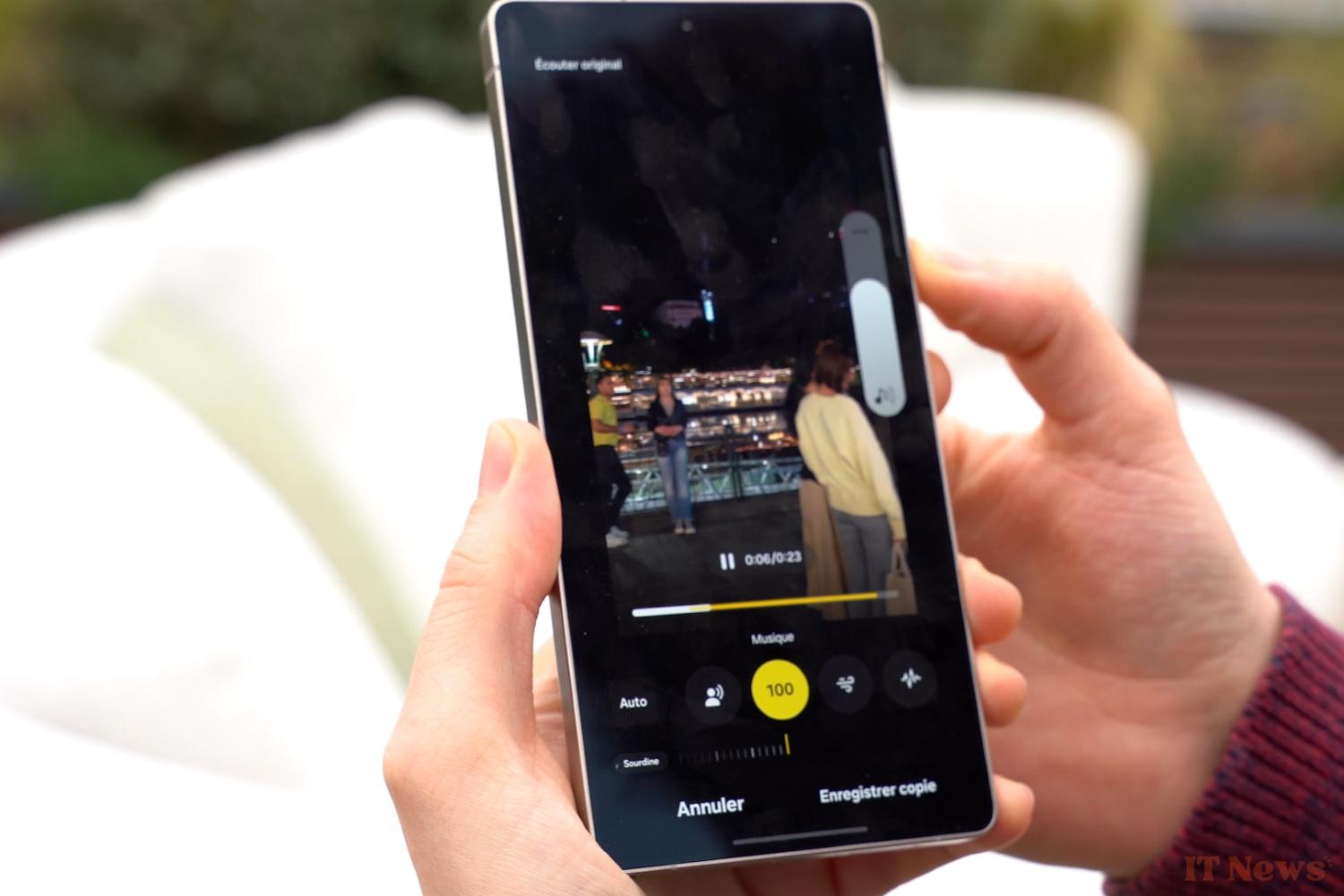
To start, we have an audio eraser, already seen in Google's Pixel, which allows you to remove certain sounds in a video sequence. Our quick test of the feature showed quite a significant compression, but we'll have to try it more to conclude.
Samsung is also recovering another feature from the Pixel: better pose. As a reminder, on a series of close or identical shots, it allows you to choose "the best face" of a subject. This is one of the few AI features that is easy to use on a daily basis on a Pixel, so its deployment at Samsung is good news.
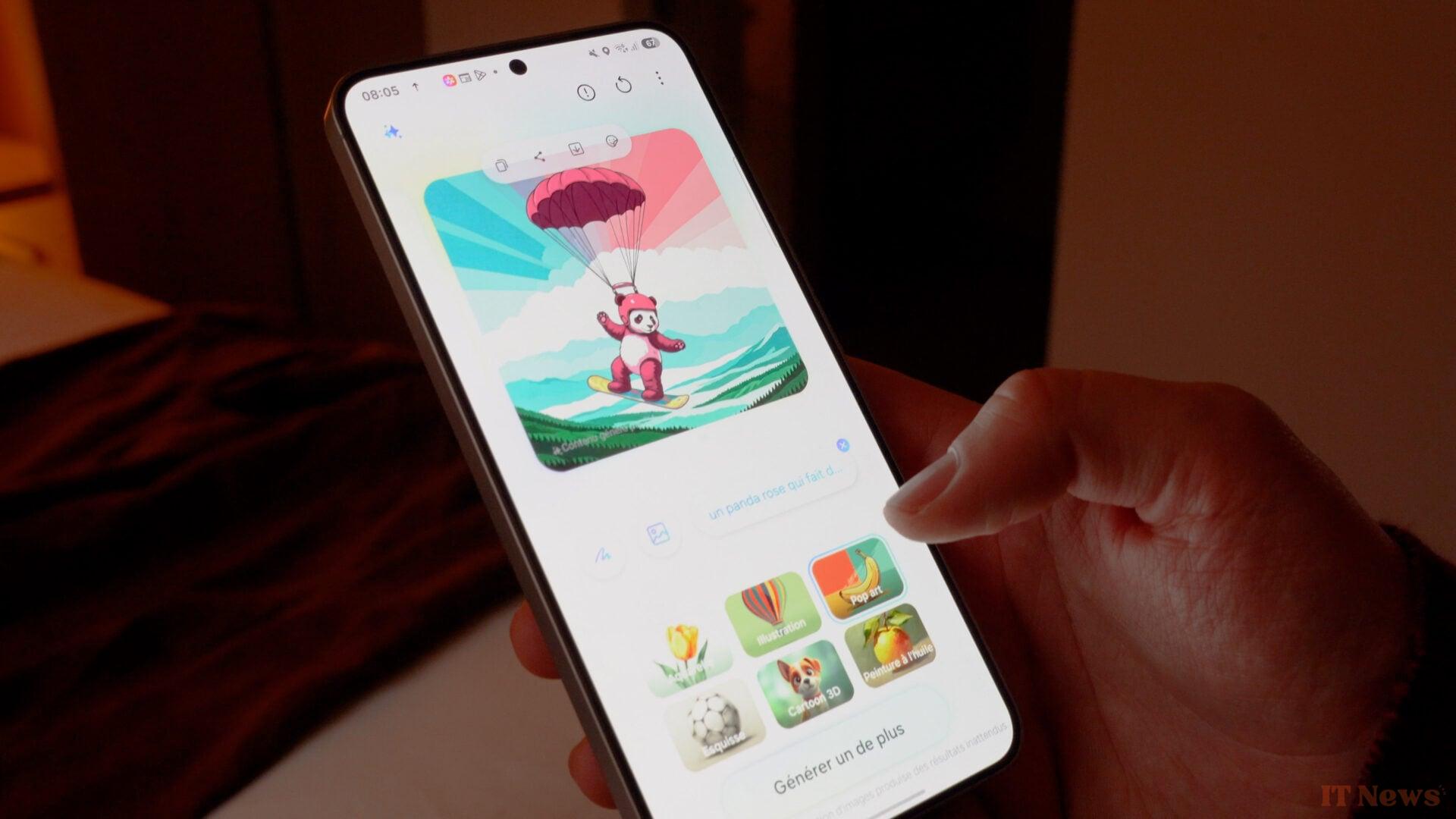
We also got a glimpse of creation tools, like a new interface for the AI image creation tool. This one can create a visual from a prompt or an existing image and everything happens on-device, with a calculation time that seemed very short to us.
Still on the subject of creation, Samsung is adding an AI editing tool. It simply involves choosing several videos and creating an automatic montage with them.
Which models will benefit from One UI 7: the big blur
On the date the Galaxy S25 goes on sale, only the latest models will be able to benefit from the new interface and the features presented in this article, at least initially. There is no clear deployment schedule for One UI 7 at the time of writing.
While Samsung confirms that other models will receive some of these features, the brand was unable to detail which ones. All options are therefore on the table, ranging from exclusivity for the latest range on certain features to a full deployment, at least for the high end.


0 Comments