
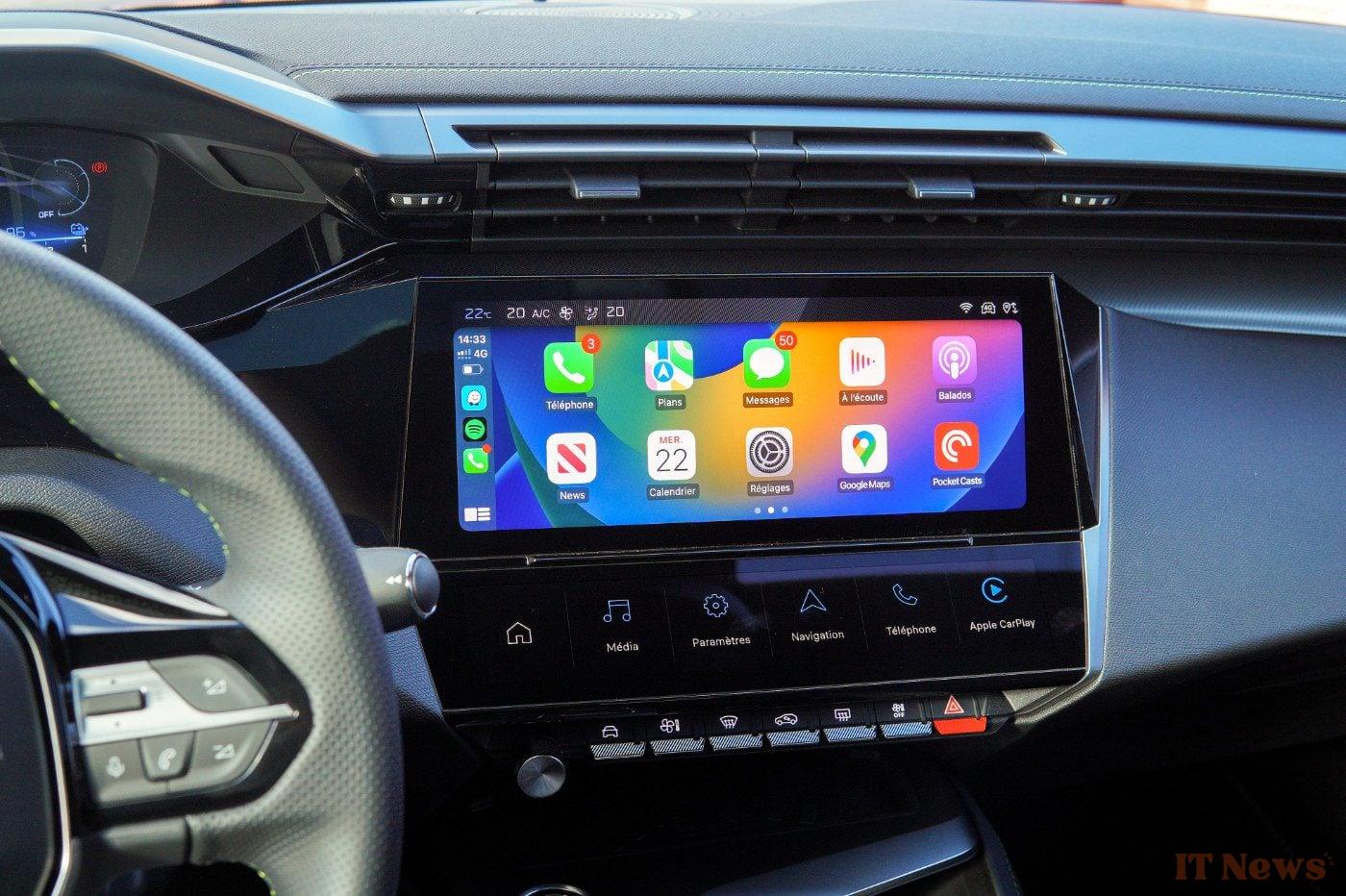
Some updates are more pleasing than others. This is the case with the latest version of Waze, and more specifically with its version displayed on CarPlay. Because while updates to the community GPS usually only apply a few fixes, this time the refresh carried out by Waze is worth the detour. The application indeed displays a revised and corrected interface for CarPlay, a change that should significantly improve its use.
Waze adopts new shortcuts for simplified navigation
In its latest update, stamped 5.3.1, Waze changes the way you access the shortcut to launch navigation to your home or workplace. Until now, this shortcut was grafted into the navigation bar displayed at the top of the screen and which automatically disappears during navigation.
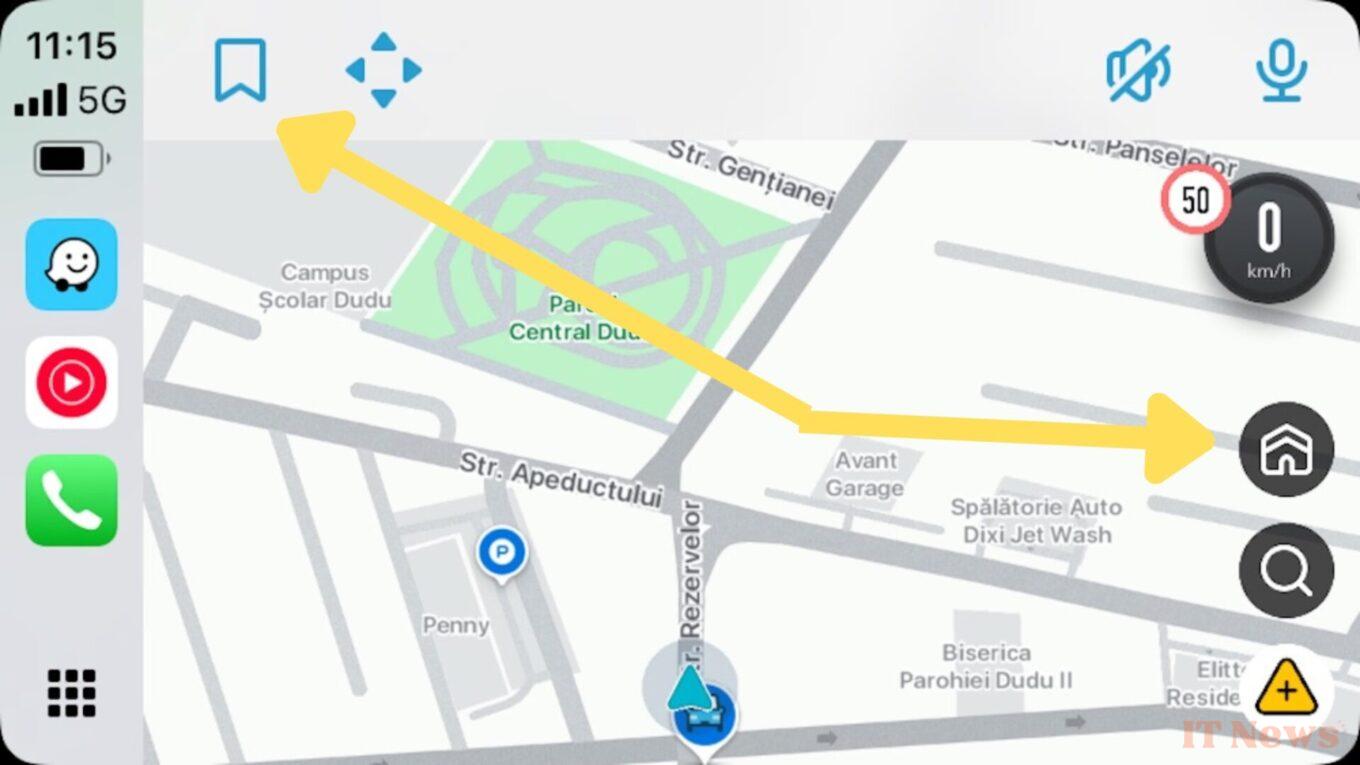
From now on, it is directly pinned to the application's navigation screen, just above the search and incident reporting buttons, and only remains displayed if navigation is not activated.
Depending on the time of day, the behavior of this button may differ. With a bit of AI, Waze will automatically adapt the action proposed by this button, based in particular on your habits. In the morning, for example, the button will automatically suggest the address to get to your workplace. At the end of the day, however, Waze knows that you are about to go home and will display a button to guide you home.
Another notable change concerns the navigation bar positioned at the top of the screen. This now displays the button for accessing favorite addresses on its left, while the sound control button, which allows you to manage the activation of sound alerts, migrates to its right.
Source: autoevolution


0 Comments