

For several years, the discipline of livestreaming has been gaining in importance. This activity, which first appeared as a hobby to become a real profession, has more and more users every day. Twitch has reigned supreme in this field for several years, but competing platforms are increasing their efforts to dethrone it. It is therefore very likely that you also want to taste this huge cake.
Live streaming is above all a story of passion: that of sharing your daily life or a hobby with the rest of the world, or even a small circle of people as passionate as you. Whether it is gaming or “just chatting”, streaming is however not as simple as you might think. A few steps are mandatory to do it regularly. The first of these will be to obtain the necessary equipment for broadcasting.
There are many options to equip yourself at home, and at all prices. But the more affordable the setup, the faster the implementation. In addition, it is wrong to believe that you will need thousands of euros to make quality content. You will not be able to compete with the biggest – technically speaking – right from the start. We therefore suggest you discover our version of the perfect setup for around €200. All the equipment mentioned seek above all the simplicity of use, the sobriety of the design and the efficiency justifying a good quality-price ratio.
A microphone
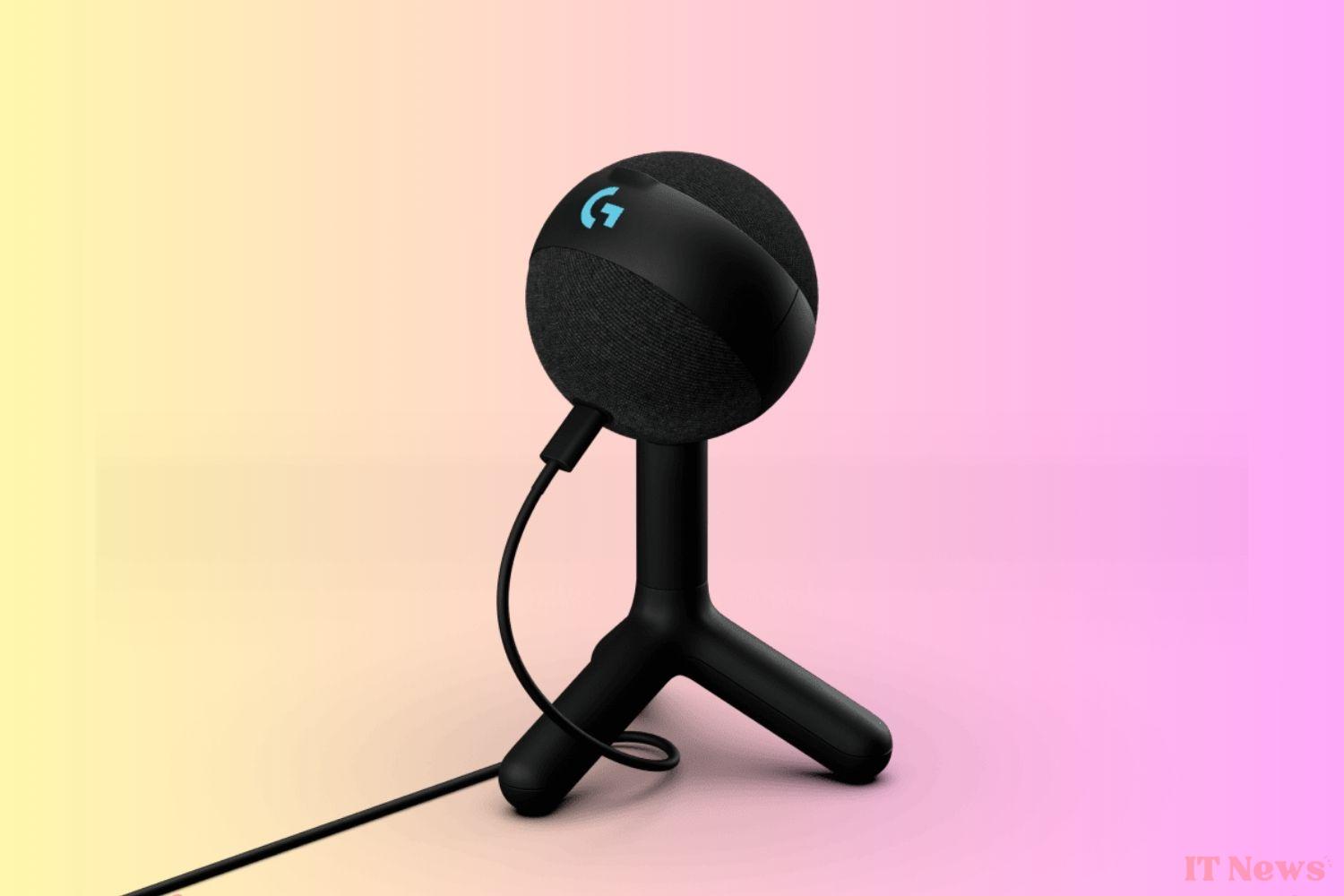
No matter what you plan to broadcast, the sound is certainly the most important component of the equation. It is therefore necessary to favor a quality microphone, coming from a brand well known for its expertise in the field. That’s why the Yeti Orb is our top pick. Available for purchase at a price of €69.99, it’s one of the cheap microphones. However, it’s not without its qualities.
Like all of the brand’s microphones, the Yeti Orb features Blue VO!CE technologies. It’s an ideal choice for streaming thanks to the cardioid directional sound that allows you to focus on the sound of your voice and not on the outside environment. Its compact and elegant design makes it perfect for any setup, especially since it comes with a built-in stand. It has a built-in windscreen, which makes the sound captured even clearer. The best part is its ease of use.
Specs to remember
- Cardioid directional
- Plug and play
- Blue VO!CE presets
- Condenser capsule
- USB-C port
- No mute
- Incompatibility with external media (3/8 or 5/8)
In the same style, you can also fall for the Yeti Snowball. It is slightly less expensive, but also less stylish and has more or less the same features as its counterpart, without the integrated windshield. At HyperX, the Solocast microphone stands out as the best priced solution, but does not have all the technologies of Yeti devices. Finally, Razer also offers its cheap offering with the Siren Mini. Its sleek look and color options will convince more than one.
A camera

After sound comes picture. In many categories of streaming, showing a visual, whether it’s your head, your hands, or your activity, a camera is essential… but so is good lighting. Many people invest in high-end equipment and expensive (and bulky) lighting, but to start, nothing beats a 2-in-1 product.
The small Razer Kiyo is a streaming device designed to deliver quality video. It has a built-in, adjustable light ring to ensure optimal lighting. With a resolution of 1080p at 30 frames per second or 720p at 60 frames per second, it ensures clear and fluid images. Its compact design makes it easy to install on any support. In use, the built-in light is perfectly sufficient to illuminate 50 cm and a little more very comfortably. It can be found for around €50 at Amazon, so it’s a very good deal.
Specs to remember
- Fixed resolution 1920 x 1080
- Video resolution 1080p – 30FPS / 720p – 60FPS
- USB 2.0
- Auto focus
- Adjustable settings and brightness
- 1.5m cable
- No tripod
For a little less, €50 on Amazon, you can invest in the Logitech Brio 100. It is a compact camera, which is used in the same way as the Kiyo, with fewer adjustable parameters and above all without integrated light. But it comes in several colors, including white or pink, which can perfectly match your setup.
A capture box
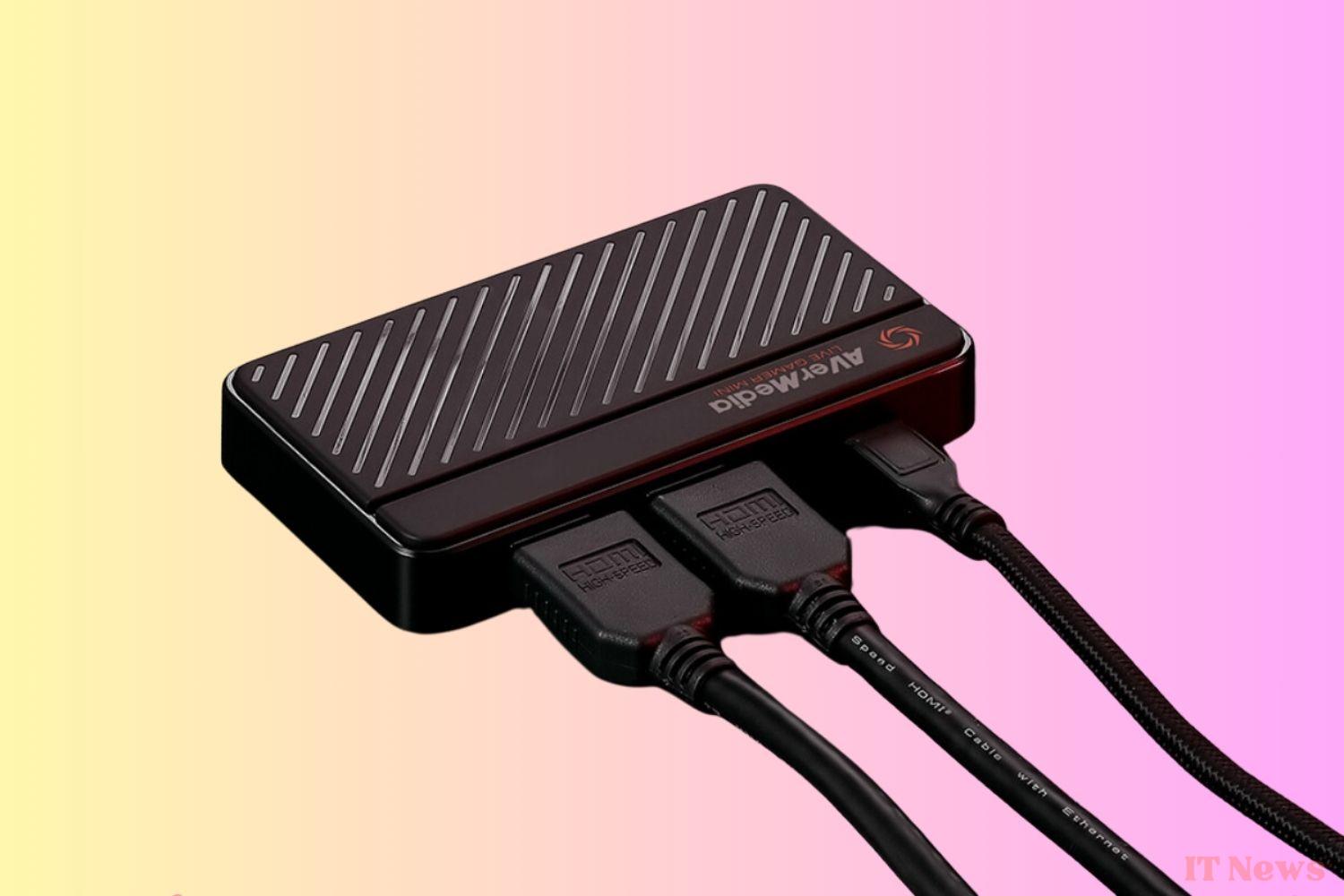
If you’re planning to stream video games, you can’t go past a capture box. When you’re playing on a console but streaming from a computer, it’s a must-have accessory. Even when you’re playing directly on your PC, the box allows your machine to capture gameplay before broadcasting it.
The AverMedia Live Gamer MINI is a compact and versatile capture box for streamers and content creators. It captures Full HD 1080p video at 60 frames per second, delivering exceptional image quality. Thanks to its plug-and-play USB connection, it’s easy to install and use, requiring no additional drivers. Equipped with an HDMI input and a 3.5 mm audio output, it allows live streaming and gameplay recording with ultra-low latency. For €80, it will be more than enough for your beginnings on Twitch and company.
Specs to remember
- InterfaceUSB 2.0 (Micro USB)
- Video/audio inputHDMI
- Video/audio output (Pass-Through)HDMI
- Maximum resolution of Pass-Through1080p60
- Maximum resolution of recording1080p60
- Supported resolutions (video input):1080p, 1080i, 720p, 576p, 480p, 480i
For the same price, you can opt for the Nzxt Signal HD60 capture box. This one provides you with the same specifications and compatibilities with a few differences. Both the AverMedia Live Gamer MINI and the NZXT Signal HD60 offer similar image quality and are compatible with the main streaming software.
I buy the AverMedia Live Gamer Mini box
A Stream Deck?
If we do the math, the camera, microphone and case cost us a total of €190. You can definitely start with this configuration, especially if it is a passion. It depends on the field you want to tackle, but having an additional accessory could be useful to you. The mixing console is a tool that allows you to create shortcuts for the different events of your stream. Sound effects, launching music, appearing a GIF: everything is possible with the devices that exist.
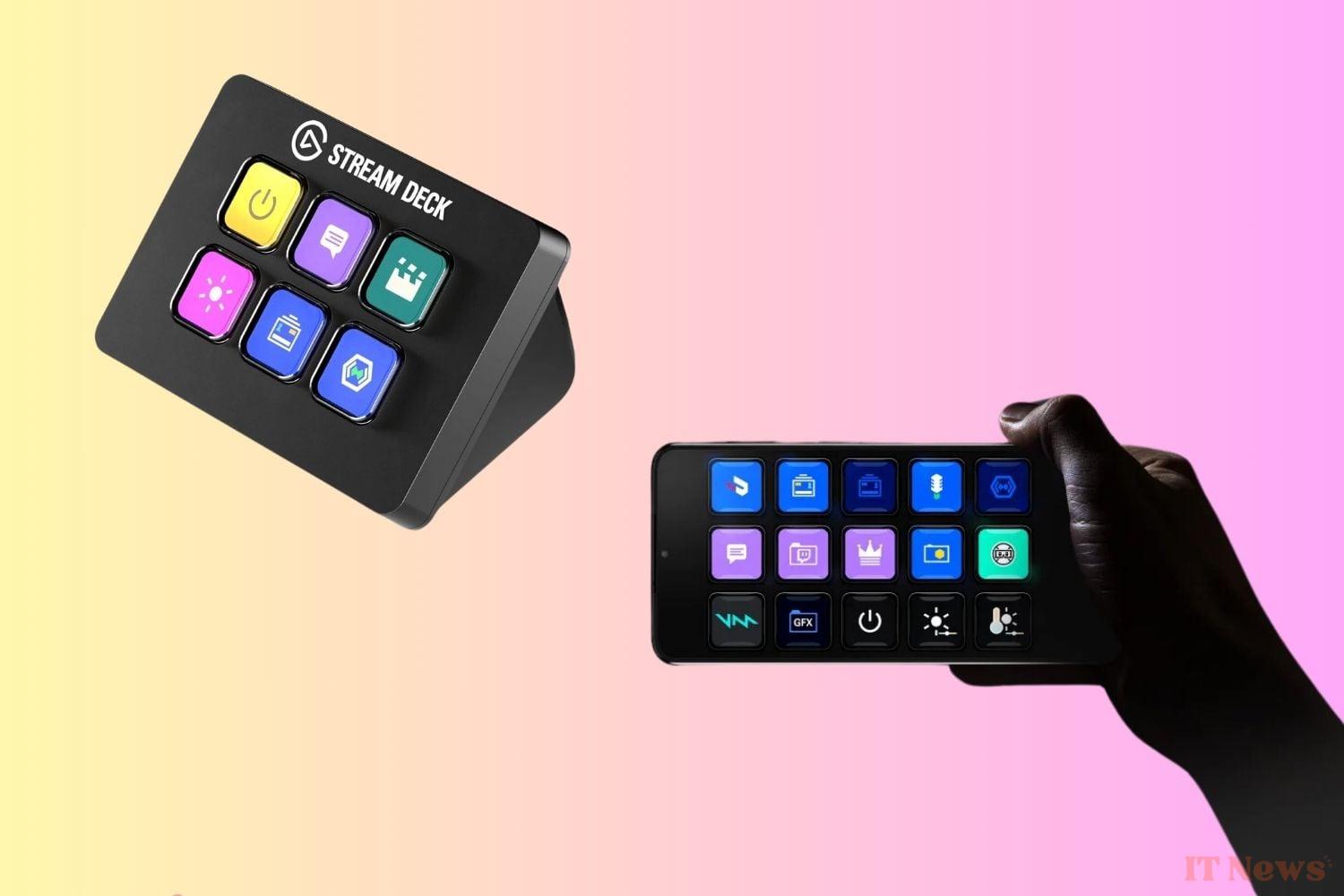
Although quite useful when you learn how to use them, they can also be very expensive. They remain an accessory and not an obligation. However, there are much less expensive versions that use resources you already have. The Elgato Stream Deck mobile, for example, allows you to transform your smartphone into a Stream Deck for €3 per month. Touch Portal is a second option, available at $13 for a lifetime purchase. It is available on smartphones, but also Mac and PC.
But if you have a little budget left, know that the Elgato Stream Deck Mini is around €60 and offers you a compact physical version, with 6 keys and an unlimited number of pages. You can put your most used shortcuts there permanently, and it works with almost all functions and applications – even professional suites.


0 Comments