
Getting started with livestreaming requires only a little knowledge and a little equipment (even cheap). By researching, you have surely come across the “need” to obtain streaming software. Different programs exist and not all of them provide the same thing. But before you get started, do you really know what such software can be used for?
Streaming software, or live broadcasting software, is a program designed to capture and broadcast audio or video content in real time on streaming platforms. Concretely, you will need to link the account of the platform of your choice to software so that the two work together.
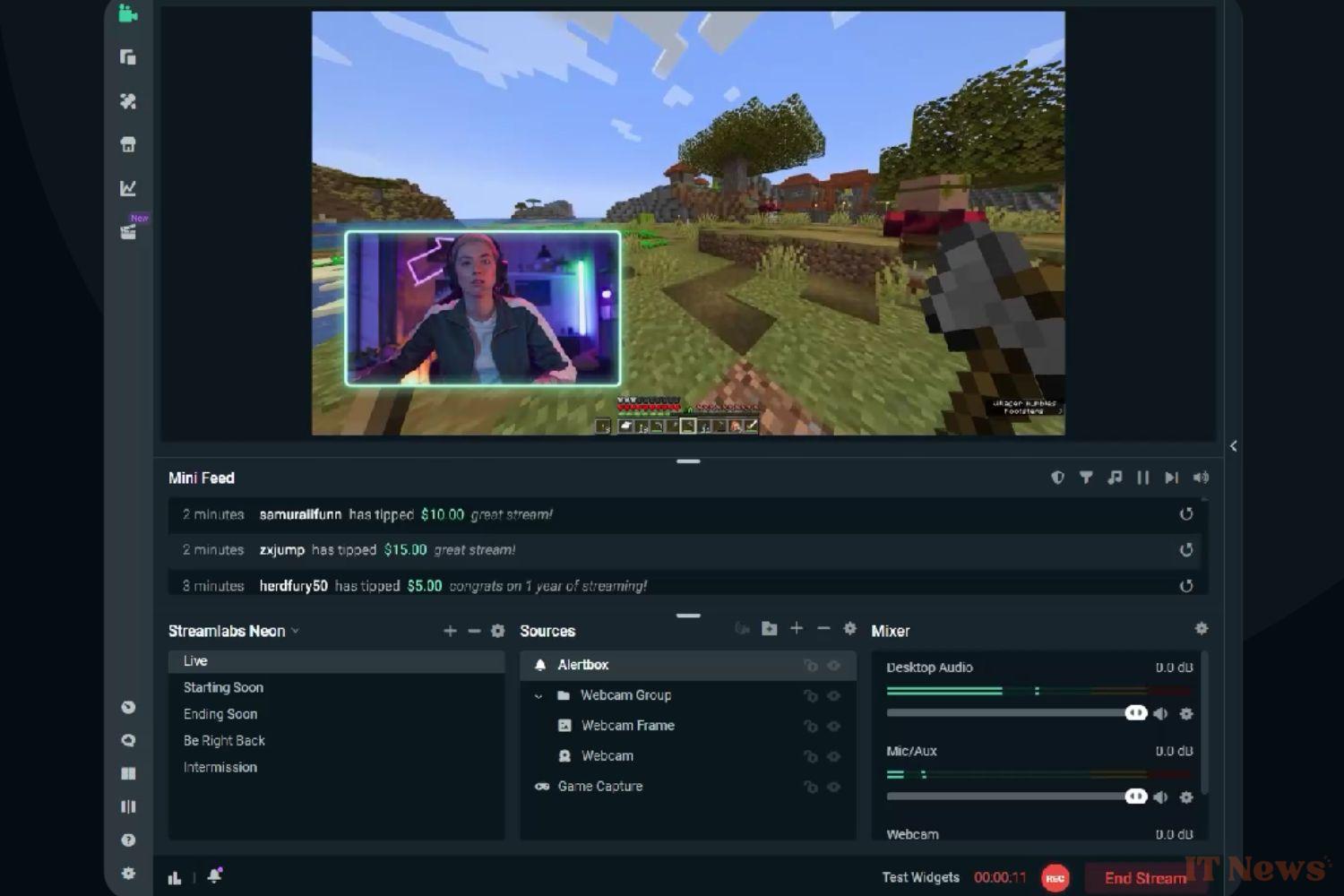
Directly in the software, you can choose which elements to display, reposition them, add filters/stickers/images, but also modify all the technical parameters such as transitions, animations, the sound balance between all inputs and outputs, or even the encoding level.
Is it mandatory to use streaming software?
As you will have understood, streaming software is extremely practical if you have the ambition to broadcast a little more than just your game screen. Despite everything, it is not mandatory to use one to stream on Twitch and the like. If you're streaming directly through your console, for example, you won't need to go through any software and will benefit from the basic setup provided by PlayStation or Xbox. If you're streaming from a phone, the most likely option is that you won't need to go through any software before doing so either.
But on PC, it's still highly recommended. Twitch therefore offers a built-in feature called "Twitch Studio", which allows streamers to easily start their live stream without the need for third-party software. However, this feature may be limited in terms of customization and advanced features.
The most popular free software
There are of course paid software, but also free software. The main difference will lie in the options available, but also in the elements of customization of your broadcast. Most software provides you with a bank of overlays already preconfigured (see here the explanatory article on overlays). They will be more or less of quality and quantity depending on the price you put in the purchase of the software.
The free options are however quite satisfactory for ordinary mortals wanting to share their passion. We can notably cite OBS Studio, which is open source and one of the most used. Streamlabs is also extremely popular, and has some additional features in terms of customization. Finally, XSplit is another option appreciated by its users, which offers a free version and a paid version, with advanced settings.
The most rudimentary option, but the least complicated to get to grips with, remains Twitch Studio. Don't hesitate to test and poke around to find the software that suits you. Your appreciation will mainly depend on their user interface. You may be more or less attracted to an intuitive and/or complete environment.


0 Comments