
Welcome to the streaming dictionary series. We take the concepts related to live streaming and decipher them for the general public. Livestreaming is an activity increasingly practiced by millions of people around the world. The most used platform currently is still Twitch, even if its competitors YouTube or Kick are gradually gaining market share. With the proliferation of content creators, it seems logical to want to taste the pleasure of live streaming.
Except that it is an extremely codified hobby/profession, which requires specific equipment and knowledge. If you find yourself in this case, that you have heard of the overlay, but you do not know what it is, we are here to help you.
What is an overlay?
If we take its literal translation, an overlay is an “overlay”. Overall, the overlay refers to all the visual information added to an image. In the world of video games, we will talk about HUD, and this translates into the display of the life count, health gauges or even a mini map. These details, which are added as an overlay compared to the base game, provide valuable information to guide the user.
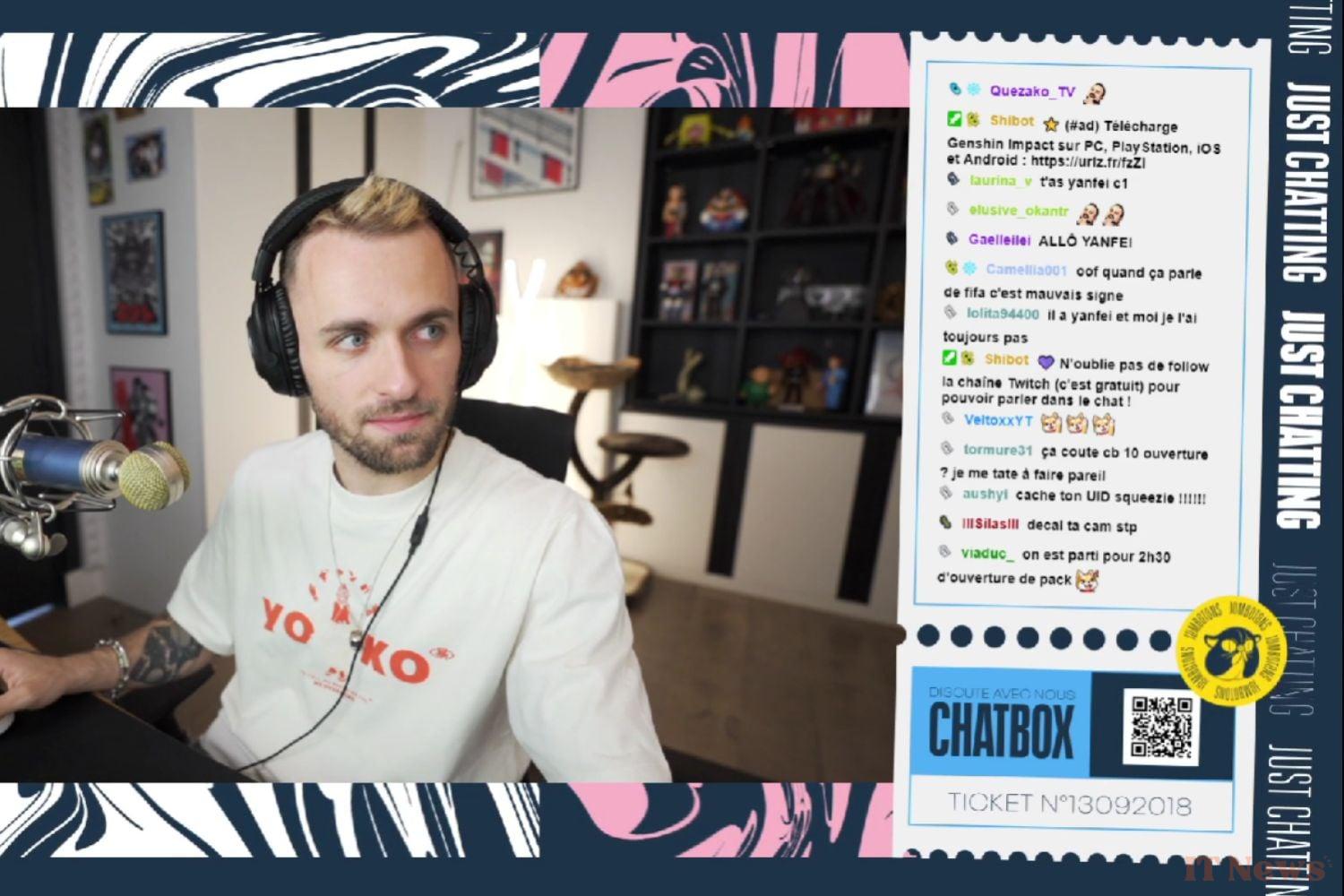
In the world of livestreaming, the function of the overlay is exactly the same. When a person is not using one, we can simply see what they are broadcasting: their person or their screen, or even a combination of the two. When they are using one, then a frame, drawings and data can be displayed. The latter can concern the number of subscribers in real time, text chat or even a timer linked to the broadcast.
The overlay actually allows you to display anything you want, in addition to bringing an artistic direction specific to the stream. Some configurations have allowed creators to stand out and create a lasting visual identity, just as others rely on their real decor or still others use green/blue backgrounds.
How to create an overlay?
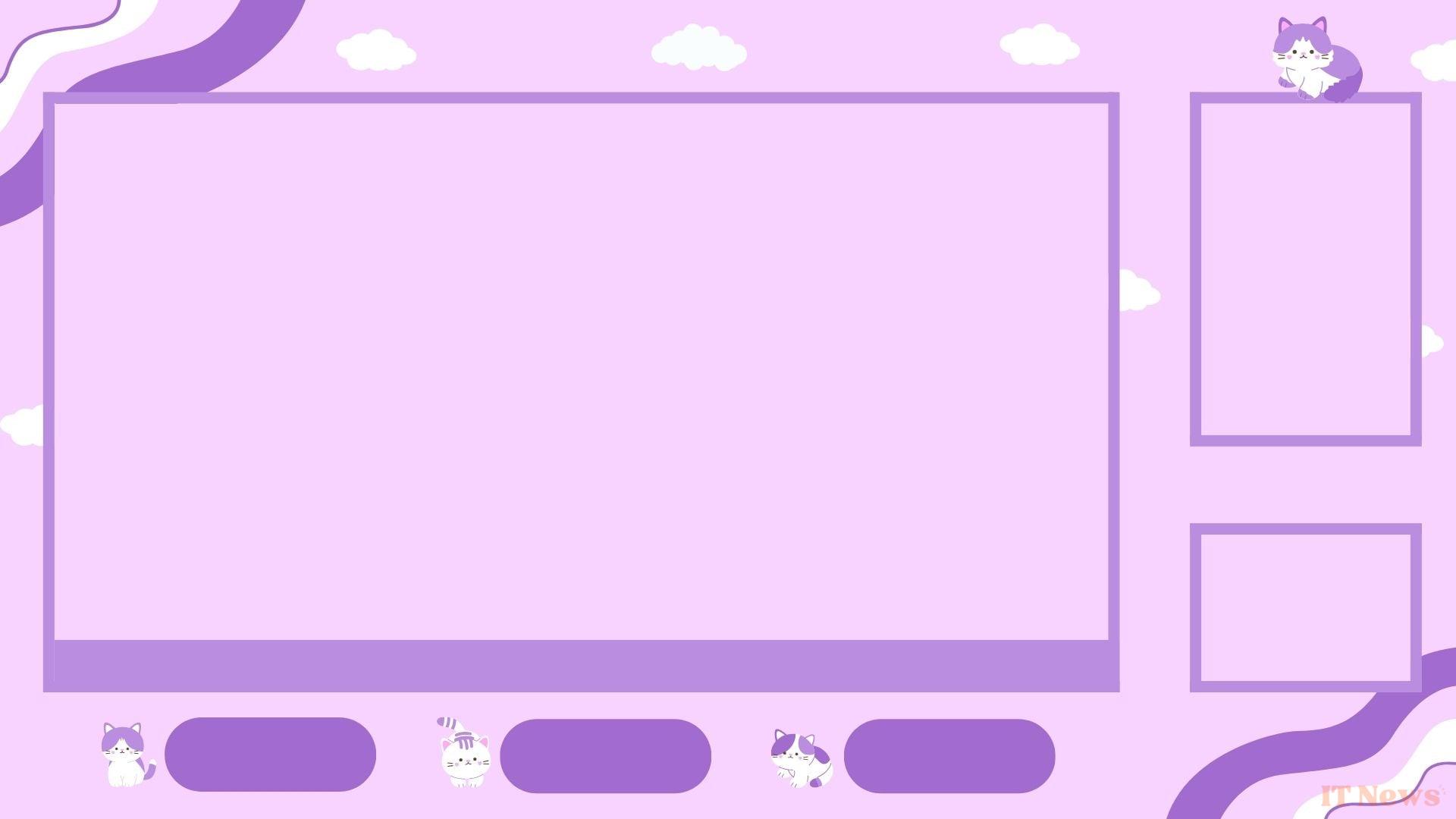
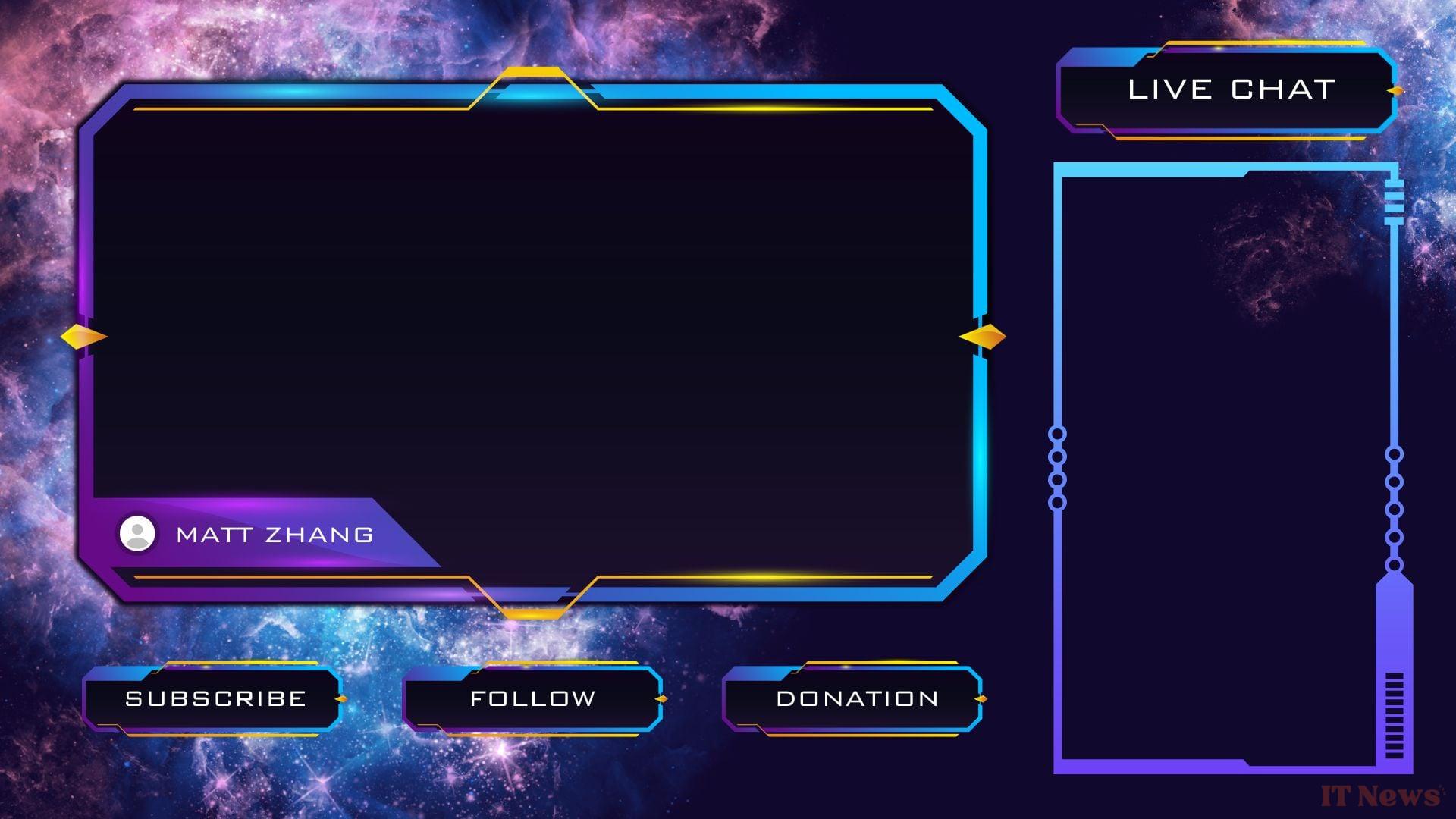
If you have digital drawing skills, you can create an overlay yourself. To do this, you will need to take the dimensions of the broadcast screen, the layout of your cameras, and integrate them into an overlay that makes sense for your content. You can add any information you deem necessary, including a non-exhaustive list below.
- Streamer name
- Game name
- Number of subscribers + real-time animation for each new subscriber
- Social networks
- Donation alert
- Channel description
- List of latest subscribers/messages
- Details of sponsors/partners
- Drawings/icons
If you have no appetite for drawing, then you should know that it is possible to obtain models on certain specialized sites. Canva, even in its free version, allows you to have some nice frames. When you download them, you can edit some elements from the templates.
How to install an overlay?
Once your overlay is ready, you just need to download it in image format. PNG or JPG formats are preferable, depending on the quality you are aiming for. Then, you need to upload it to your streaming software (OBS Studio, Streamlabs, Twitch Studio, etc.) in the added sources section. You can then adjust the positioning of the overlay, very important if it is a frame or even a simple illustration. All you have to do is test it in a broadcast or a video preview.


0 Comments