
Summary
Saying that smartphones look the same from one year to the next is a commonplace. To say that the Samsung Galaxy S25 Ultra is very similar to the Galaxy S24 Ultra is an understatement, given how few changes there are this year (it’s even worse with the Galaxy S25 and S25 Plus).
Having said that, the question arises: is it serious? No, of course not. But it has in fact put the latest product at a disadvantage in terms of self-competition. Does that make it a bad smartphone? As we will see, this is far from being the case.
So what is the new Samsung Galaxy S25 Ultra worth with its slightly refined design, rounded edges, Snapdragon 8 Elite chip and new ultra-wide angle? The answer is in this test.
One UI 7: without doubt the best Android interface of the moment
Let's get straight to the most interesting element this year: the One UI 7 interface, based on Android 15.
There are two kinds of paint jobs: the one that freshens up the living room a little, and the one that completely transforms the space. One UI 7, a sort of reboot of the Korean interface, is a bit halfway between these two.
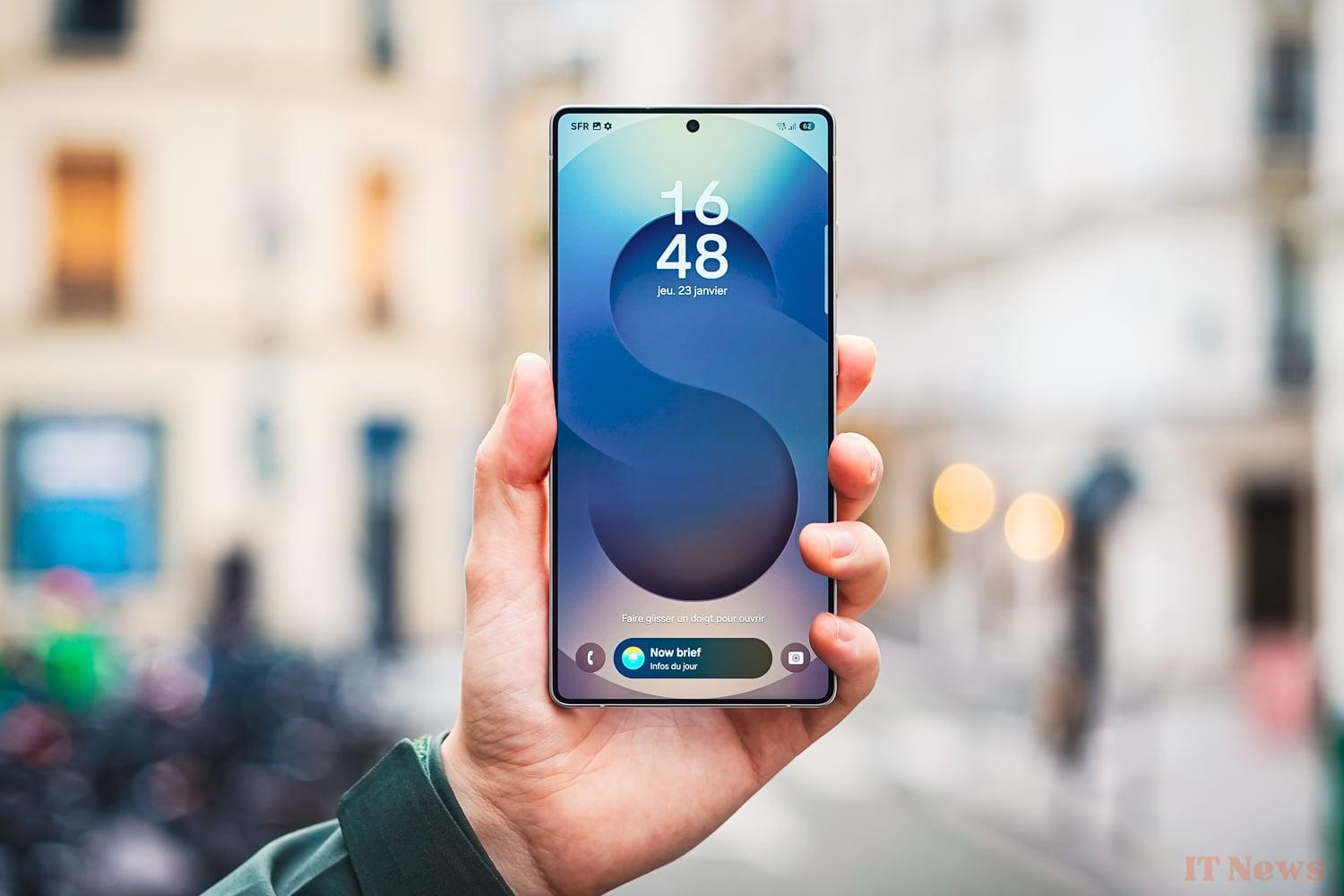
On the one hand, the interface takes the basics of One UI, so you won't be lost if you've already used a Samsung in the last 7 years. On the other hand, the Korean has gone back to the drawing board and hasn't been afraid to change many elements in depth, while adding very well thought-out features.
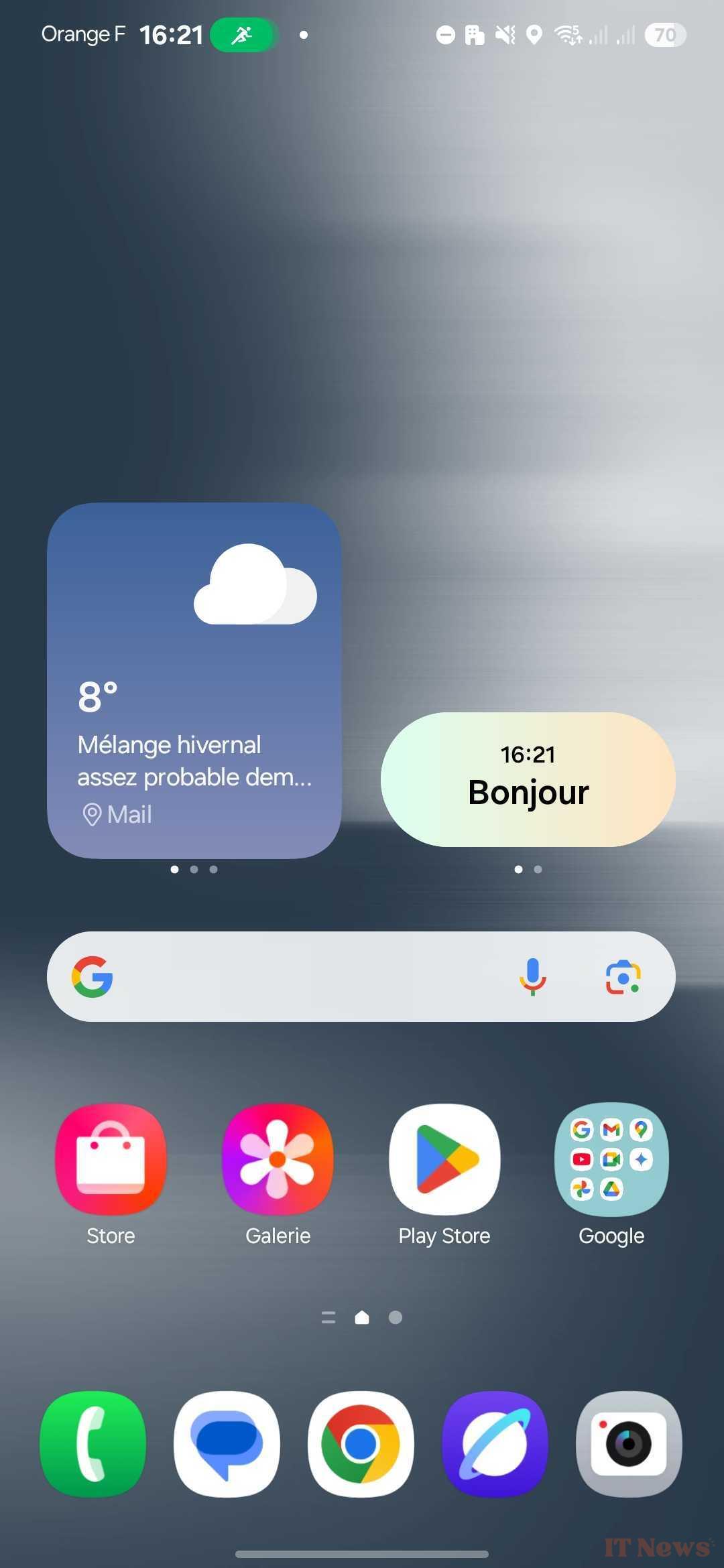
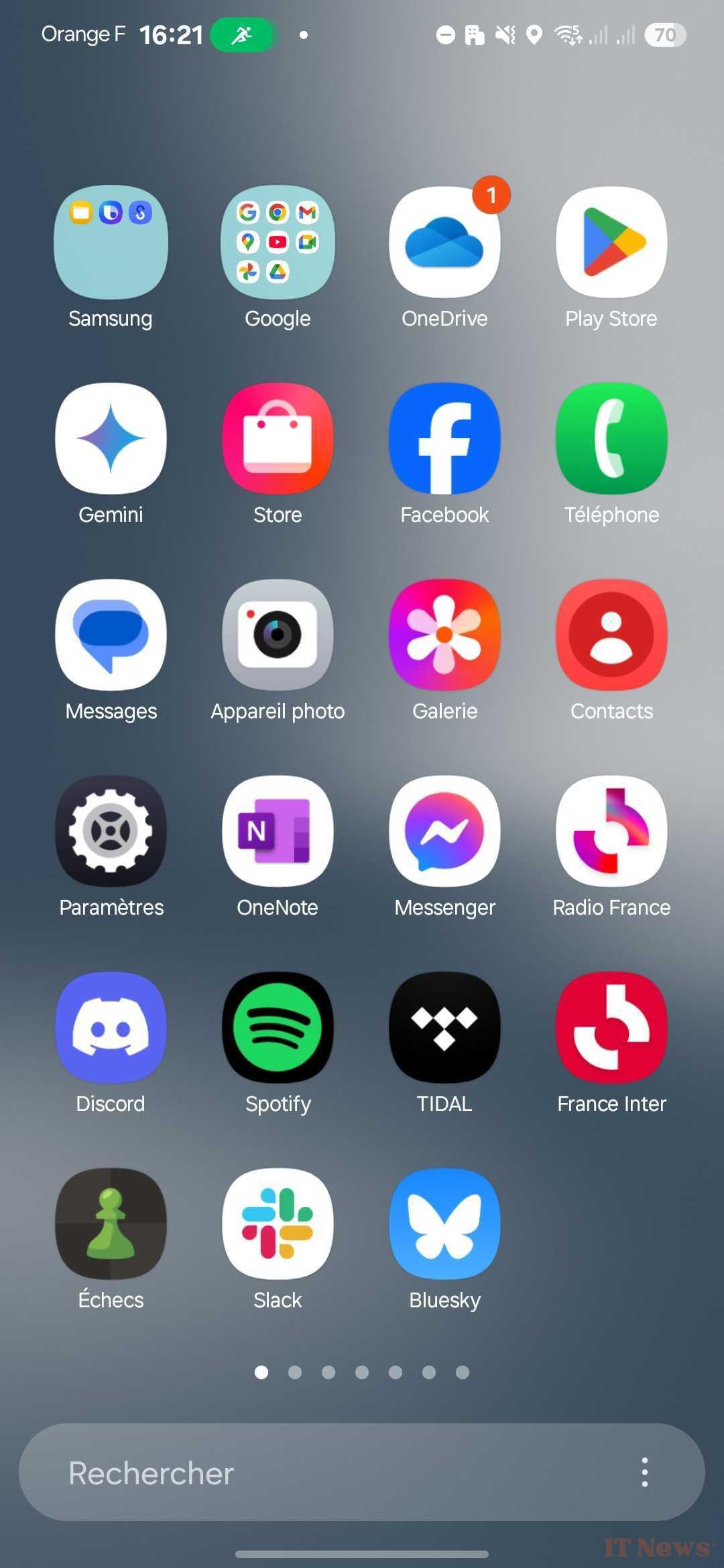
From the first moments, we notice that the interface has changed its design language. This is reflected in the icons, which are much more likely to use varied colors, but also in a much broader use of transparency.
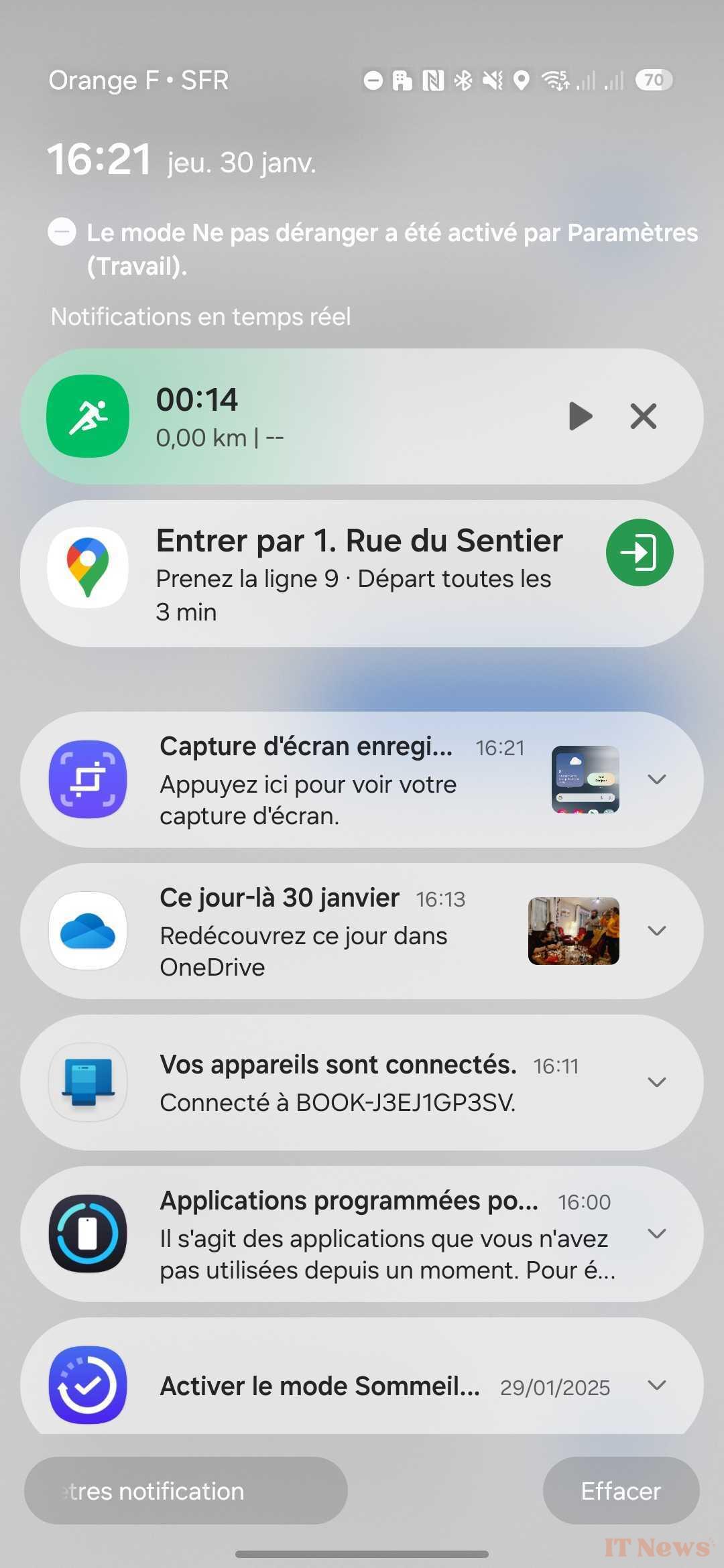
If we go to the top of the screen, we immediately see the new battery icon which now includes the remaining percentage within it. But above all, we have the notifications panel and the shortcuts panel which have been completely redesigned.
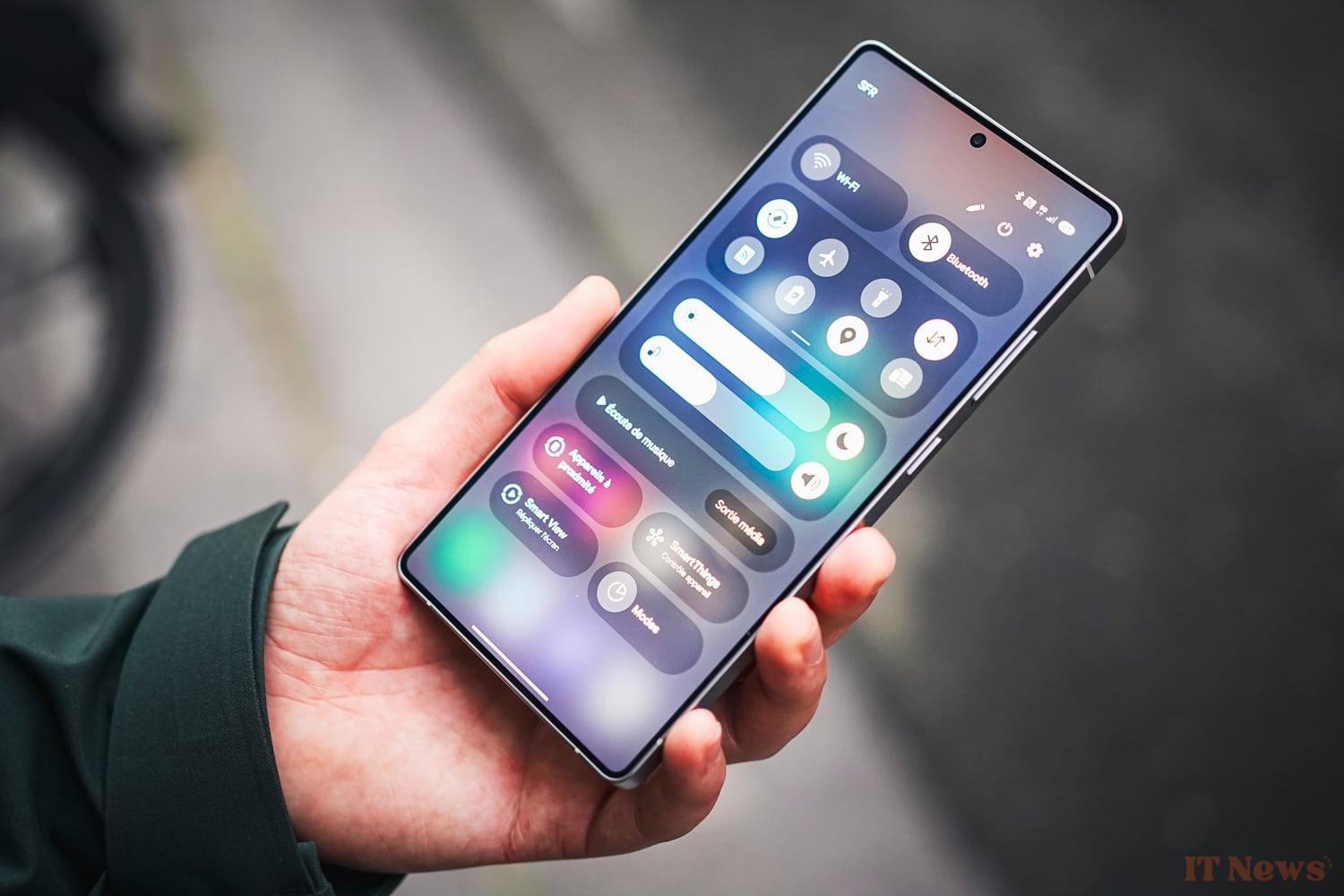
By swiping the screen from the top to the bottom, you get the notifications if you are on the left of the screen or the shortcuts from the right. It is of course possible to disable this option if you wish, or even to reverse the two.
While the new notifications panel still requires a bit of work to refine (we quickly get lost and the hierarchy between notifications is not yet obvious), the shortcuts panel looks like a very good first version.
Samsung has managed to fit just about everything you need at hand in a single space. We thus find the good old shortcuts in the form of small tiles, the sound and brightness management, nothing but very classic so far. But also the different options to best distribute the SIMs in dual SIM, as well as four new tiles at the bottom of the screen.
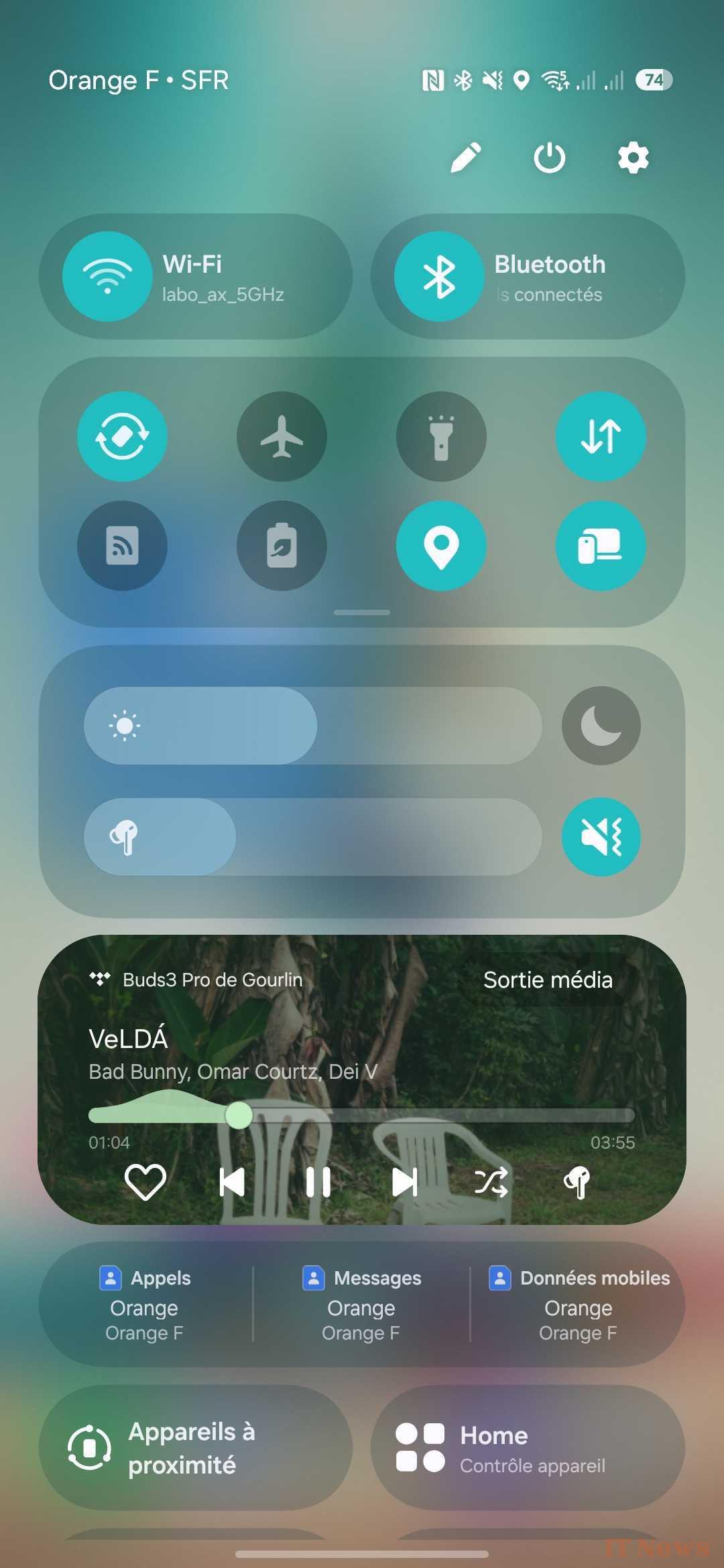
These tiles allow you to access:
- Devices connected to your Samsung account nearby;
- Smart View, the Samsung-style Chromecast in short;
- Your connected home (with the possibility of connecting LG devices, Google Home, etc.)
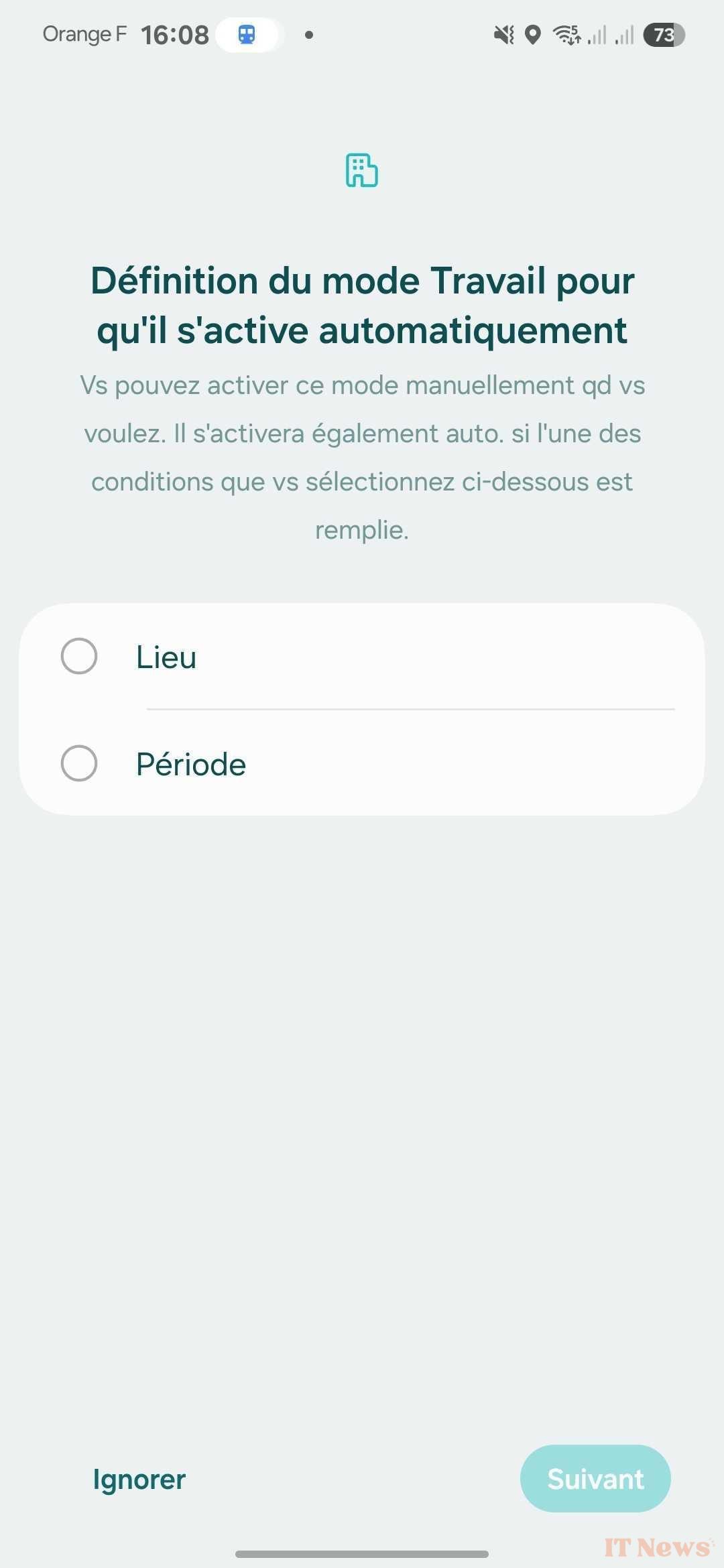
- The different concentration modes.
Features that others don't have (or not yet)
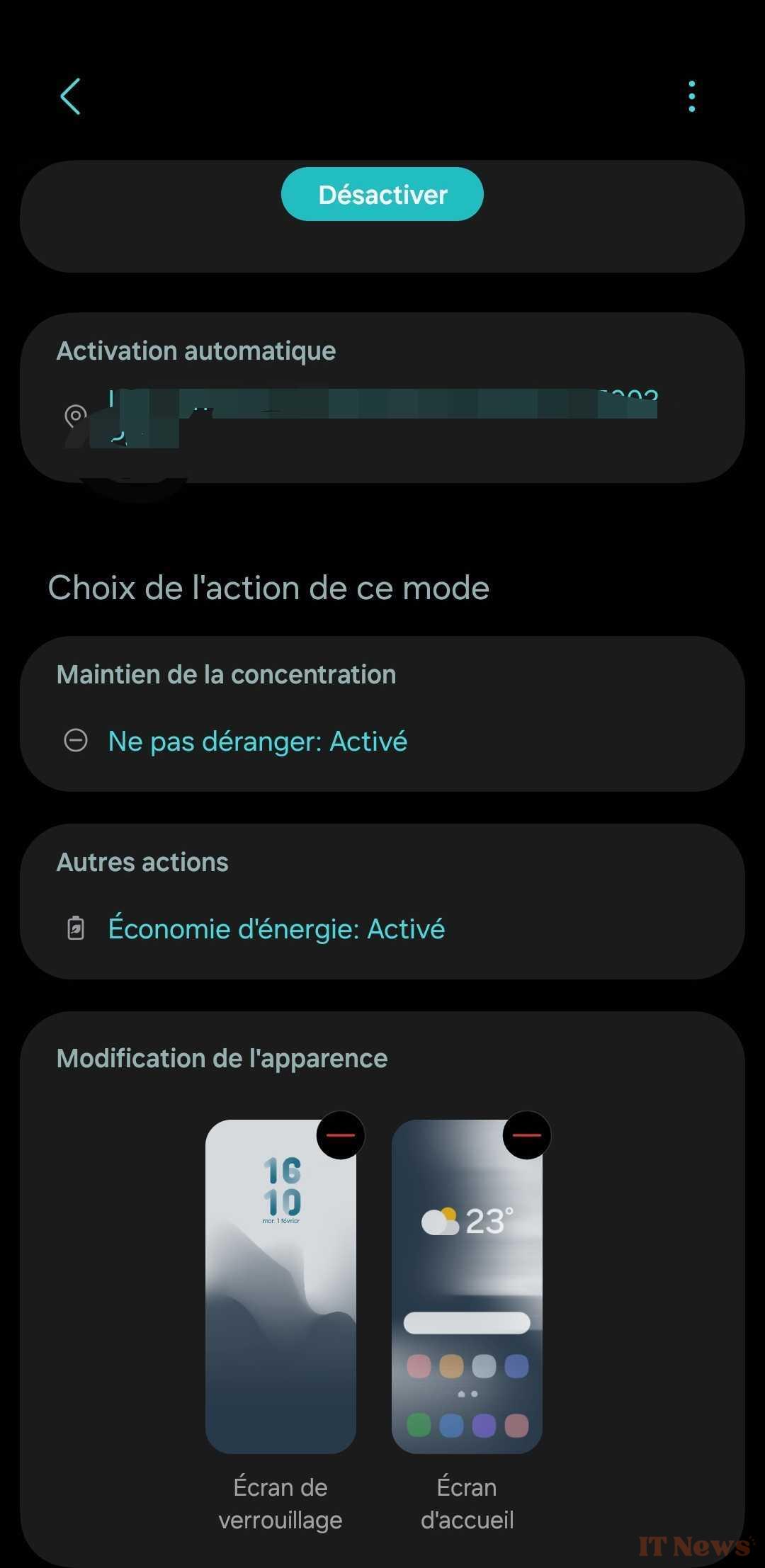
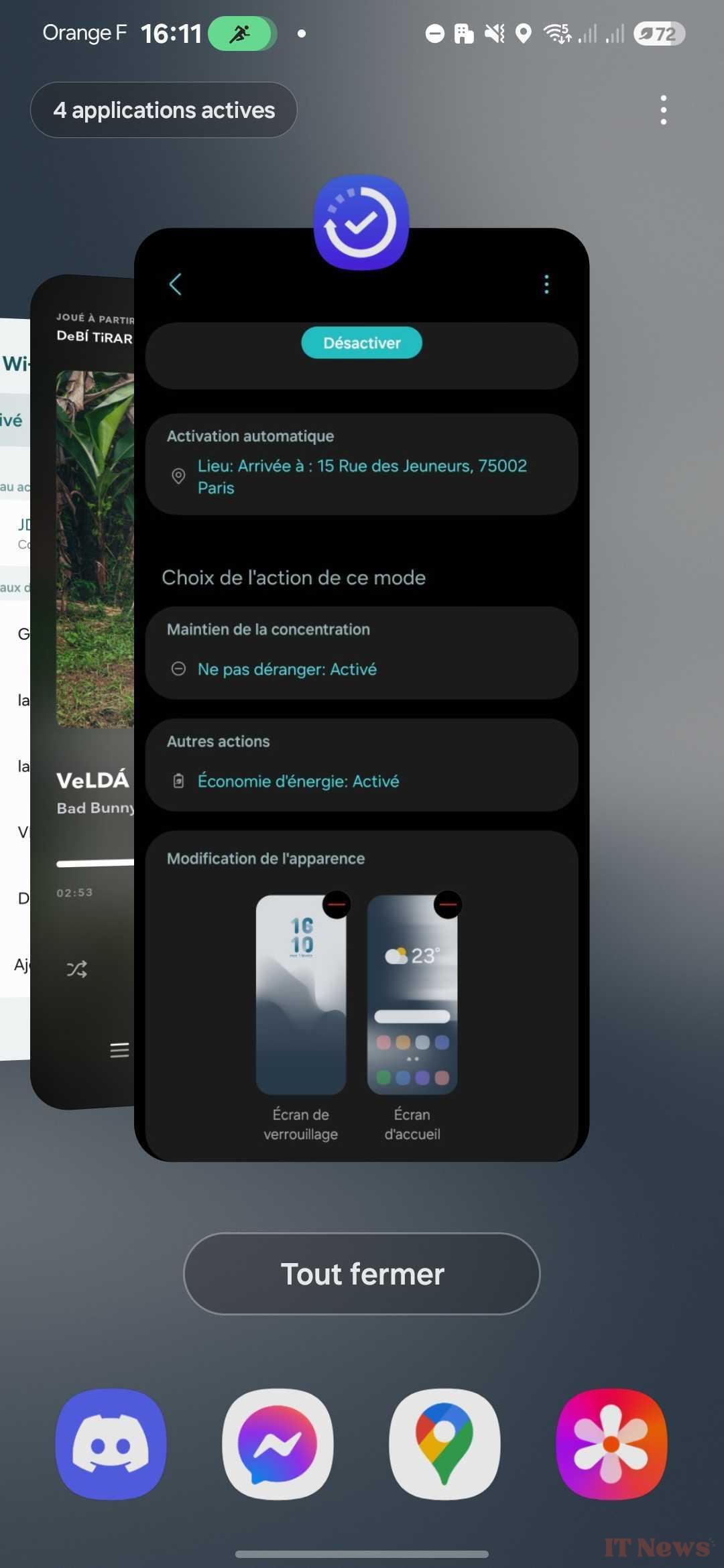
By the way, the concentration modes are still a clear advantage for Samsung over all the competition, since apart from Apple, no competitor offers such a complete system. The granularity of the settings for these concentration modes is exemplary: choice of location or WiFi network where to trigger the mode, choice of applications or contacts that may or may not disturb you, activation of energy saving mode, etc.
Samsung didn't just slap a lick of paint on its interface and added a lot of features at once, available from the launch in French, it should be noted.
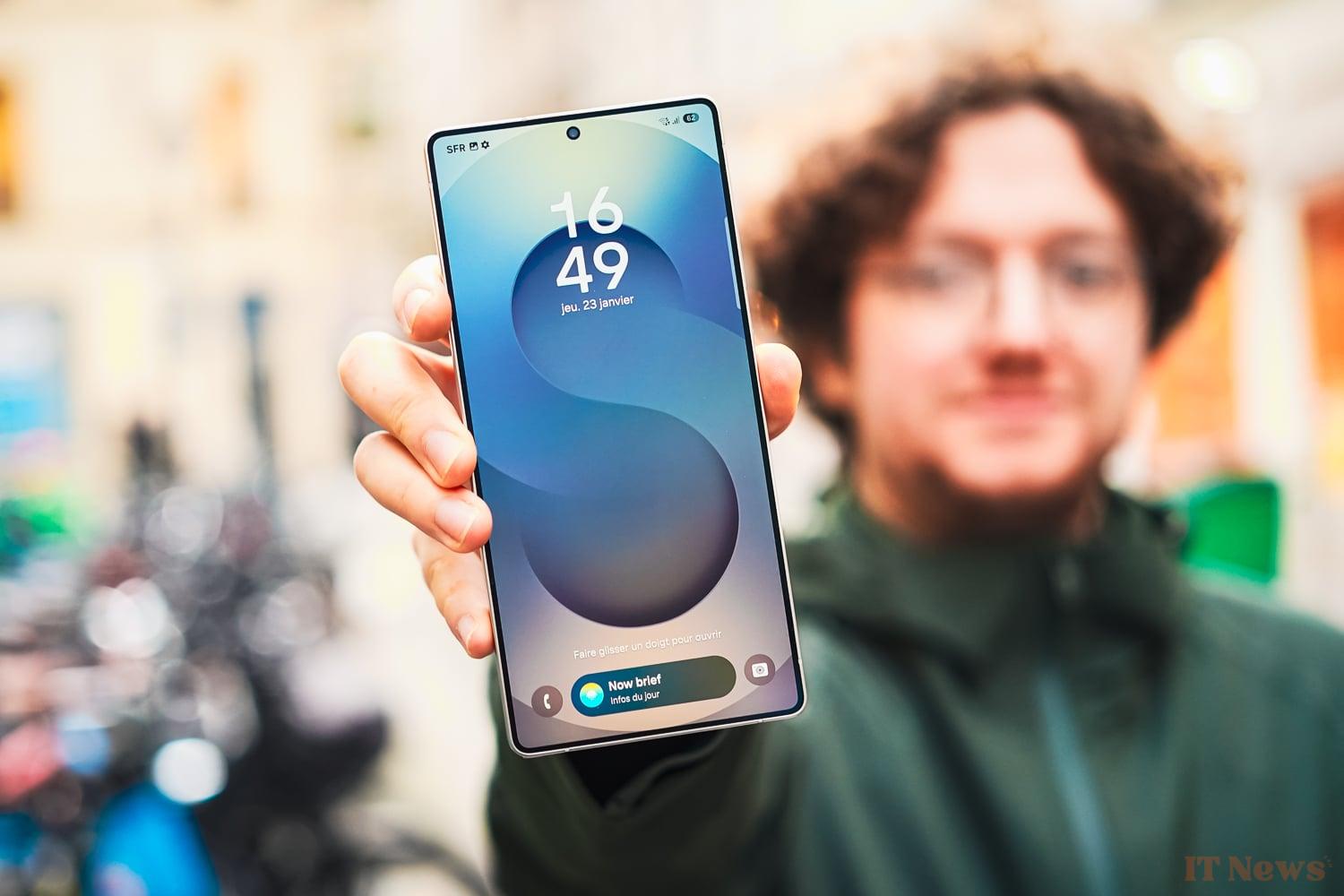
The most striking is, in our eyes, the Now Bar. This is a new little space at the bottom of the Lock screen that houses small activity tiles. These could be a current Maps route, a current Health activity, music you’re listening to, etc.
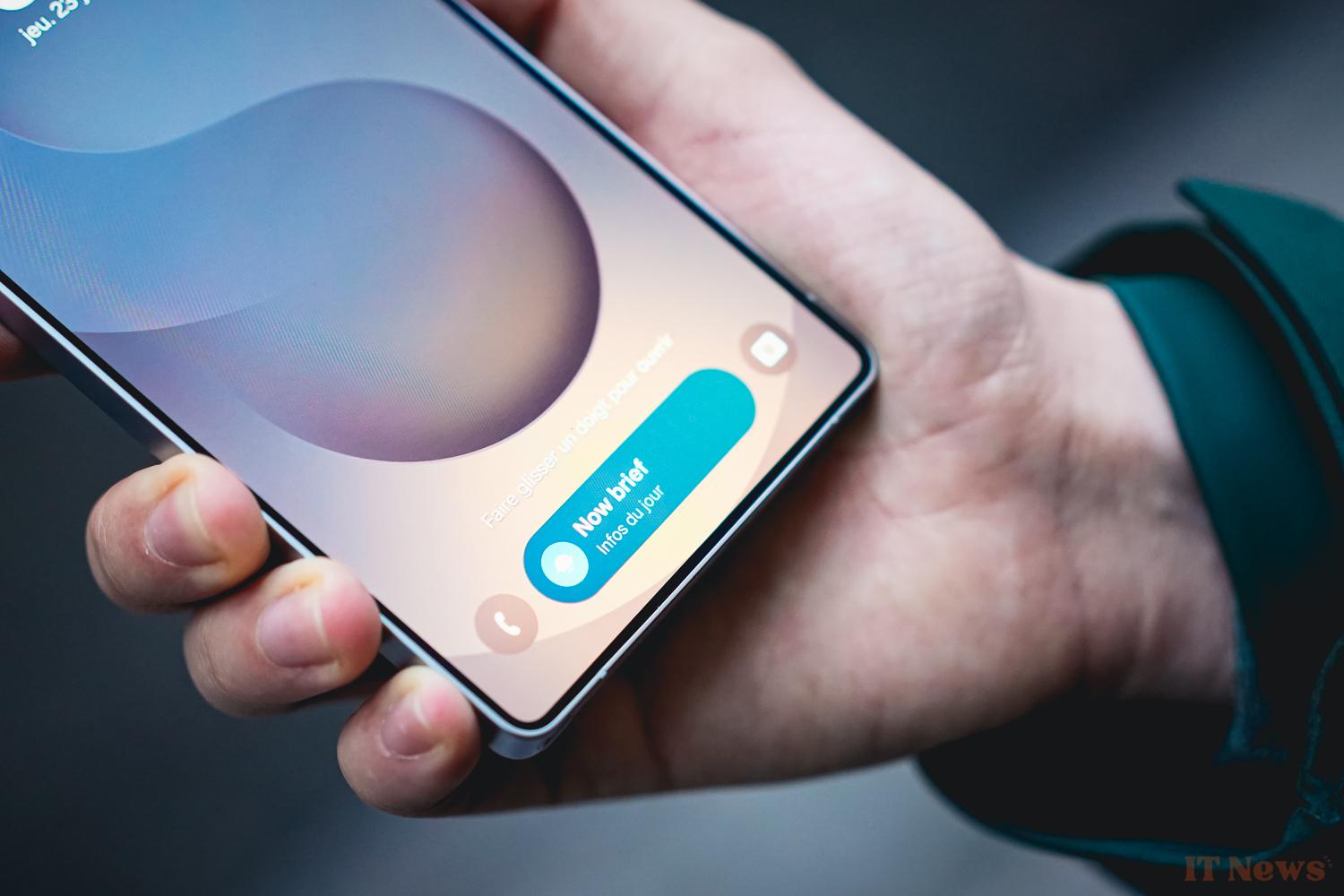
This is also where you will find, at least twice a day, the Now Brief. This new tool is intended to be a sort of evolving summary of your day, whether it is in front of you, because it is the morning, or whether it is over, rather in the evening. The Now Brief can also be invoked when you are approaching a flight or train.
The information displayed is always more or less the same: weather, fitness status if you are using a Galaxy Watch or Galaxy Ring, suggested playlists or podcasts to listen to on Spotify, videos on YouTube, etc. Rest assured, you don't need to be a fan of the Now Bar to enjoy it, it is of course also possible to access it from a widget on the home screen or from the sidebar.
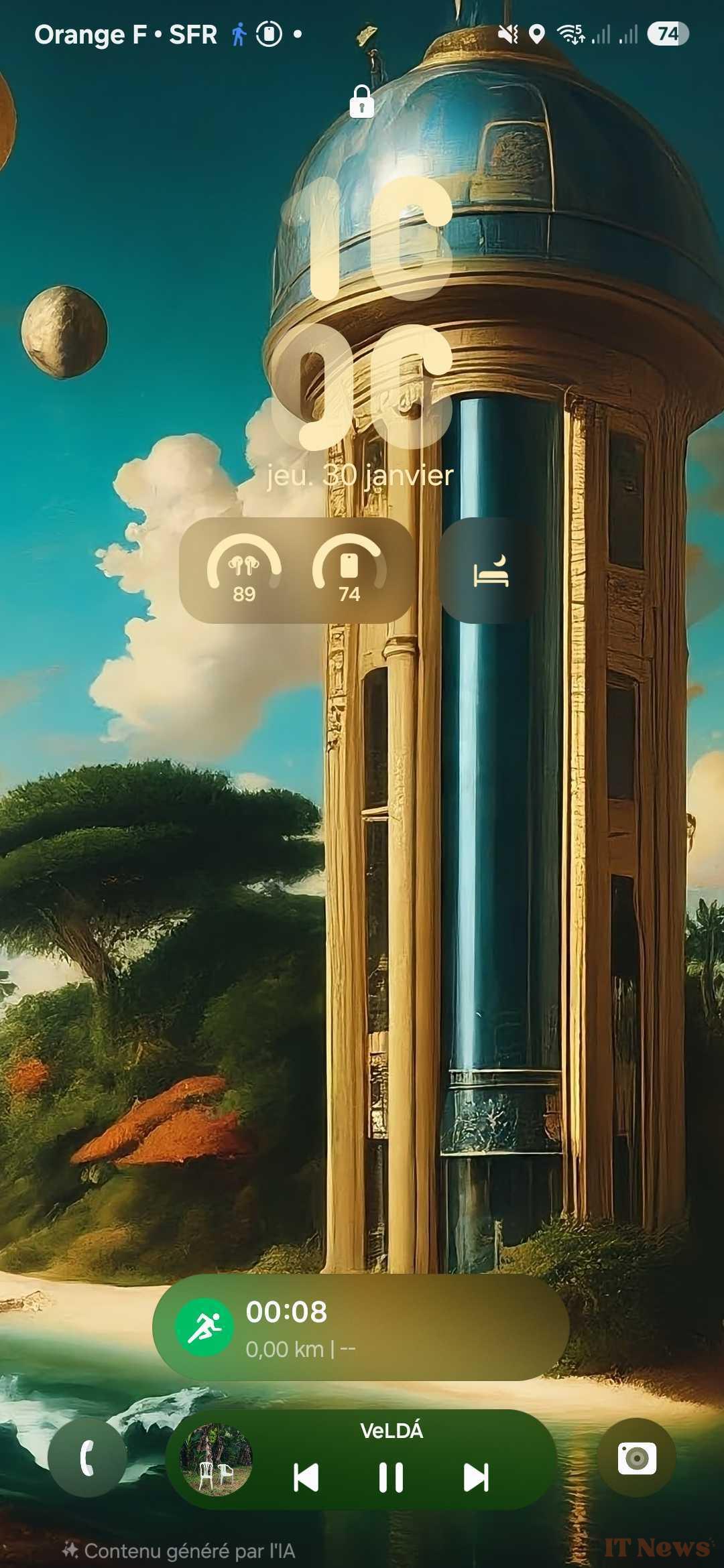
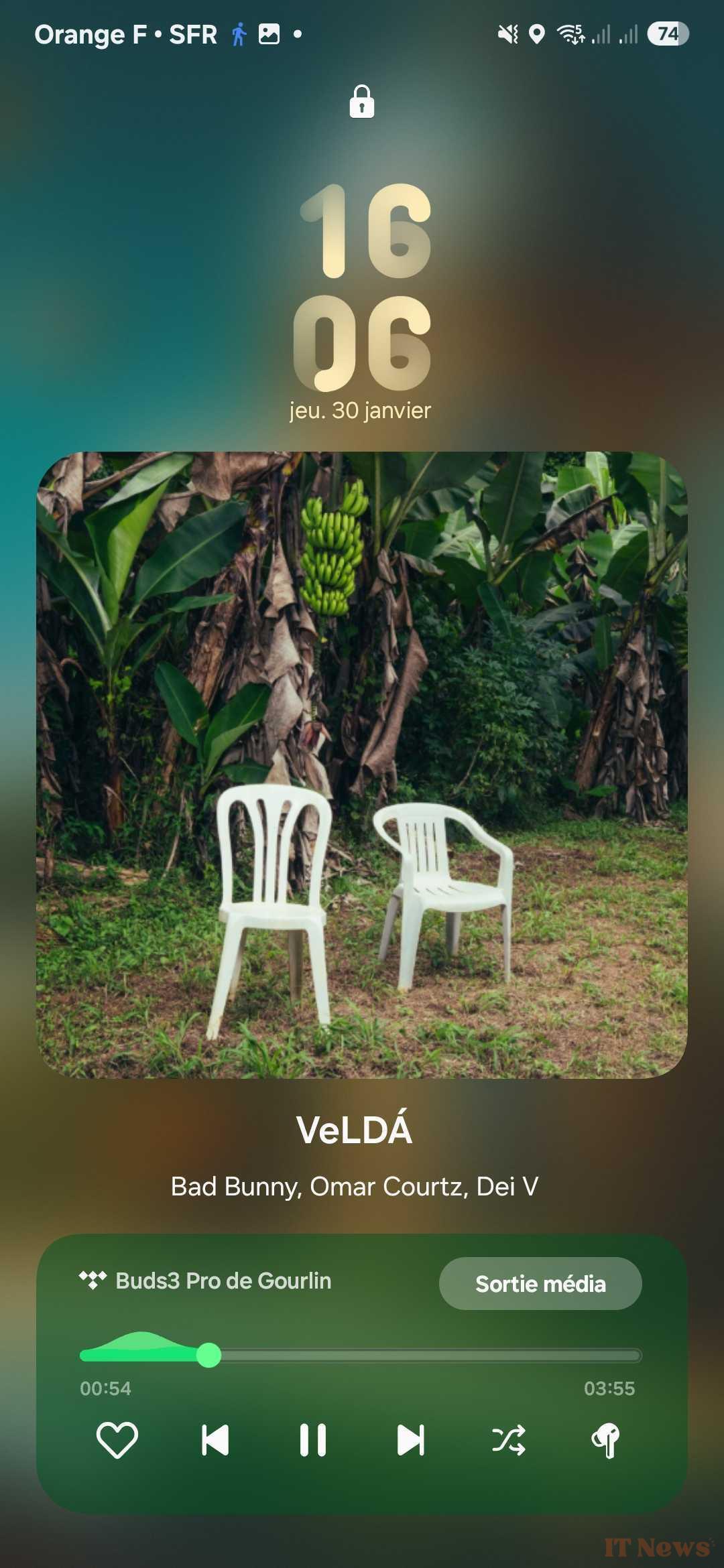
The Now Bar also brings us to other interesting tools like the AI interpreter that we already know, which allows you to start a conversation with a speaker of a language you don't speak. There is also the AI selection, which will select elements on the screen and suggest actions to perform. The last element is the Creative Tools application, which allows you to create images from drawings made on the stylus, from photos or from a short text.
Google has contributed to the building on two points:
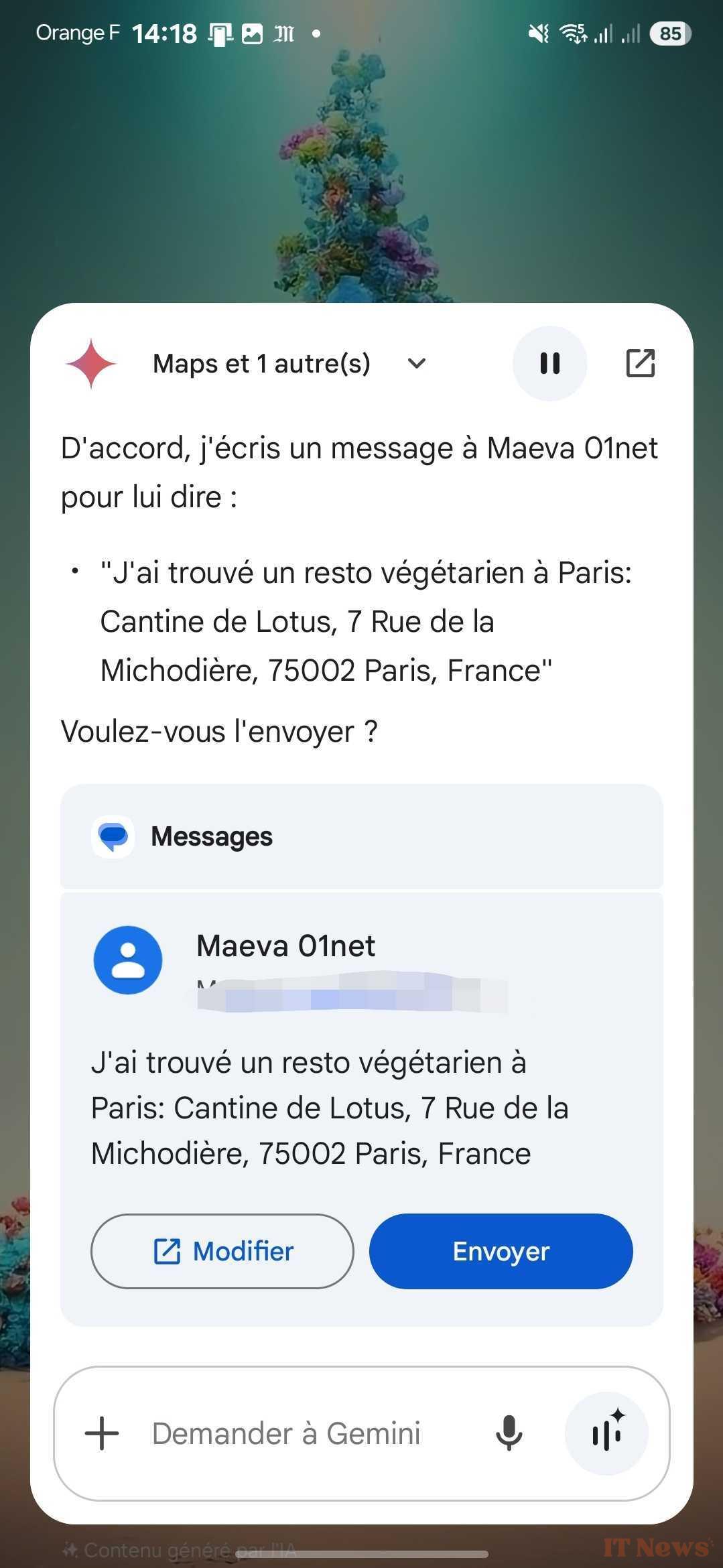
- Gemini now manages cross-app better, namely the fact of being able to invoke several applications during a simple oral request;
- Circle to search can suggest you open a Google app, like Maps if it finds an address for example.
In fact, it is above all Gemini which is the most impressive, but above all the most practical. By asking it, in one go, for the address of a vegetarian restaurant and to send the address in a message, it will actually suggest an address via Maps and display a tile where you can read the message before sending it in Google Messages.
Excellent, even if Gemini has trouble managing more than two apps at the moment. It also struggles a lot with Google Calendar.
With all these new features, the weight of the system increases by 20% to reach around 27 GB on our model, or more than 10% of the 256 GB of the base model. We are still entitled to 7 years of updates, both Android and security. Enough to let your S25 Ultra live a full life before retiring, or even give it the opportunity to live several in refurbished or resale. Always a good point.
Design: immobilism that rounds off the angles
The abundance of new features on the interface is at least proportional to the absence of substantial developments in the design. It is difficult to completely blame Samsung for this, the maturity of the market is such that it is not necessary to reinvent the wheel.
The Korean giant is nevertheless throwing a new Gorilla Glass Armor 2 into the pit to calm the wild beasts. This one is supposed to be four times more scratch-resistant than the competition and can prevent breakage after a fall of 2.2 m. Since we are well-bred, we did not push our tests to the point of testing this resistance.
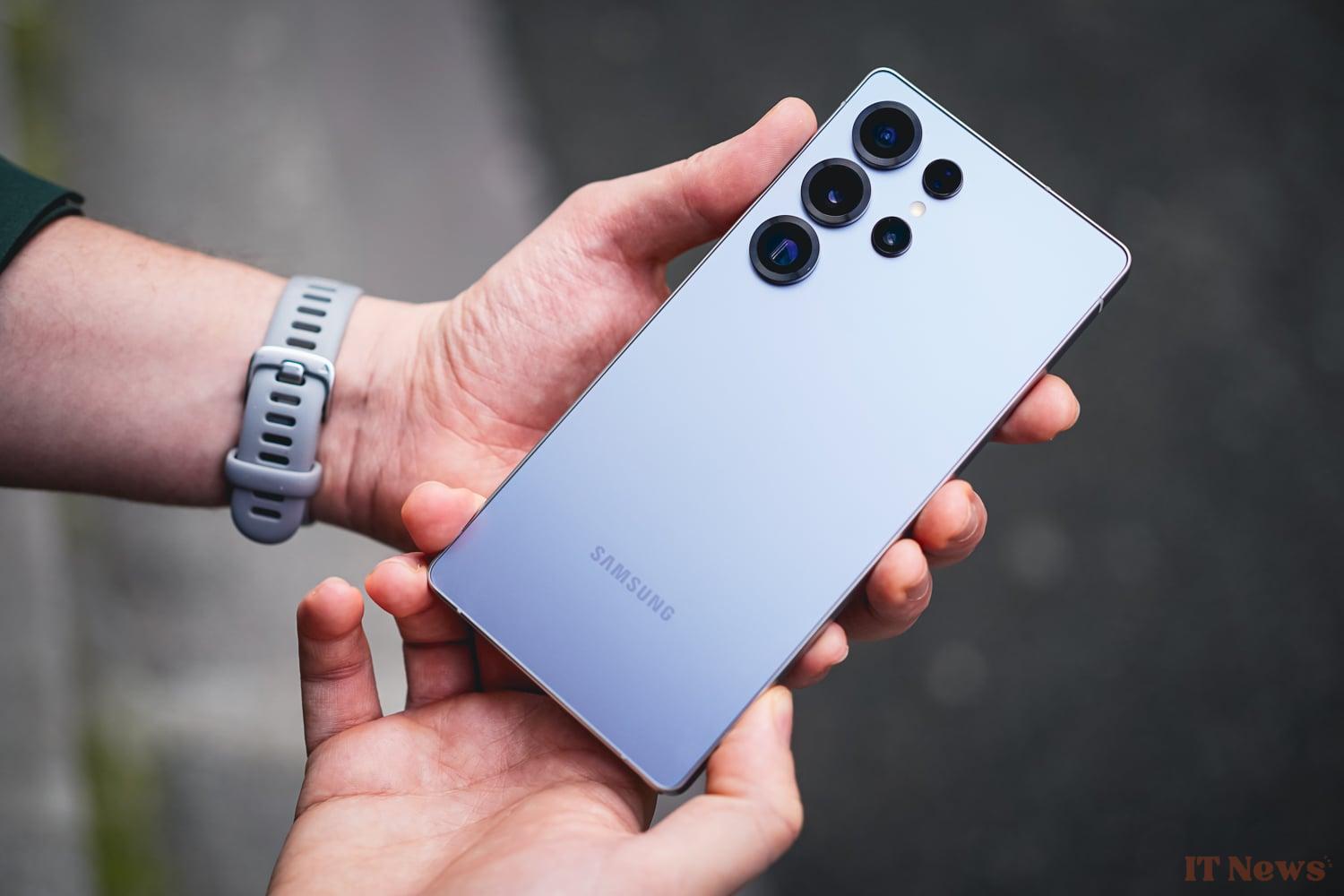
Empirically, we should mention the total absence of scratches visible to the naked eye after a good week of use, even superficial ones. It's hard to say the same for the majority of the market. So Samsung may have pulled an interesting card here. Our long-term test will confirm or not this good first impression.
No IP 69 certification on the other hand, which we could see with the OnePlus 13 or the Oppo Find X8 Pro for example. It's not a big deal, the IP 68 has proven itself.
Beyond these considerations on the solidity of the material, let's quickly take a tour of the owner. The opportunity to establish the differences, because there are some, with the Galaxy S24 Ultra.
Exit the very square body of the previous versions, make way for rounded corners which make the handling much more pleasant. The smartphone is also thinner (8.2mm versus 8.6mm) and lighter (219g versus 232g) than before, which places it 0.1mm and 8g below an iPhone 16 Pro Max.
If you are a fan of large smartphones, you will undoubtedly see the difference. The smartphone, despite its size, does not clutter the hand or pocket. A real success from this point of view.
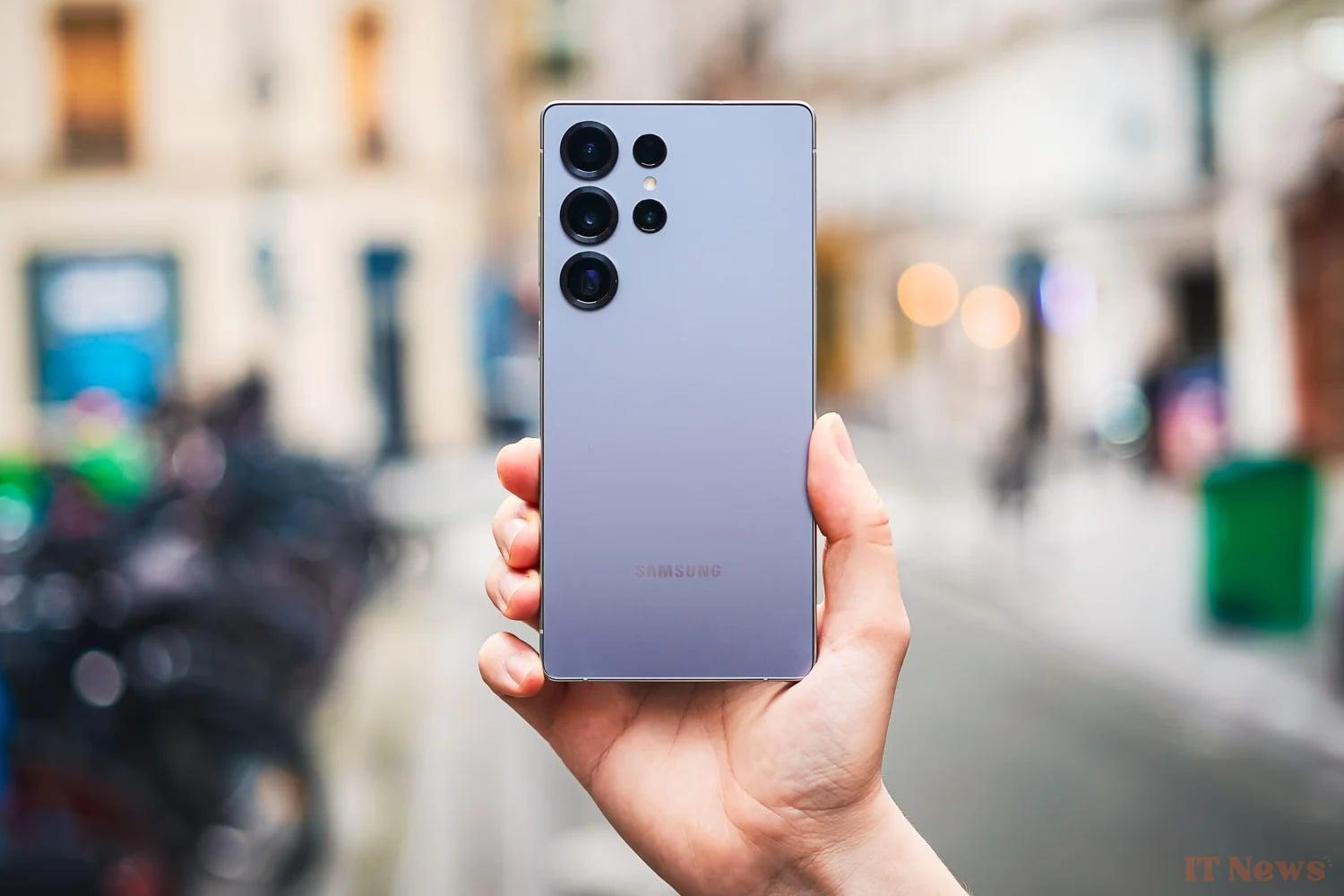
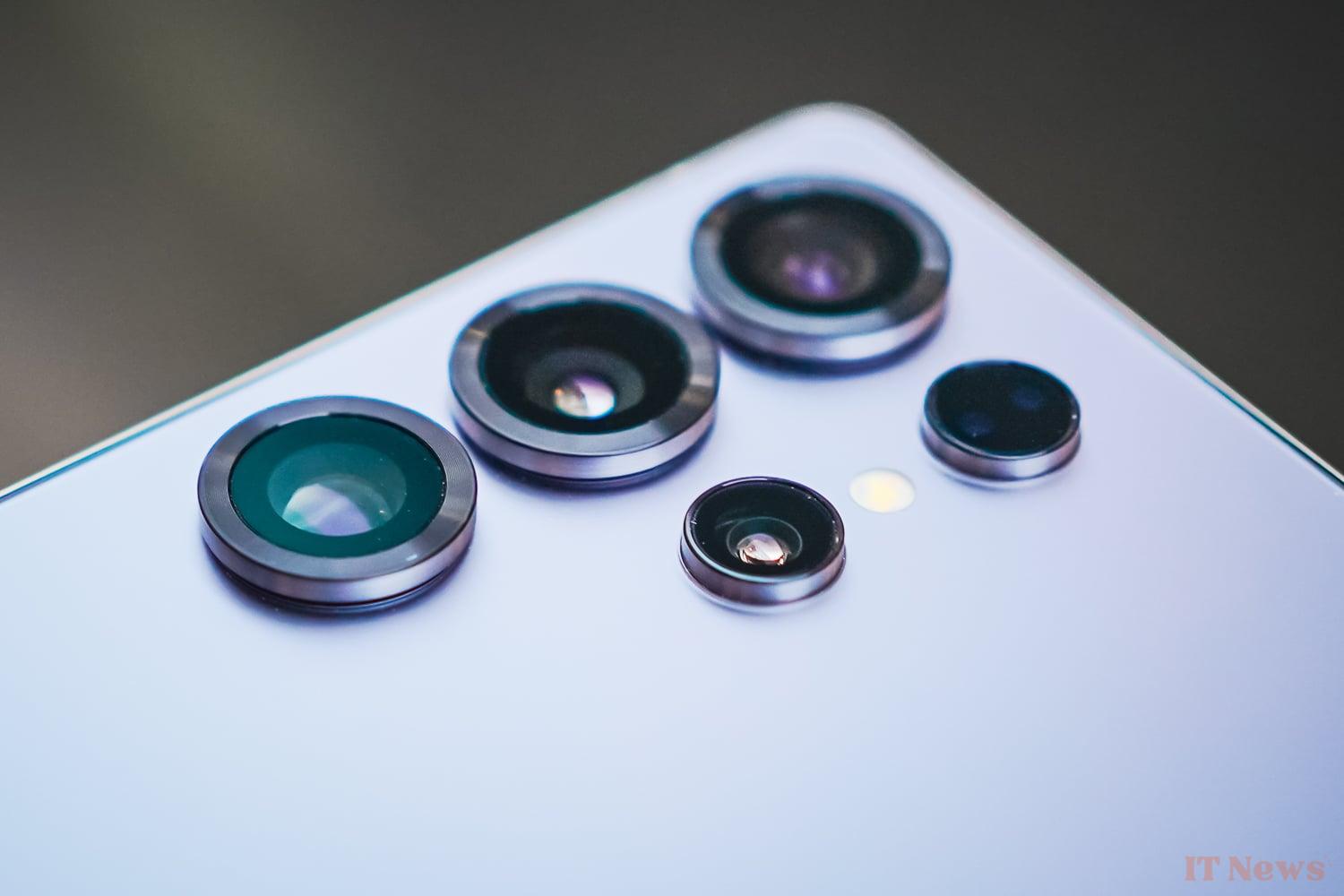
On the back, the Galaxy S25 Ultra still opts for a perfectly flat surface without any photo block, meaning that the photo modules are as if placed directly on the glass. On the other hand, these take on a little character with the circles surrounding them which are enlarged and thickened. A small detail that unfortunately causes the smartphone to rock a little when placed on a table on its back.
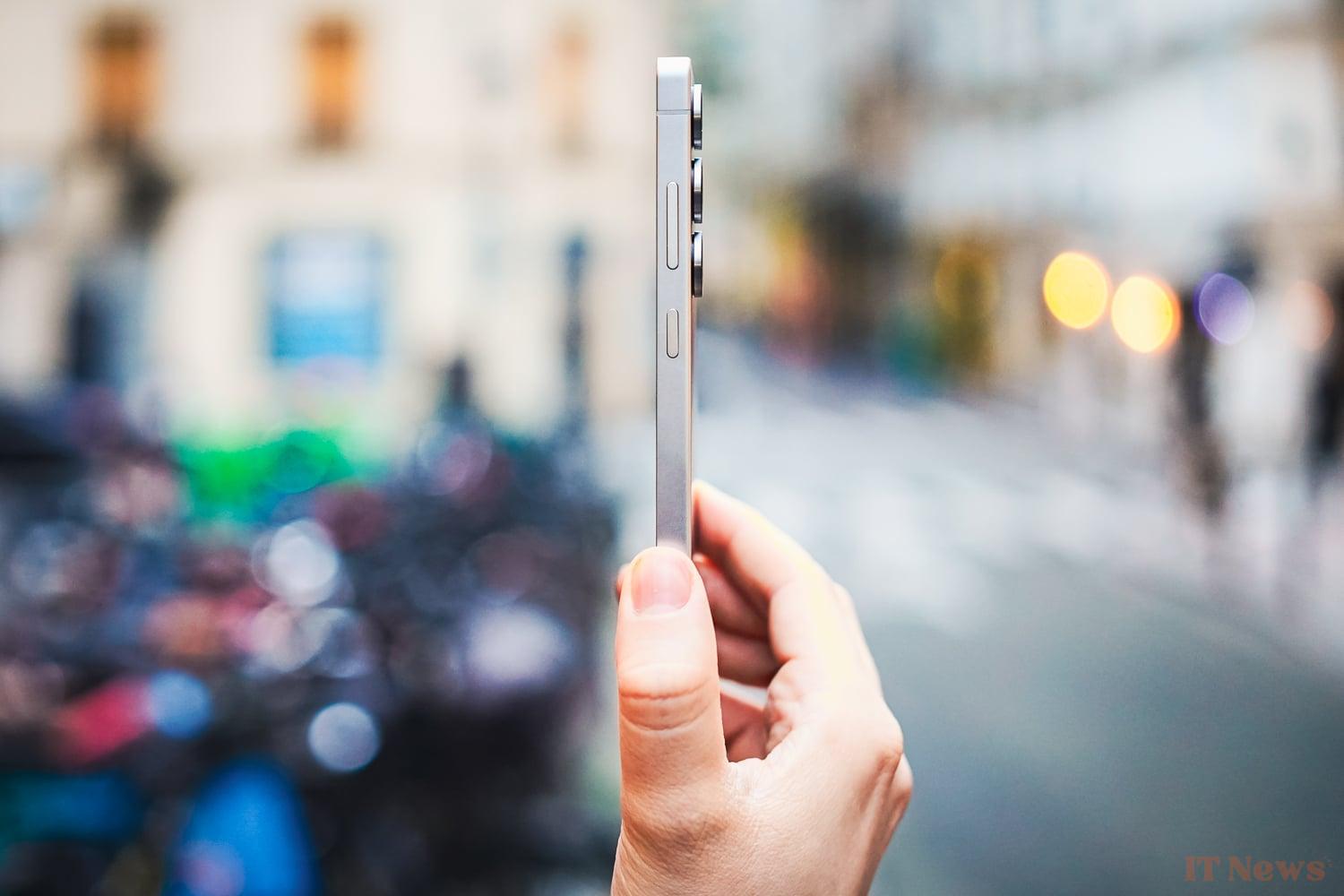
The glass coating goes perfectly with the titanium coating chosen for the edges. The whole thing is smooth, very little textured without being slippery.
The edges, since we're talking about them, are straight, with a very fine bevel at the edges, in order to avoid an overly aggressive grip. Again, nothing to say, the finishes are almost perfect.
The buttons, all located on the right, are perhaps placed quite correctly, except perhaps for the "increase volume" button which requires a few extensions from time to time.
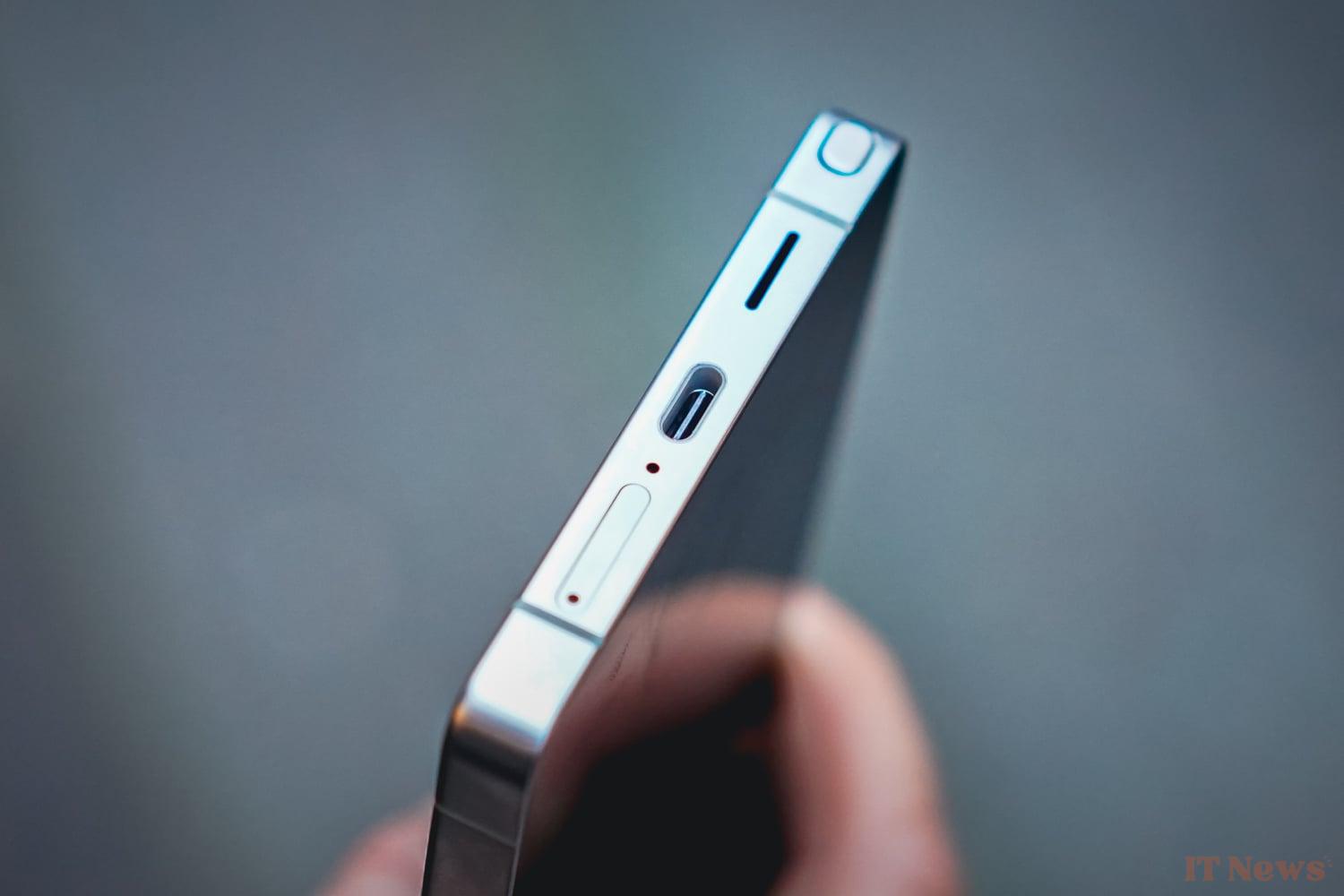
On the lower edge, you will find aligned the SIM drawer (dual SIM), the USB-C port, one of the two speakers as well as the stylus, located on the left.
Moreover, the latter is probably one of the only small design errors of the Korean manufacturer. Indeed, if you pay a little attention to it, the stylus comes out very slightly from the frame on the side where it is tilted. This is just a detail, however, and does not ruin the experience in any way.
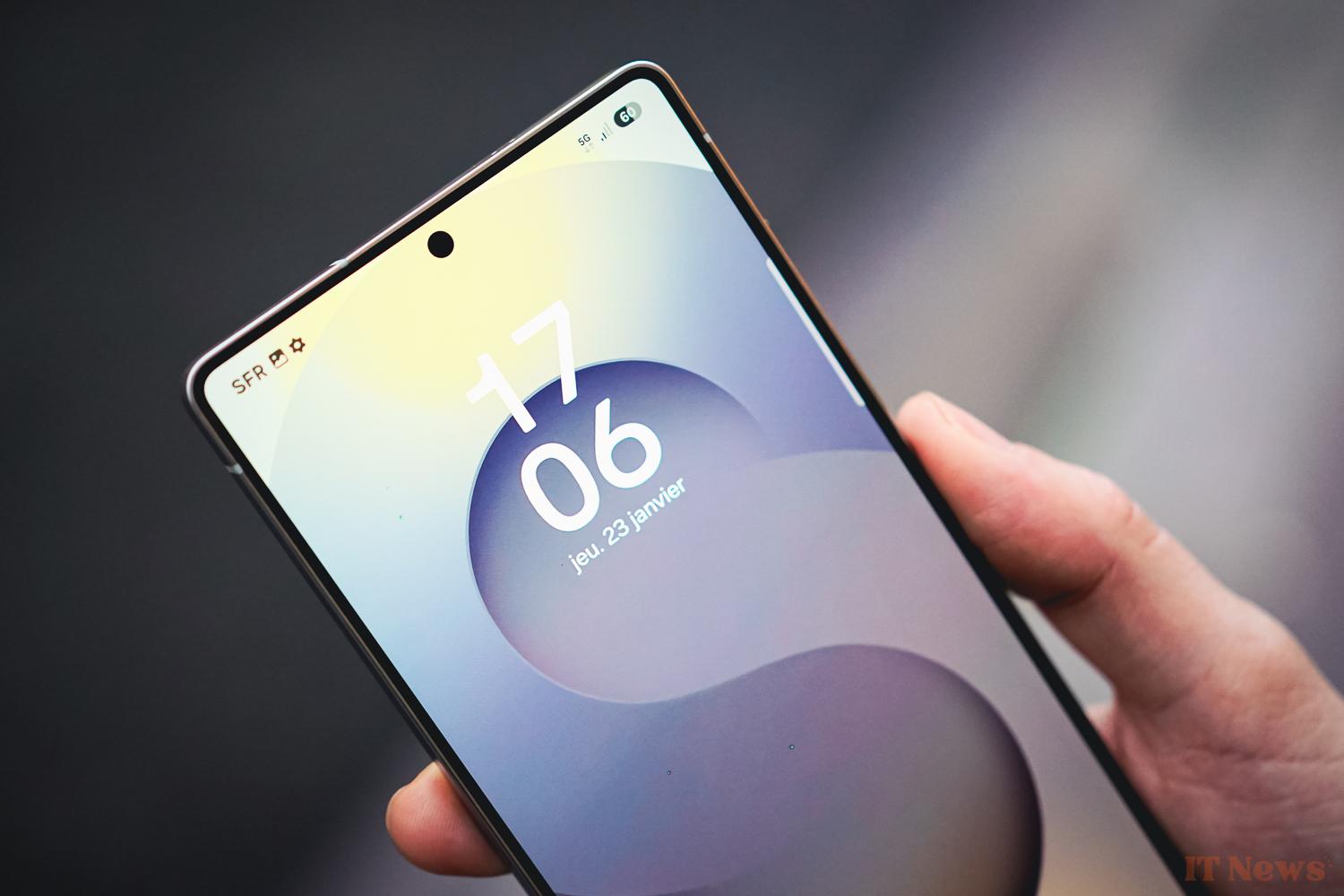
Let's move on to the front and its large 6.9-inch screen. It is perfectly flat, with thinner edges (91.2% ratio) and a chin of equal size to the other edges. Enough to delight fans of symmetry.
The screen is pierced at the top with a central punch and integrates a hidden fingerprint sensor towards the bottom. This one is placed high enough to avoid having to contort your thumb.
Photo: the Ultra gets an ultra-wide-angle
Usually the poor relation of high-end smartphone photo configurations, the ultra-wide-angle is this year the little darling that benefits from a substantial improvement: the move to a 50Mpx sensor. According to Samsung, this should help it in particular to capture light. Let's check this out right away.
Galaxy S25 Ultra Ultra Wide Angle
| Module type | Ultra wide-angle |
| Number of pixels | 50 Mpx |
| Sensor size | Type 1/3.5" |
| Focal length (35 mm equivalence) | 13 mm |
| Aperture of optics | 1.9 f/ |
| Zoom factor | x0.6 |
| Stabilization type | |
| Autofocus Type | PDAF – Dual Pixel Phase Correlation |
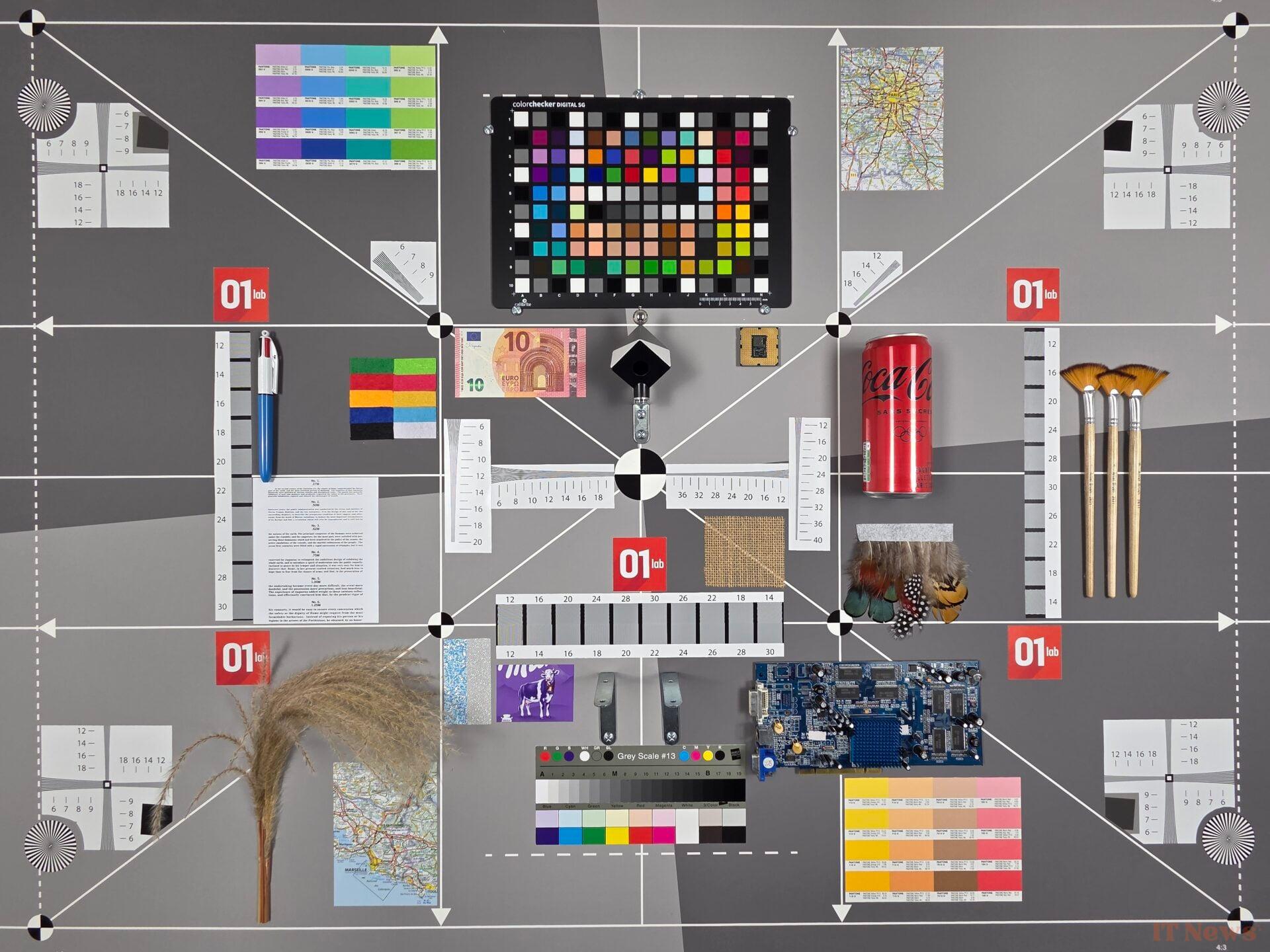
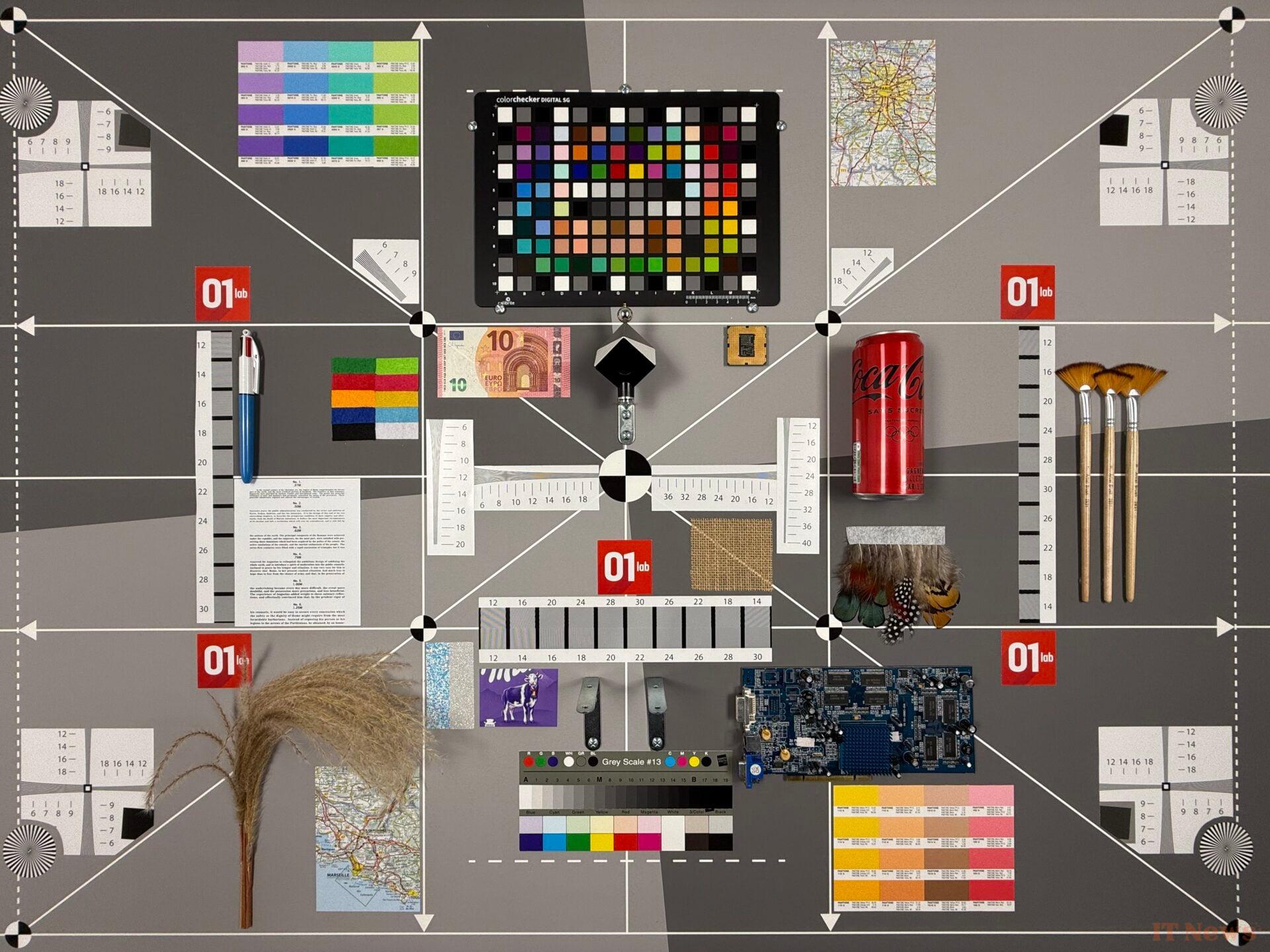
Let's start with a little comparison using our 01Lab photo scene. On the left, you'll find the Galaxy, on the right the iPhone 16 Pro, both on their ultra wide-angle of course. We can immediately see a significant difference in colorimetry, with the iPhone being more yellow.
The Galaxy S25 Ultra is also less noisy, a sign of slightly more advanced processing. This is particularly noticeable when moving from a flat white to another color, with a fairly significant accentuation at the separation level. On arrival, the white solids are still better controlled by the Galaxy, since we see real white, and not a shade of gray.
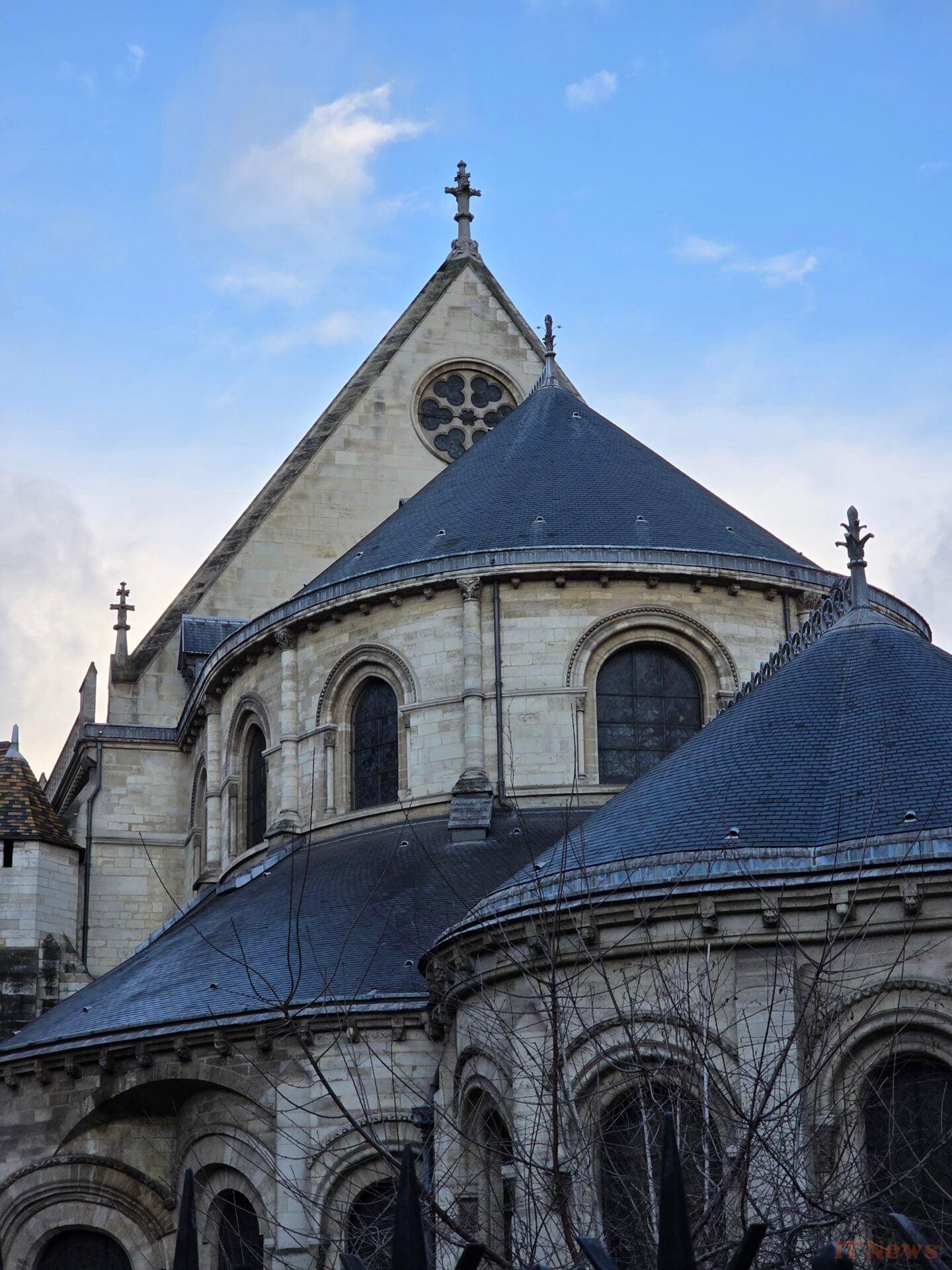
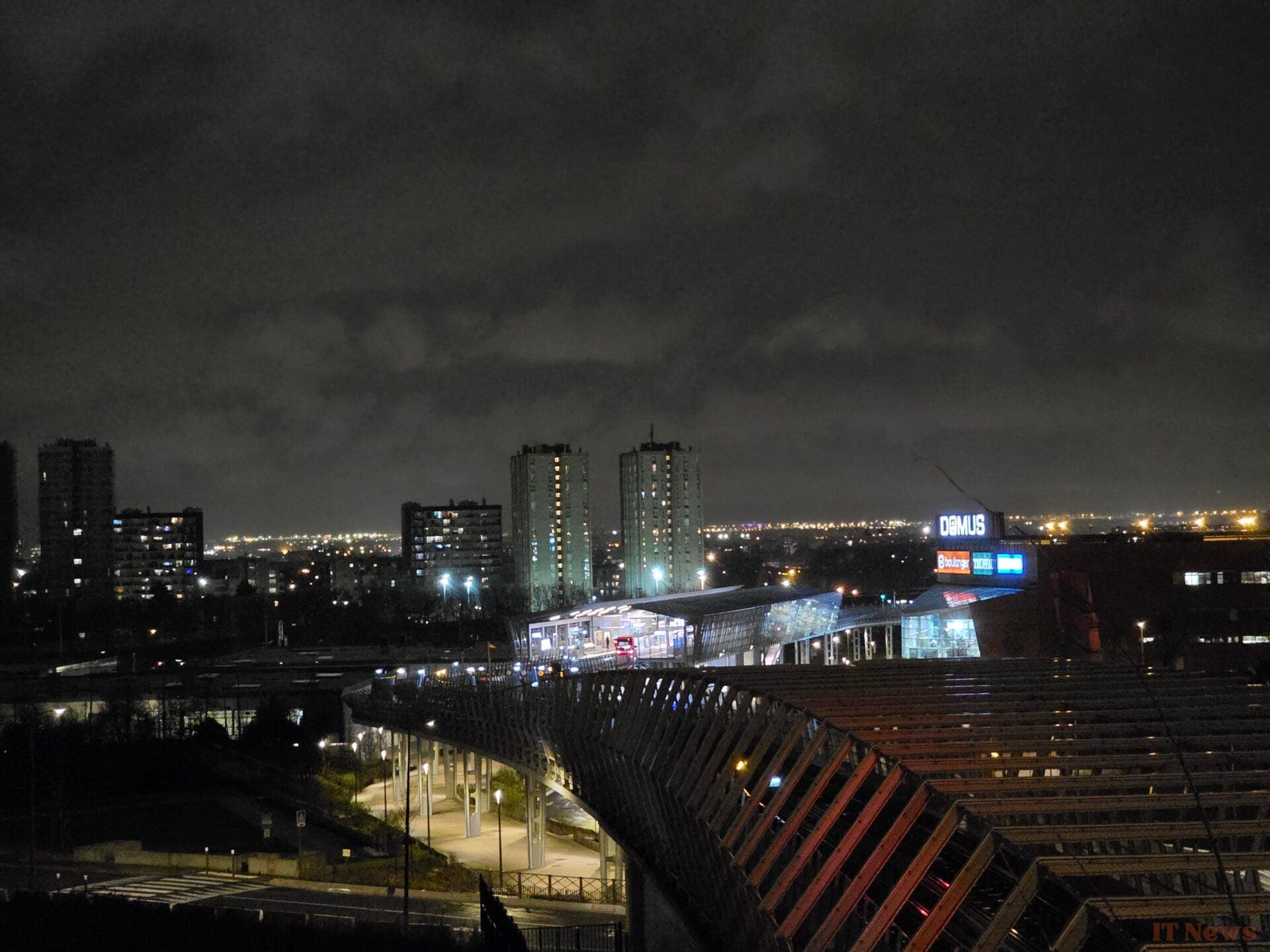
Let's move on to the ultra-wide-angle at night as promised. If we look at the photos below as a whole, we have a fairly successful management of night lighting with a nice impression of microdetails, particularly in the lawn and the vegetation more generally.
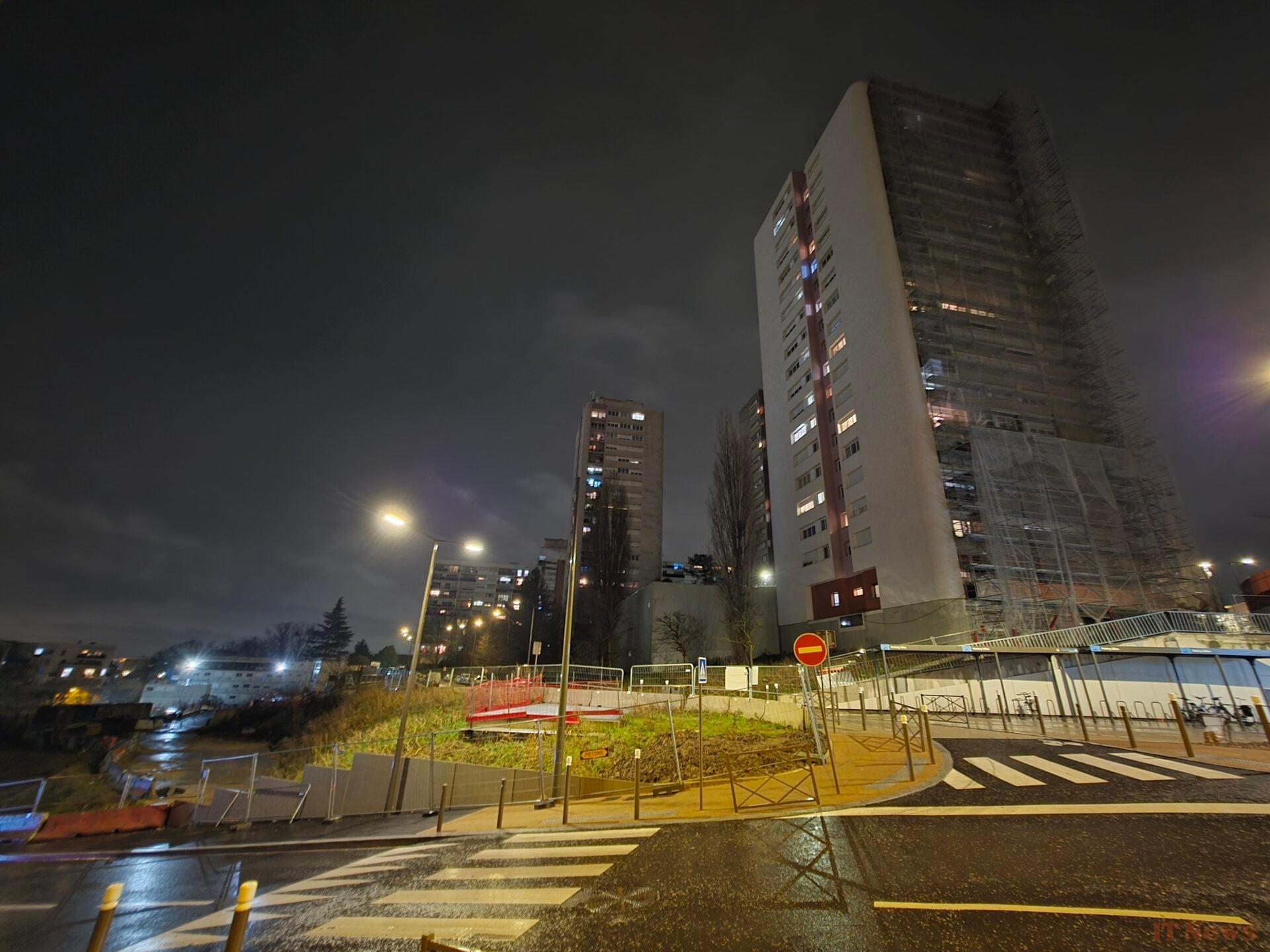

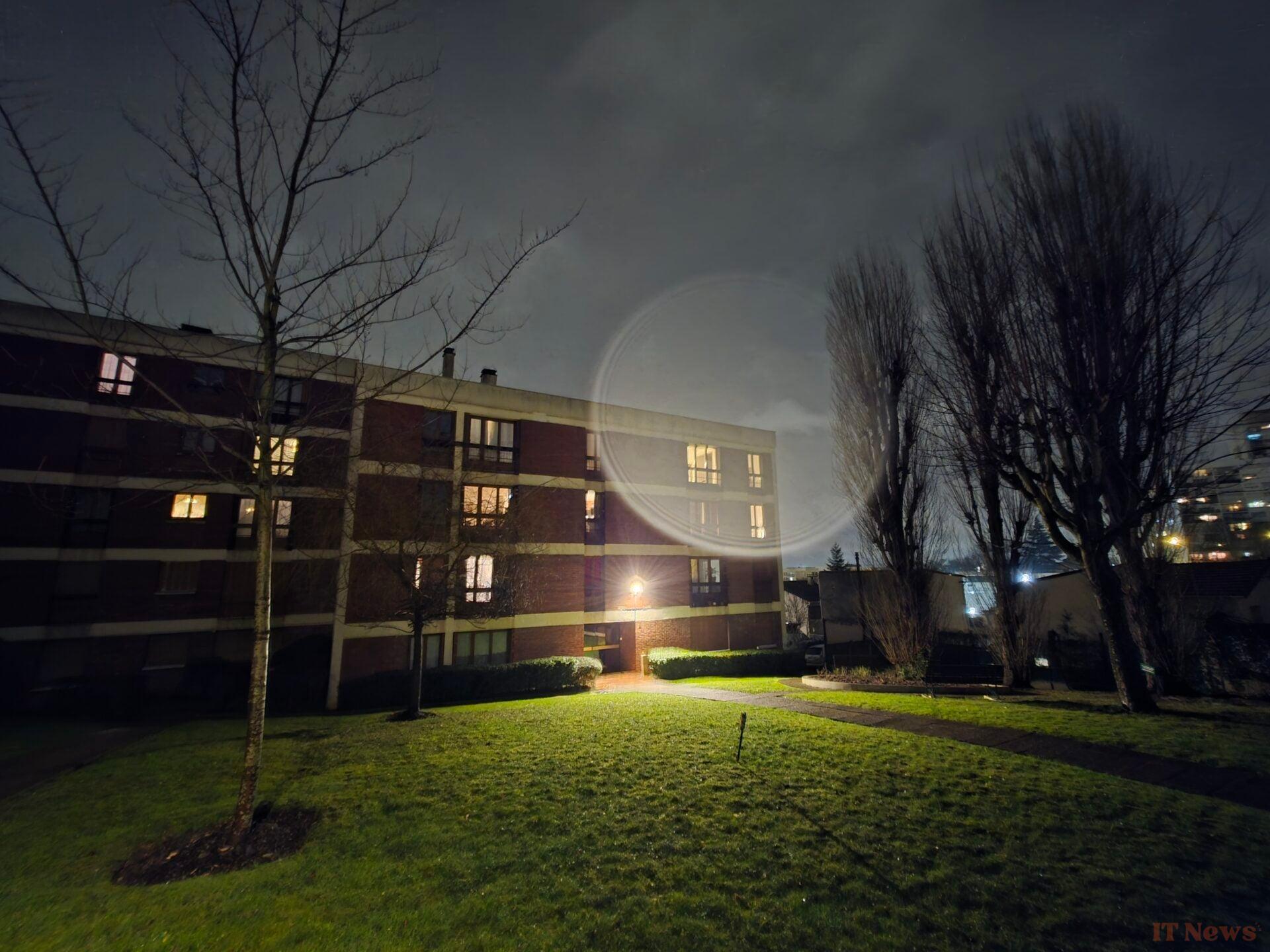
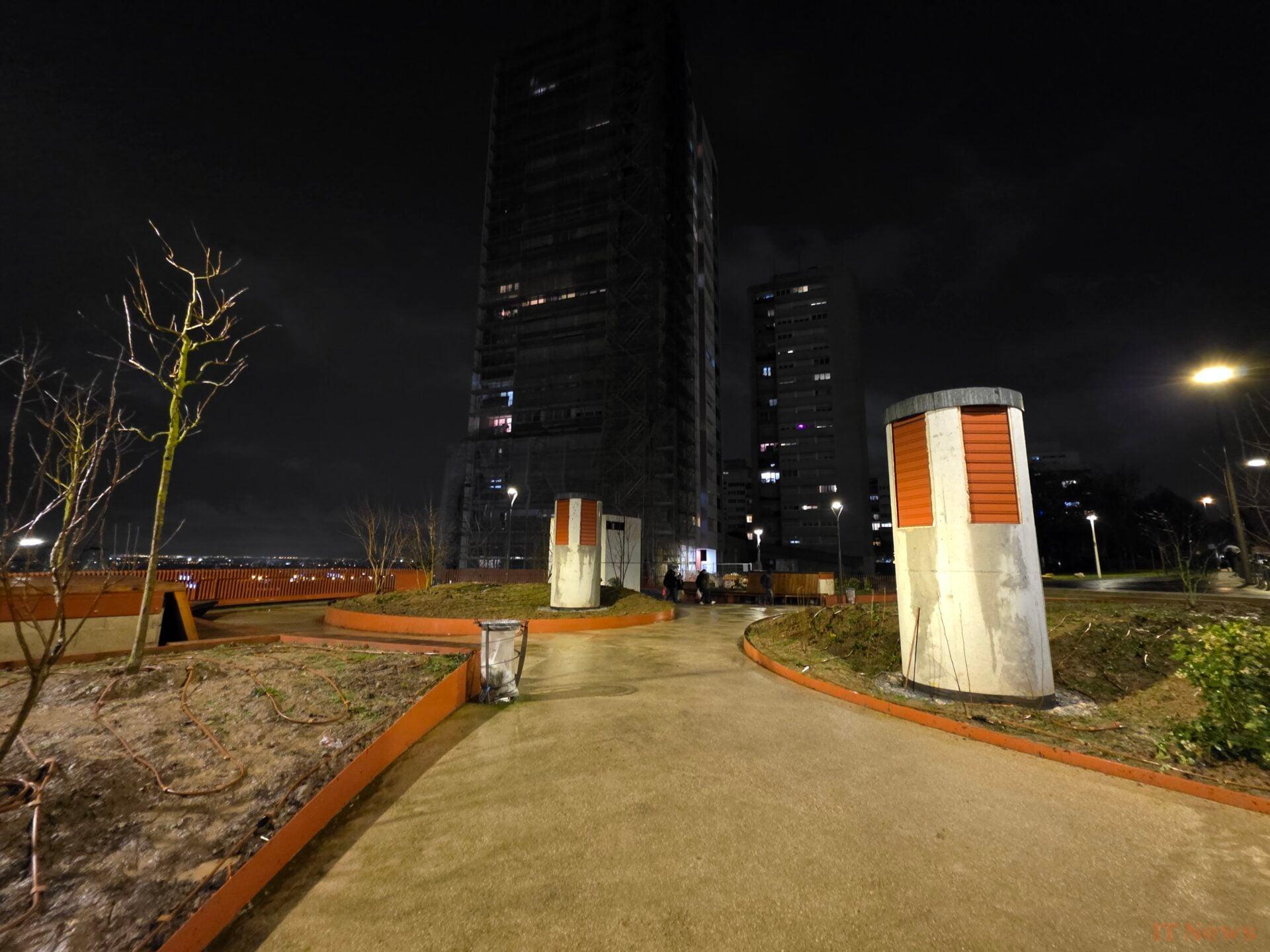
On the other hand, when you look more closely, the further your eye moves away from the center, the more the level of detail tends to decrease. We also notice some lens flare that the smartphone struggles to mask.
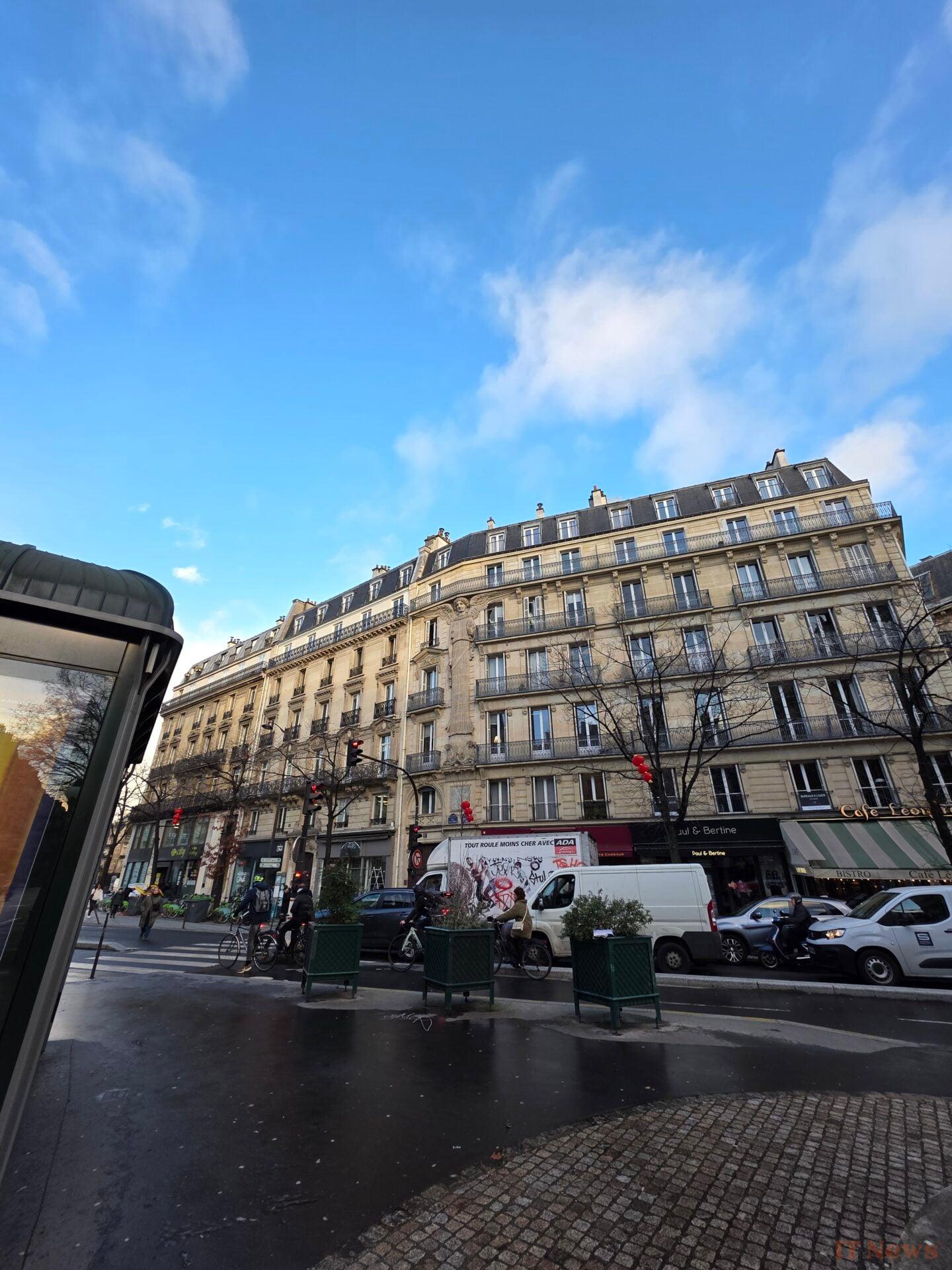
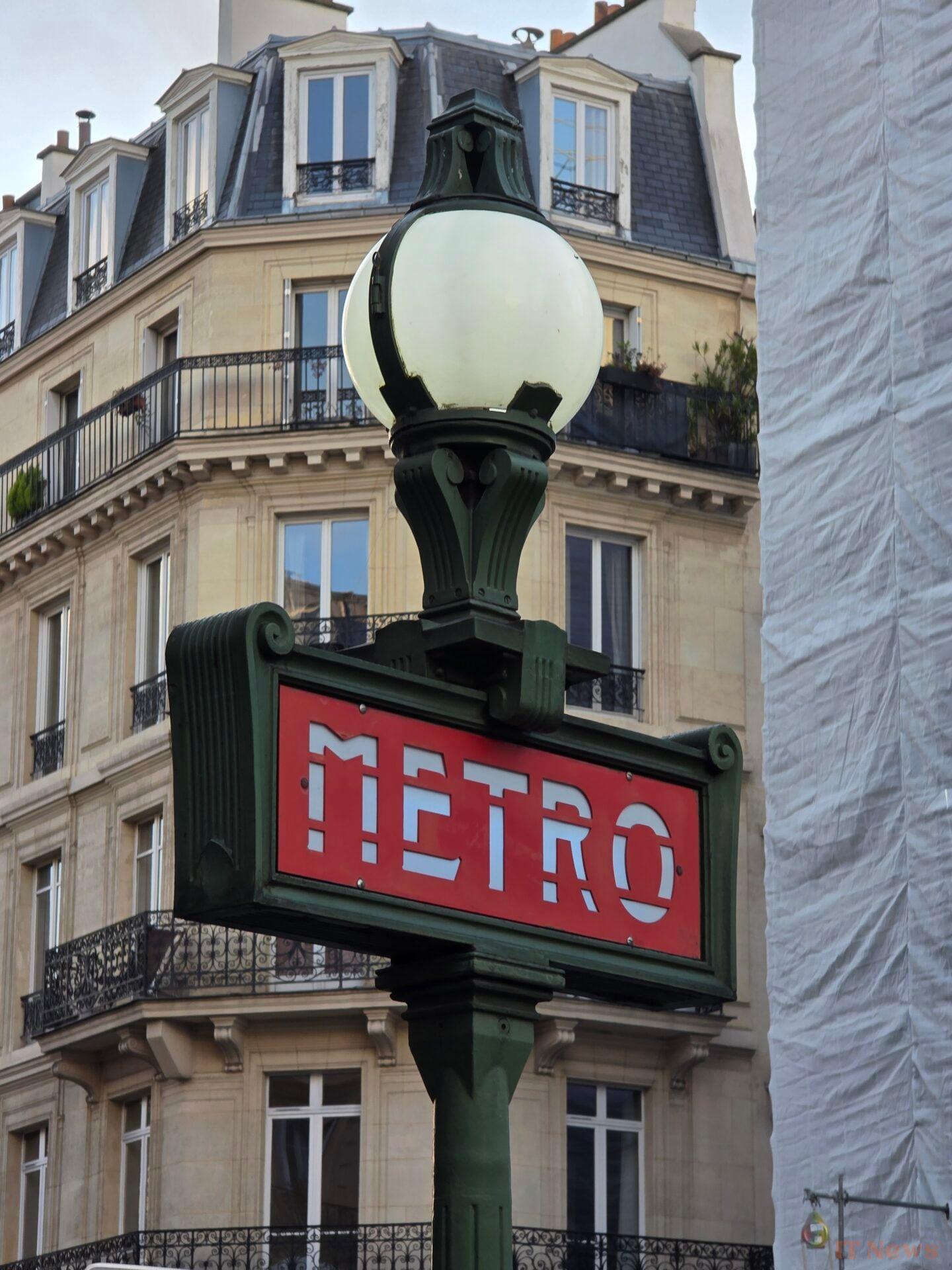
In high-light conditions, the ultra-wide angle delivers good dynamic range management on the shot with the statue in the center. The latter is also very clear, like most of the subjects in the center of the image. We also note that the shots retain more details than in the night shots, even if there are inevitably some unsightly blurs on the edges. In the photo with the red facade, we notice a slightly too strong accentuation on the shutters, a sign of a rather aggressive treatment. Overall, the colorimetry is rather warm.



More generally, the two telephoto lenses offer great versatility on a daily basis. A real treat to use.
Galaxy S25 Ultra telephoto lens
| Module type | Telephoto |
| Number of pixels | 10 Mpx |
| Sensor size | Type 1/3.5" |
| Focal length (equivalence 35 mm) | 67 mm |
| Optics aperture | 2.4 f/ |
| Zoom factor | x3 |
| Stabilization type | Optical (OIS) |
| Autofocus type | PDAF – Phase Correlation |
The X3 will be used in particular to take portraits. Thanks to the background blur and the algorithm that pushes the details on the faces, the results are satisfactory. For other shots, we still notice a drop in the level of details compared to the other modules. In addition, the autofocus does not always know exactly where to place itself, as you will notice below in the photo representing a chessboard.



Galaxy S25 Ultra Super Telephoto
| Module type | Telephoto |
| Number of pixels | 50 Mpx |
| Sensor size | Type 1/2.5" |
| Focal length (35 equivalence mm) | 111 mm |
| Optics aperture | 3.4 f/ |
| Zoom factor | x5 |
| Stabilization type | Optical (OIS) |
| Autofocus type | PDAF – Phase Correlation |
Conversely, the X5, or super-telephoto lens as Samsung calls it, has a devilishly effective sharpness. There are some approximations on a very close-up, but for the more general scenes, we are seduced.


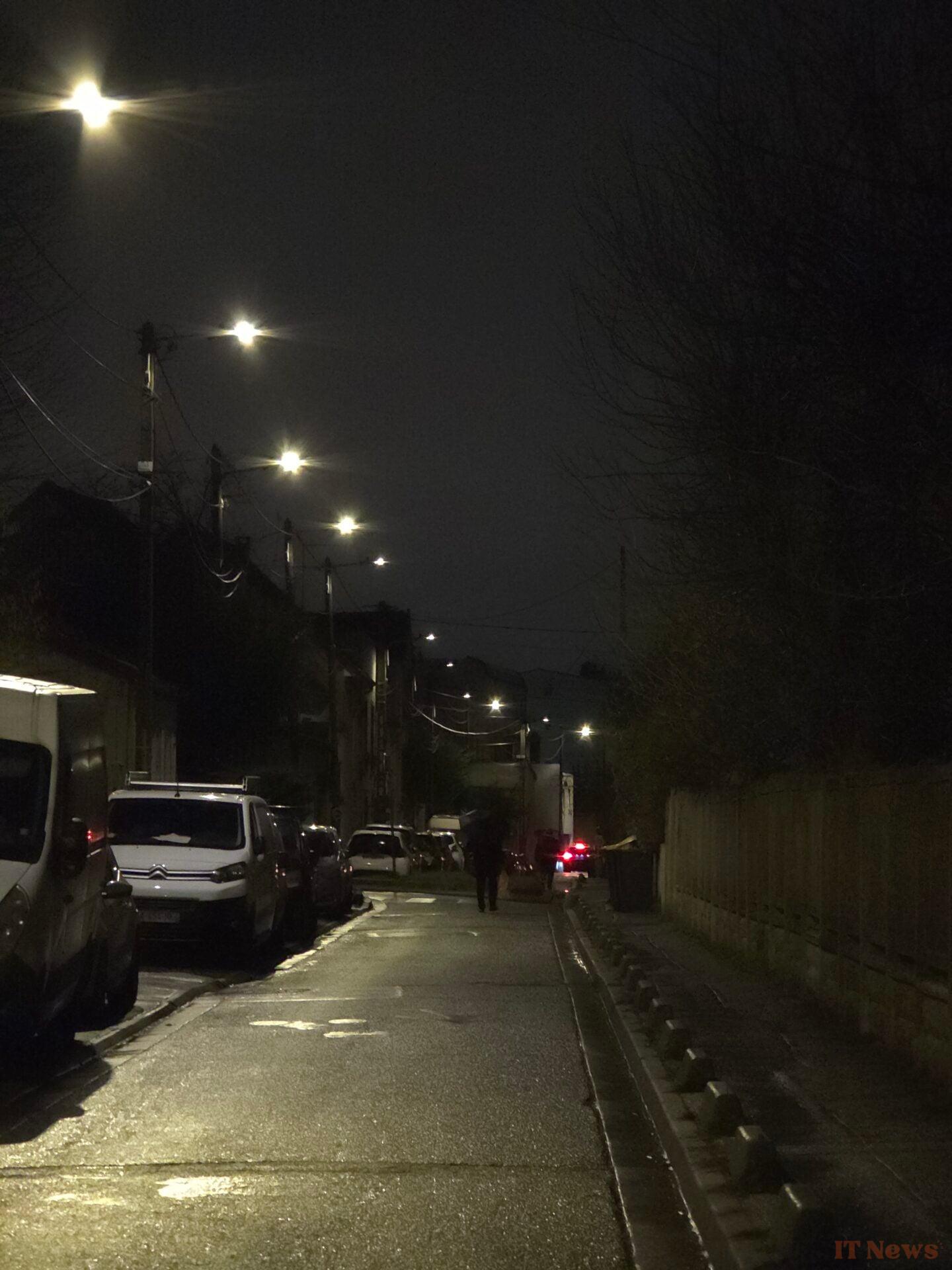

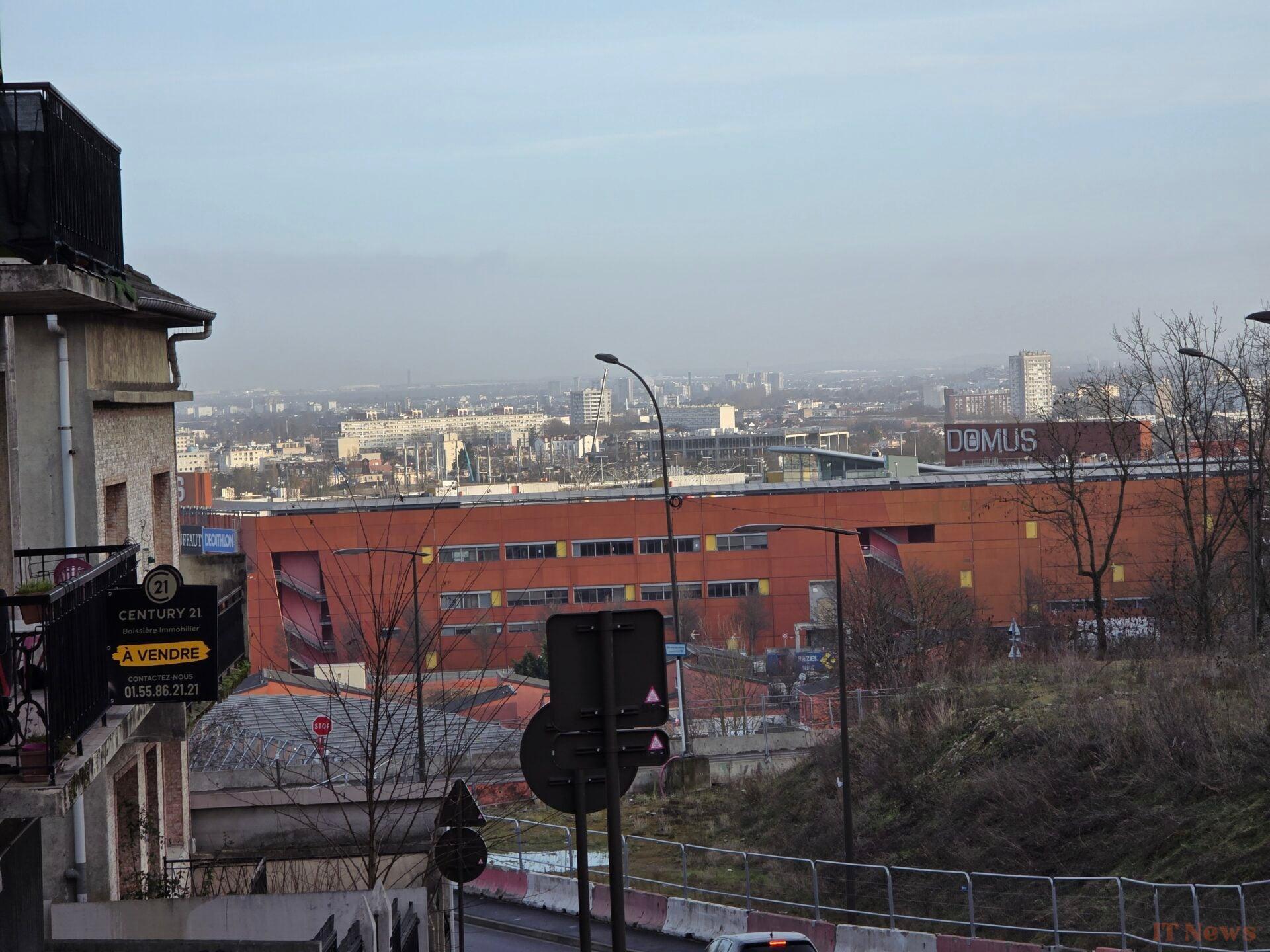
The X10, which is actually a digital zoom in the X5's 50Mpx sensor, is also surprisingly precise. It's like seeing an optical X10. The sharpness is good, the dynamics are controlled, and the colorimetry is always consistent with the other modules. It's hard to resist the pleasure.
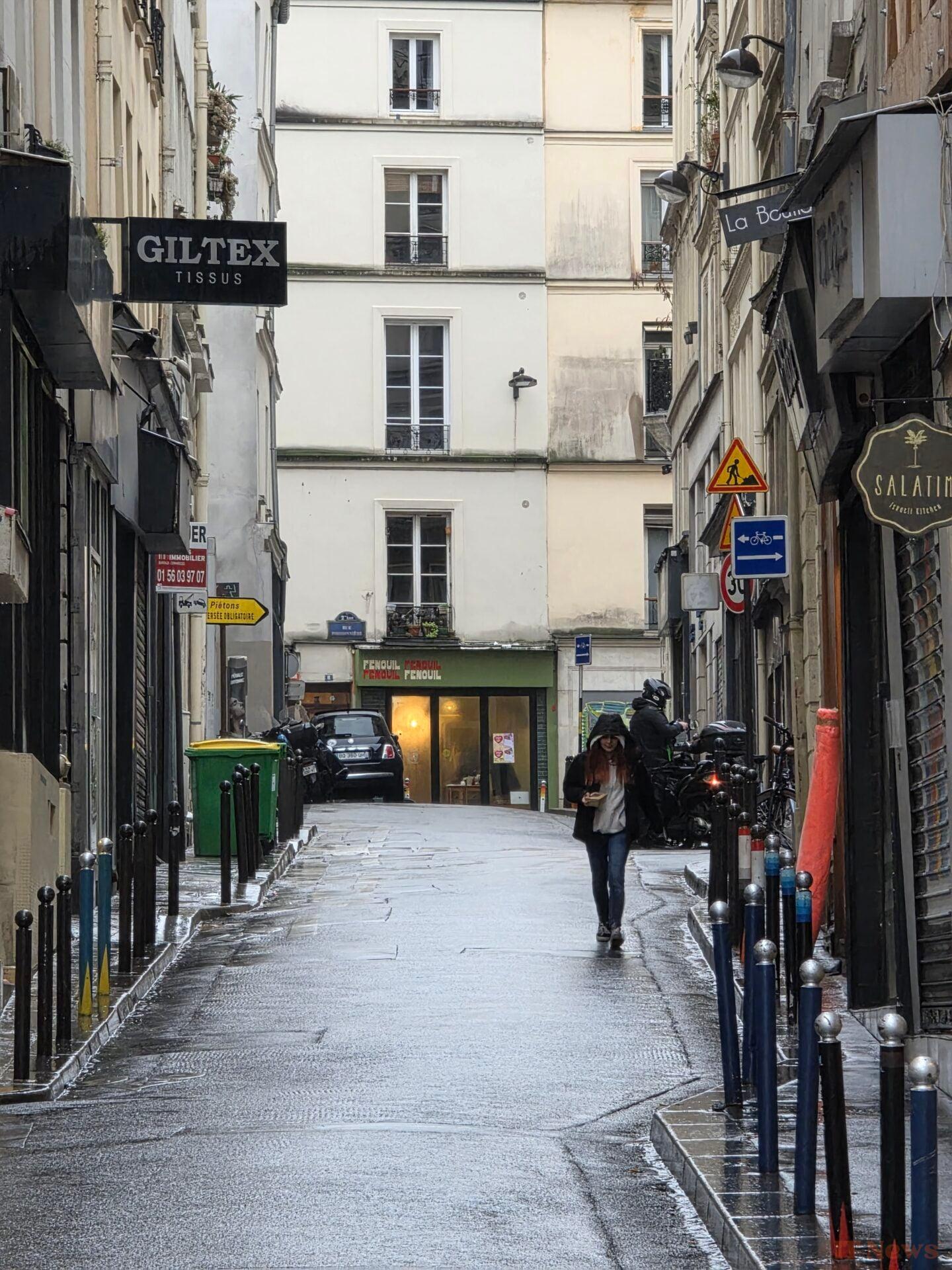
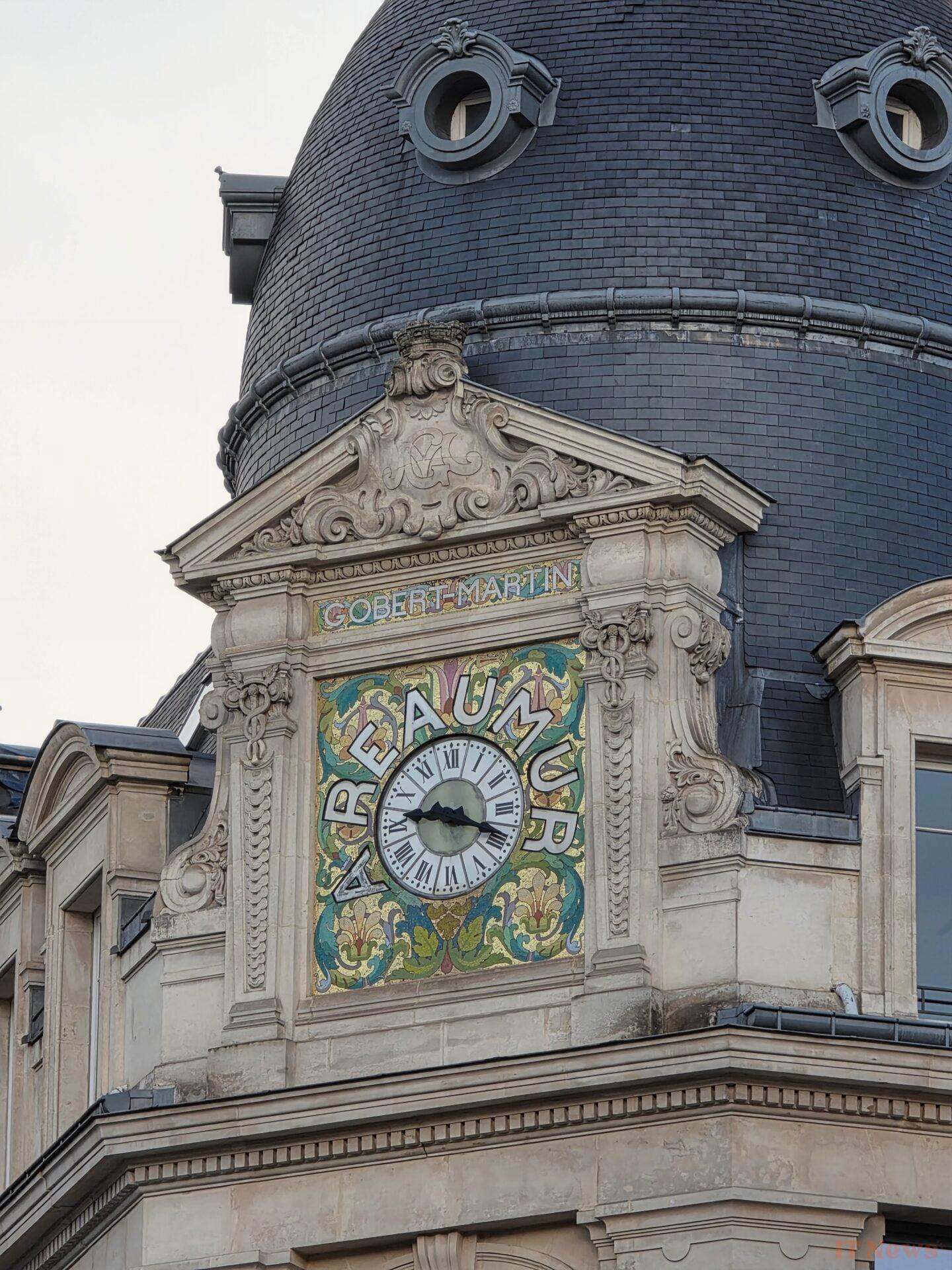


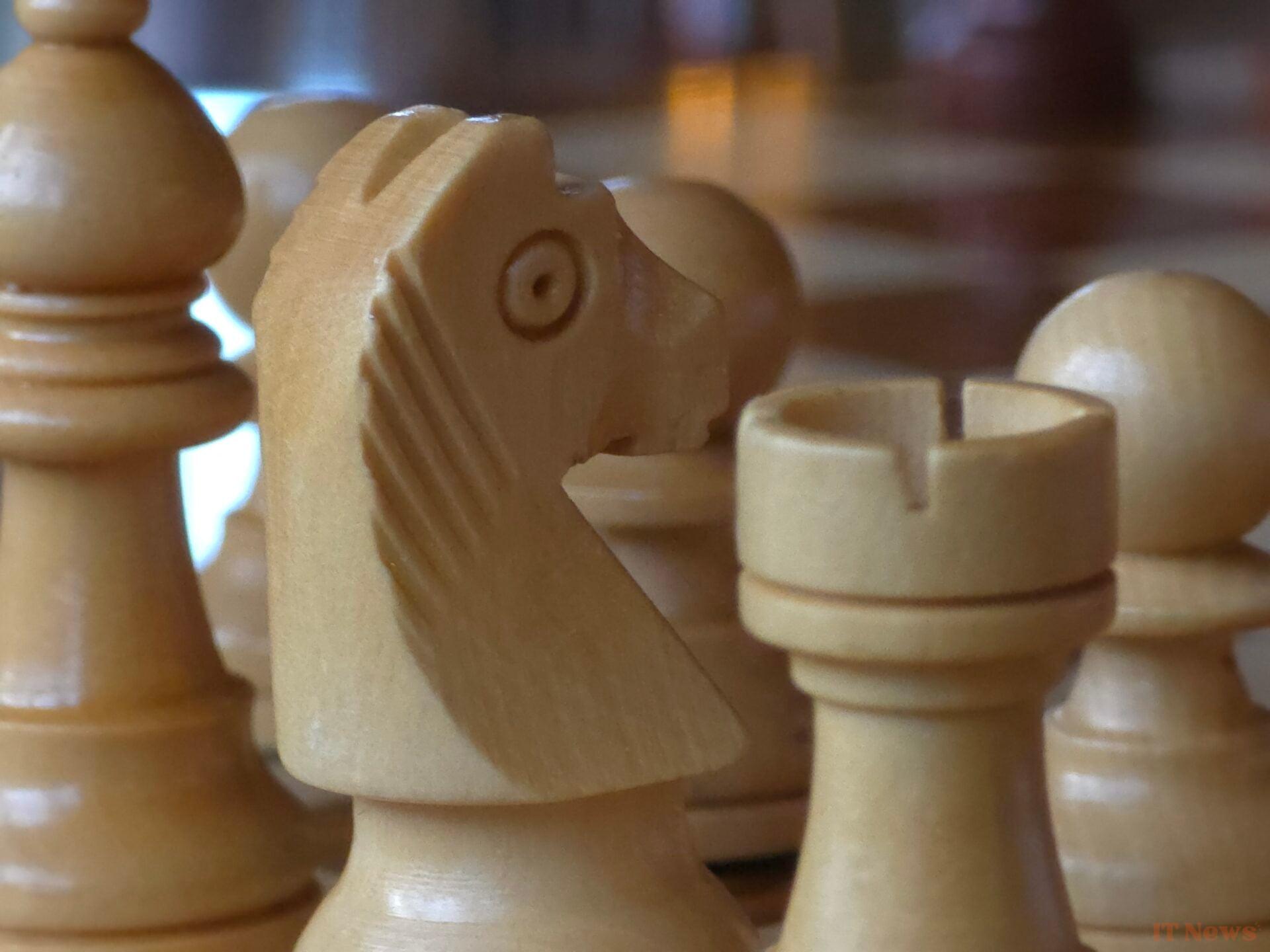
If you feel like it, you can go for magnifications up to X30 or even X100. The X30 is vaguely usable, although too smoothed. It’s hard to blame him, he can’t make up information he doesn’t have.


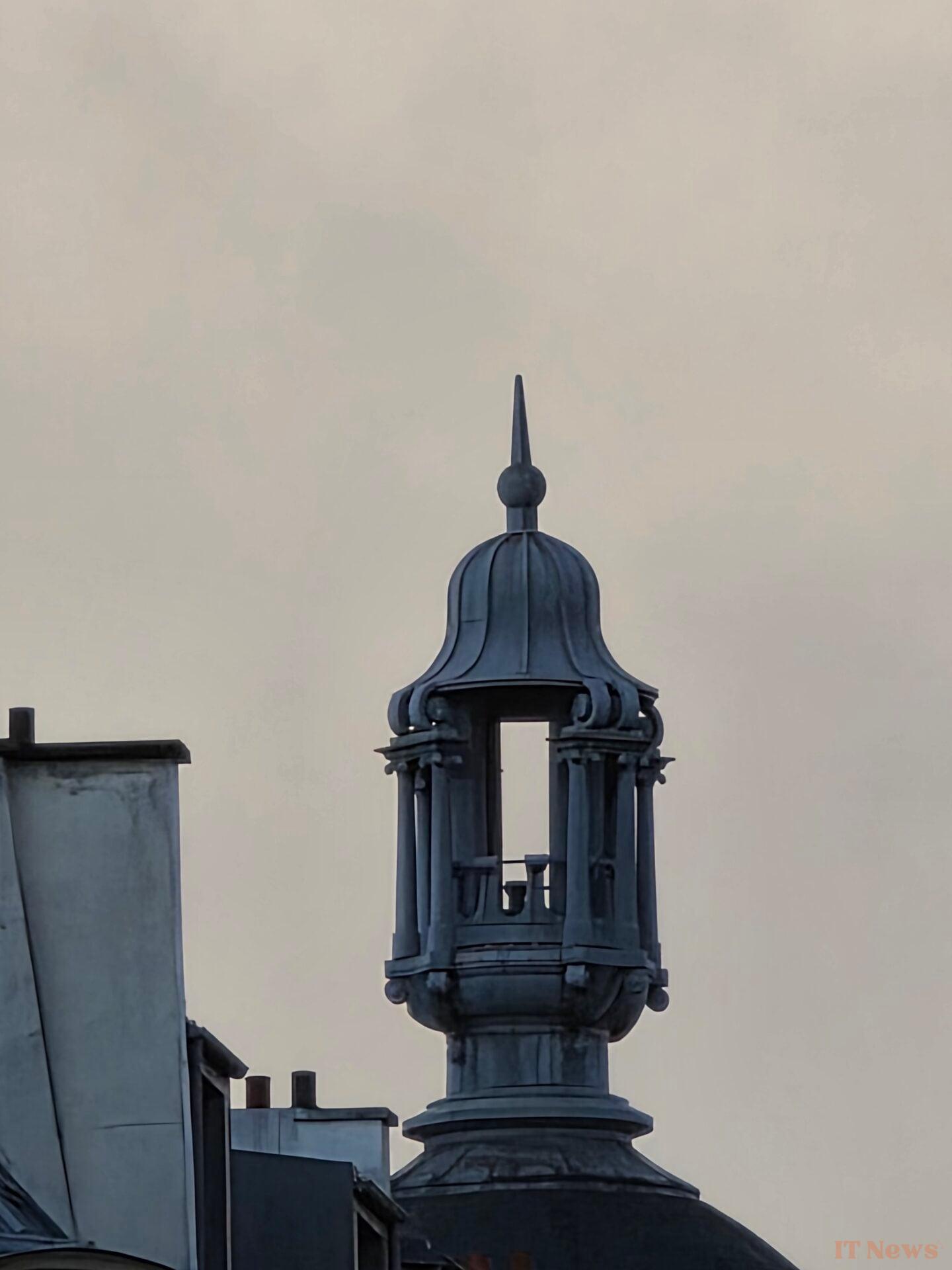
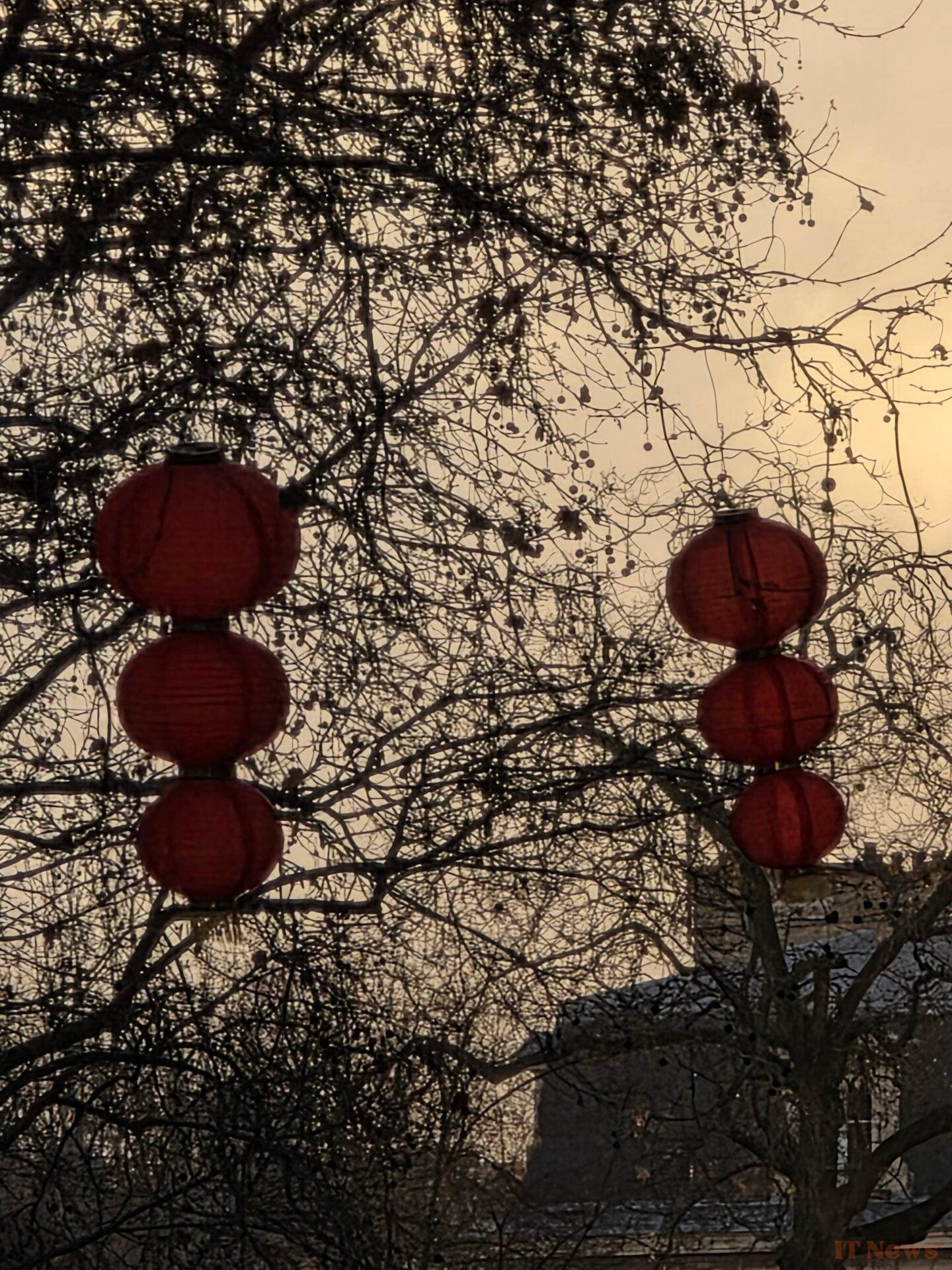

The X100 for its part is a bit too much and will only be useful in a few very specific cases.

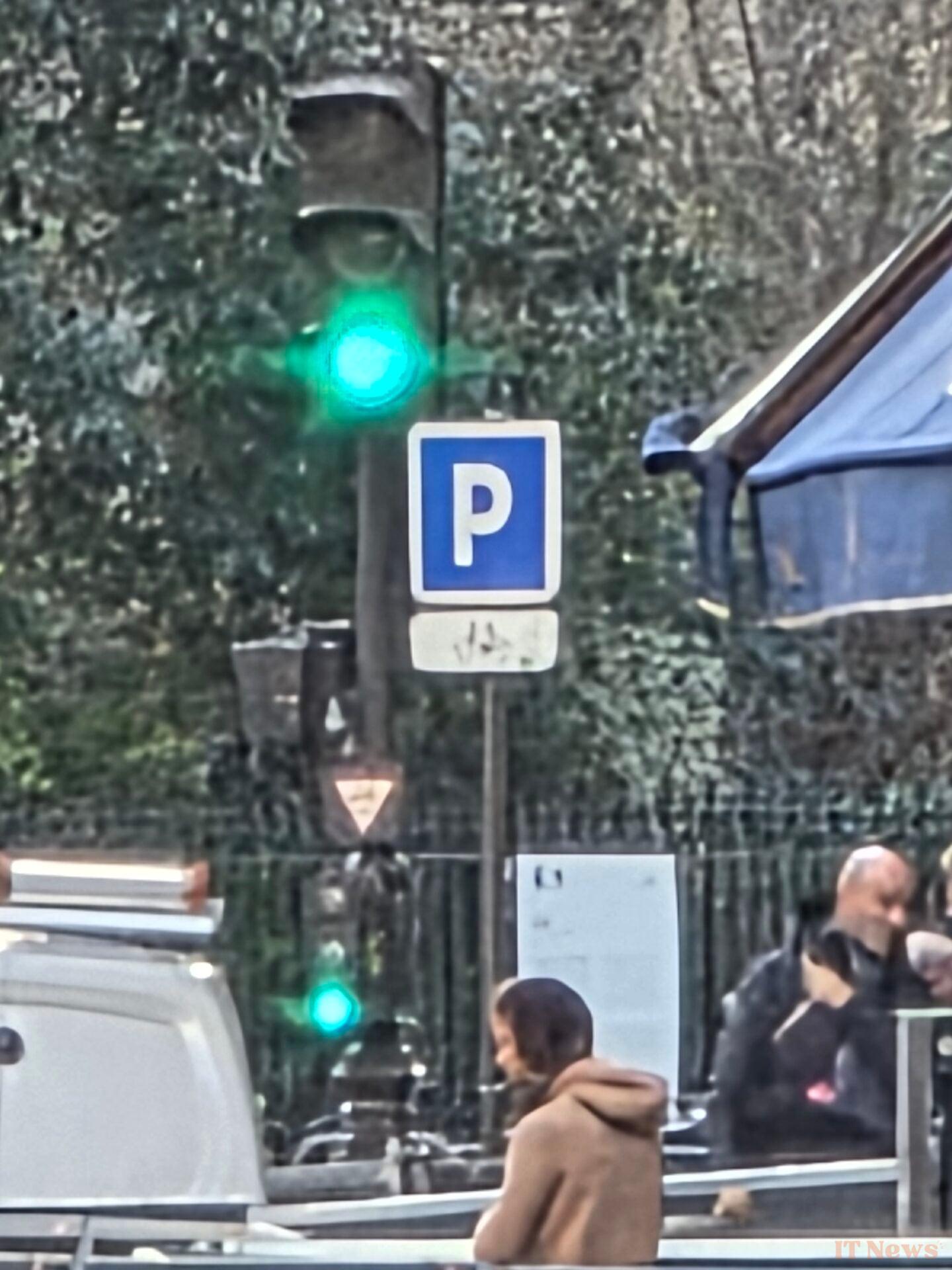

As always, it benefits from the largest sensor (1/1.3 inch type), which is particularly useful in scenes with little light.
Let's start with a comparison of our photo scene against the iPhone 16 Pro. We immediately see that there are two schools of thought. The Galaxy S25 Ultra applies a saturated veil to the entire shot, while the iPhone seems more natural. This is particularly noticeable in dark colors, which ultimately appear too bright on the Samsung. If we zoom into the image, we find the same differences in processing: the S25 Ultra is less noisy and quite strongly emphasizes the transitions from a dark area to a light area to give an impression of sharpness.
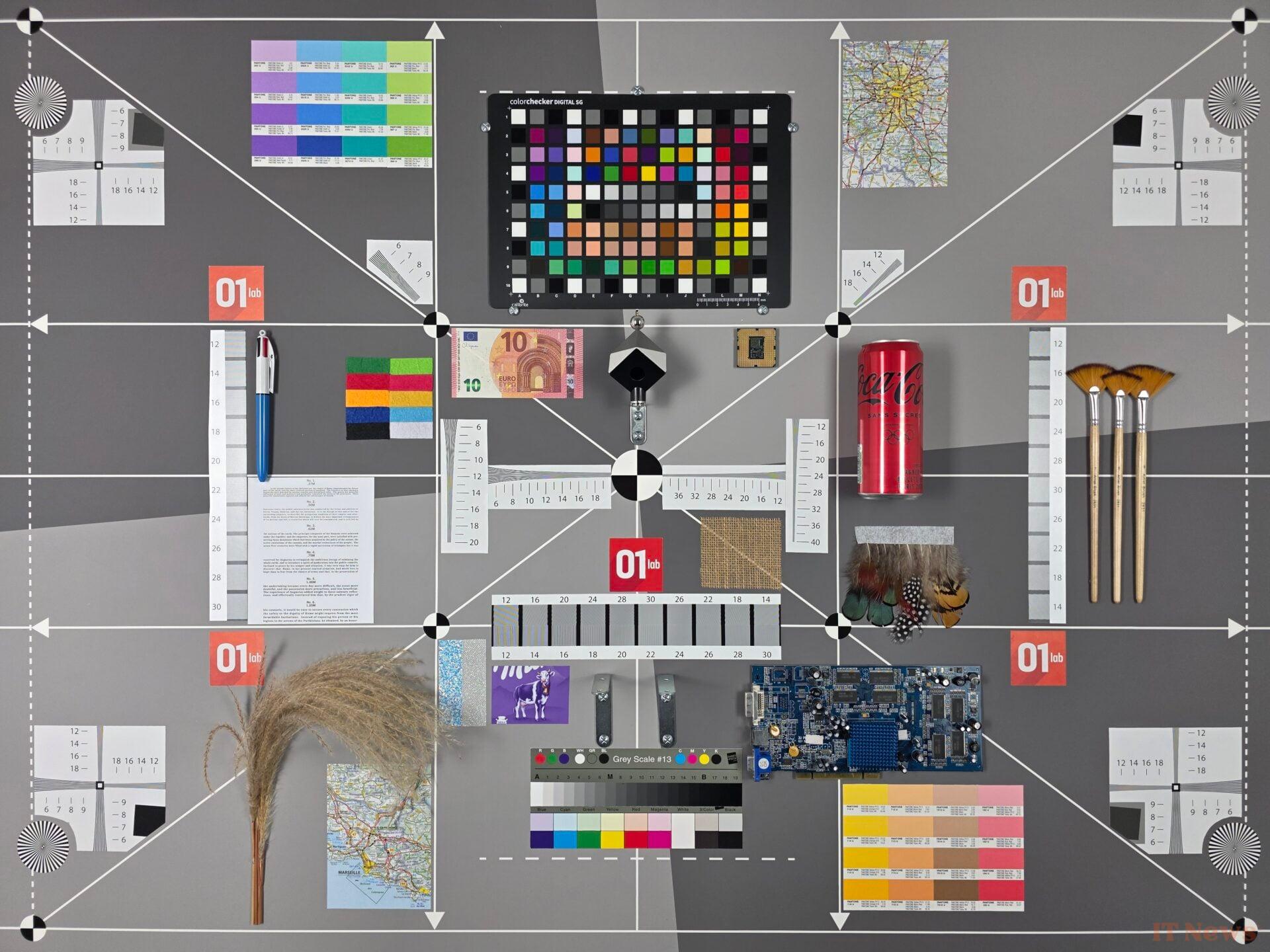
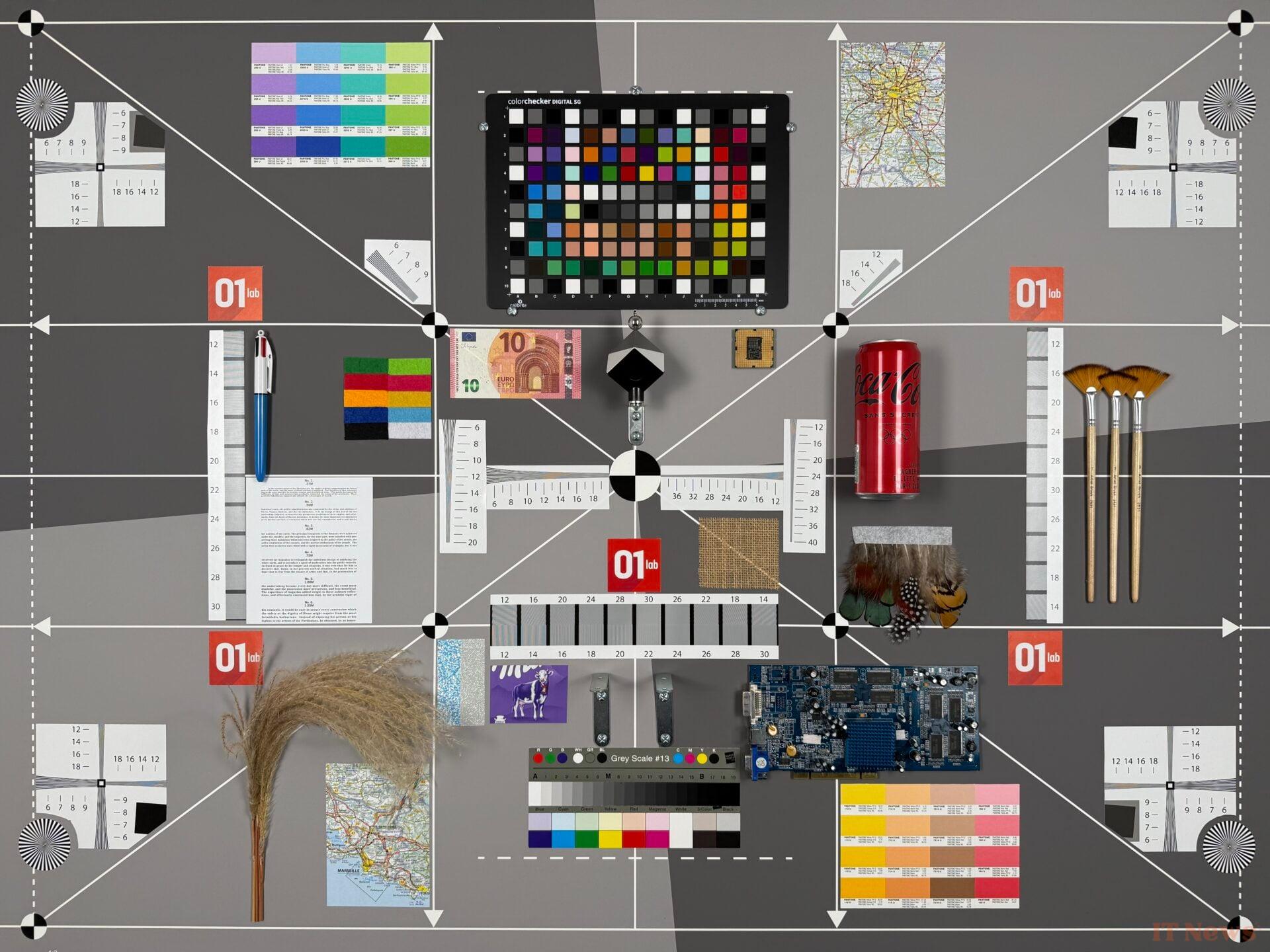
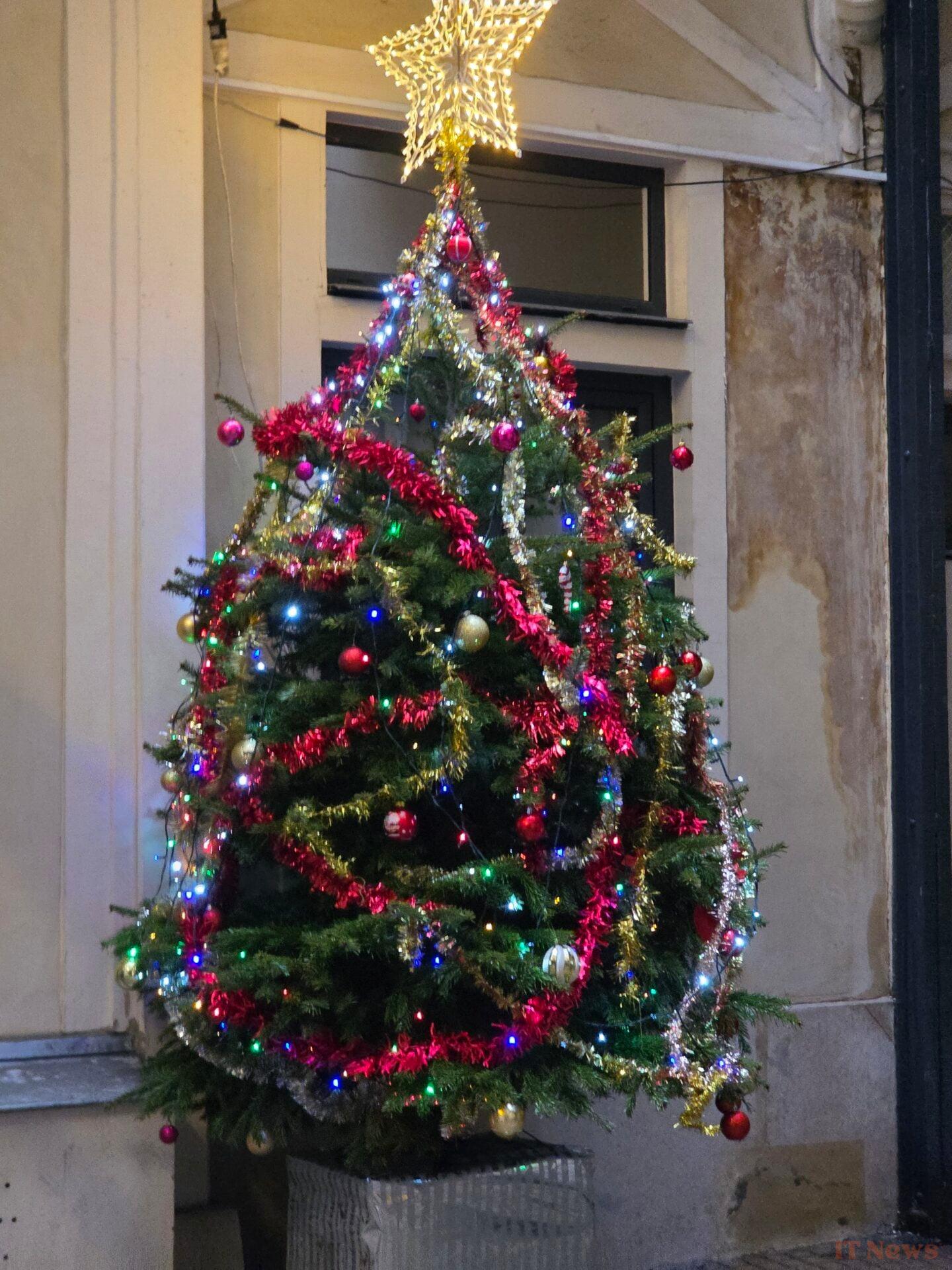
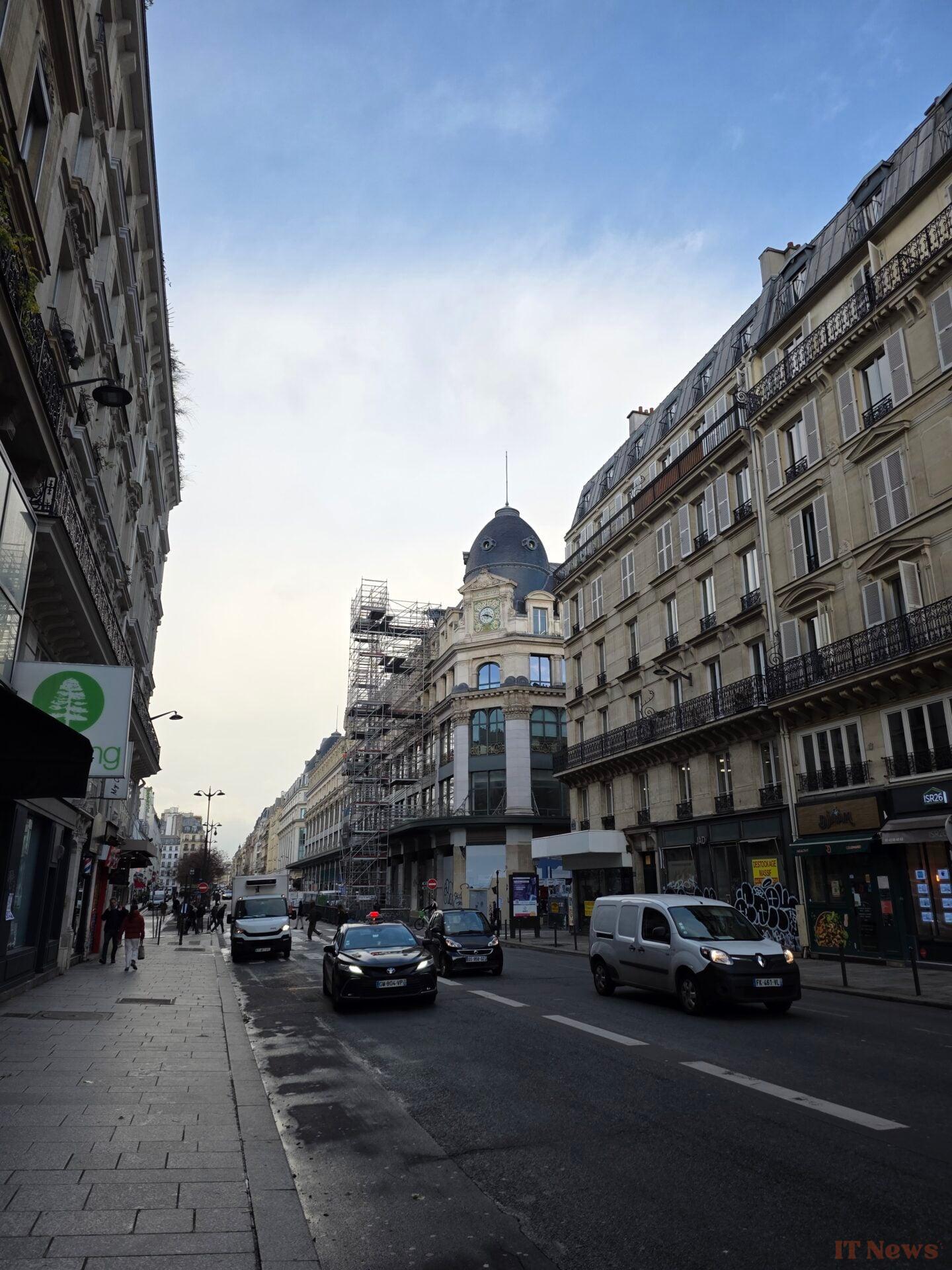
Let's move on to the scenes in real shooting. As you can see in the cat photo, portrait mode can trigger itself, an option that you can disable. We are entitled to a color treatment that is once again quite warm, although more sober than what Samsung has been able to offer in the past. In addition, the nuances between dark and light areas seem to us to be a little better controlled than in our photo scene.



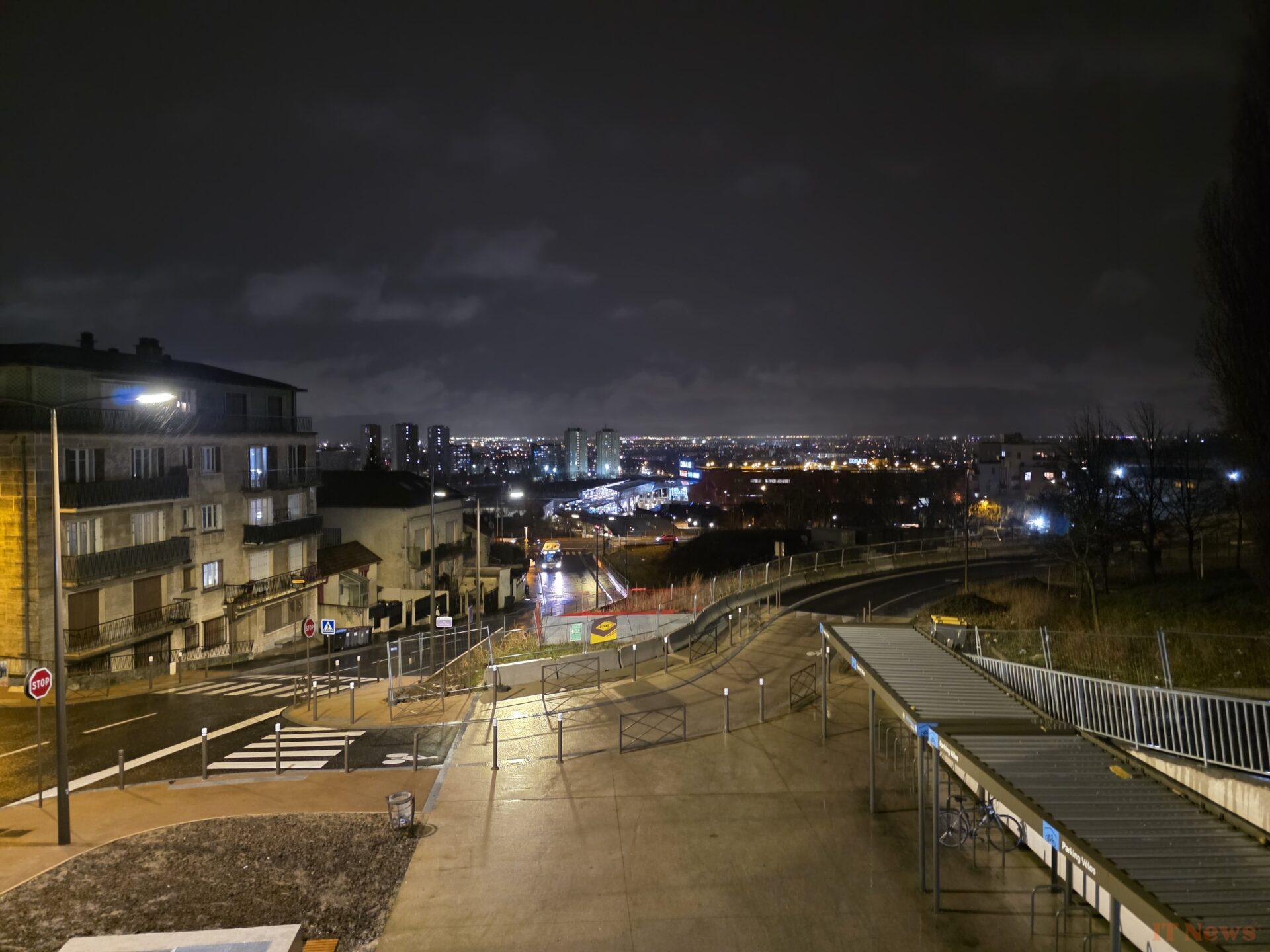
At night, the Galaxy S25 Ultra struggles a little with distant details, which it tends to plunge into noise. On the other hand, everything close to the photographer benefits from many details.
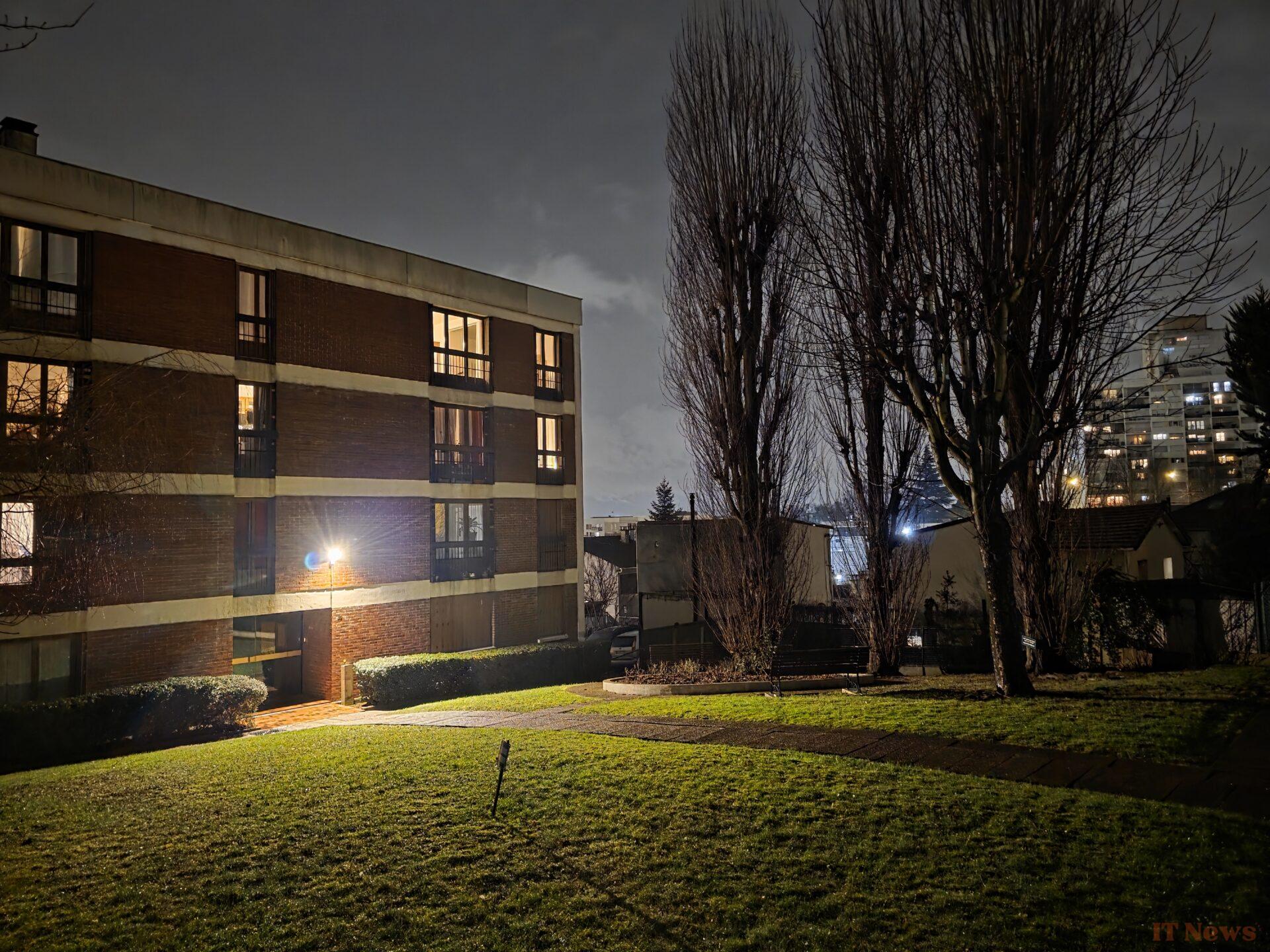
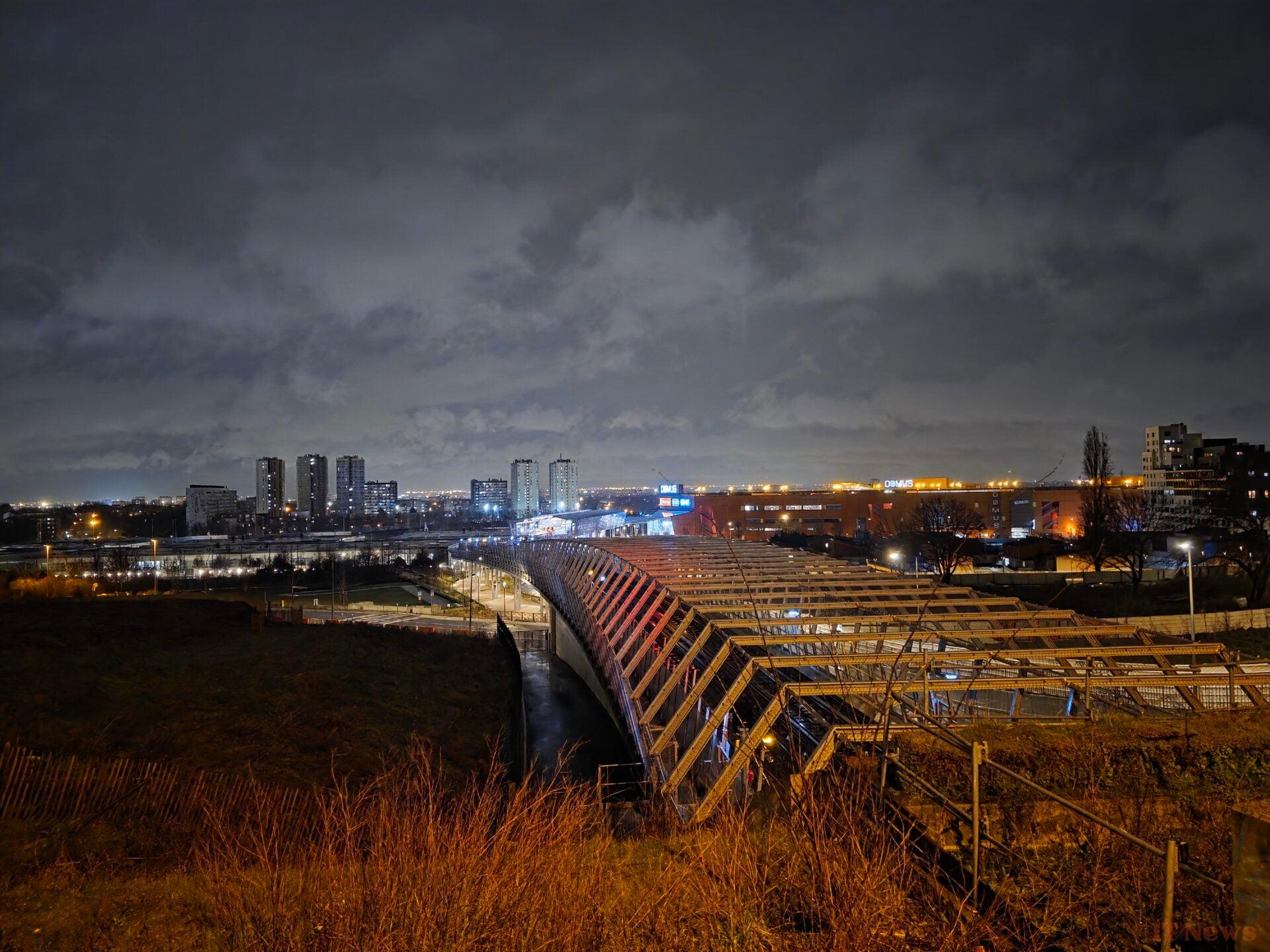
| Number of pixels | 12 Mpx |
| Sensor size | Type 1/3.2" |
| Focal length (equivalence 35 mm) | 26 mm |
| Optical aperture | 2.2 f/ |
A word about the selfie module, about which there is ultimately not much to say. It clears the face well, brings out its details and even highlights the drops in the hood or the details in the hair. On the other hand, with slightly harsh winter light, we sometimes obtain slightly overexposed results in the background.


Video
As usual, the Samsung Galaxy S25 Ultra is a good student in video by offering many interesting options, such as the addition of LOG or even 8K/30 FPS and 4K/60 FPS.
It also has various modes such as portrait video which places a background blur in a video, the possibility of making a double recording with two modules at the same time. Since the Galaxy S24 Ultra, Samsung has also integrated a Pro video mode.
Autonomy: not bad, but a little behind
While the Galaxy S23 Ultra was imperial on the issue, that the Galaxy S24 Ultra also defended itself very well, let us note that the Galaxy S25 Ultra takes a hit this year on the autonomy front.
Autonomy and charging of the Galaxy S25 Ultra
According to our new mixed battery life protocol, which simulates continuous smartphone usage with browsing, gaming, listening to music and watching video (including HDR), it is significantly beaten by both the OnePlus 13 and the Honor Magic 7 Pro. The first one is 1 hour 40 minutes better and the second one is 3 hours 30 minutes all the same.
The 19h30 autonomy offered by the S25 Ultra remains correct. But as we were able to confirm in our daily use of the device, the smartphone lasts just a day and a half without being plugged in, all with light use (4 hours of screen time, including a good part of listening to music).
On the charging side, despite supporting a maximum 45W charge, our measurement shows good resistance on its part on the subject. Using the official charger (not supplied), we obtained 25% autonomy after 10 minutes of charging. The Honor and the Oneplus 13 do better with their 100W. On the full charge, the Samsung is even more consistent and surpasses the Honor Magic 7 Pro. On the other hand, the OnePlus dominates with a 39-minute charge.
Performance: the Snapdragon always wins
The Samsung Galaxy S25 Ultra integrates the most powerful chip on the market, the Snapdragon 8 Elite. It is accompanied by 12 or 16 GB of RAM, and 256 GB, 512 GB or 1 TB of UFS 4.0 storage.
The result is very simple to describe: a smartphone with perfect fluidity on a daily basis and which reacts to the finger and the eye. This is the minimum we can demand for more than 1400 euros.
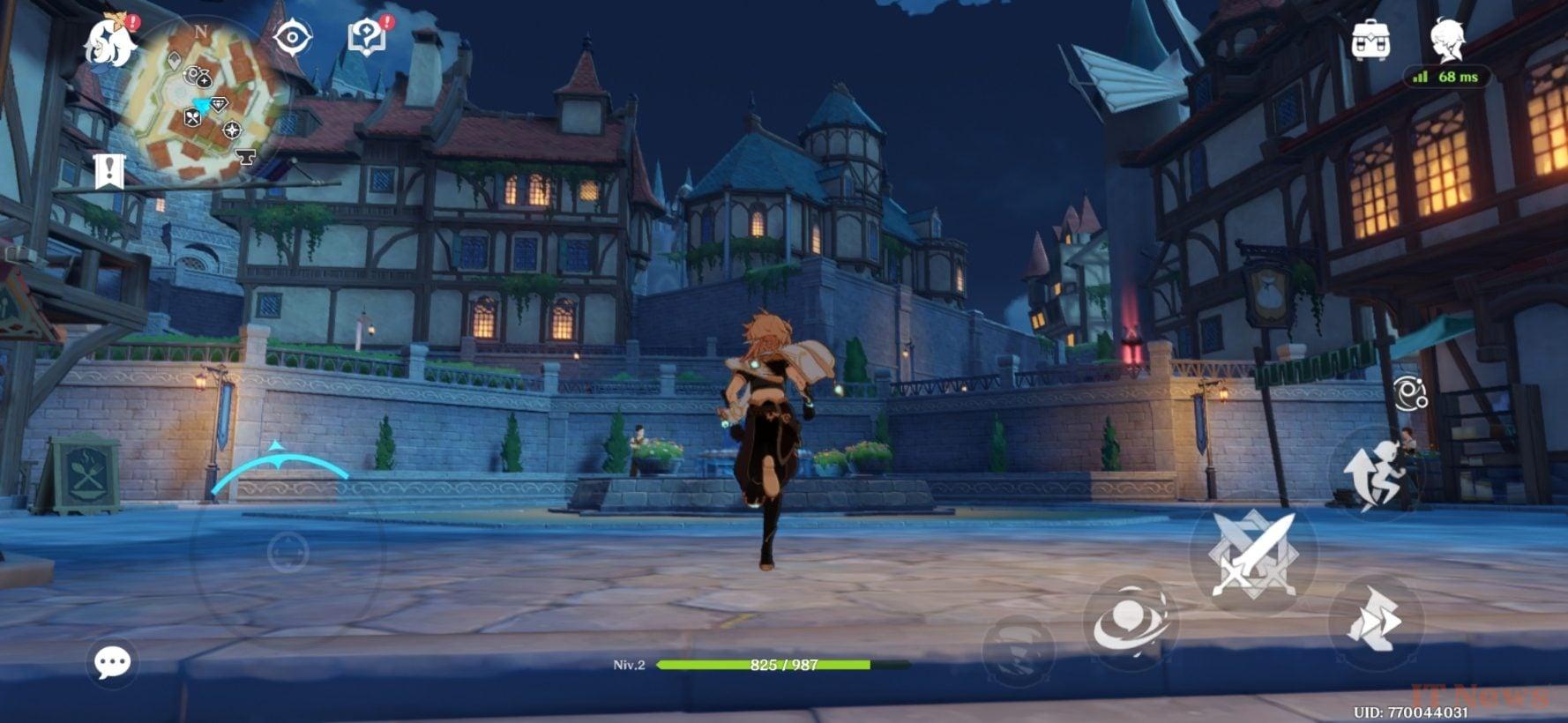
In-game, on Genshin Impact, you can go up to the highest settings without any problem, all at 60 FPS. The smartphone then heats up, but moderately. Nothing that prevents you from playing over a long period of time.
In the benchmark game, the Galaxy S25 Ultra is a little conservative. On AnTuTU 10, it is beaten by the Oppo Find X8 Pro with a MediaTek chip. We have also given you the sector reference, the Asus ROG Phone 9 Pro, a gaming smartphone that logically dominates the discipline.
Antutu 10 of the Galaxy S25 Ultra
On Geekbench 6, the difference with the Asus is much less pronounced and the Galaxy S25 Ultra even surpasses the Oppo Find X8 Pro.
Galaxy S25 Ultra Geekbench
As for 3DMark, if the Samsung comes to get the best score, it pays for it with questionable stability, which we were able to confirm on other checks. The smartphone therefore seems capable of reaching the top, but not for very long. No doubt that a future update will calm it down somewhat.
3DMark of the Galaxy S25 Ultra
As for the measured thermal amplitude, 21.9°C, it is slightly above the average which is at 20°C, but we still have some margin compared to the 25.6°C of the Asus, the maximum measured.
Screen: very good brightness and vibrant colors
Just like the iPhone 16 Pro Max before it, the Galaxy S25 Ultra pushes the limits of screen sizes even further by reducing the borders around it. We therefore arrive at a sumptuous 6.9-inch Oled panel, with a QHD definition (3120 x 1440 pixels) and refreshed in 120Hz.
This allows the Galaxy to claim one of the best resolutions on the market with 498dpi. It goes without saying that at this point, you haven't seen the pixels on the screen for a long time. Moreover, by default the smartphone is configured to operate in Full HD and we simply hadn't noticed it before digging into the settings.
Past under the 01Lab probe, the Galaxy panel reveals the usual characteristics of a Samsung: a fairly imprecise colorimetry (average delta E of 5.22, when you have to aim for at least under 3) and a brightness among the best on the market, 1488 cd/m². Only the Pixel 9 Pro goes further, exceeding 2000 cd/m².
Galaxy S25 Ultra screen comparison
At this brightness level, we never suffered from reflections to read what was on the screen. It must be said that the Gorilla Glass Armor 2 benefits from an excellent anti-reflective treatment which also plays a big part.
The lack of color precision is also found in the other color management mode, called natural, which displays an average delta E of 3.82. In addition, this mode seems to switch the smartphone to sRGB, a less rich color spectrum than the DCI-P3 used by default. We therefore advise you to keep the basic mode. And too bad for precision. It's hard to deny yourself the pleasure, however, on such a screen, the different contents tend to be greatly magnified and to dazzle us, especially if they are in HDR or Dolby Vision.
A word on the minimum brightness of the screen, a point often forgotten by manufacturers. Without even activating the “additional attenuation” mode which further reduces the brightness, we already have a very good measurement at 0.97cd/m². In use, this pays off, the smartphone can be used perfectly plunged into darkness without burning the retina.
Our opinion on the Audio part
The sound part is provided by two speakers. The main one, located at the bottom, has a grille and a dedicated slot, the other is a secondary speaker and hides just above the punch for selfies.
As often, despite this configuration, Samsung manages to balance the sound volume between the two speakers in such a way that it is not noticed.
The sound performance is correct with a large sound volume if you want it and a nice bass maintenance, even at high volume. The sound mix is rather oriented towards the midrange.
Prices and availability
If we have insisted so much throughout this test on the lack of evolutions, it is not so much to address the few fans who want to switch from the S24 Ultra to the S25 Ultra. There are a handful of them, and to be honest, we strongly advise against changing models from one year to the next, both for your wallet and for obvious environmental reasons.
No, the point is to help you make the best choice. With the markdown still significant on Android smartphones, you can find the Galaxy S24 Ultra for 38% less than the Galaxy S25 Ultra. We hope that by highlighting the few small changes, we will help you decide between paying full price for the latest model, or falling back on last year's excellent model.


0 Comments