
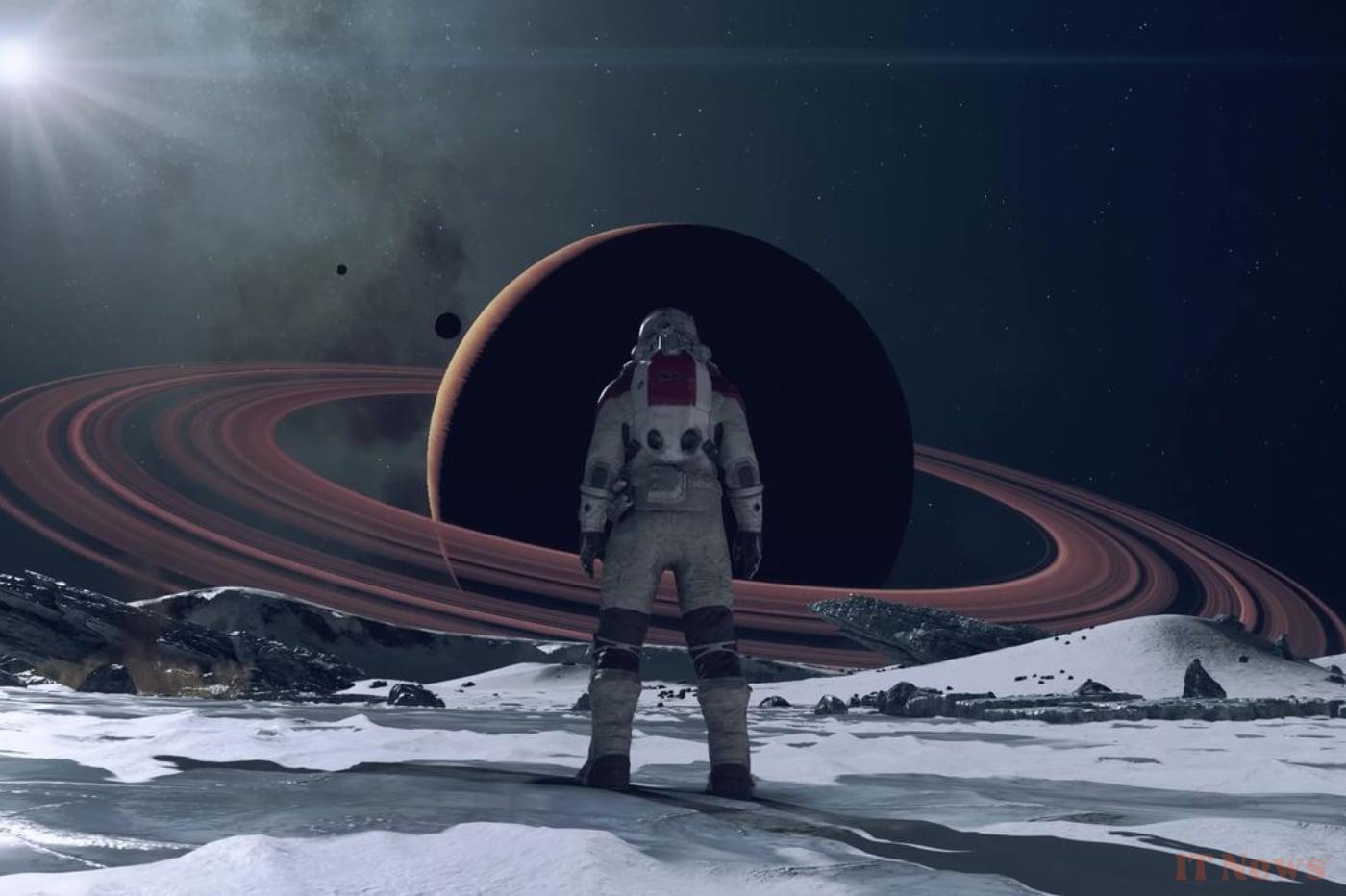
After a great start, Starfield quickly joined the shelves of libraries, to gather dust. Bethesda's live RPG did not have the desired effect in the long term and must now count on its Shattered Spaces DLC to get back on track. If the hype seems to have taken hold again with the community, the game also offered itself a content update shortly after the Summer Game Fest.
This update notably allows players to transform Starfield into a Star Wars game, on consoles and PC. To do this, you need to go through the Creation Club mode, which gives you the ability to change the settings and appearance of your game using mods. Some are paid, but the majority are free. Here's how to take advantage of them.
Star Wars galore
As journalist Mohammed Aigoin from the media Jeux Video Magazine points out, very few console players have understood the implications of the Creation Club. Like other Bethesda games, this allows players on Xbox Series X and S to access dozens of modifications, sometimes unofficial, provided by budding developers and other technology enthusiasts. After installing a few mods, it is entirely possible to find yourself immersed in a visually different universe, like the intergalactic Empire of Star Wars.
To enjoy it for free, simply launch the game. On the main menu, a new tab appears. Named “Creations”, it takes you to the mod database, which you can install via credits, or completely free of charge. Many of these modifications concern the characters' outfits, the appearance of weapons or even the presence of new creatures from famous franchises. Lightsabers, Stormtroopers, robots and even iconic languages from the franchise are present in the list.
In moderation, but with a lot of passion
There are of course a myriad of options not related to Star Wars, and we can notably find references to other works of pop culture, such as Cyberpunk 2077 to name but one. To find the free mods, you will have to scroll down a little to find the different categories, or type your desire in the search bar. Please note that free mods do not have a credit indication on their product sheet and ask you directly to download the content instead of purchasing it. All mods take up a certain amount of space on your machine, so be careful not to overload your interface.
Be careful, adding mods may have effects on your game. Users have noticed certain sound, display or playability problems just after installing specific mods on their machine. These negative effects are not systematic, some other players are not affected by any problems. If you want to avoid breakage, it is always better to download the unofficial patches, which are also available for free, or to rearrange the download order, also accessible via the creation interface.


0 Comments