
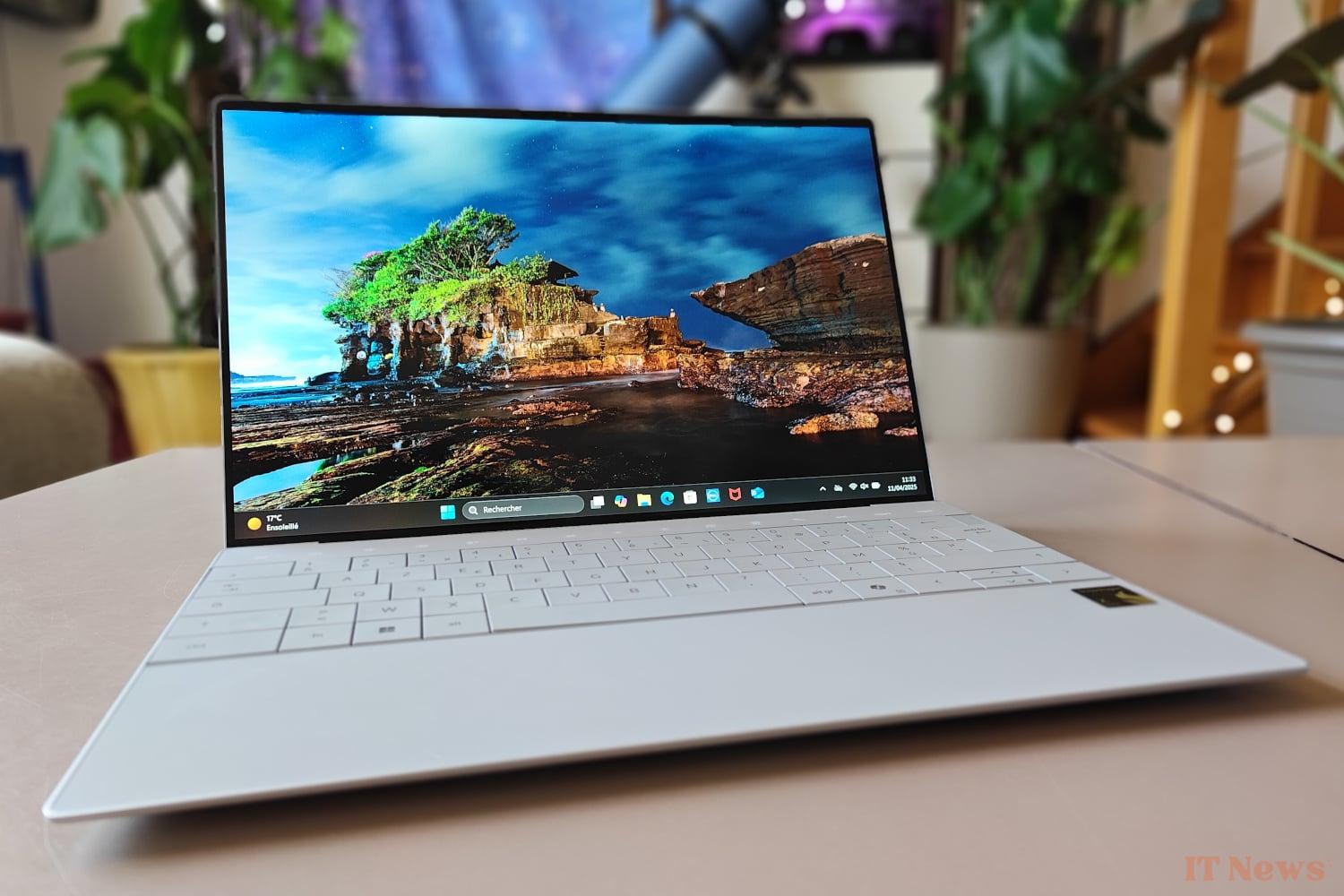
Dell's XPS 13 is marketed in different versions, historically based on an Intel platform. But the manufacturer has also been won over by the ARM architecture and now offers a version of its ultrabook equipped with a Qualcomm Snapdragon X Elite processor, which has been on the market for some time now.
As always with Dell, several variants of this laptop are available, with different amounts of RAM and storage space as well as several possible screen choices. Priced at around 1700 euros, the model we are testing here has 16 GB of memory, a 512 GB SSD and a 13.4-inch diagonal IPS screen; How to show off this Snapdragon XPS 13 in its best light?
A design in line with other XPS
This XPS 13 (9345) is a continuation of Dell's XPS models, models known for their refined aesthetics and minimalist design. Although it features a different internal architecture with the integration of a Snapdragon X Elite processor instead of an Intel Core, this laptop retains an exterior shell that is essentially identical to that of the other models in the range, with clean lines and an extremely thin and light silhouette. Its dimensions of 29.5 x 19.9 mm, its thickness of 15.3 mm for a weight of 1.19 kg and its very thin screen borders confirm its ultraportable character, even placing this XPS 13 among the most compact and light in its category.
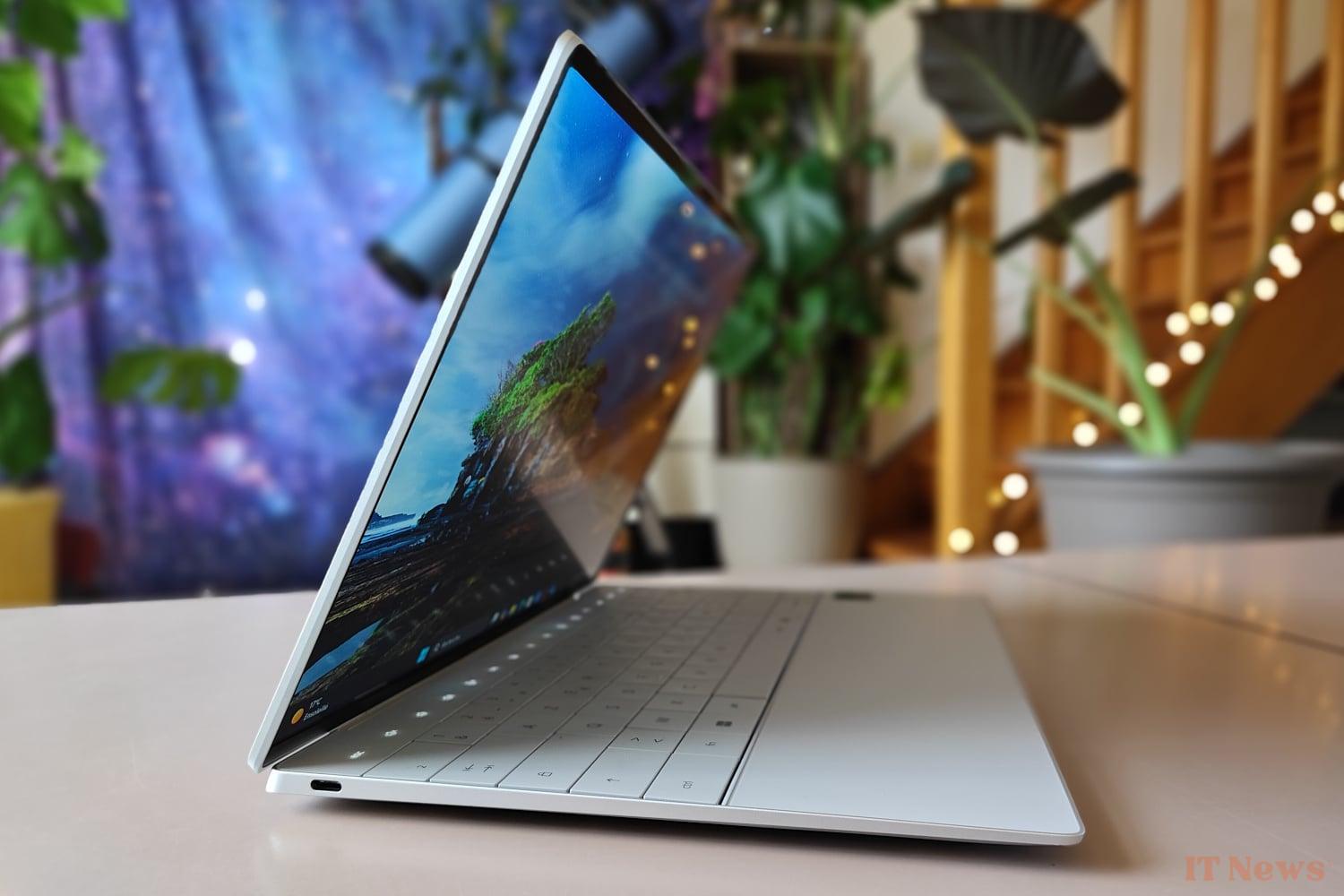
The device's chassis is crafted from machined aluminum, providing high build quality and significant rigidity. The use of this material also ensures precise component fit and a solid feel, without any noticeable flex. Available in two distinct colors (Platinum and Graphite), the XPS 13 also benefits from a matte exterior finish that is resistant to fingerprints.
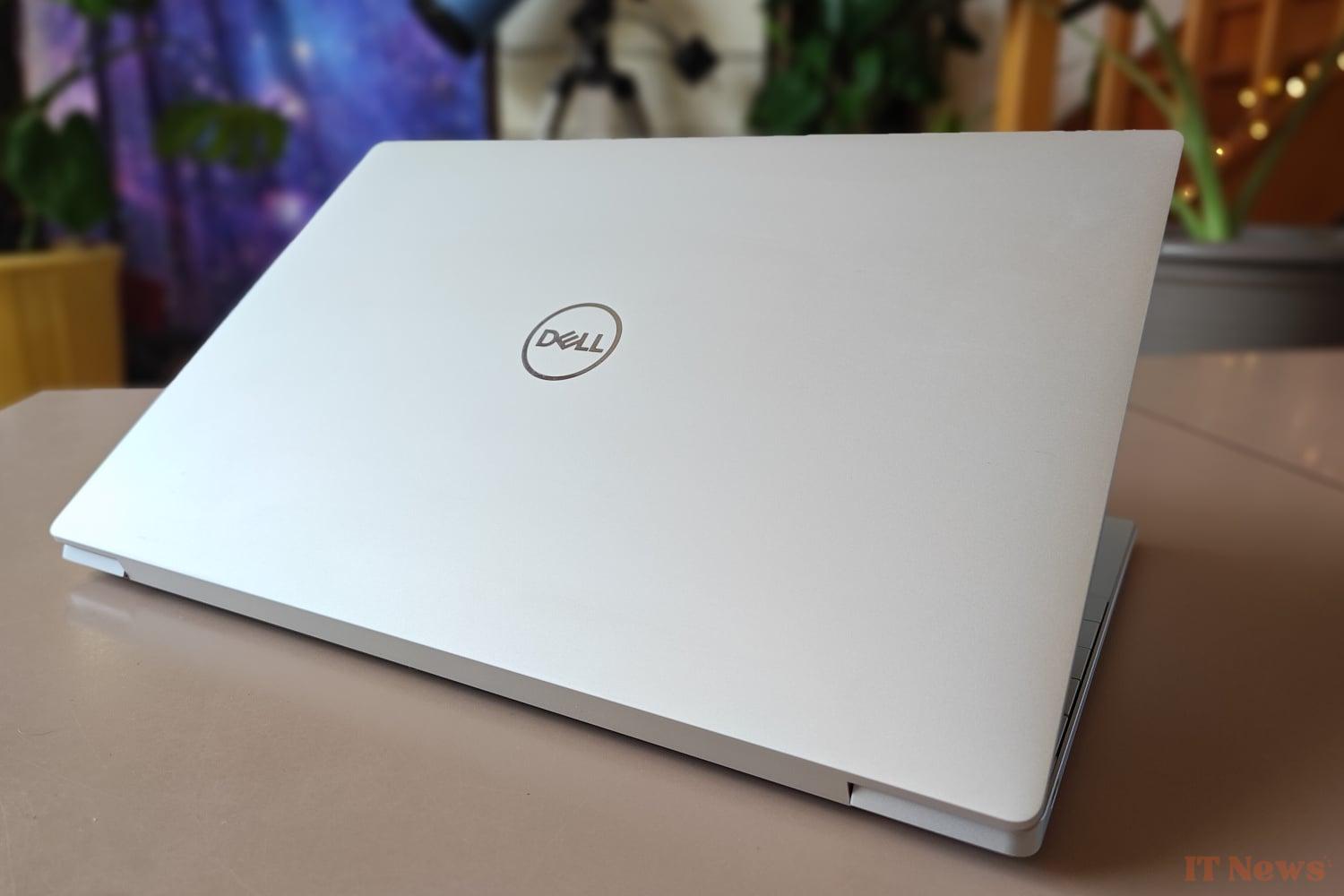
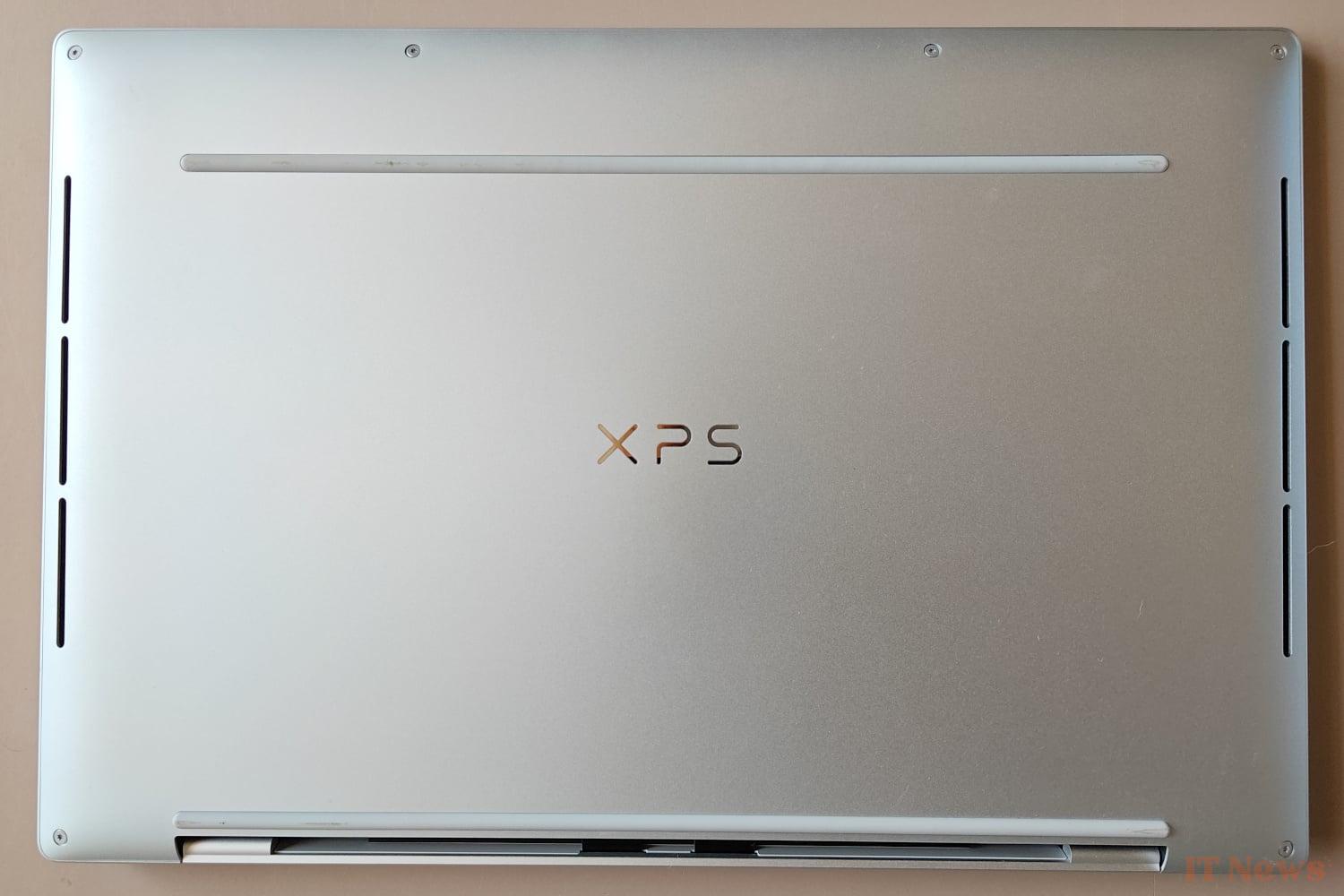
The top cover is simple, adorned only with the Dell logo in the center. On the bottom of the device, two grippy rubber strips keep the XPS 13 stable. Discreet slits serve as both ventilation intakes and speaker outputs. Heat is evacuated through cleverly hidden vents along the display hinge. The hinge is solid and offers good resistance, keeping the display open without unwanted wobble. The lack of a recess on the front edge, however, makes it difficult to open the computer with one hand.
A screen with as many qualities as defects
The XPS 13 Snapdragon version is available with different screen options: Dell offers a choice between 3K touch OLED, QHD+ touch IPS, and non-touch IPS versions with a resolution of (only) 1920 x 1200 pixels. It is this last screen variant that our test model has. The panel benefits from a variable refresh rate ranging from 30 Hz to 120 Hz and an anti-reflective coating. Although a little high compared to other matte screens, the reflectance measured at 66 GU confirms a certain effectiveness of this treatment, allowing the ultraportable to be used without having to continually push the brightness to the maximum, even outdoors.

The quality of the panel is, however, a little more disappointing: if the maximum brightness measured at 453 cd/m² is correct, the delta E reaches 5.33 on leaving the factory, a value too high for our taste – remember that above 3, it is accepted that the human eye begins to discern differences in terms of fidelity of the colors displayed – which will make this XPS 13 not very suitable for professional graphics work or photo editing. We also regret the absence of multiple color profiles, a feature that is available on the Intel version of the XPS 13.
The contrast ratio finally peaks at 2017:1 according to our measurements, a satisfactory value that offers decent blacks and clean whites and helps raise the overall level of the screen.
Unintuitive function keys and touchpad
The keyboard occupies almost the entire available width of the chassis, with keys devoid of spaces between them. This “zero-lattice” design contributes to the overall aesthetic of the XPS 13 while providing a pleasant typing experience. Above the physical keyboard, the traditional function keys (F1-F12) are replaced by a backlit capacitive bar, giving them a modern look. The lack of tactile feedback on these keys, confusing at first, will, however, take a little getting used to.
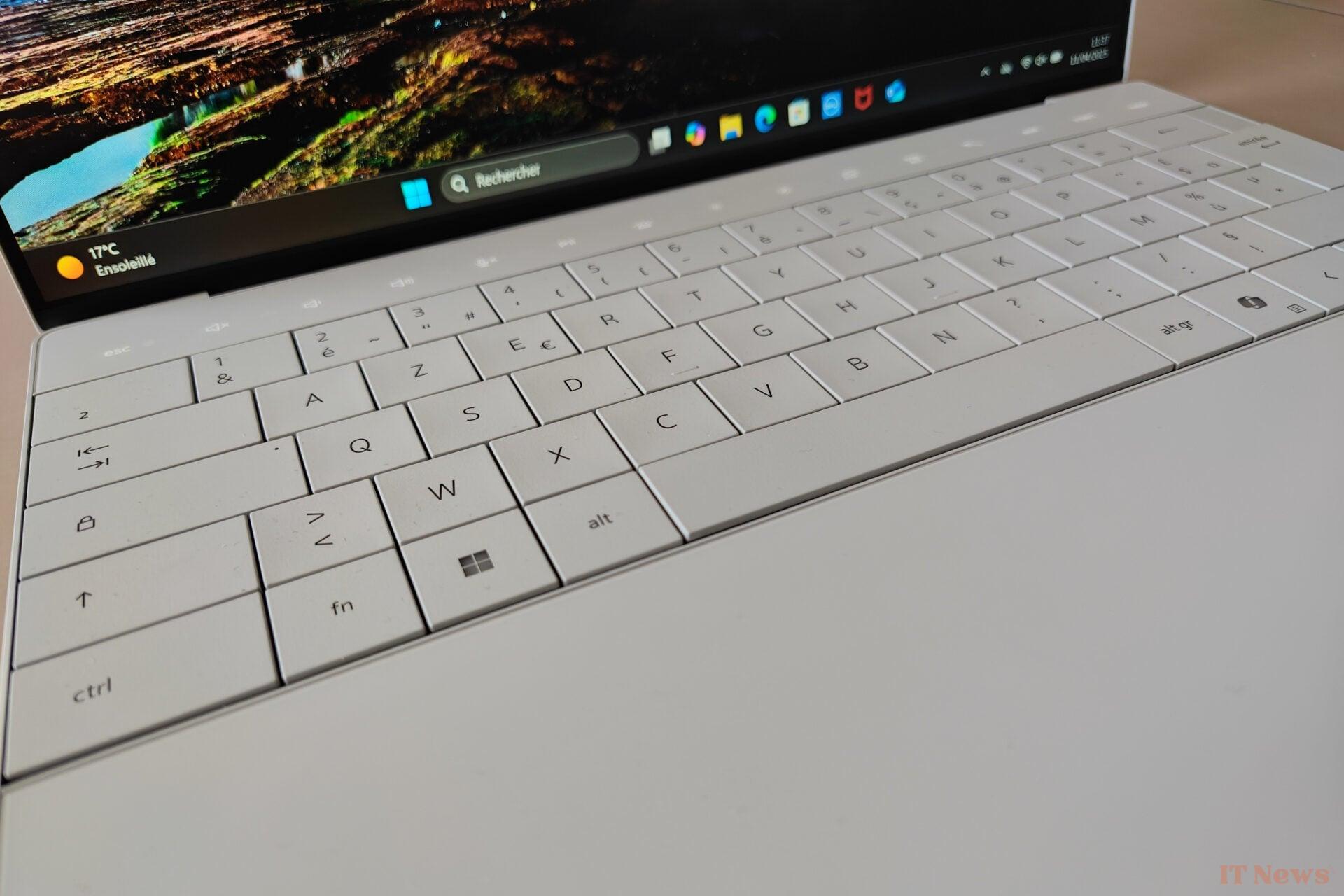
The haptic touchpad is completely integrated and invisible, with no border or markings to delimit its surface on the wrist rest. Its generous size covers a large area under the space bar, but the lack of physical demarcation makes its use rather unintuitive.
Insufficient connectivity but top-notch connectivity
The Qualcomm version of the XPS 13 is equipped with a very limited number of external ports: all wired connectivity is limited to two USB4 Type-C ports, compatible with Power Delivery and DisplayPort Alternate Mode. These ports are fortunately strategically positioned on each side of the chassis, allowing for some flexibility depending on the workspace configuration, particularly for connecting the AC adapter. The limited number of ports, however, has a direct and notable consequence: as soon as the computer is plugged in to recharge, only one port remains available for connecting external devices.
The absence of a standard USB Type-A port also means that connecting the vast majority of external hard drives, wireless mouse receivers, or other older devices will require the use of an adapter. The manufacturer has also chosen not to include an audio output or a memory card reader; Dell has clearly prioritized sleek design and lightweight at the expense of versatility.
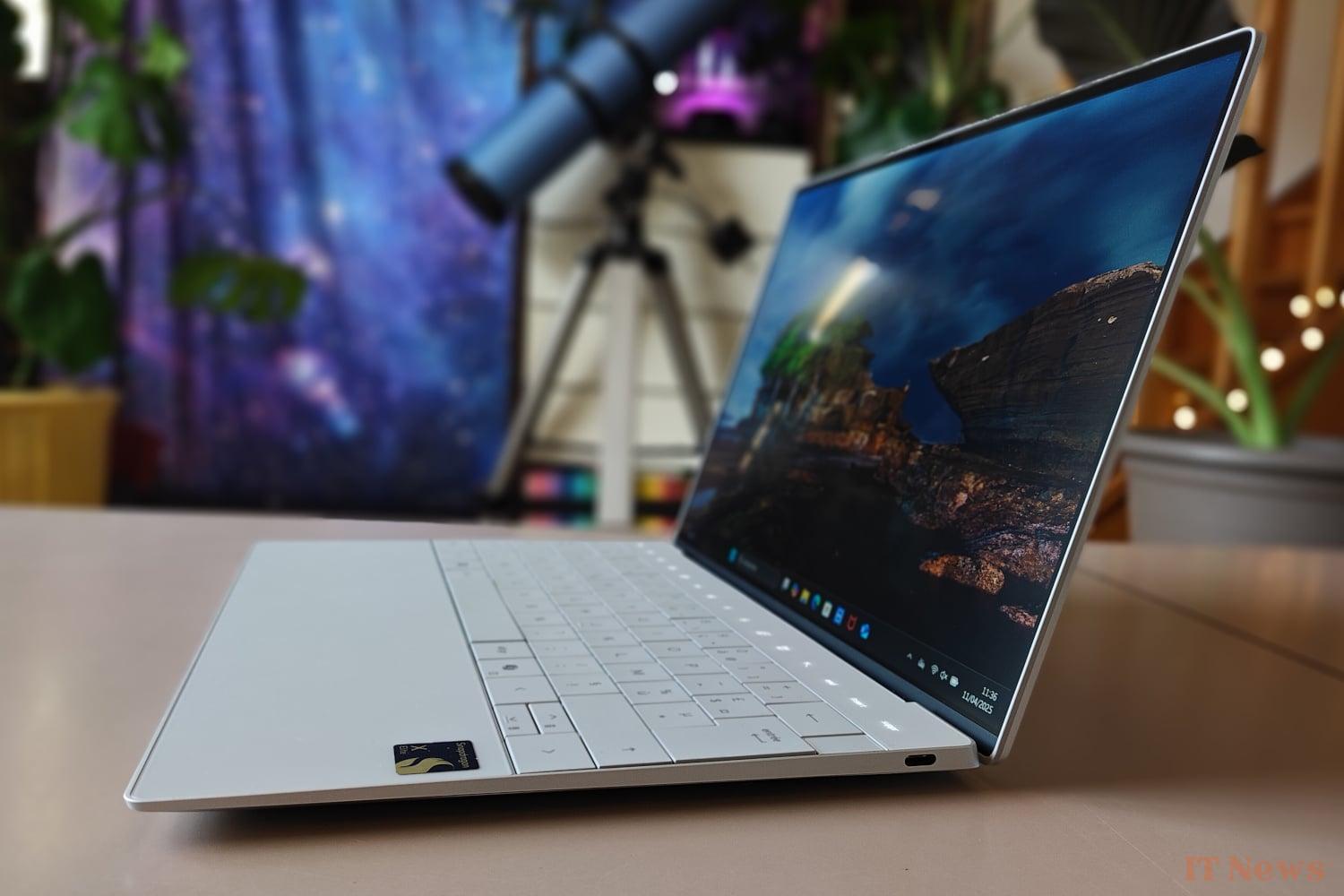
Connectivity, on the other hand, is up to date, with WiFi 7 and Bluetooth 5.4 ensuring stable and efficient connectivity. This partially compensates for the lack of ports while encouraging the adoption of a wireless peripheral ecosystem.
Scalability reduced to the strict minimum
With its LPDDR5X memory directly soldered to the motherboard and its all-in-one SoC, scalability is not really the strong point of this XPS 13. You will therefore have to select the desired amount of RAM carefully when purchasing it, as no subsequent upgrades are possible. Only the M.2 SSD can be replaced if necessary.
The ultra-thin design of the chassis is of course intrinsically linked to this limitation of internal scalability: Dell's approach favoring thinness, lightness and a minimalist aesthetic has direct and significant consequences on the scalability of the machine, but can we really blame the manufacturer?
Dell XPS 13 Qualcomm: our performance tests
In addition to a Snapdragon X Elite processor with 12 Oryon cores (8 Performance and 4 Efficient) with a maximum frequency of 4 GHz, the configuration of this Dell XPS 13 in Qualcomm version consists of 16 GB of LPDDR5x memory and a 512 GB SSD in M.2 NVMe PCIe 4x format. The graphics part is entrusted to the engine integrated into the SoC, namely an Adreno X1-85 GPU. An NPU with a computing power of 45 TOPS is also present for inference tasks related to artificial intelligence.
Quite logically, the Snapdragon X Elite “X1E-80-100” in this Dell XPS 13 performs better in the PCMark 10 benchmark than the X Elite processor in the Lenovo Yoga Slim 7x Gen9, due to the latter’s clock speed of only 3.4 GHz. It’s also faster than the Snapdragon X in the Asus Zenbook A14, as this version of Qualcomm’s SoC only has 8 CPU cores. However, products equipped with a Core Ultra 7 258V remain generally faster, with a few exceptions.
The only real drawback, common to all devices based on a Qualcomm platform: compatibility with x86 applications is not perfect, and some tests simply refused to run.
The storage system's performance is quite good, on par with that offered by competing models, whether based on a Qualcomm or Intel CPU. In practice, we did not notice any noticeable slowdowns in real-life use, whether during file transfers or when launching several programs simultaneously.
Autonomy: the strong point of this ultraportable
Powered by a 3-cell 55Wh battery, this XPS 13 (9345) displays a very convincing battery life of 13h30 with our new mixed test protocol (see box below). This is significantly better than the Intel version of Dell's ultraportable, but it is still far from the records in this area. In real-life use, it will still be largely possible to work a full day without worrying about recharging the device. A full charge, in fact, only takes just over 2 hours thanks to the 65W power adapter: a rather appreciable point.
On the other hand, the charge management could be improved: for example, it is impossible to deactivate optimized battery charging via the manufacturer's utility, and the charge level displayed by Windows tends to fluctuate erratically, particularly between 100% and 90% and when the battery is almost empty, despite several calibrations...
Noise and Temperature
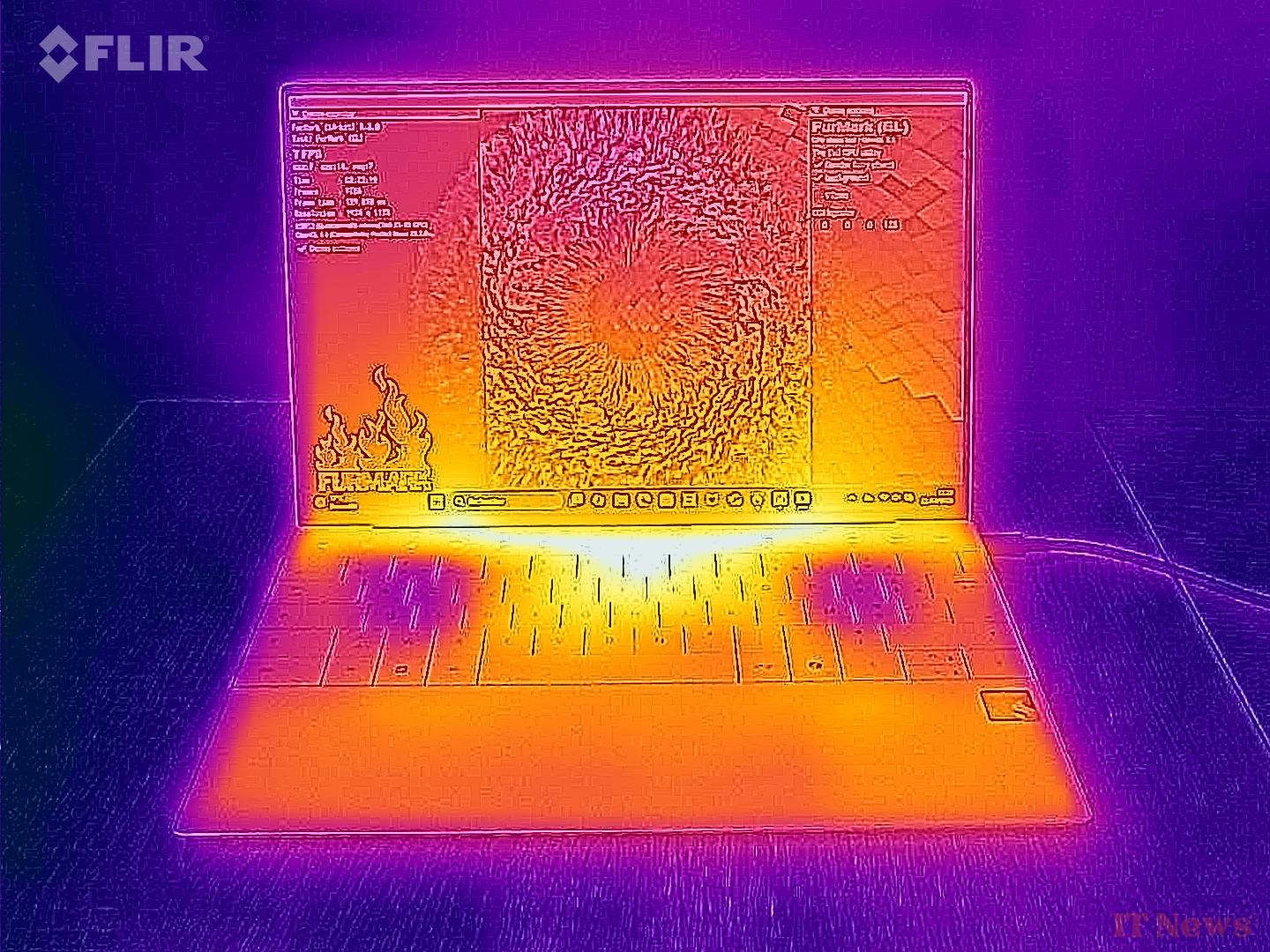
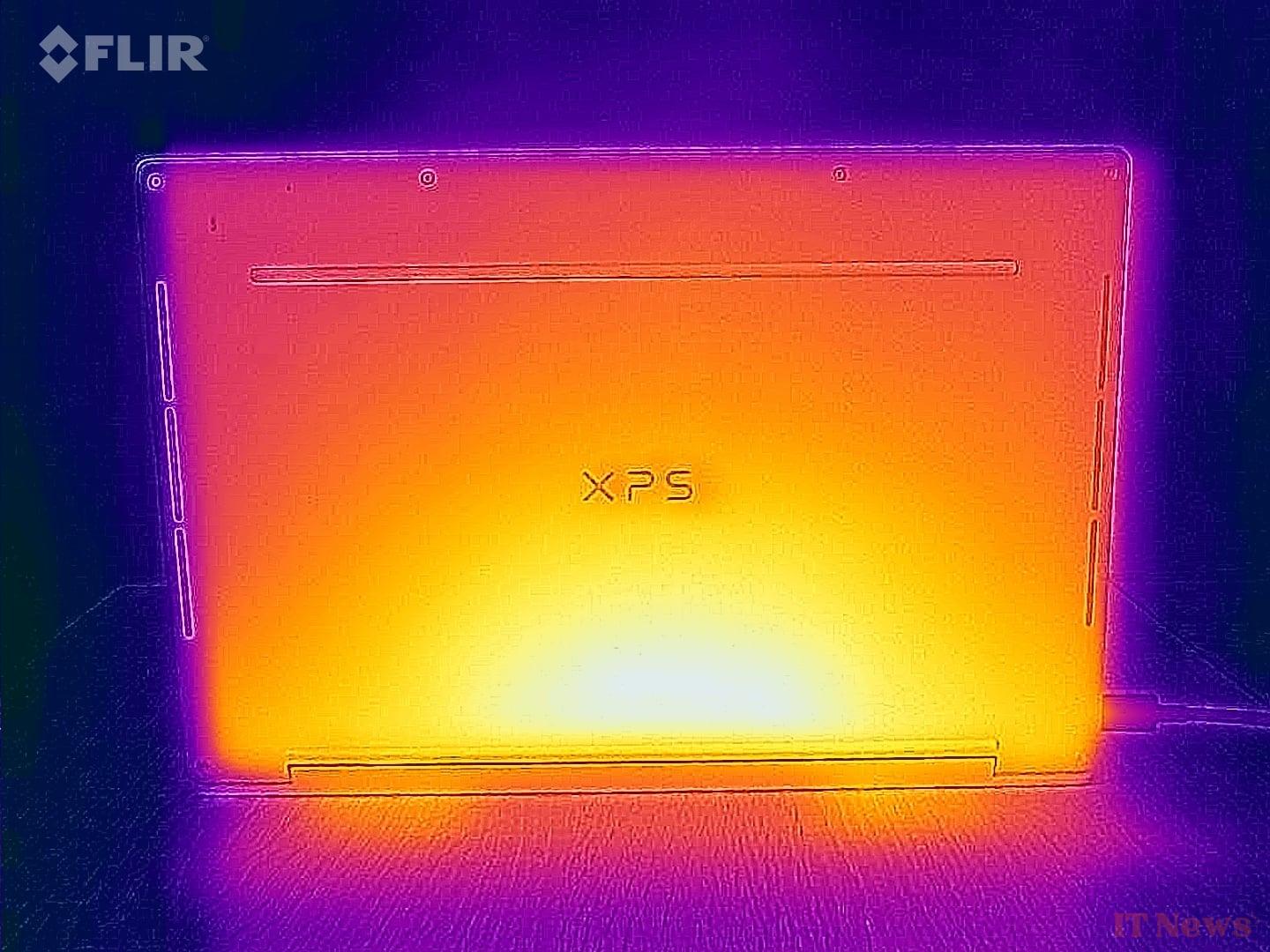
The cooling system of this XPS 13 is rather effective since it manages to keep the device at very reasonable temperatures in a rather silent manner: we measured less than 37°C at the back of the ultraportable under full load and around 26°C at the wrist rests, all with noise levels below 37 dB(A). The consumption at rest, measured at 11W, is however slightly higher than that of competing products.


0 Comments