
Contrary to popular belief, antivirus software alone isn't enough to protect your Windows PC. Hackers have multiple ways to reach you. In this article, we will detail the 7 most common attacks, and especially how to protect yourself.
With over 400 million devices running Windows 11 worldwide, or 71% of personal computers, Microsoft's OS is bound to be a prime target for hackers worldwide. And while the American company has been integrating Windows Defender into its operating system for years now, this antivirus is far from sufficient to fully protect your device.
Indeed, hackers don't always get onto your PC by using brute force with malware. Most often, they infiltrate discreetly by exploiting bad habits (repeated use of the same password, tendency to click on anything and everything, etc.), security flaws, or social engineering techniques.
Very often, these common attacks can be avoided by being more vigilant, and above all, better knowledge of the most common traps. In this article, we will present the hacking techniques most used by hackers, before explaining how to defend yourself.
Phishing
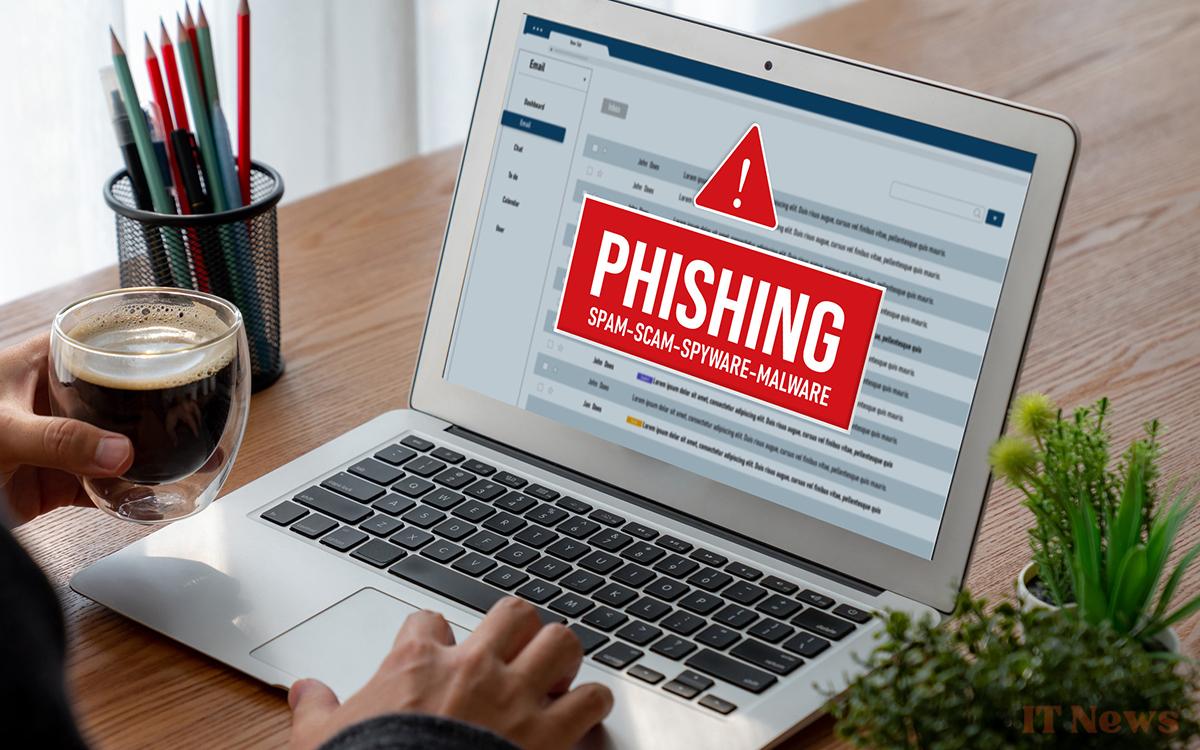
We obviously start with the favorite practice of web scammers: phishing. Also called Phishing in the language of Shakespeare, this technique consists of trapping the less vigilant with fake emails that claim to come from services/businesses that they use (banks, streaming platforms, promotional announcements, etc.).
Year after year, phishing authors have become more efficient. Today, it is easy to fall for it thanks to an ever more careful presentation: impeccable spelling, use of real logos, spoofed email addresses, etc.. Scammers can also use subdomains to give the impression that the address is authentic. Let's take for example “[emailprotected]”, here xyz.com is actually the domain name, not amazon.com. In our columns, we regularly alert you to the latest phishing campaigns, such as these fake fines for a traffic violation or this scam around the Booking site.
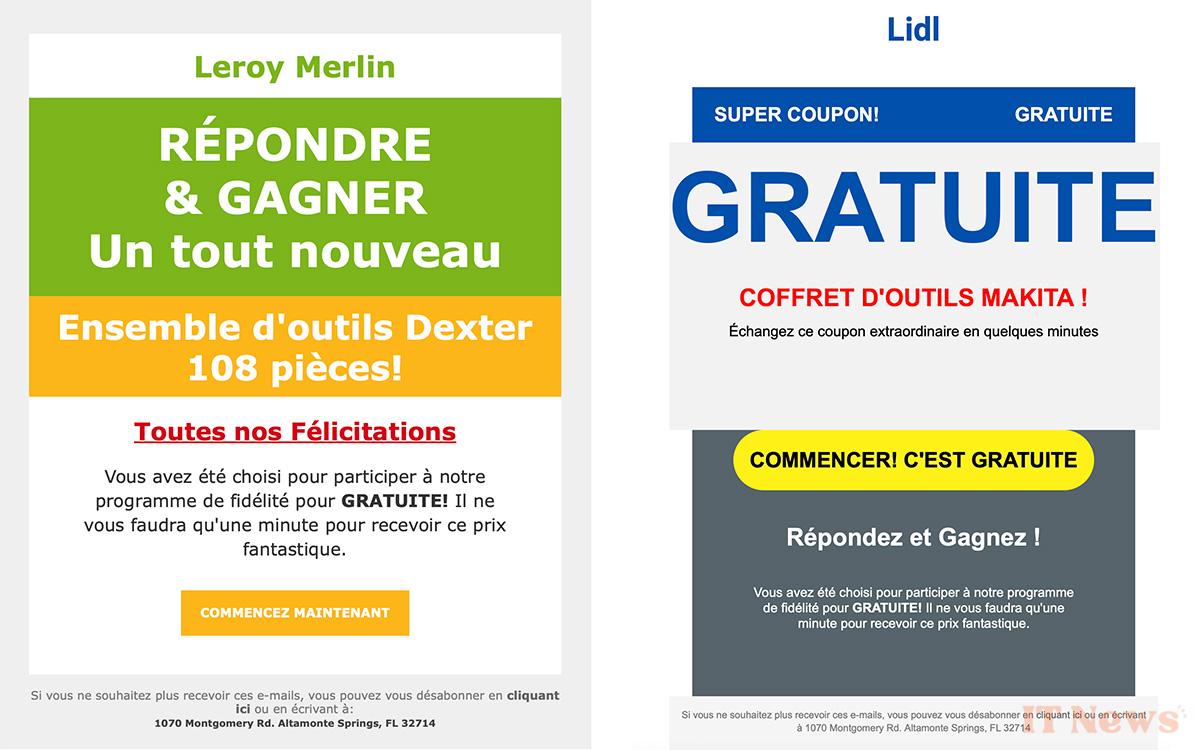
Here's what you need to do to avoid falling into the trap:
- Pay attention to the credibility of the emails you receive (realism, writing style, mistakes, etc.)
- Check the sender's address and the URL of the destination site for links (they are often strange or do not correspond to the supposed sender companies, which are most often known)
- Avoid sites that are not https (always check the padlock in the address bar)
- Hover over links before clicking to preview the destination URL
- Never open attachments if you are not 100% certain of the origin of an email
- Preference email services with effective spam filters, such as Gmail
- Enable multi-factor authentication on all accounts linked to your email address
Malicious sites and pop-ups
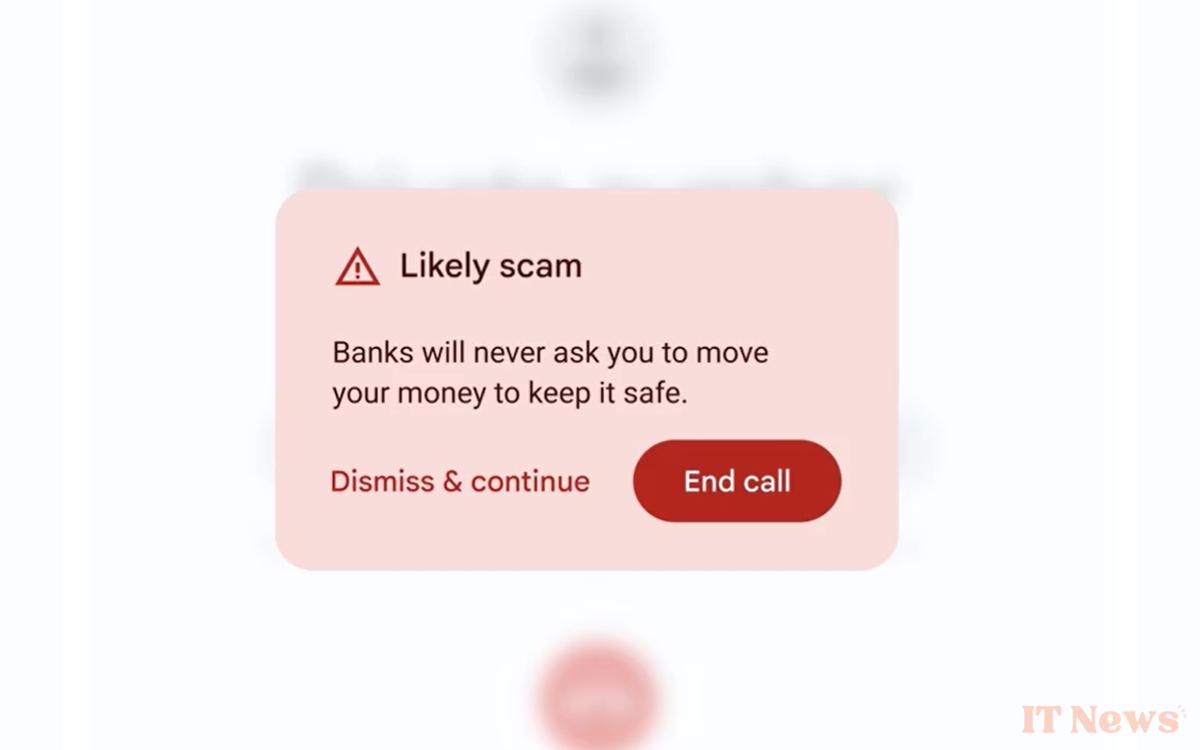
It's not just the Dark Web that harbors malicious sites, quite the contrary. There are many dangers online: fake download pages, dubious advertisements, clones of real websites, fake pop-ups to encourage you to update software, etc.. These are all techniques hackers use to introduce malware onto your PC or collect your personal data/logins/passwords.
Here's what you can do to protect yourself:
- Use a browser with built-in malware protection
- Avoid downloading software or games from unknown or suspicious sites
- Install a reputable ad blocker to prevent pop-ups and redirects
- Don't click on suspicious windows that prompt you to "update your software"
- Choose a browser that favors HTTPS connections over HTTP
- Only install drivers and patches from official sources (Windows Update, Nvidia Geforce, etc.)
Pirated software and games

In addition to being obviously illegal, downloading pirated software and games can represent a great danger for your device. Even though these products may work as intended, there is no guarantee that someone with malicious intent hasn't slipped malware, a Trojan horse, or spyware into the installation files or something else.
Especially since these programs regularly require you to pause your anti-virus protection to proceed with the installation... Or to access certain administrator privileges. A very risky practice, especially when you don't know the origin of these pirated copies.
Here's what you can do to protect yourself:
- First and foremost, avoid pirated software if you have the choice; the risk is far too great for your device.
- If you're pirating for economic reasons, you may want to opt for open-source or free solutions.
- After downloading unknown software/files/programs, use a virtual machine to avoid any risk to your PC.
- Don't hesitate to scan the files in question with dedicated software like VirusTotal, for example.
Use weak passwords or reuse them.

Every year, the Cybernews website publishes its report on the worst practices of Internet users regarding passwords. In 2025, the site relied on no less than 3 TB of data stolen by hackers. It included 213 GB of passwords, or 19 billion identifiers.
Well, imagine that 94% of passwords have been used more than once. All this to say that with a single password, cybercriminals can access several services of a single user. Hence the importance of first creating complex passwords, and above all, unique ones for each of your accounts.
To avoid getting lost, the best thing is to use a password manager like NordPass, RoboForm, 1Password or ProtonPass. Note that the most popular browsers like Safari, Chrome or Edge also include secure password managers. But be careful, it only takes someone to get hold of your Microsoft, Google, or Apple credentials to put all your passwords at risk.
Good habits regarding passwords:
- Always choose complex passwords, made up of a mix of letters (lowercase and uppercase), numbers, and special characters
- Long sentences or quotes can also be good passwords, in addition to being easier to remember
- A unique password per service
- Get into the habit of changing them at least every 6 months
- Use a password manager if necessary to save/generate strong passwords
- Systematically activate multi-factor authentication on all your accounts
Software obsolete
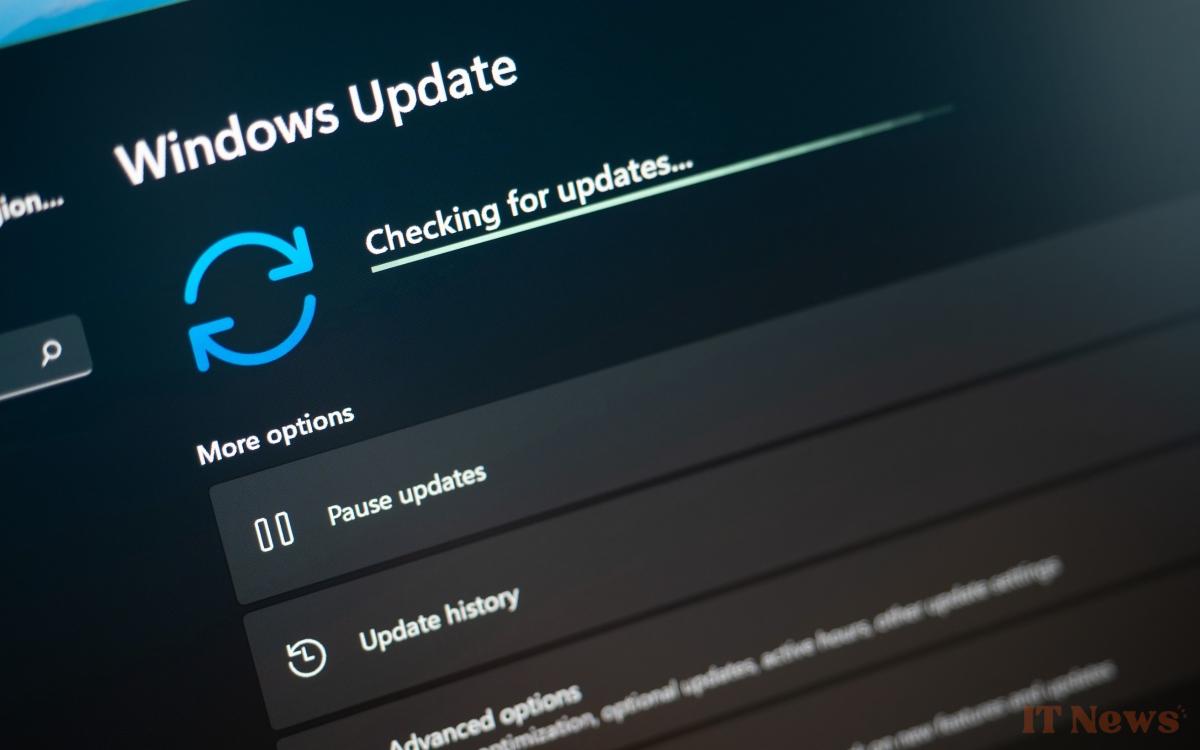
There's a reason manufacturers and developers regularly encourage you to install updates. These patches are often released to plug security holes. However, if you sit idly by, you're leaving the door open to hackers who can exploit them. There are plenty of examples in the news.
Last March, a significant vulnerability was discovered in Chrome. According to Google, it allowed hackers to bypass browser protections and spy on users' actions. This flaw was exploited as part of a large-scale cyberattack carried out by Russian organizations. After this terrible discovery, the American firm rushed to publish a patch... One example among many that highlights the importance of keeping your software up to date.
What to do to protect yourself:
- Systematically download updates offered by Windows Update when they are available
- Activate automatic updates for the software you use the most and for essential drivers (graphics card, network card, etc.)
- Don't hesitate to uninstall software you no longer use, in order to limit hackers' attack options
- In the same vein, avoid using applications/software that no longer benefit from regular monitoring (if they contain security vulnerabilities, they will never be corrected)
- As far as possible, always opt for a version of Windows that is still supported by Microsoft, in this case Windows 10 and 11
On this last point, you should know that support for Windows 10 is coming to an end soon. Microsoft confirmed earlier this year that support for Win10 will end on October 14, 2025. Therefore, we strongly encourage you to consider migrating to the Redmond company's latest OS.
Source: XDA Developers


0 Comments