
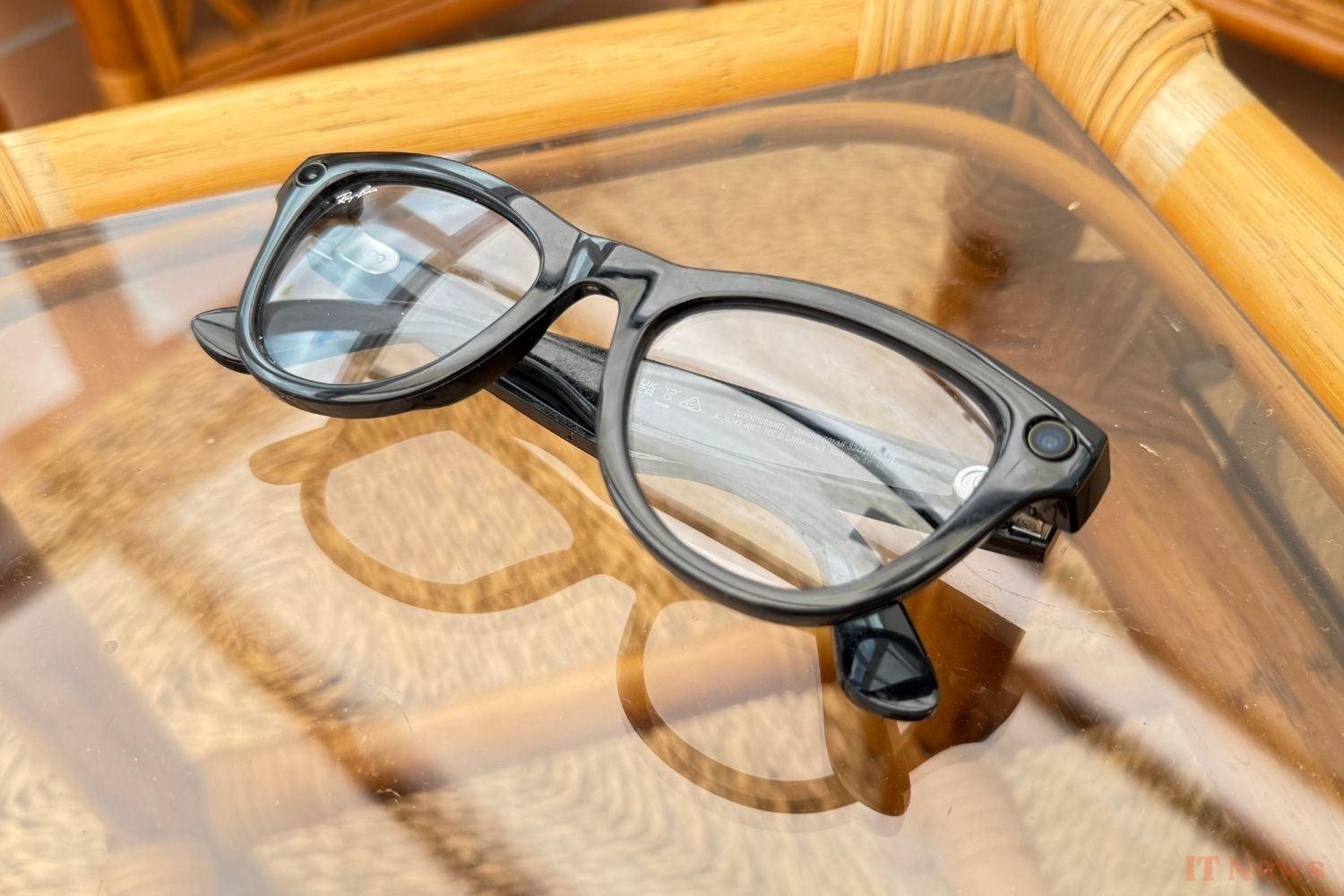
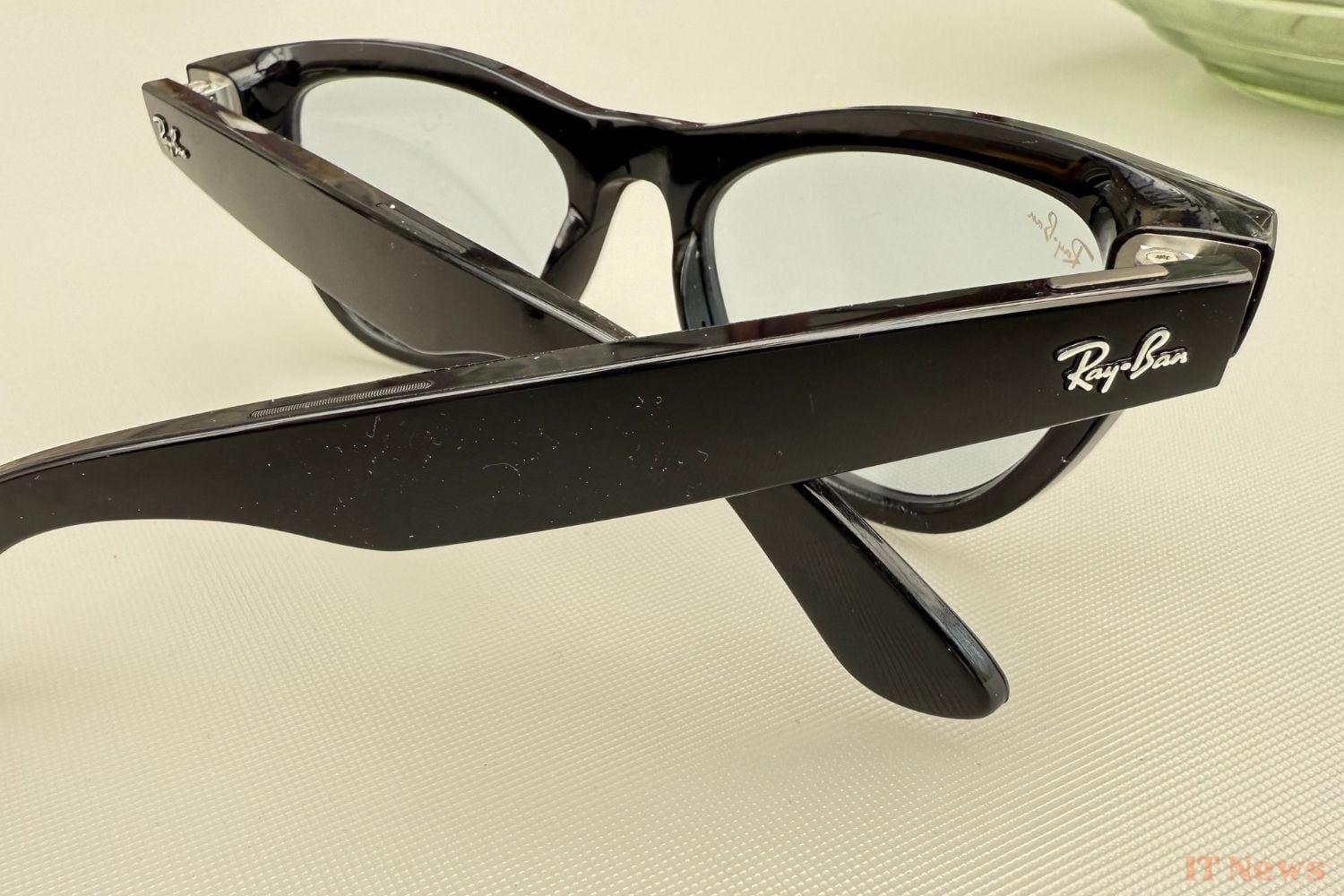
Meta has just rolled out a series of new features on its Ray-Ban smart glasses. Now, the smart glasses, which are a global hit, are capable of translating their wearer's conversations in real time. All it takes is for someone to speak to you in a foreign language for the glasses to translate their words. You'll hear the translation in French through the speaker located in the arms. On paper, this is a feature that promises to be simply revolutionary.
Before offering you a full review of the smart glasses, we extensively tested this particularly ambitious and promising real-time translation system. Has Meta really managed to break down the language barrier? Let's take stock.
How does Meta's real-time translation work?
Initially, Meta's translation system is limited to a handful of languages: French, English, Italian, and Spanish. You can choose to translate from English to French, from Italian to Spanish, or from Spanish to English. Any combination is possible.
Before you can translate a conversation, you'll need to download the pack containing each language through the companion app, Meta AI (formerly Meta View). It only takes a few seconds to download and install a language on the accessory. Once this is done, your glasses are able to translate conversations on demand.
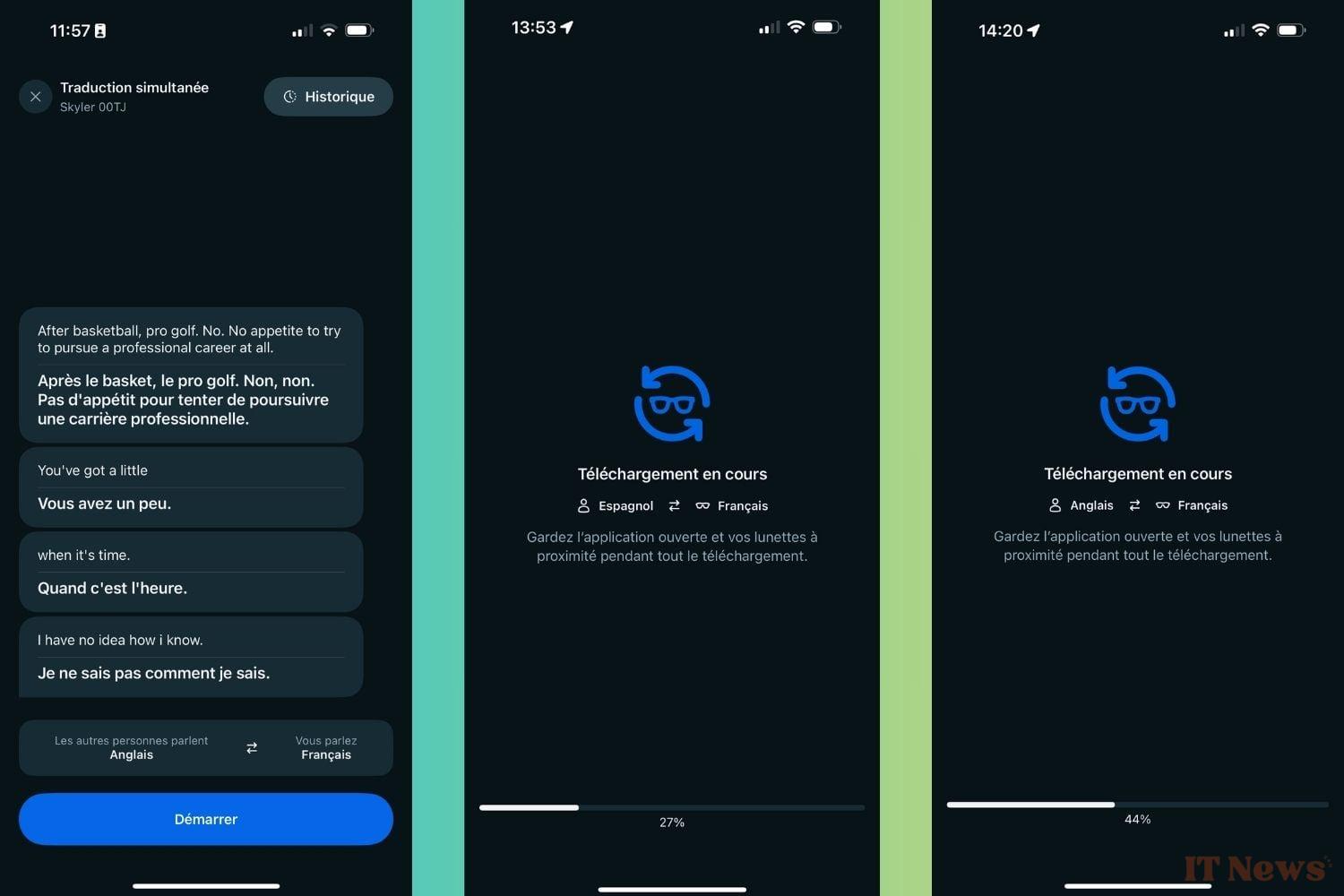
Please note, you will need to reinstall a language if you decide to have a conversation in it. If you are talking to an English speaker, and you start talking to someone who speaks Spanish or Italian, you will need to reinstall and reconfigure the translation system. The entire operation only takes a few seconds and requires only a few simple steps. Note that the translation works even if you no longer have an internet connection. Everything happens locally directly on the glasses once the pack has been installed. The translation therefore does not require an ultra-fast internet connection to work.
To activate the feature, simply call the glasses' voice assistant, Meta AI, by saying "Hey Meta, start live translation." The good news is that you don't have to say these keywords exactly. According to our experiments, the assistant also reacts if you ask it to "activate translation" or "start simultaneous translation".
To respond to your interlocutor, you will have to rely on your smartphone screen. In the Meta AI application, you will have access to a text transcription of the translations. To respond, simply say what you want and the glasses will display the translation in the app. You will therefore have to show your phone screen to the person you are chatting with. Having to go through a text translation on the smartphone "breaks" the experience a little. It's a shame, but it's inevitable.
What is the real-time translation of Ray-Ban glasses?
Once everything was ready, we tested the real-time translation by conversing with someone who spoke to us in English. For our part, we responded in French. From the first few seconds, the magic happens. When the person finishes their sentence, the glasses take care of translating it and broadcasting the translation in the temples. When we responded, the ad-hoc translation was displayed in the app. Everything went smoothly. The translations are generally accurate and relevant.
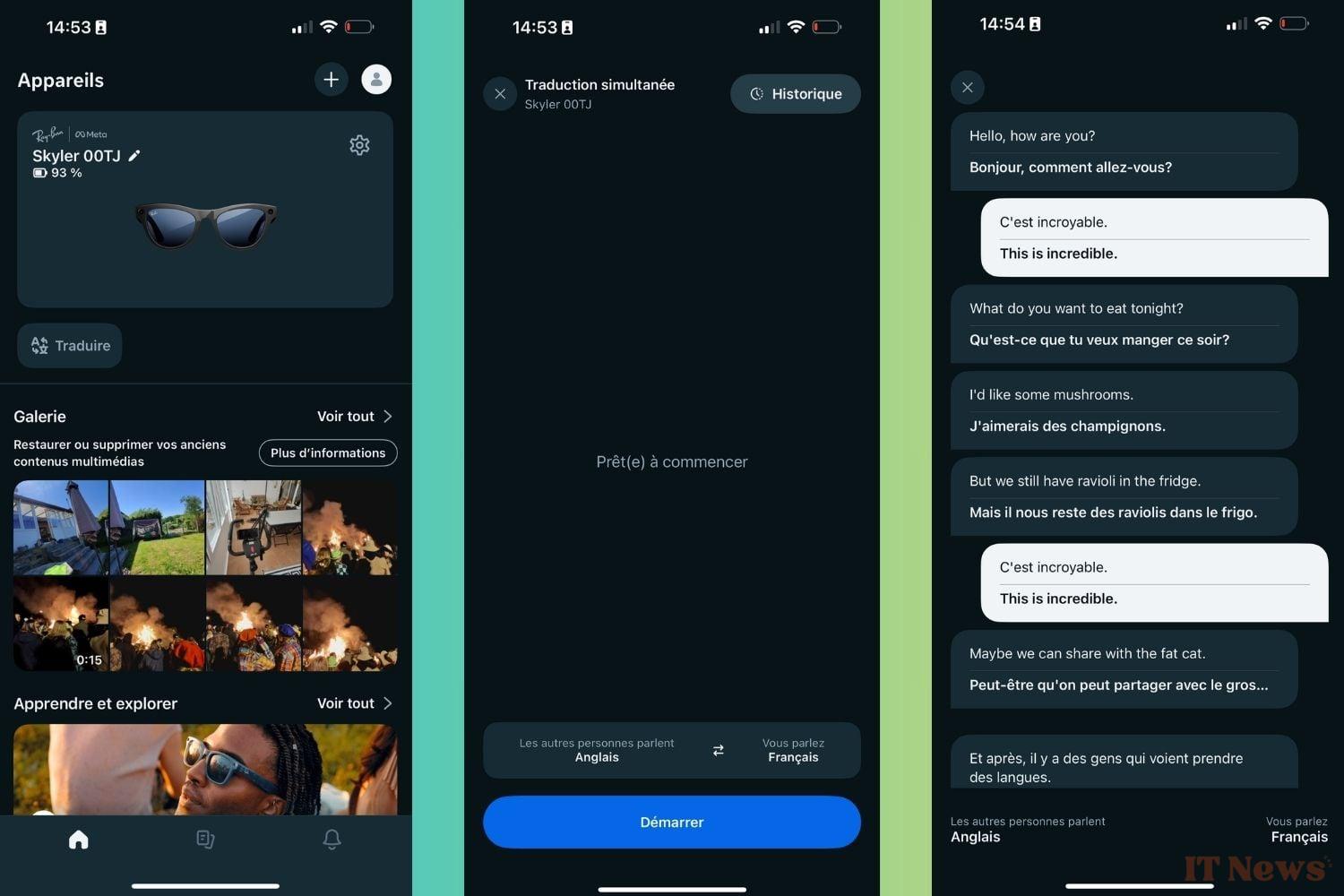
As long as the person you're talking to isn't speaking at lightning speed, the glasses translate truly in real time, which limits downtime. You won't have to wait long, awkward seconds while the Ray-Bans translate your exchanges. As long as each person waits for their interlocutor to finish their sentences, the glasses will keep up. It will be possible to have a real conversation.
However, Meta's translation system is still far from infallible. We tested the tool with an American show featuring two people. In this scenario, the glasses quickly start to slow down. They can't keep up. You quickly find yourself hearing the translation while another sentence has already begun.
In short, it's not possible to communicate with more than one person. Similarly, you'll find it difficult to hold a conversation with someone who speaks very, very quickly, without giving you a break. The glasses will quickly display an increasingly significant delay. When this happens, the system tends to "rush" the translations. Instead of translating an entire sentence, Meta AI will just translate a few words, which doesn't really help you follow the thread of a conversation.
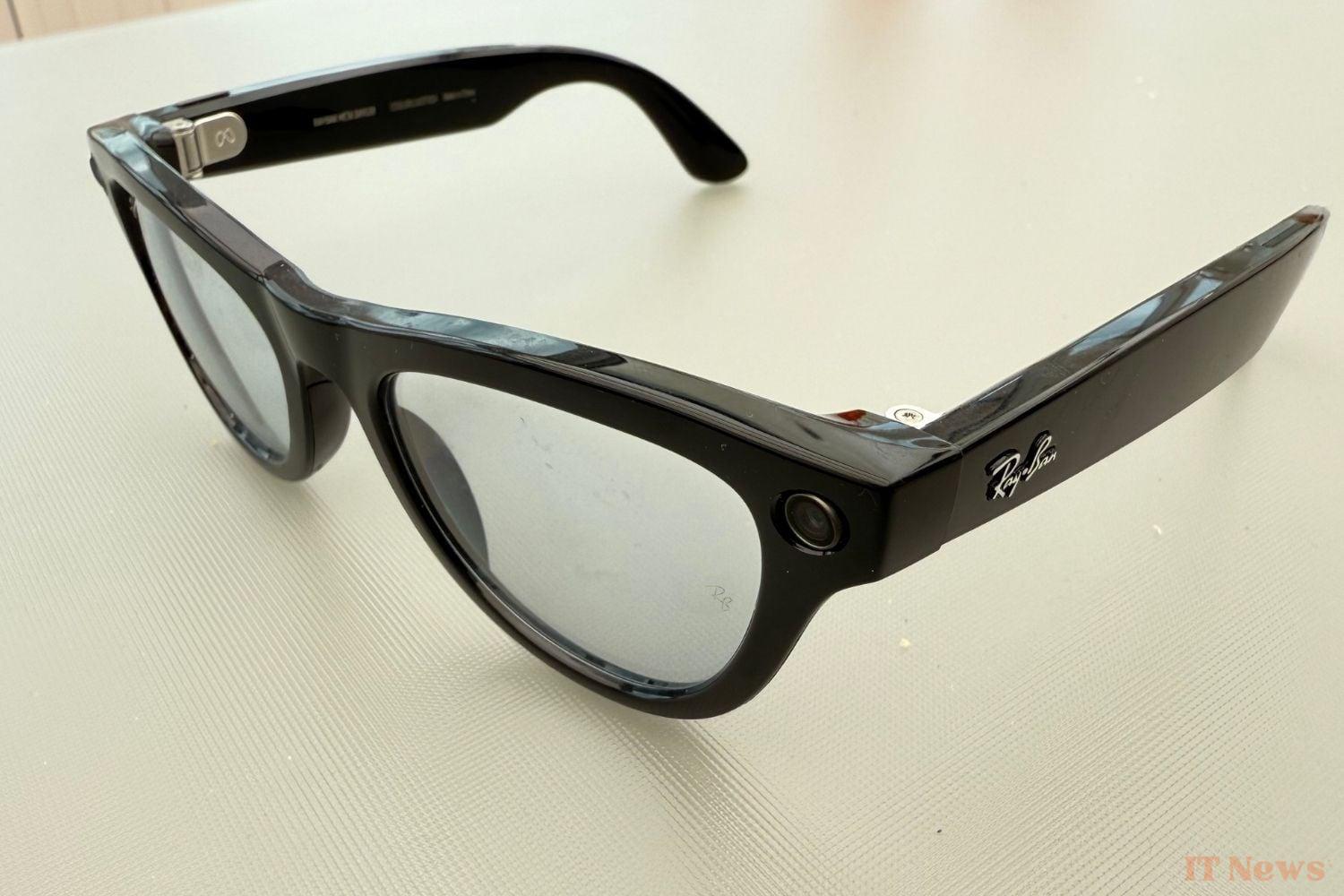
Sometimes, the system doesn't understand the context of a conversation and some words will be mistranslated. The tool seems to not understand all the nuances of the language. From time to time, the glasses also remain silent, even if the person you're talking to continues talking. In this case, we tried to restart the system by calling the glasses with "Hey Meta." It didn't work. We tried reopening the app and restarting it, but the glasses remained silent, as if frozen in the middle of a task. From time to time, they would randomly translate a word from the conversation. This phenomenon occurred several times. We also noticed that the system didn't appreciate slang or swear words.
The ideal accessory for traveling abroad
In summary, Meta's glasses offer a solid real-time translation experience. The feature will facilitate the most common exchanges, especially if you are traveling to a foreign country where you don't speak the local language. We can easily imagine wearing Ray-Bans to book a room in a hotel, ask for additional information, or order a meal in a restaurant.
Apart from these cases, glasses may not be enough to break the language barrier. Don't expect to hold a long, complex conversation with them alone. The translation system isn't efficient or intelligent enough for that. Likewise, be wary of conversations in a noisy place. The glasses may not hear the other person's words well and may remain inactive.
Keep in mind that Meta's real-time translation system is expected to evolve. In the coming years, the feature will likely return to future versions of the smart glasses. We bet that translation will become increasingly effective... to the point of making learning a new language obsolete? Only time will tell.


0 Comments