
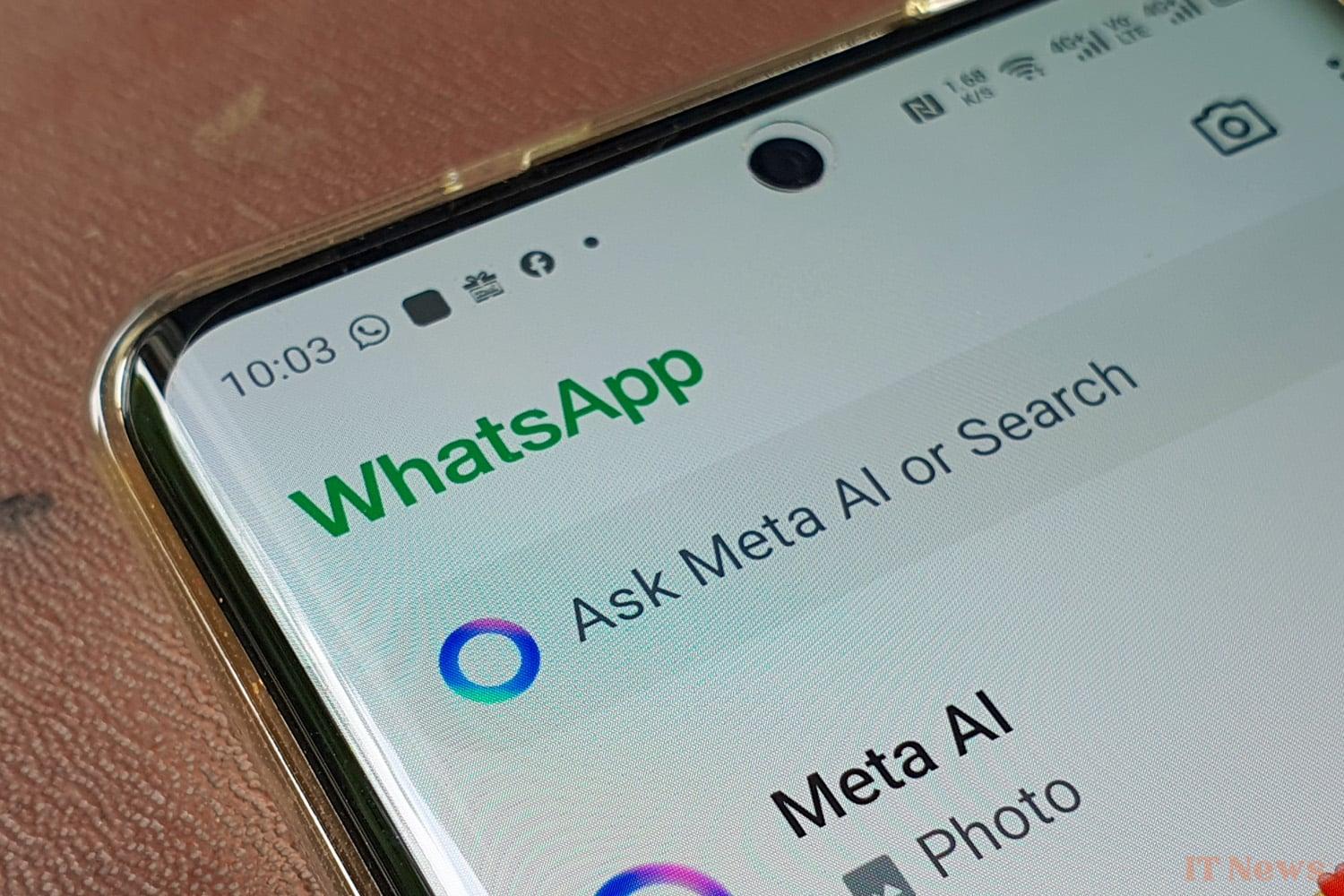
Meta AI is the intelligent assistant developed by Meta and has recently appeared in several of the group's flagship applications such as WhatsApp, Instagram, and Facebook. Since the group's press release in March, it has sparked both curiosity and questions among users.
A sometimes annoying assistant
In social applications, the tool is symbolized by a small blue button often visible at the bottom right of the screen on WhatsApp or near the search bar, and its purpose is to help users by answering their questions. It can thus search for information and offer personalized suggestions, or even generate content.
On WhatsApp, this blue circle provides quick access to Meta AI, which can assist in writing messages, searching for addresses, or even providing practical advice. However, many users of the application complain about the space occupied by this blue circle, which sometimes prevents scrolling or displaying certain conversations.
On Instagram, the integration of Meta AI takes a slightly different form: the assistant is accessible via the search bar located in the “Explore” tab and is identifiable by the magnifying glass icon at the bottom of the application. By typing “Meta AI” in this bar, the user can start a conversation with the artificial intelligence, which then offers answers tailored to their queries.
This intelligent search bar doesn’t just provide simple results based on keywords or hashtags: it uses an advanced artificial intelligence model (Llama 3) that can analyze the user’s habits, preferences, and past interactions to offer personalized results. For example, if a user is interested in content related to photography, Meta AI will highlight publications, accounts, or trends related to this theme.
Strong criticism
The Meta AI button is not unanimously popular, and you only have to look at social networks to understand this. On WhatsApp, users are wondering if it is possible to disable it because they don’t see the usefulness of this assistant. To date, Meta does not offer any option to remove or completely disable Meta AI. However, it is possible to reduce its visibility by archiving or deleting the conversation dedicated to the assistant, but the quick access button remains present. The best way to avoid any interaction is therefore not to click on the icon.
Beyond simple assistance, Meta AI also offers voice features (particularly on Instagram) where it is possible to ask questions orally thanks to a microphone function integrated into the input area. This allows for more natural interaction with the AI, which can be useful when traveling or for those who prefer to speak rather than type.
However, this integration raises questions about confidentiality and the use of personal data: Meta has announced that interactions with Meta AI could be used to train and improve its artificial intelligence models. Even if the company assures that end-to-end encryption protects private messages on WhatsApp, we can only be concerned about this new feature from the American giant.


0 Comments